Independent buying guidance · US editionHow we work
Gearjury
All categories
All categories
Best picksGood Meat Thermometers for Every Kind of Cook
Best picksBest Dash Cams for Cars in 2026
Best picksBest WiFi Extenders: Which Range Extender Should You Buy?
Best picksBest Radar Detectors for Cars: Models Compared
Best picksGood Winter Gloves for Cold Weather: Five Useful Picks
Best picksBest Headlamps: Six Lights Compared for Different Uses
Best picksBest Portable Air Coolers for Patios, Workshops and Small Spaces (2026)
Best picksTop 10 Best Battery-Powered Weed Eaters for Different Yards
Best picksBest Air Purifier for Bedroom in the US: Quiet Models Compared
United StatesEnglish

Category hub

WiFi Range Extender Login: Find the Right Access Method

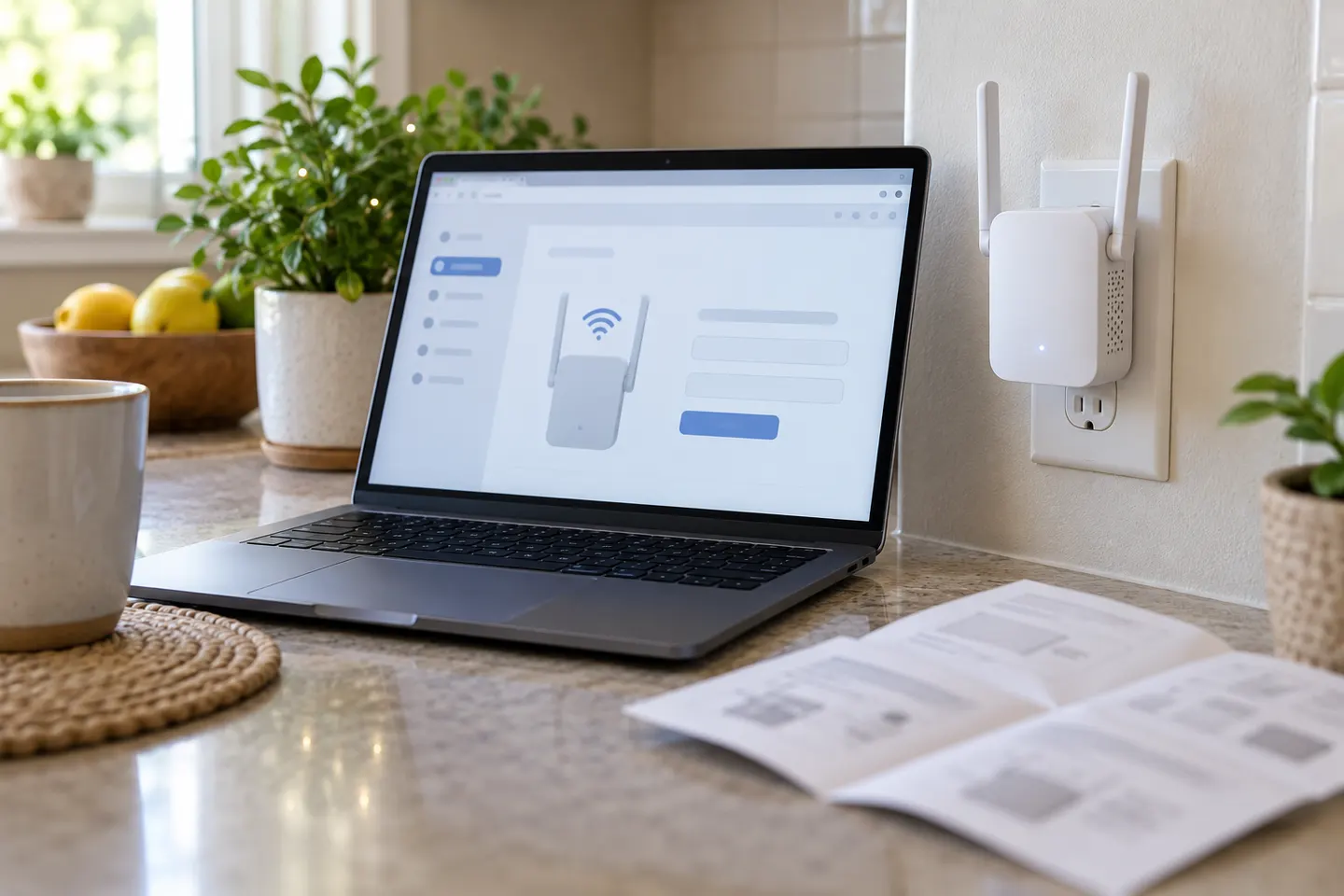
The login address and password are model-specific. Connect your phone or computer to the extender's network, then use the manufacturer's documented management address or app.

A WiFi range extender login opens the local settings page for a device already connected to your network. First join the extender's Wi-Fi or connect by Ethernet; then enter the address listed in that model's guide. For TP-Link range extenders, the manufacturer documents tplinkrepeater.net, while NETGEAR's instructions use mywifiext.net or a local address depending on setup.

WiFi Range Extender Login: Find the Right Access Method

Common questions

Questions before you buy

How do I log in to my WiFi range extender?

Connect a phone or computer to the extender's Wi-Fi or Ethernet, then open the local management address provided in its manual. Some models also support a companion app.

What is the TP-Link WiFi extender login address?

TP-Link documents tplinkrepeater.net for many range extenders; some models also use a local IP address. Make sure your device is connected to the extender first.

What is the NETGEAR extender login address?

NETGEAR documents mywifiext.net for setup and management in supported configurations. Address behavior can vary with One WiFi Name and the local network, so consult the model guide.

What if I forgot my extender login password?

Use the manufacturer's recovery instructions. Depending on the model, restoring factory settings may be necessary, after which the extender must be configured again.