Independent buying guidance · US editionHow we work
Gearjury
All categories
All categories
Best picksGood Meat Thermometers for Every Kind of Cook
Best picksBest Dash Cams for Cars in 2026
Best picksBest WiFi Extenders: Which Range Extender Should You Buy?
Best picksBest Radar Detectors for Cars: Models Compared
Best picksGood Winter Gloves for Cold Weather: Five Useful Picks
Best picksBest Headlamps: Six Lights Compared for Different Uses
Best picksBest Portable Air Coolers for Patios, Workshops and Small Spaces (2026)
Best picksTop 10 Best Battery-Powered Weed Eaters for Different Yards
Best picksBest Air Purifier for Bedroom in the US: Quiet Models Compared
United StatesEnglish

Category hub

How to Choose an Office WiFi Booster for Reliable Coverage

For an office dead zone, test the router link at the extender spot. A wired access point may suit a permanent workspace.

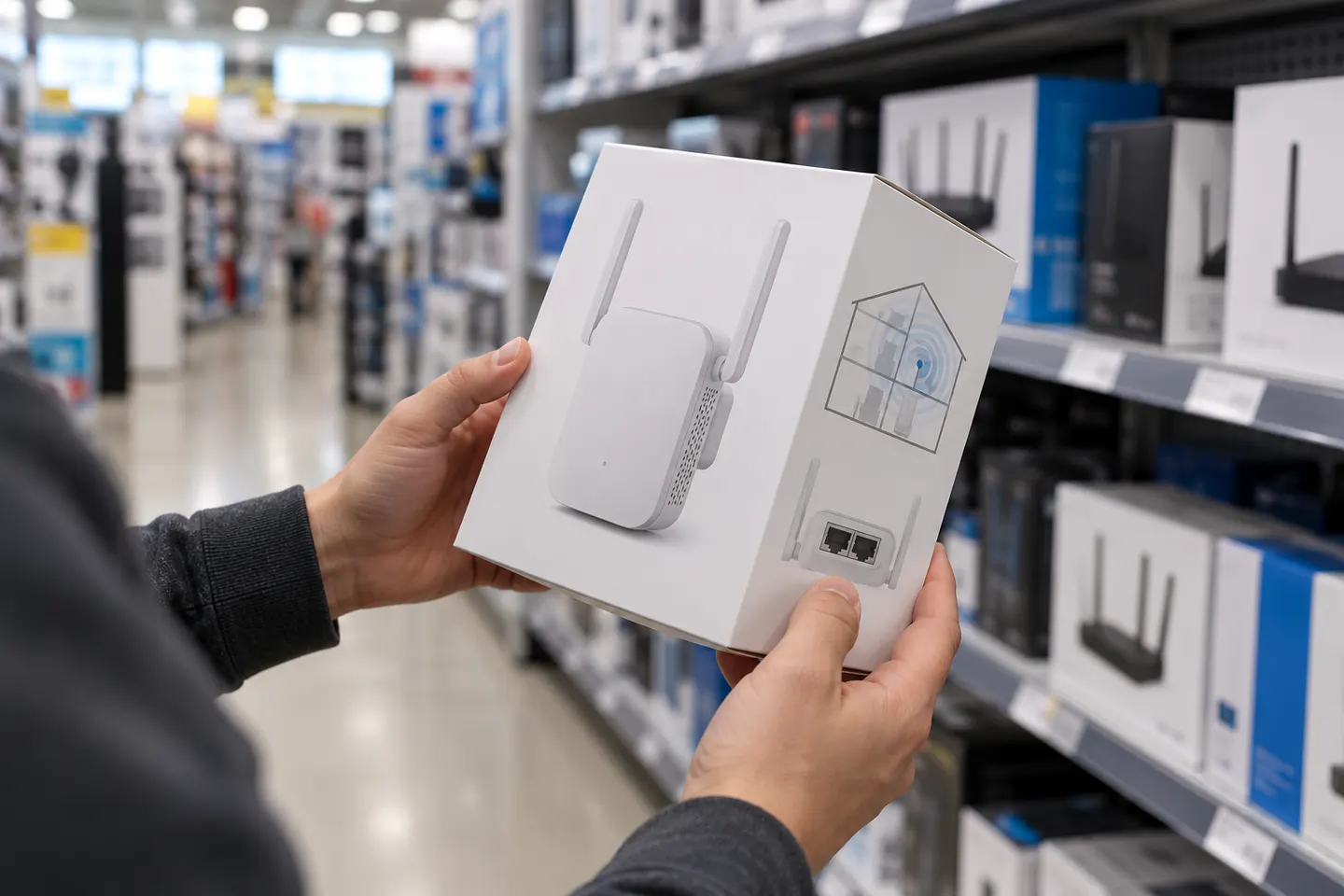
An office WiFi booster should match the problem: one distant desk, a large floor plan or a busy network. An extender relays wireless signal, so placement and backhaul matter. If Ethernet is available, compare access-point mode; for multiple rooms and roaming, assess mesh instead of relying on headline speed alone.

How to Choose an Office WiFi Booster for Reliable Coverage

By place and use

1

Common questions

Questions before you buy

What is the best place for an office WiFi booster?

Place it where it gets stable router signal and can reach the work area. Avoid dense obstacles and metal cabinets.

Is a WiFi extender suitable for an office?

It can address a localized gap. For many users or several rooms, consider access points or mesh and the wired network capacity.

Can I connect an office printer to a WiFi extender?

Often, if the printer supports its Wi-Fi or Ethernet connection. Check both manuals for supported bands and setup.

Is an access point better than a booster at work?

An Ethernet-fed access point avoids wireless backhaul. An extender is simpler where cable is impractical; choose by wiring and coverage.