Independent buying guidance · US editionHow we work
Gearjury
All categories
All categories
Best picksGood Meat Thermometers for Every Kind of Cook
Best picksBest Dash Cams for Cars in 2026
Best picksBest WiFi Extenders: Which Range Extender Should You Buy?
Best picksBest Radar Detectors for Cars: Models Compared
Best picksGood Winter Gloves for Cold Weather: Five Useful Picks
Best picksBest Headlamps: Six Lights Compared for Different Uses
Best picksBest Portable Air Coolers for Patios, Workshops and Small Spaces (2026)
Best picksTop 10 Best Battery-Powered Weed Eaters for Different Yards
Best picksBest Air Purifier for Bedroom in the US: Quiet Models Compared
United StatesEnglish

Category hub

WiFi Range Extender Problems and Practical Fixes

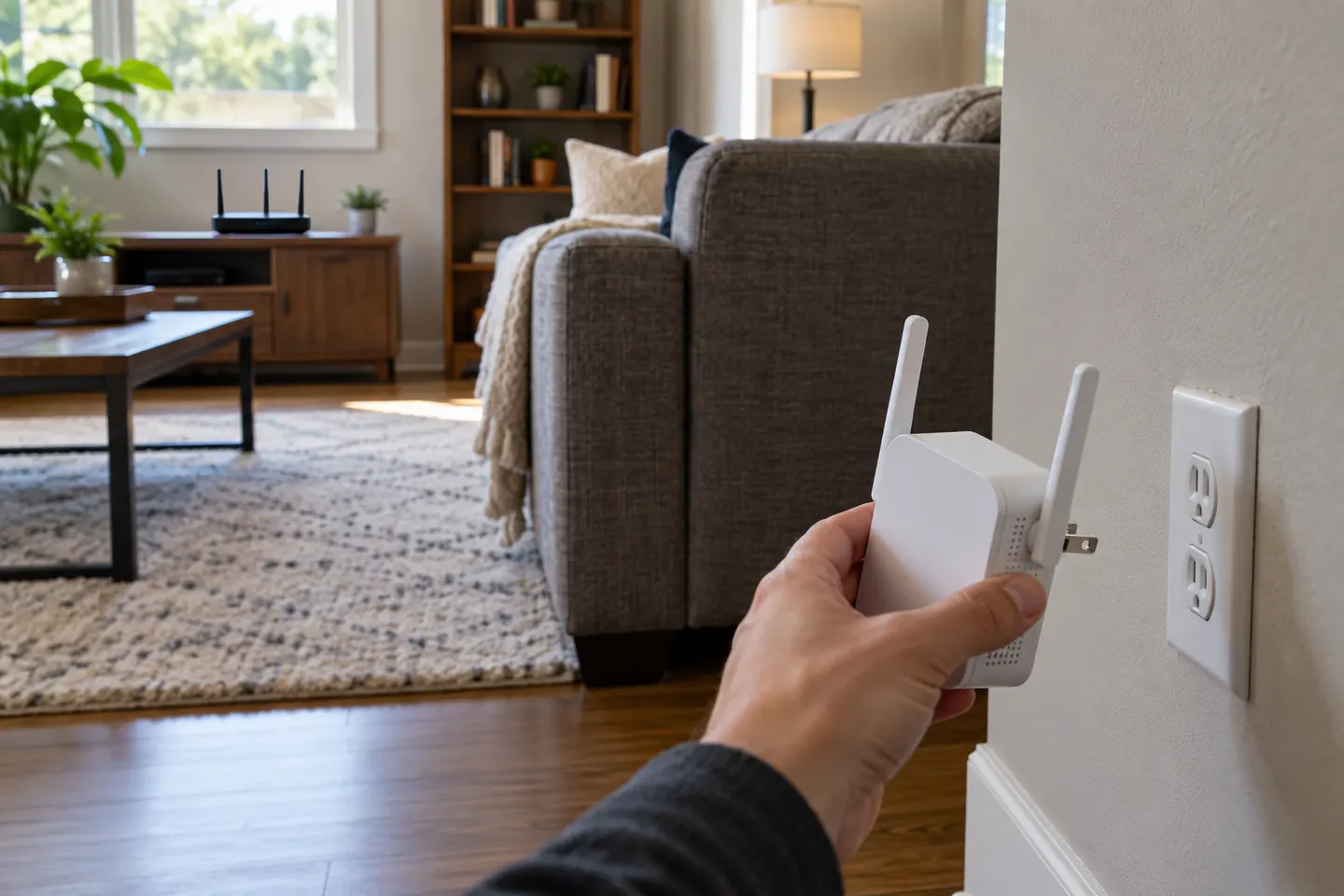
Many extender problems stem from a weak router link or mismatched settings. Check the signal at the extender first.

If a wifi range extender keeps disconnecting, move it closer to the router and confirm the router itself is stable. A repeater cannot repair an internet outage or create a strong upstream signal where none exists.nnWhen devices connect without internet, check the gateway, network mode and intended SSID. If only one client has trouble, troubleshoot that client before resetting the network. Use manufacturer support for the exact model.

WiFi Range Extender Problems and Practical Fixes

Common questions

Questions before you buy

Why does my Wi-Fi extender keep disconnecting?

A weak router-to-extender link, interference, power interruption or outdated configuration can cause dropouts. Test nearer the router and check status indicators.

Why is Wi-Fi slower with an extender?

The extender shares wireless airtime and adds another link. Placement, interference, band selection and its Ethernet port can limit throughput.

Should an extender use the same network name as my router?

Some models support one name, while others create a separate SSID. Follow the supported setup for the device and router.

How do I reset a Wi-Fi extender?

Follow the exact model manual; button timing and setup steps vary. Keep the network details needed for reconfiguration.