Independent buying guidance · US editionHow we work
Gearjury
All categories
All categories
Best picksGood Meat Thermometers for Every Kind of Cook
Best picksBest Dash Cams for Cars in 2026
Best picksBest WiFi Extenders: Which Range Extender Should You Buy?
Best picksBest Radar Detectors for Cars: Models Compared
Best picksGood Winter Gloves for Cold Weather: Five Useful Picks
Best picksBest Headlamps: Six Lights Compared for Different Uses
Best picksBest Portable Air Coolers for Patios, Workshops and Small Spaces (2026)
Best picksTop 10 Best Battery-Powered Weed Eaters for Different Yards
Best picksBest Air Purifier for Bedroom in the US: Quiet Models Compared
United StatesEnglish

Category hub

WiFi Booster Software for Android: What You Can Actually Change

Android apps cannot amplify a router signal through software alone; troubleshoot the connection or add compatible network hardware.

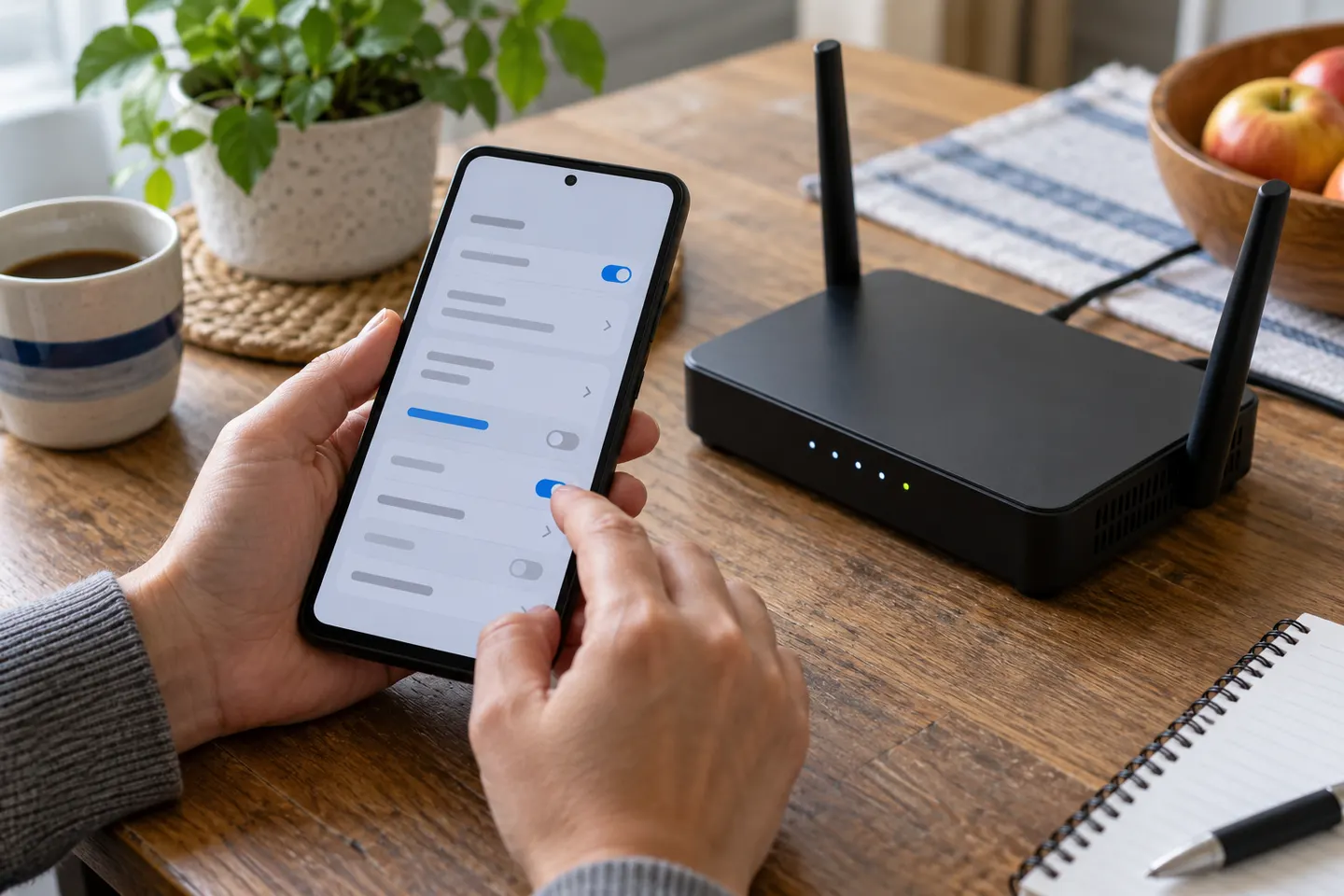
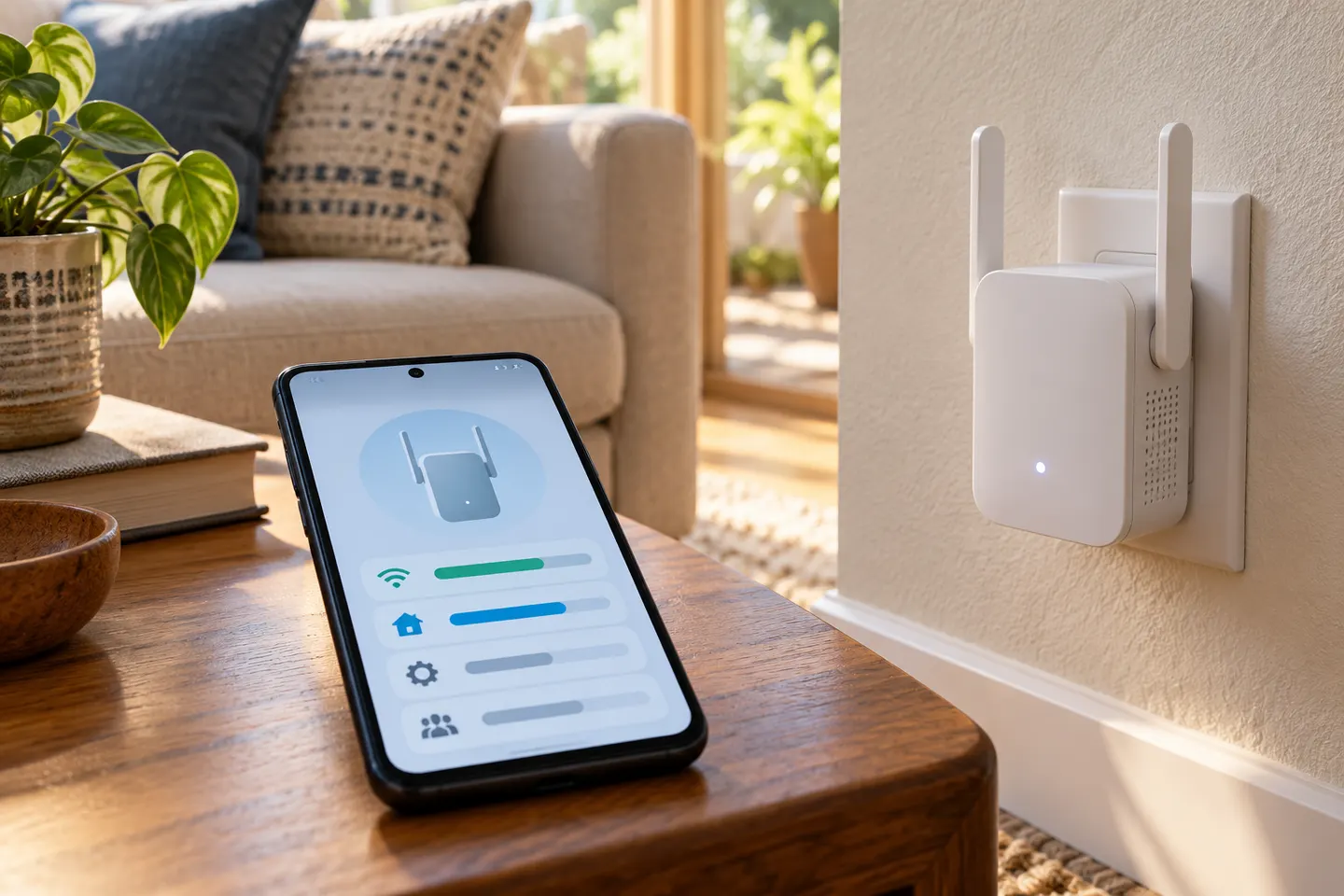
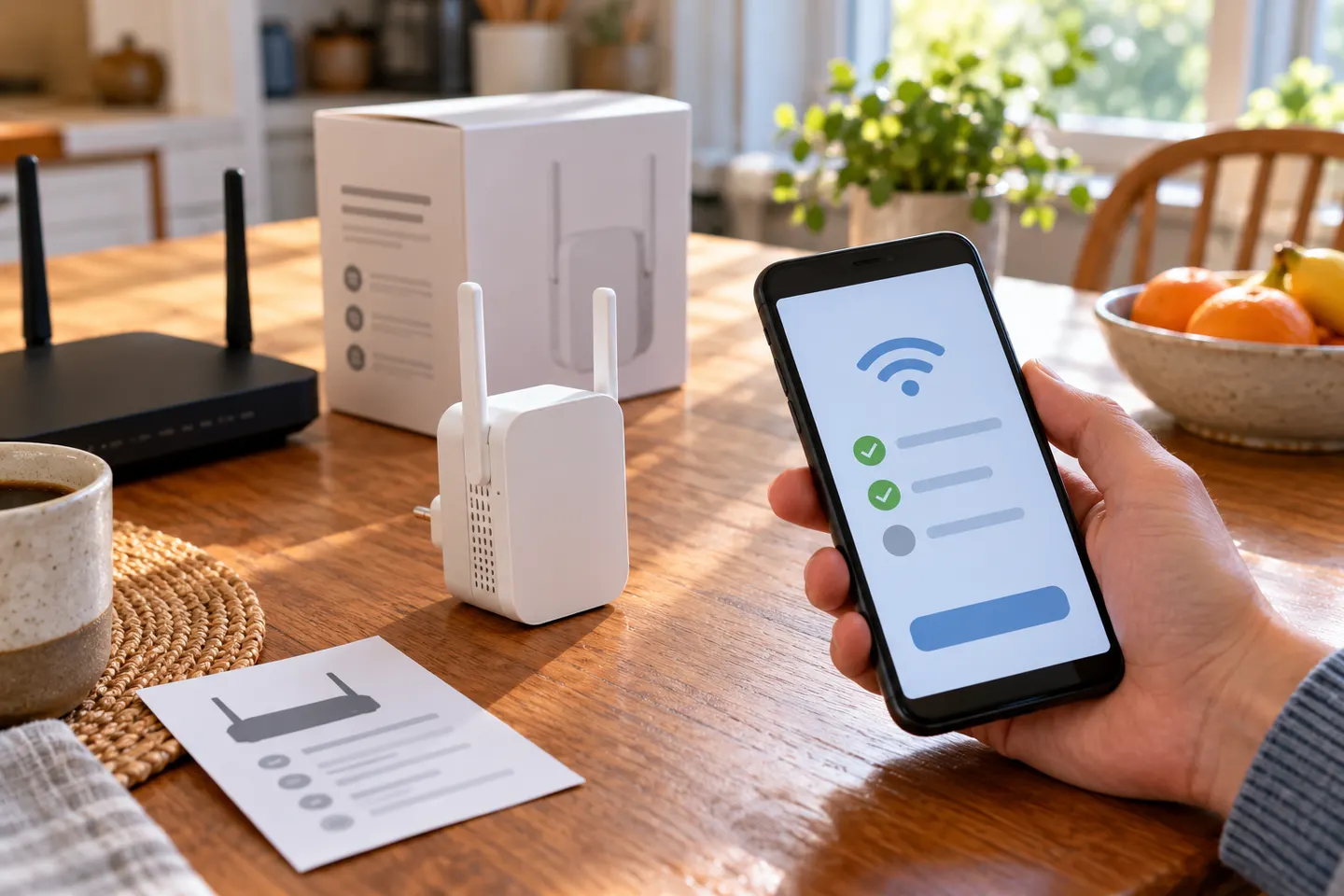
WiFi booster software for Android is often marketed as a quick fix, but an app cannot increase the radio power of your router or phone beyond hardware limits. Android settings and diagnostic apps can help identify a weak connection, switch networks or locate interference; extending home coverage requires a suitable router, access point or extender.\n\nStart with Android network settings, router placement and a speed check near the router. If the problem affects one area, compare extender placement and compatibility rather than installing apps that promise an amplified signal.

WiFi Booster Software for Android: What You Can Actually Change

Setup and help

1

More topics

1

Common questions

Questions before you buy

Can an Android app boost WiFi signal?

An app cannot physically amplify the Wi-Fi radio signal. It may help diagnose networks or manage settings, depending on Android version and permissions.

Do WiFi booster apps really work?

Treat claims of software-only signal amplification cautiously. Apps can report signal information, but coverage depends on router, device hardware, obstacles and interference.

How can I improve WiFi on my Android phone?

Move closer to the router, reconnect to the correct network, update the phone and router software, and check whether other devices have the same issue.

When should I use a WiFi extender instead?

Consider an extender when the router works well nearby but coverage is weak in a particular area. Choose a compatible model and place it where it receives a usable signal.