


Check the extender's model and instructions
Find the model number and hardware revision on the label. Download its matching manual from the manufacturer; setup menus and supported bands differ between models.

Gearjury may earn a commission from qualifying retailer links. Our guidance is based on the cited sources.
Guide
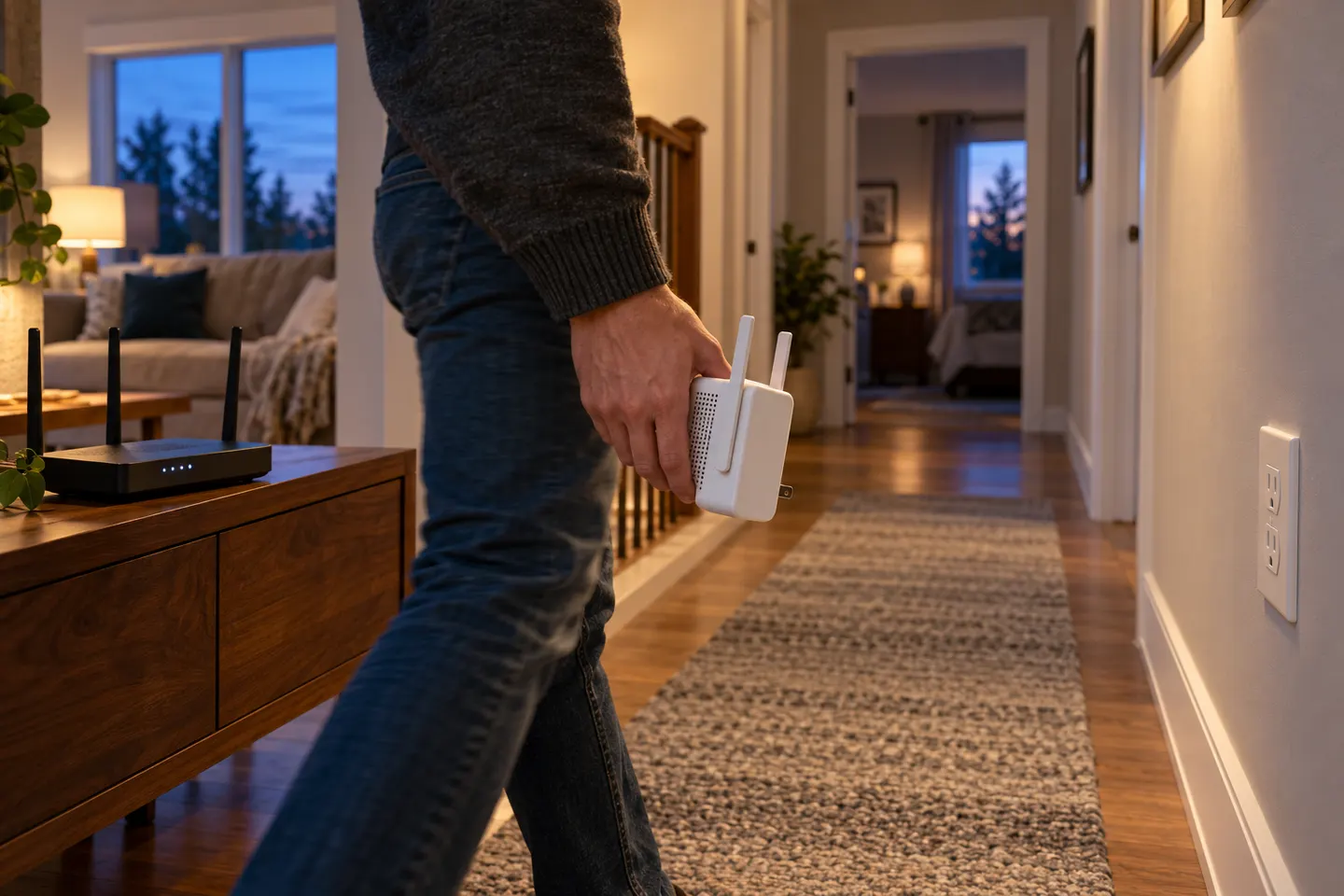
Start near the router, pair the extender using its app, browser or WPS method, then move it to a spot that still receives a sound router signal. Exact steps vary by model.
Find the model number and hardware revision on the label. Download its matching manual from the manufacturer; setup menus and supported bands differ between models.
Many TP-Link models support Tether app, web-browser or WPS setup. NETGEAR instructions also vary by model. Use only the setup route shown in your manual, and make sure WPS is enabled on the router if you choose that method.
Plug the extender into a power outlet near the router for initial setup. Connect a phone or computer to the extender's temporary network if the app or browser flow asks you to, then select the home WiFi and enter its password.
Once paired, place the extender where it can still receive a usable signal from the router while reaching the problem room. Avoid hiding it behind furniture or placing it beside sources of interference; use its signal indicator or app if available.
Reconnect a device to the extended network and check that it reaches the internet in the target area. If the connection drops, move the extender closer to the router, confirm the selected band and repeat the model's setup steps.
Check the manufacturer's support page for firmware for the exact hardware version. Keep the network name and administrator details somewhere secure, and do not install firmware intended for a different revision.
Common questions
Usually, yes. Many models provide an app or browser-based setup route. Check the model's manual for the supported method and the network you should join during configuration.
Place it roughly between the router and the weak-signal area, where it still receives a useful signal from the router. An extender placed inside a dead zone may simply repeat a poor connection.
That depends on the model and its mode. Some extenders let you reuse the router's name; others create a separate network name. Follow the setup guide and choose the option that suits your devices.
The extender may have lost its link to the router, joined the wrong band or saved an incorrect password. Check its status page, move it nearer the router and run the manufacturer's troubleshooting steps.
Keep exploring

RE705X and RE715X are Wi-Fi 6 options; RE315 is an AC1200 alternative. Choose by router compatibility and the connection you need.

Start with the network standard and location of the dead spot. NETGEAR?s EX6120 is a dual-band AC model, while EAX15 adds WiFi 6; check exact router and firmware compatibility before buying.

The right Wi-Fi extender depends on the router signal at its location, your home layout and whether you need Ethernet, outdoor placement or powerline networking.

A Wi-Fi extender can help reach a weak-signal room when positioned within range of your router. Compare plug-in repeaters, mesh-compatible models, outdoor units and powerline kits by how they connect.