








 Official manufacturer image
Our picks
Top picks
Official manufacturer image Official manufacturer image
VIOFO A229 Plus 2CH
Check price on Amazon AU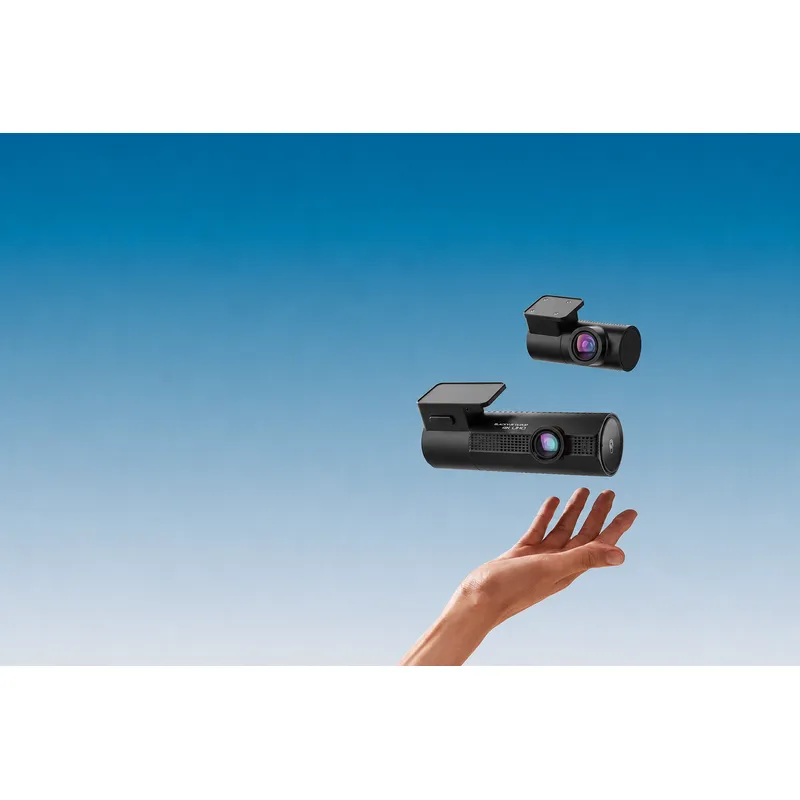 Official manufacturer image
BlackVue DR970X-2CH Plus
Check price on Amazon AUBy vehicle
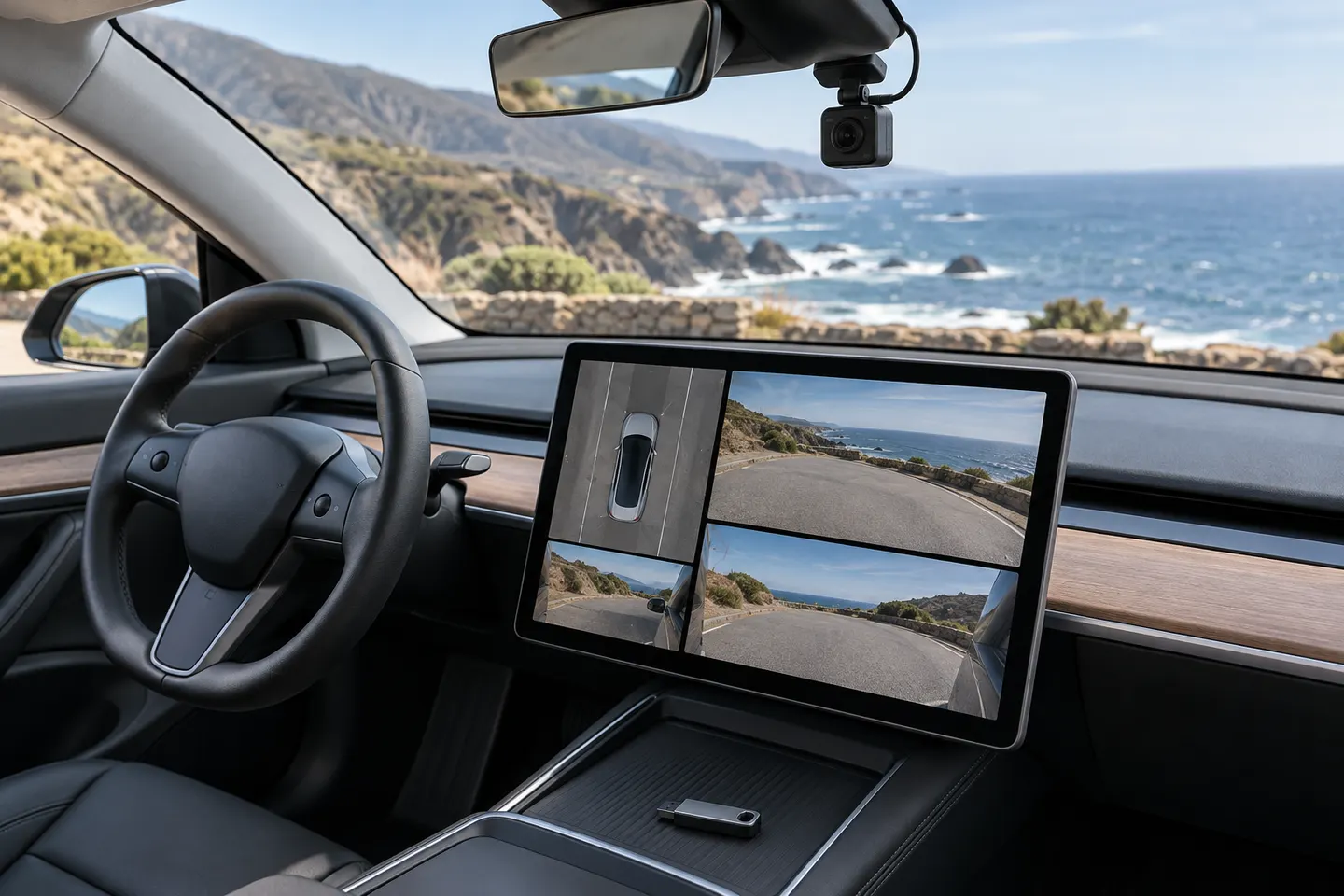 Tesla
Common questions
Questions before you buy
How do I open Tesla Dashcam Viewer?
Put the vehicle in Park, open the app launcher and touch Dashcam. Tesla says saved clips are organised by timestamp.
Can I use Tesla Dashcam Viewer on Windows or Mac?
Yes. Connect the storage device to the computer and open the TeslaCam folder with a compatible video player or trusted multi-camera viewer.
Is there a Tesla Dashcam Viewer app for Android?
Tesla documents mobile viewing in its own app for supported configurations. Availability depends on vehicle software, app version, settings and connectivity.
Why does Tesla say Dashcam Viewer is unavailable?
Common checks include Park status, the Dashcam setting, USB recognition and whether footage was saved. Tesla notes that unsaved footage is continually overwritten.
Is a Tesla dashcam viewer from GitHub safe?
Open-source code can be inspected, but that alone does not guarantee safety. Review the repository, permissions, release history and community reports before running it.