









 Official manufacturer image
Our picks
Top picks
Official manufacturer image Official manufacturer image
Garmin Dash Cam X310
Check price on Amazon UK Official manufacturer image
VIOFO A329S 2CH
Check price on Amazon UKBy vehicle
 Tesla
More topics
Common questions
Questions before you buy
How do I open Tesla Dashcam Viewer in the car?
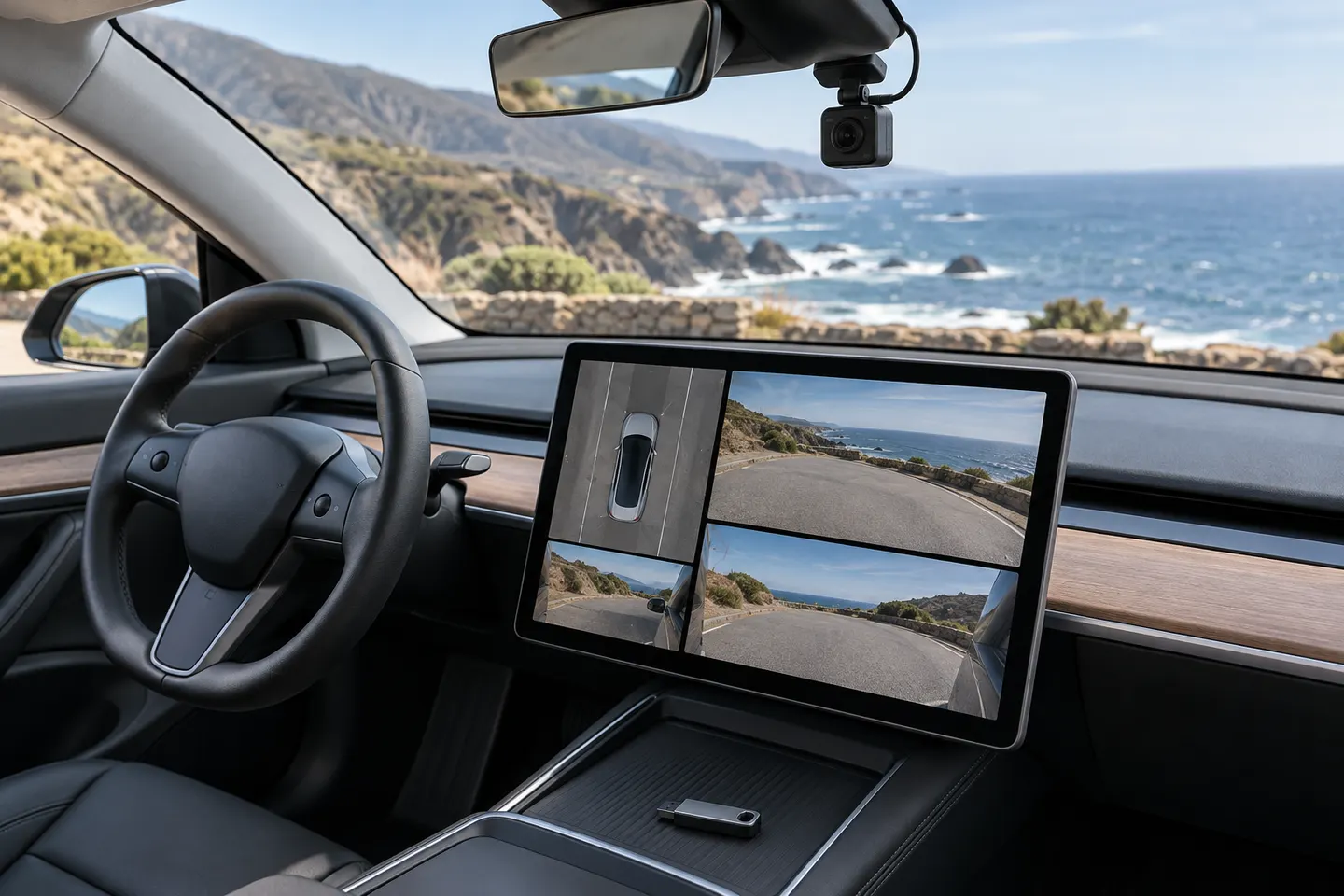
With the vehicle parked, open the Dashcam or camera viewer from the touchscreen app controls. Menu wording can change with software updates, so follow the current on-screen interface and owner's manual.
Where are Tesla dashcam clips stored?
They are stored on the connected USB drive inside the TeslaCam folder, with subfolders for different recording types. Factory-equipped vehicles may place the drive in the glovebox USB port.
Can I watch all Tesla camera angles together?
The in-car viewer lets you select available angles. Desktop viewer tools may synchronise multiple files, although supported cameras and layouts depend on the vehicle and software version.
Why is a clip missing from Tesla Dashcam Viewer?
The drive may be full, disconnected, incorrectly formatted or still processing files. Check the dashcam status icon and inspect the drive on a computer before formatting it.
Is a third-party Tesla dashcam viewer app safe?
Treat footage as personal data. Check the app publisher, permissions, privacy policy and whether processing stays on your device before opening original recordings.