









 Official manufacturer image
Our picks
Top picks
Official manufacturer image Official manufacturer image
NETGEAR EAX15
Check price on Amazon.ca Official manufacturer image
TP-Link RE605X
Check price on Amazon.caHow-to guides
 How to Connect a TP-Link WiFi Extender to Your…
 How to Connect a NETGEAR WiFi Extender to Your…
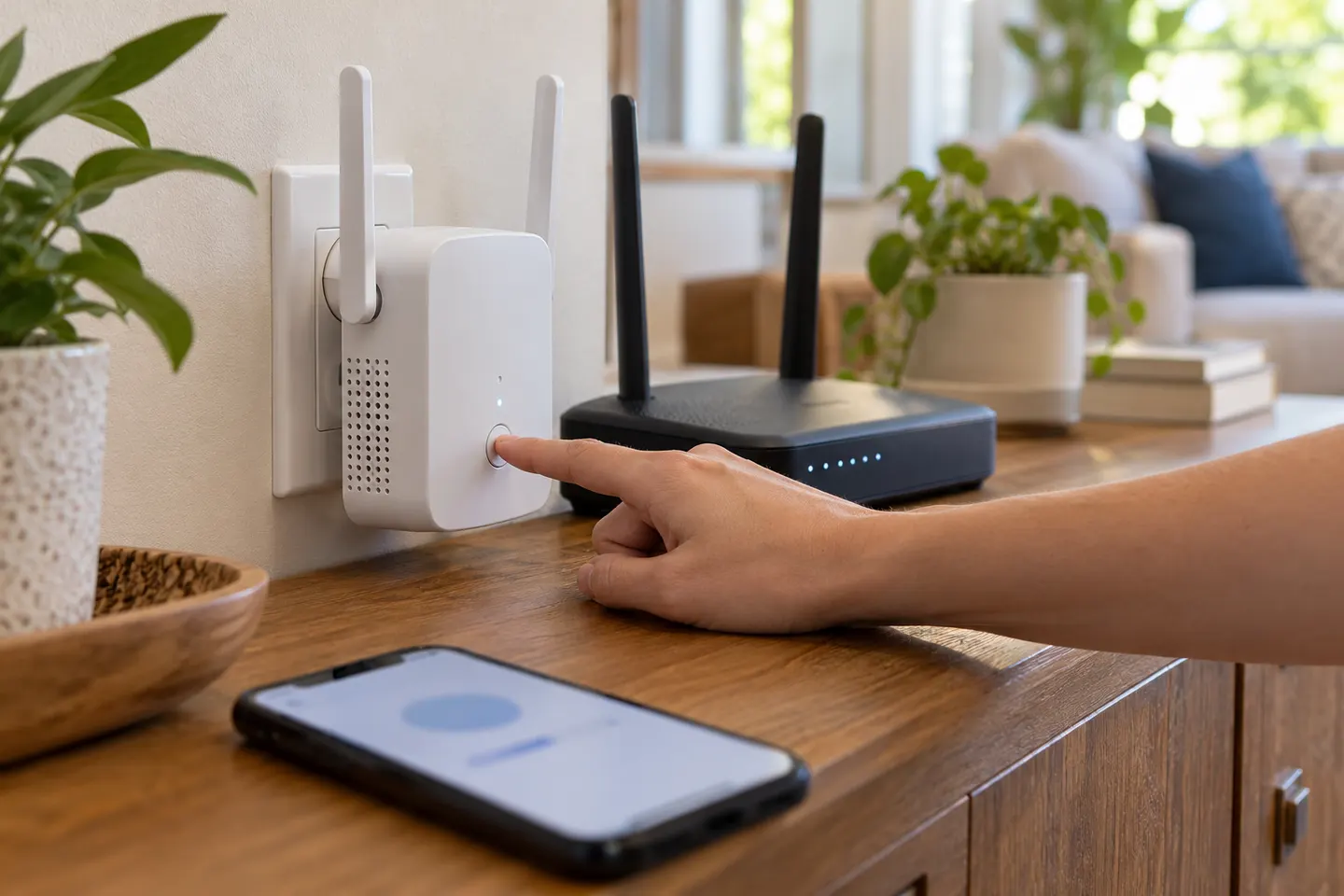 How to Connect a WiFi Extender to Your Router and…
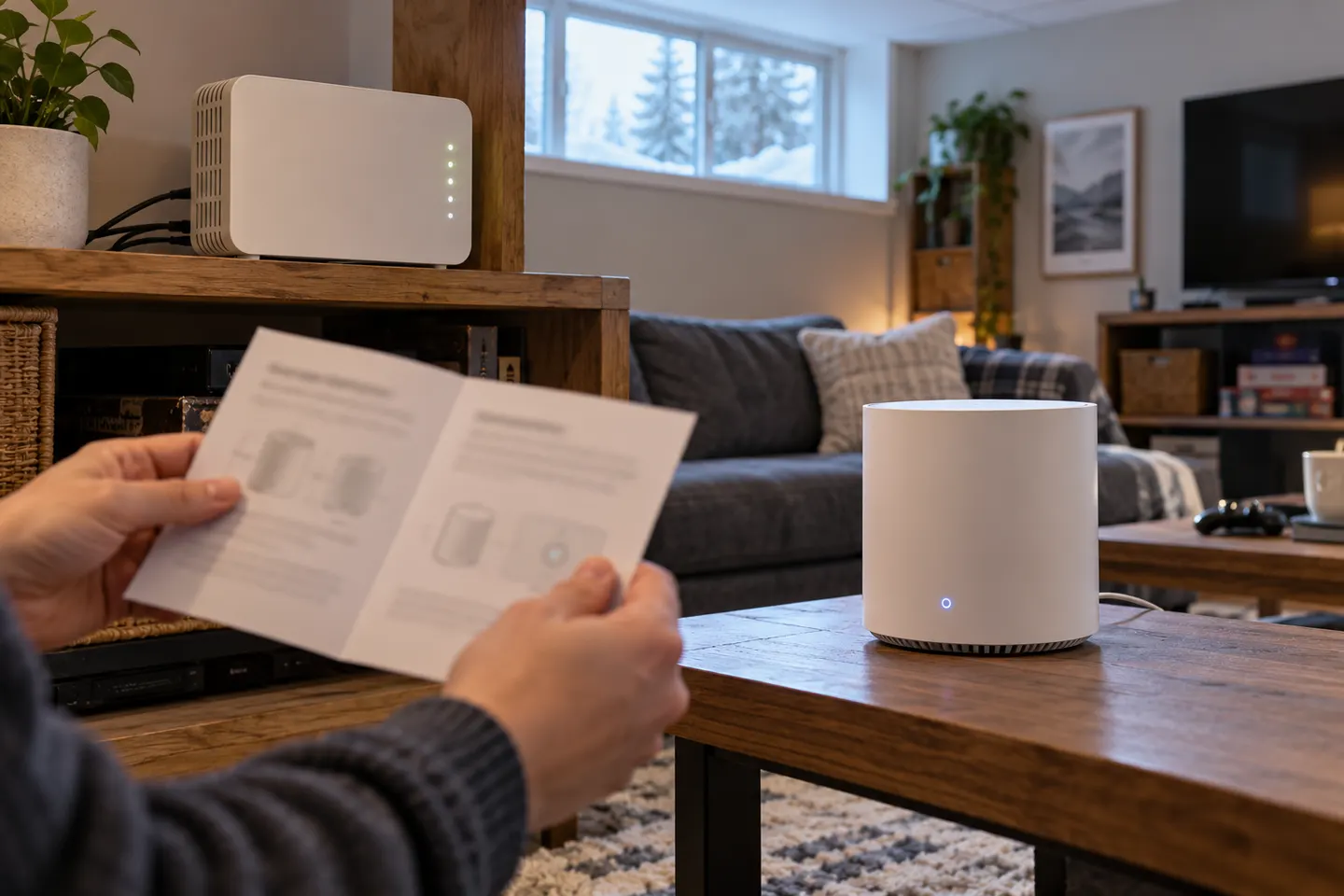 How to Connect a TELUS Wi-Fi Booster to Your Home…
Common questions
Questions before you buy
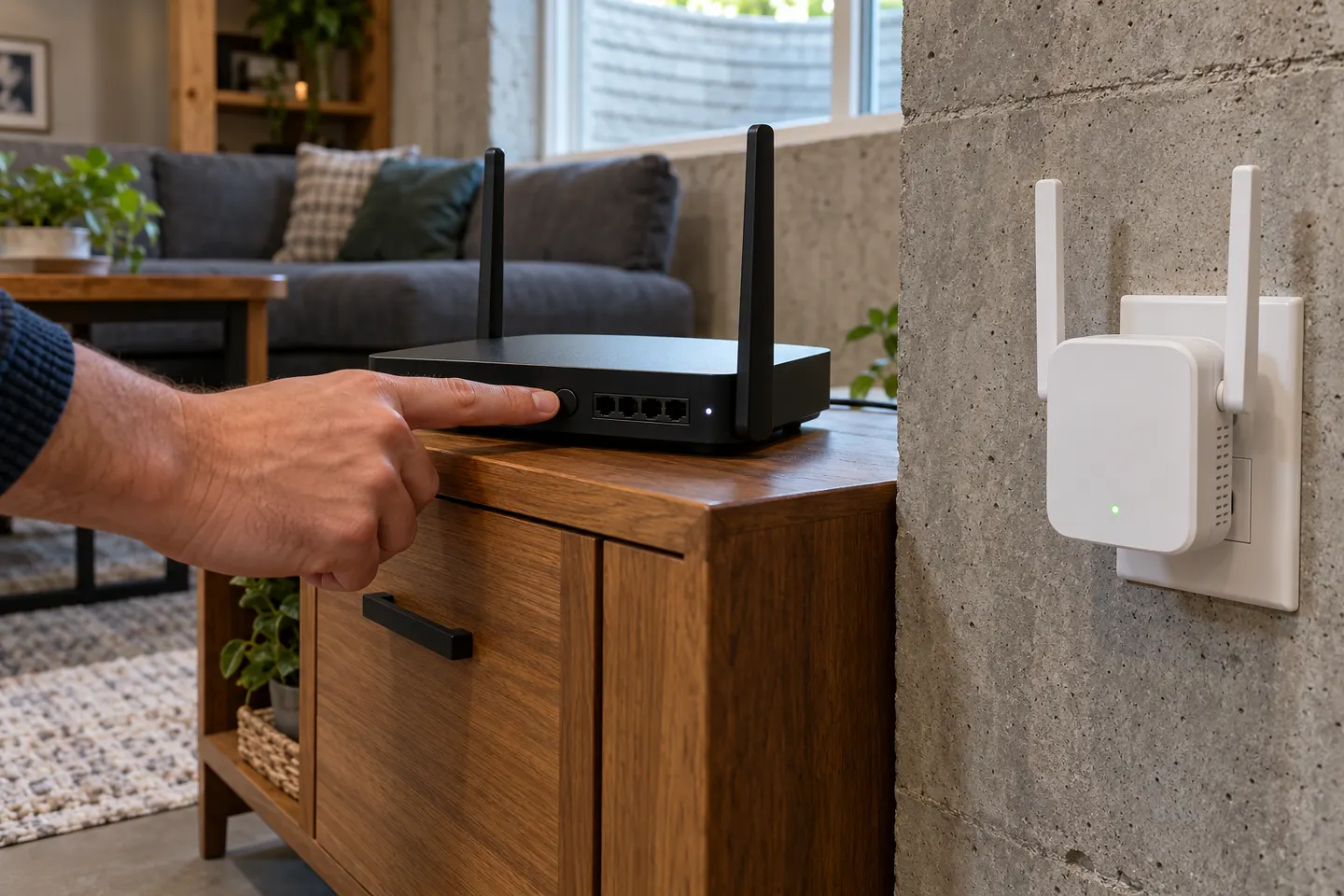
How do I connect a Wi-Fi extender to my router with WPS?
Plug the extender near the router, press its WPS button and then press WPS on the router within the time shown in the model guide. Wait for the connection indicator before relocating it.
Can I connect an extender without WPS?
Yes, if the model offers app or browser setup. Join its setup network and follow the manufacturer’s steps to select your router network and enter its password.
Why will my Wi-Fi extender not connect to the router?
Check the router password, supported band and security mode, distance during pairing and whether the router’s WPS function is enabled. Use the exact model troubleshooting guide.
Should the extender use the same Wi-Fi name as my router?
Some models allow a shared network name or mesh roaming, while others create a separate extended network. Follow the model setup options and consider how your devices choose access points.