




 Official manufacturer image
Our picks
Top picks
Official manufacturer image Official manufacturer image
NETGEAR EX6120
Check price on Amazon UK Official manufacturer image
TP-Link RE705X-Outdoor
Check price on Amazon UKHow-to guides
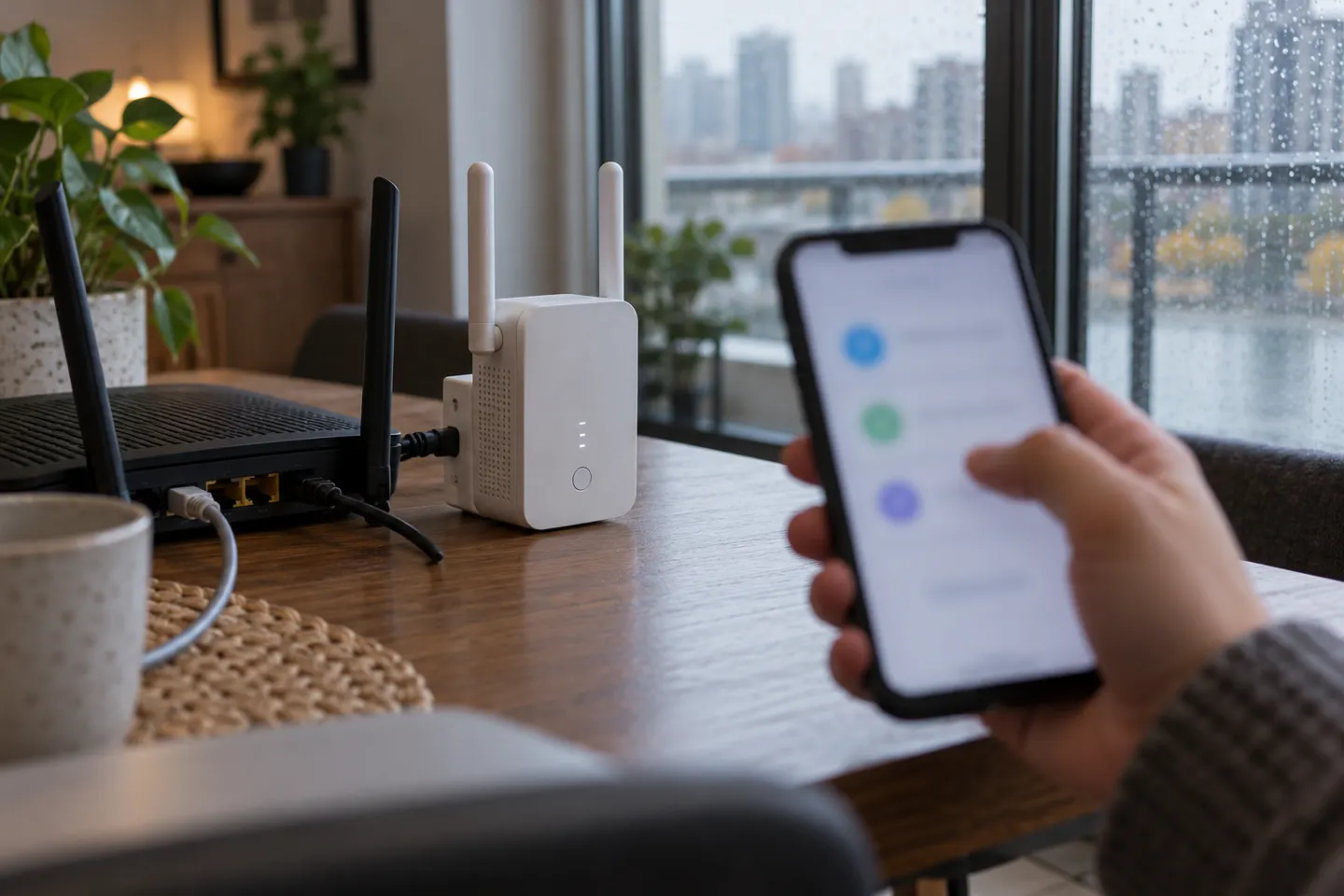 How to Connect a TP-Link WiFi Extender to Your…
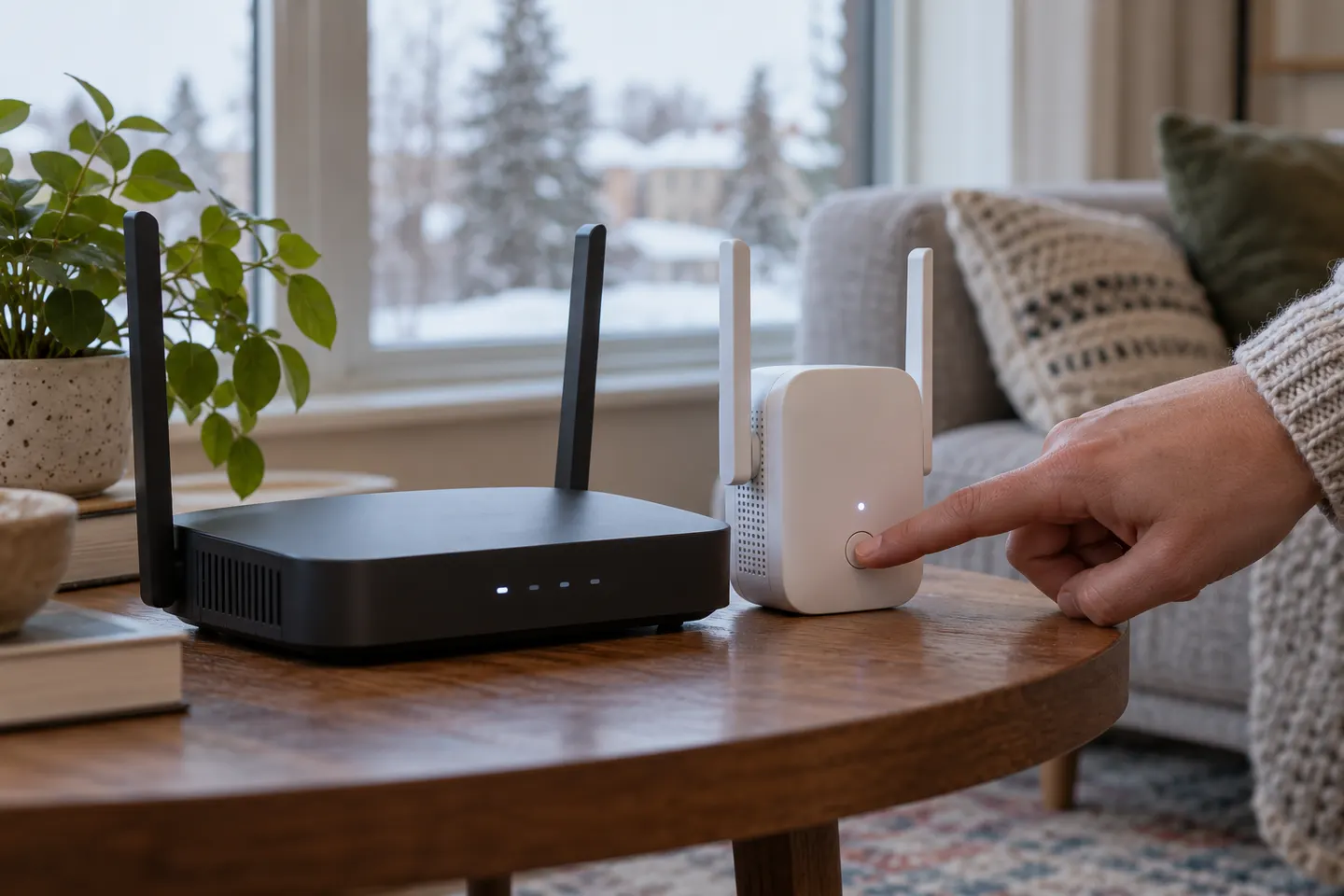 How to Connect a NETGEAR WiFi Extender to Your…
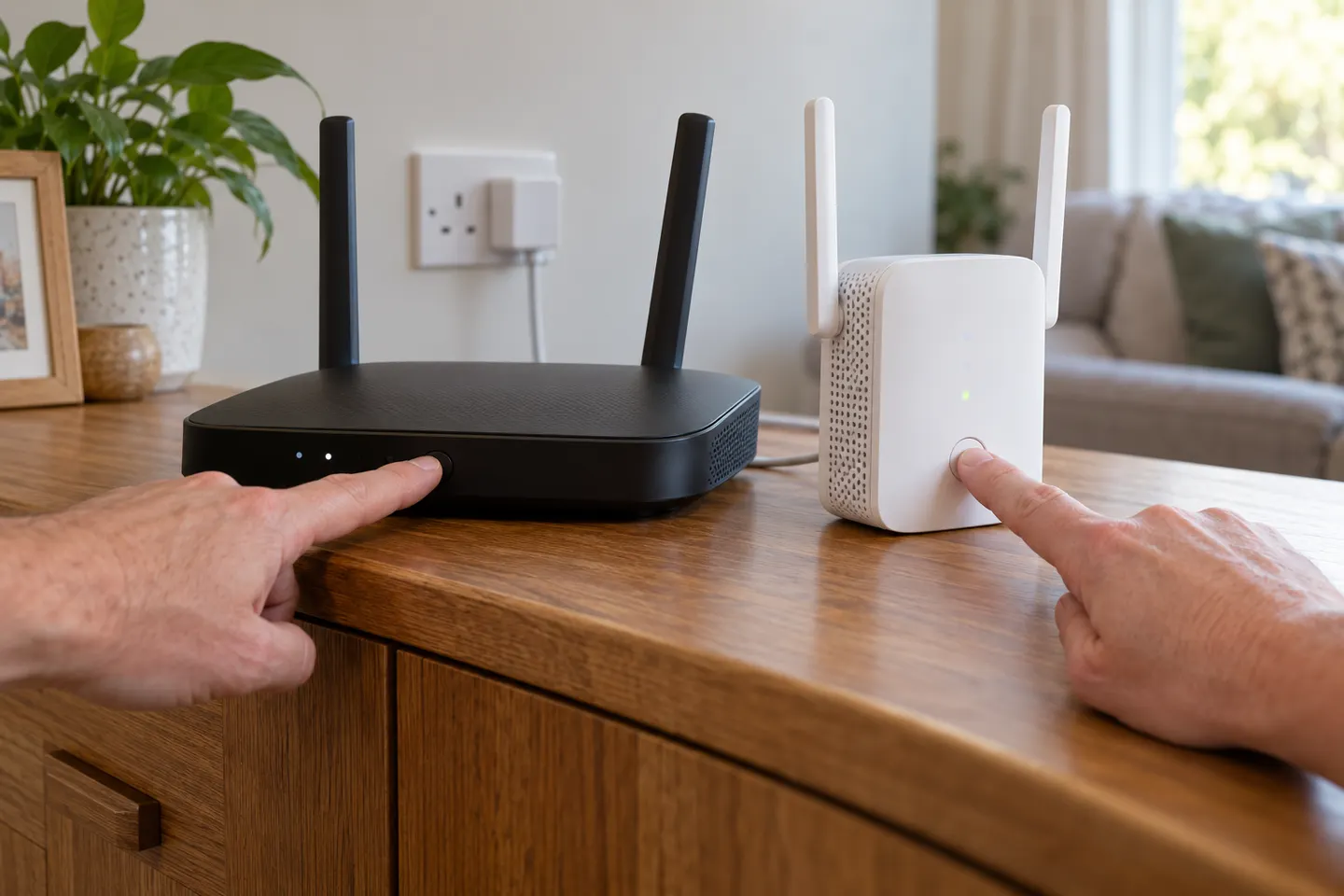 How to Connect a BT WiFi Extender to Your Router
Common questions
Questions before you buy
How do I connect a Wi-Fi extender to my router with WPS?
Plug the extender in near the router, press the router's WPS button and then the extender's WPS button within the window stated in the manual. Wait for the connection indicator before moving the extender.
How do I connect an extender without a WPS button?
Use the manufacturer's app or connect to its temporary setup network and open the setup page in a browser. Select your home network and enter its password as directed by the model's instructions.
Why will my Wi-Fi booster not connect to the router?
Check that you selected the correct network and entered its current password. Confirm the extender supports the router's band and security mode, move it closer for pairing, and follow the model-specific reset steps if needed.
Should I connect my phone to the router or the extender?
Connect to whichever network provides the best service in that location. Some systems use one network name and steer devices; standalone extenders may show a separate name. Your phone may not switch immediately when you move rooms.