








 Official manufacturer image
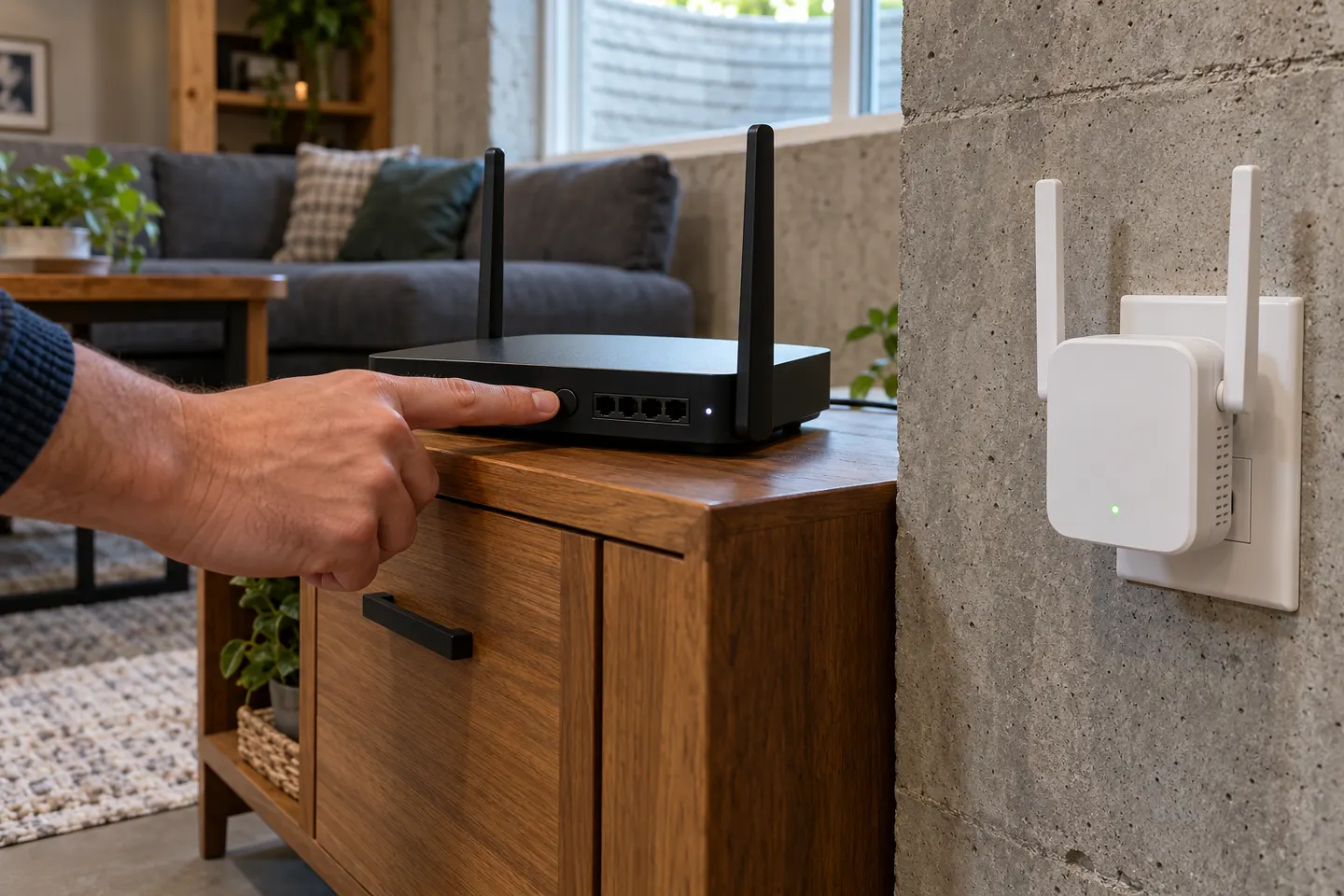
Our picks
Top picks
Official manufacturer image Official manufacturer image
TP-Link RE705X-Outdoor
Check price on Amazon AU Official manufacturer image
TP-Link TL-WPA8631P KIT
Check price on Amazon AUHow-to guides
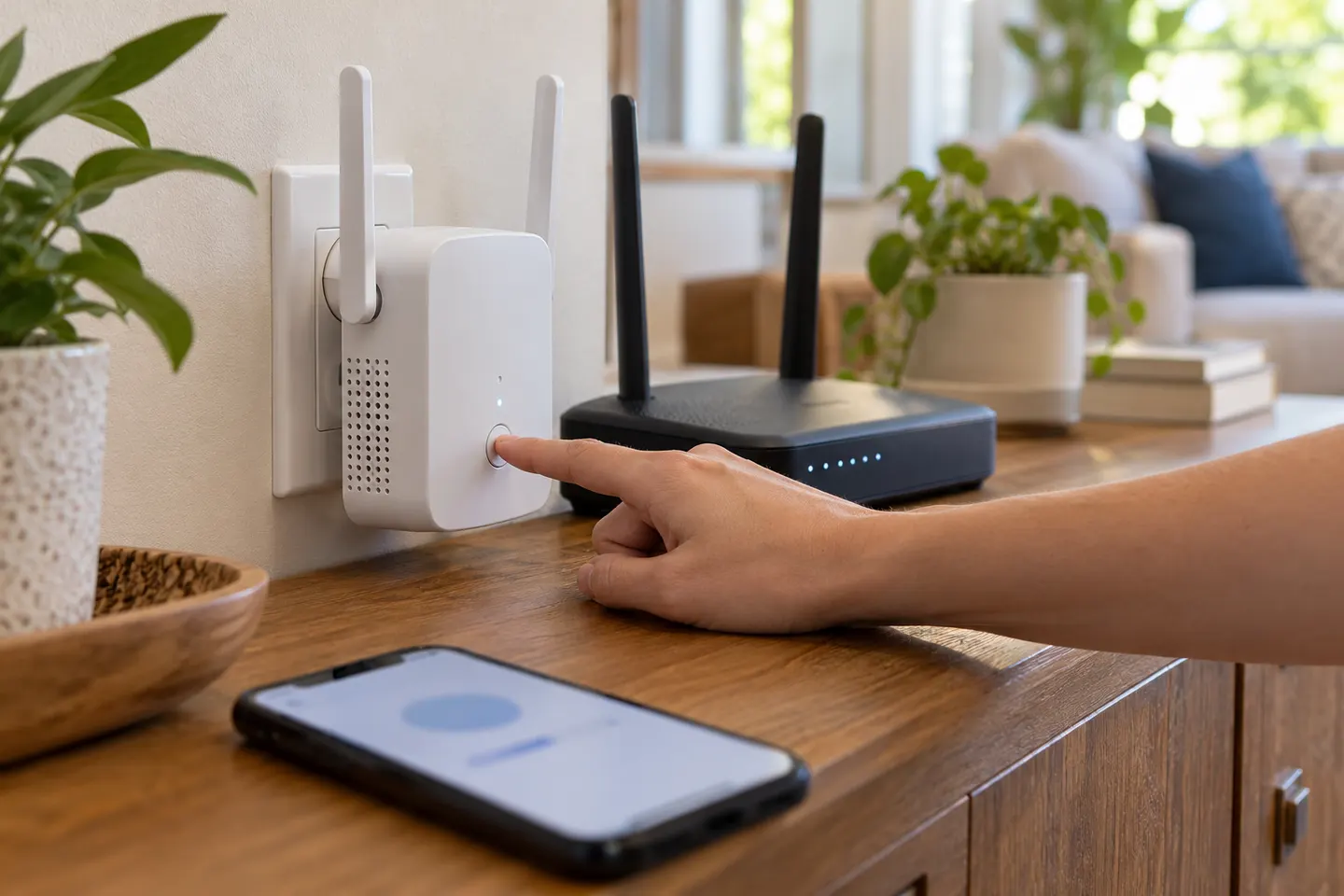 How to Connect a WiFi Extender to Your Router
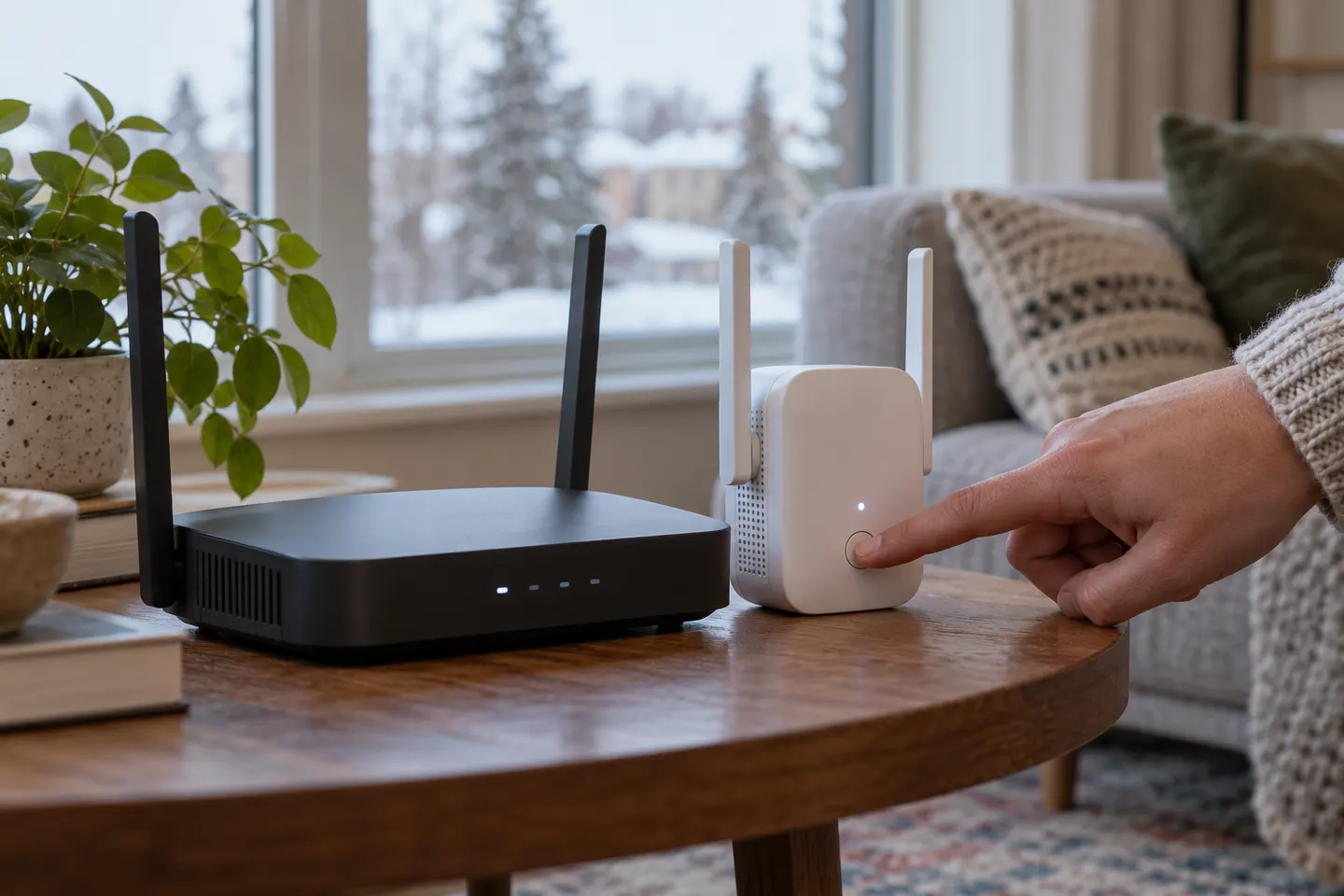 How to Connect a NETGEAR WiFi Extender to Your…
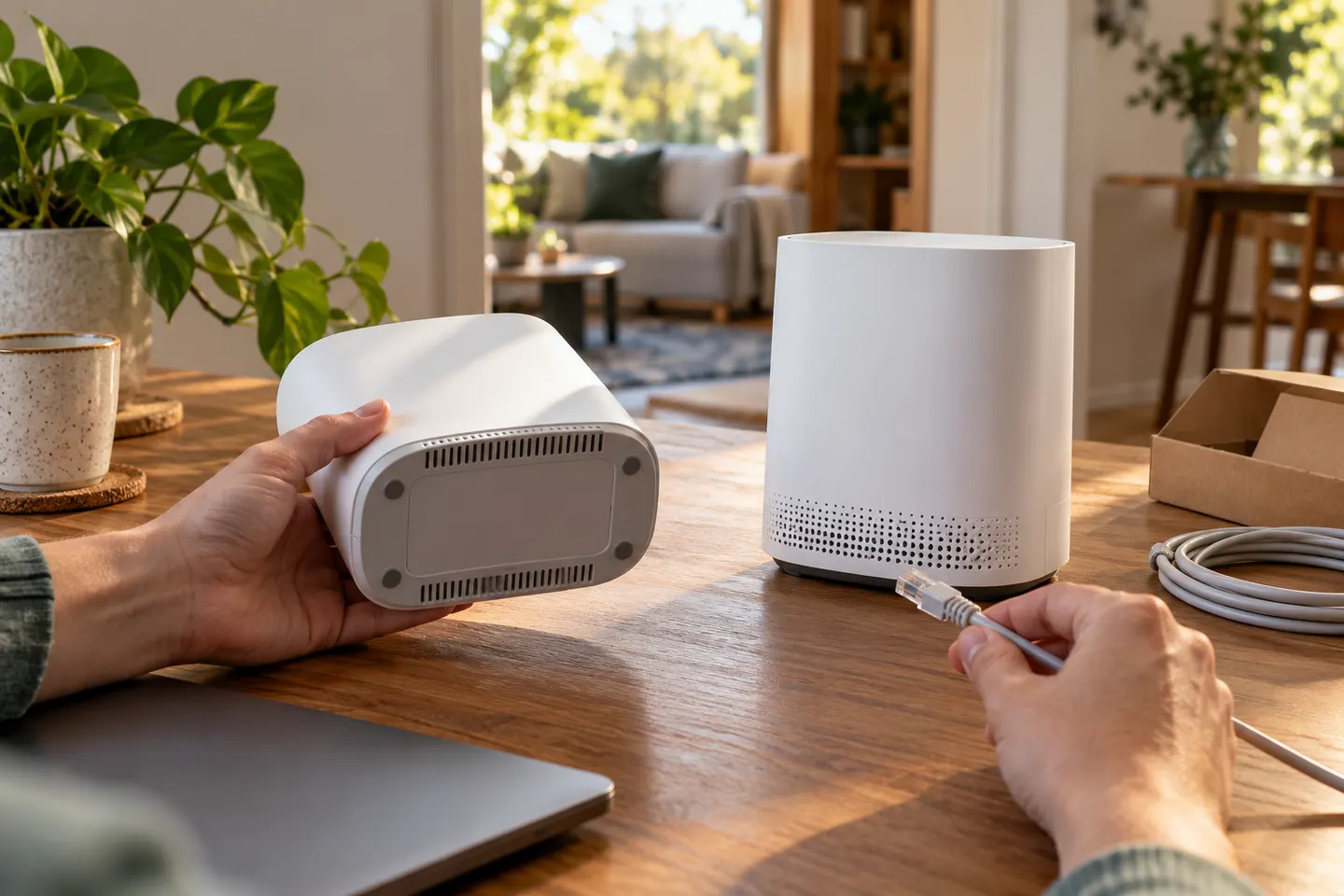 How to Connect a Telstra WiFi Booster to a Smart…
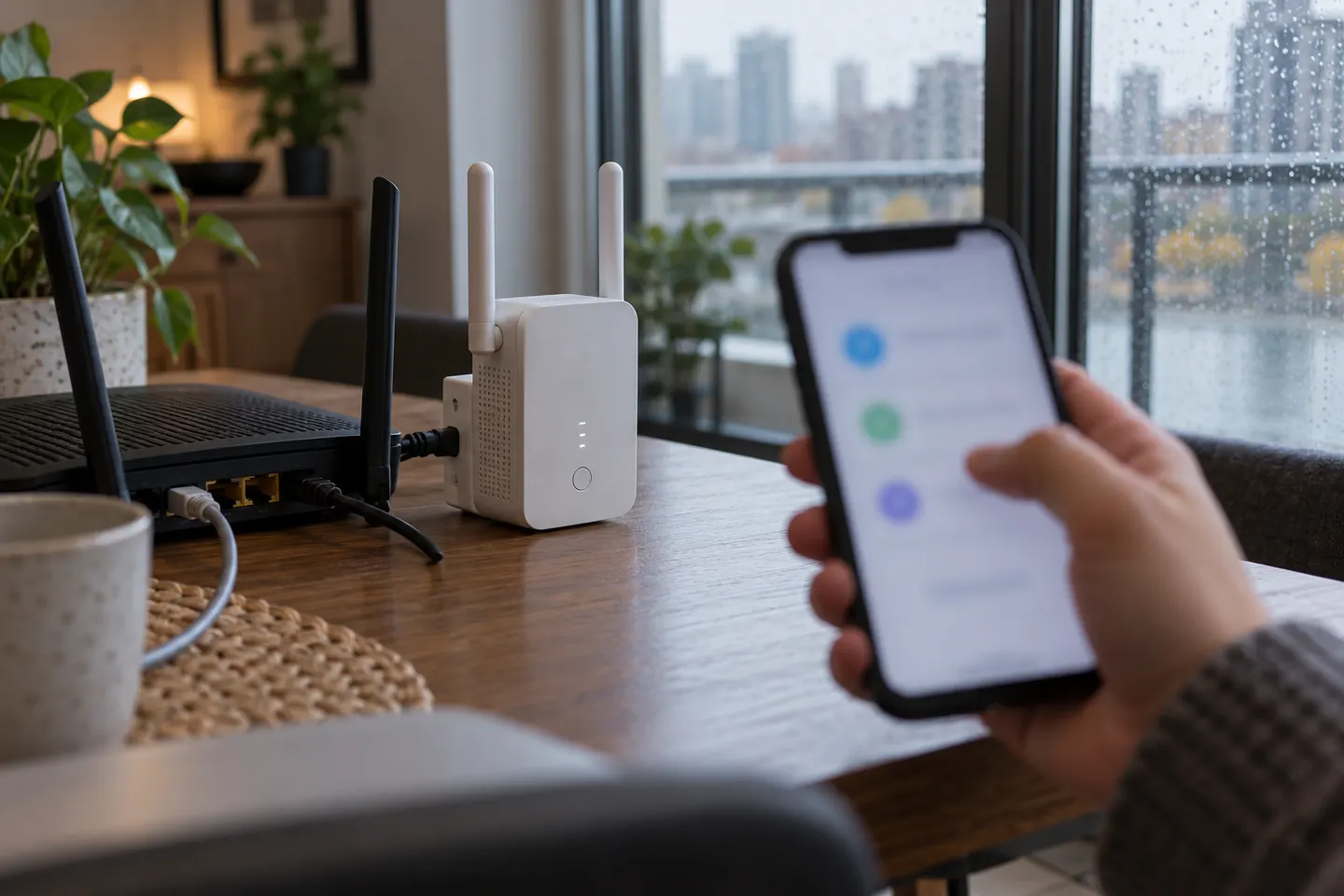 How to Connect a TP-Link WiFi Extender to Your…
Common questions
Questions before you buy
How do I connect my phone to a Wi-Fi extender?
After setup, select the extender network or the shared network name on your phone and enter the configured Wi-Fi password.
Can I connect an extender without WPS?
Yes. Many extenders support setup through an app or web interface; follow the instructions for your specific model.
Why can?t my device see the extender network?
Check whether setup has finished, confirm the extender is powered, and look for the configured network name. Some systems reuse the router?s network name.
Should I connect to 2.4 GHz or 5 GHz?
Choose a band supported by both the extender and client. The 2.4 GHz band generally reaches farther, while 5 GHz can offer more capacity at shorter range.