








 Official manufacturer image
Our picks
Top picks
Official manufacturer image Official manufacturer image
VIOFO A229 Pro 2CH
Check price on Amazon Official manufacturer image
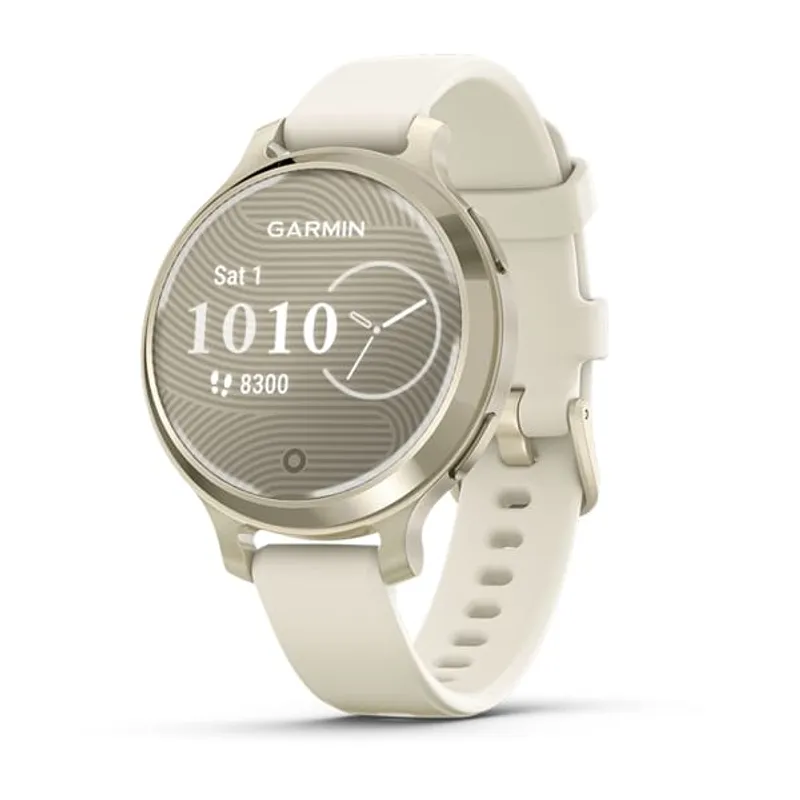
Garmin Dash Cam Mini 3
Check price on AmazonCommon questions
Questions before you buy
How do I reset an Orskey dash cam?
Use the reset control or menu option described for the exact model, then set the date, loop length and recording preferences again. Save any required footage first.
How does loop recording work on an Orskey dash cam?
Loop recording divides footage into clips and overwrites the oldest unprotected files when the card is full. Locked event files may need manual management.
Which manual do I need for the Orskey S680?
Match the model number and hardware revision on the camera or packaging. Do not use S900 instructions simply because the menu looks similar.
Why does my Orskey dash cam stop recording?
Common causes include interrupted power, a full protected-file area, an incompatible card or a card that needs formatting. Work through those checks before resetting the camera.