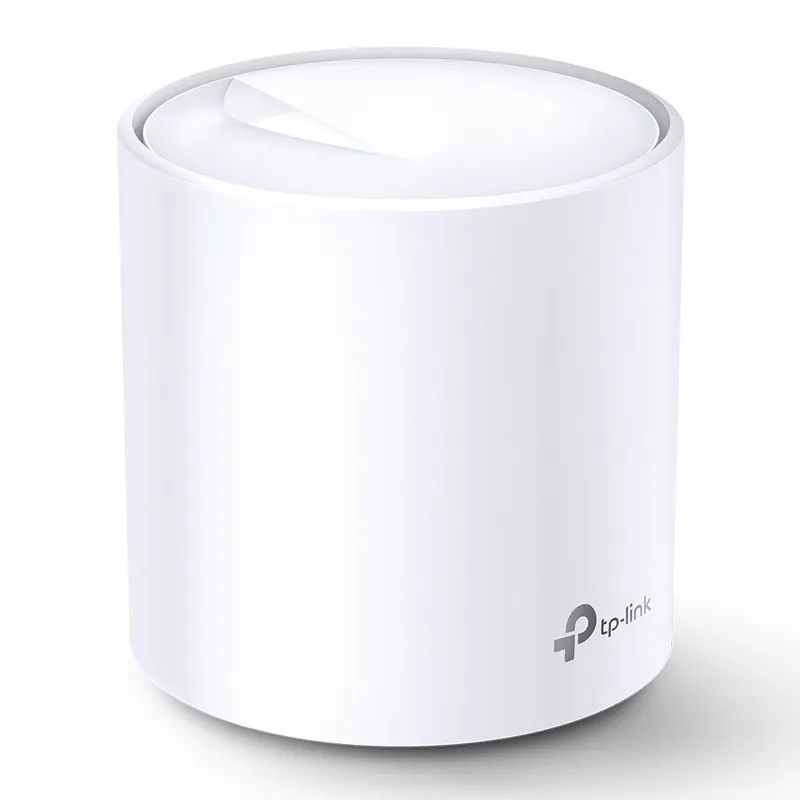
 Official manufacturer image
Build a coordinated network across several rooms
TP-Link Deco X20
Check price on AmazonSponsored link · no live price shown

 Best picksBest WiFi Extenders for Different Homes in Ireland
 Best picksThe Best Dashcams for Cars in 2026
 Best picksBest Headlamp Torches for Hiking, Work and Everyday Use
 Best picksBest Meat Thermometers for Cooking, Roasting and BBQ
 Best picksBest cordless strimmers for Irish gardens: compared
 Best picksBest Winter Gloves for Cold, Wet Days in Ireland (2026)
 Best picksBest Portable Air Coolers for Irish Homes in 2026
 Best picksBest air purifier for bedroom in Ireland: five models compared
Gearjury may earn a commission from qualifying purchases made through retailer links.
Head to head
A mesh system is designed to create a coordinated network across multiple nodes; a WiFi extender relays an existing router signal into a weak-signal area. Your home layout and router matter more than a headline speed label.
Official manufacturer image
Build a coordinated network across several rooms
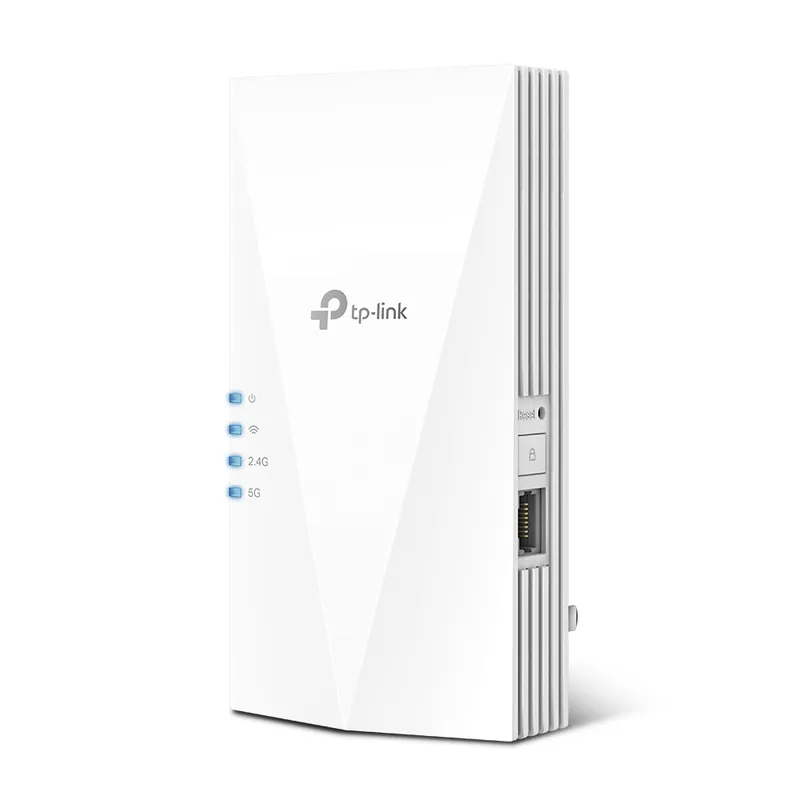 Official manufacturer image
Extend a router's signal into one weak area
The verdict
The Deco X20 is sold as a whole-home mesh system with multiple units working together.
The RE700X is a Wi-Fi 6 range extender and also offers access point mode.
An extender adds a relay point without replacing the existing router; its result depends on receiving a usable signal where it is installed.
| Official manufacturer imageTP-Link Deco X20 | Official manufacturer imageTP-Link RE700X | |
|---|---|---|
| Approach | Multiple mesh units form one coordinated network | Relays the existing WiFi network |
| Published WiFi class | AX1800, Wi-Fi 6 | AX3000, Wi-Fi 6 |
| Bands | Dual-band | Dual-band |
| Ethernet | 2 Gigabit Ethernet ports per unit | 1 Gigabit Ethernet port |
| Access point mode | — | Yes |
| Best suited to | Connecting coverage across several parts of a home | Improving reception in a local dead zone |
| What affects the result | Node placement, building materials and broadband/router setup | Placement within reach of the router and building materials |
| Check price on Amazon | Check price on Amazon |
Common questions
Mesh is usually the more suitable approach when you want several nodes to work as one network across a home. An extender can be a simpler fit for a single weak-signal area, provided it can receive a good signal from the router.
It depends on the extender and router features. Some setups can use the same network name, while others may show a separate network; check the device instructions and compatibility before buying.
Many mesh systems can connect to an existing modem or router, but the configuration varies. Check whether the system supports access point mode or whether you need to put the existing router into bridge mode.
Place it between the router and the weak-signal area, where it can still receive a stable signal. Putting it inside the dead zone may leave it with too little signal to relay effectively.
Not necessarily. The advertised WiFi class is a theoretical link capability, and real throughput depends on the router, client device, distance, interference and how the extender connects back to the router.
Keep exploring

A WiFi extender can carry an existing router signal into a weak-coverage area. Choose a plug-in repeater for a simple dead zone, or consider powerline when walls make a wireless link unreliable.
For a general indoor pick, start with TP-Link RE705X: it has WiFi 6, a Gigabit Ethernet port and access point mode. RE550, RE315 and a powerline kit suit different budgets and layouts; outdoor use needs purpose-built hardware.

The RE705X is the WiFi 6 pick with a Gigabit port; RE550 offers WiFi 5 and three external antennas. For a compact dual-band option, compare RE315.
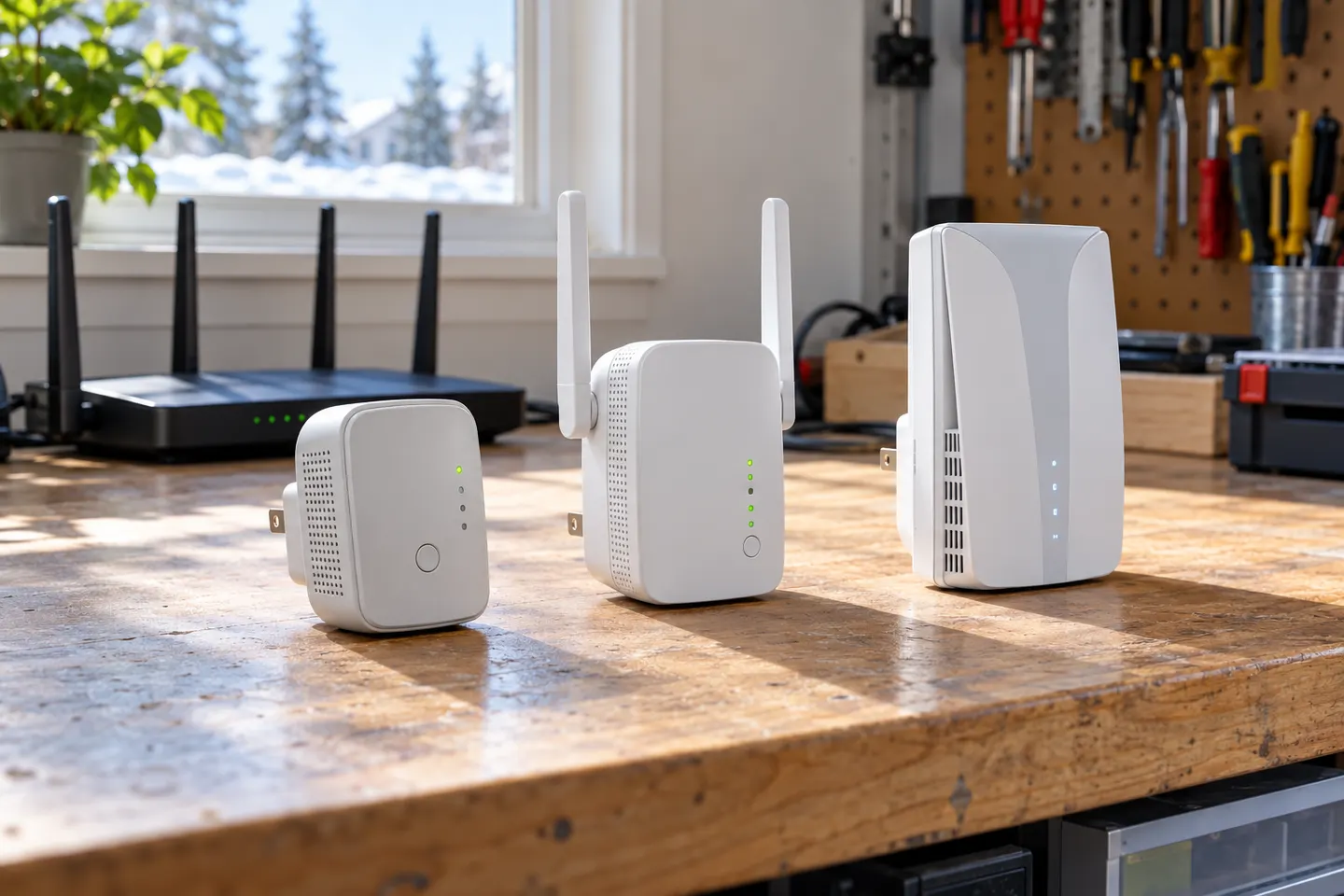
Choose a wireless range extender when it can receive a healthy signal; consider powerline when the route through the home is the main obstacle. TP-Link’s model range includes both approaches.