Gearjury may earn a commission from qualifying retailer links.
Guide
How to Connect a NETGEAR WiFi Extender to Your Router
Start with the extender near the router, use the setup method supported by your model, then move it to a position that still receives a usable signal.
GGearjury editorial team · Updated 18 October 2026· 5 min
01
Check the extender’s model and reset state
Find the model number and use its NETGEAR manual, because button names and setup screens differ. If the extender was previously configured for another network, follow the model-specific reset procedure before starting again.
02
Place it near the router for setup
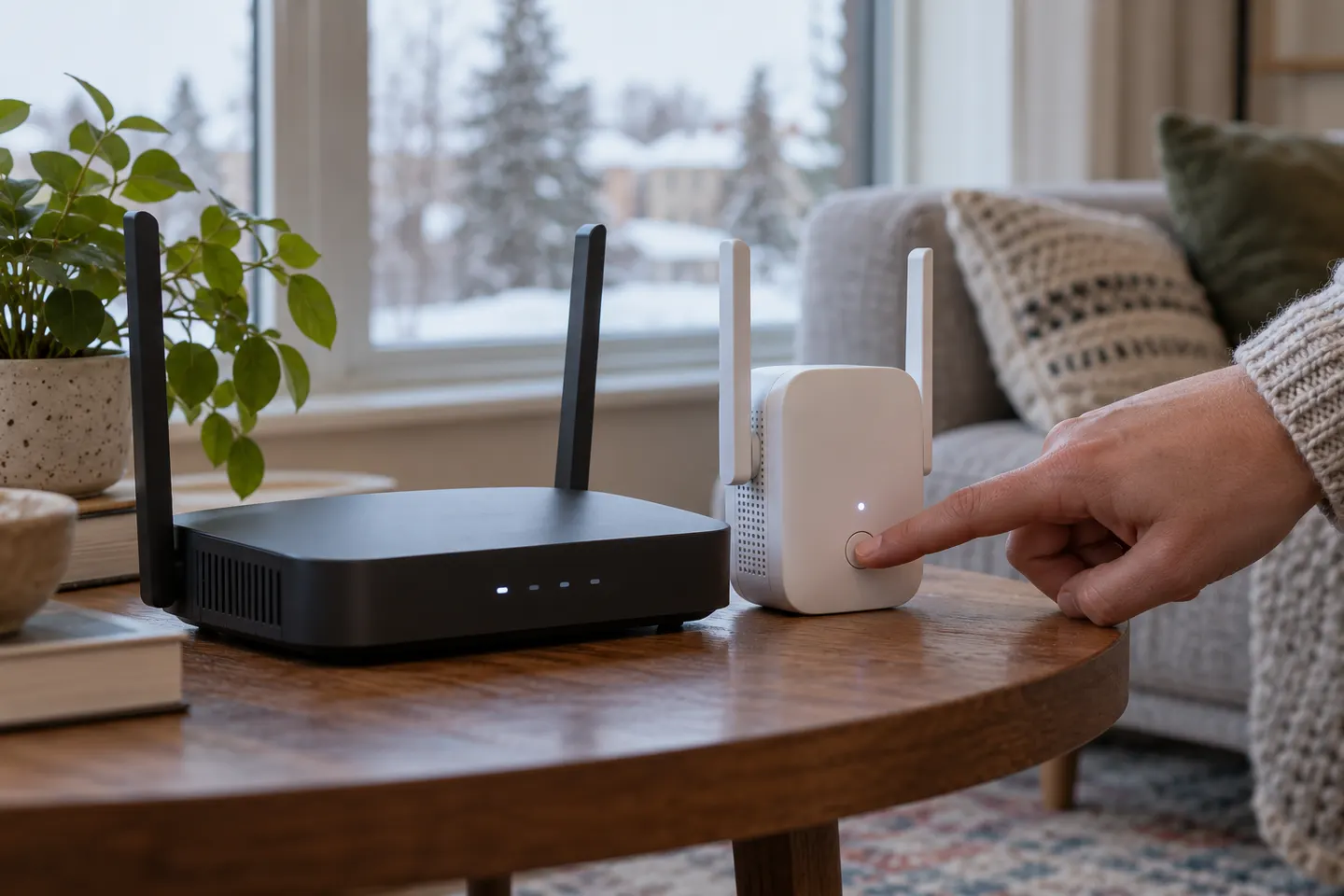
Power the extender close to the router while pairing. Keep it away from obstructions and allow it to start fully before using the setup method in the manual.
03
Connect with the web setup assistant
Join the extender’s setup WiFi network from a phone or computer, open the address or app specified in its manual, and follow the prompts to select your home network. Enter the router’s WiFi password carefully.
04
Use WPS only when both devices support it
Press the WPS controls in the sequence given by NETGEAR for your exact extender and router. WPS availability and timing vary, so use the web assistant if the router has no WPS button or pairing does not complete.
05
Move the unit and check the link
After setup, place the extender between the router and the weak-signal room. Check its connection indicator or app status; if the router link is poor, try a nearer socket before troubleshooting the distant room.
06
Troubleshoot a NETGEAR N300 that will not connect
Confirm the selected network and password, restart both devices, and check for router access controls or incompatible security settings. If the connection still fails, consult the NETGEAR support page for the N300 model rather than assuming all N300 units share one procedure.
Common questions
Questions before you buy
How do I connect a NETGEAR WiFi extender to my router?
Use the model’s web setup assistant or WPS if supported, following the manual’s button sequence. Complete pairing near the router before choosing the final position.
How do I connect a WiFi extender to a router using WPS?
Start WPS on the router and extender in the order and time window specified in both manuals. If either device lacks WPS, use its supported app or browser setup instead.
Why will my NETGEAR N300 WiFi range extender not connect?
Common checks include the WiFi password, router band and security settings, signal during setup and whether the extender needs a reset. Use support instructions for the exact model.
Where should I put my NETGEAR extender after setup?
Choose a socket where the extender still receives a stable router signal and can relay towards the target room. Use the model’s indicator or app where available.
A WiFi extender can carry your router signal further, but placement and backhaul matter. Choose a plug-in repeater for a nearby dead zone, powerline WiFi for difficult layouts, or an outdoor-rated unit for a garden.
TP-Link RE315 is a practical starting point for a standard indoor dead zone. Consider a Wi-Fi 6 device for newer kit, outdoor-rated hardware for a garden, or powerline where a wireless hop struggles.
Sky has different booster products for different broadband generations. Sky Max customers may use a Max Pod; check your account and hub-specific help before seeking a third-party extender.
TP-Link sells plug-in repeaters and powerline kits. Check EasyMesh support, Ethernet needs and the exact UK hardware revision before buying.
Your privacy
We use cookies and similar technologies. Necessary ones keep the site working. With your permission we also use statistics cookies (Google Analytics and Microsoft Clarity) to understand which guides help readers. You can accept all, reject all or choose. You can change your choice at any time from "Cookie settings" at the bottom of every page. Cookie policy