Gearjury may earn a commission from qualifying retailer links. This does not affect our editorial conclusions.
Guide
How to Set Up a TP-Link WiFi Extender
Start near the router, pair the extender using WPS or the Tether app where supported, then move it to a spot that still receives a good router signal. The exact buttons and screens depend on the model and hardware version.
GGearjury editorial team · Updated 15 October 2026· 5 min
01
Check the extender and router before setup
Find the extender’s model and hardware version on its label. Confirm that the router is broadcasting WiFi and keep its network name and password nearby. TP-Link notes that availability and instructions can differ by hardware version, so use the matching UK support page or manual.
02
How do I set up a TP-Link extender with WPS?
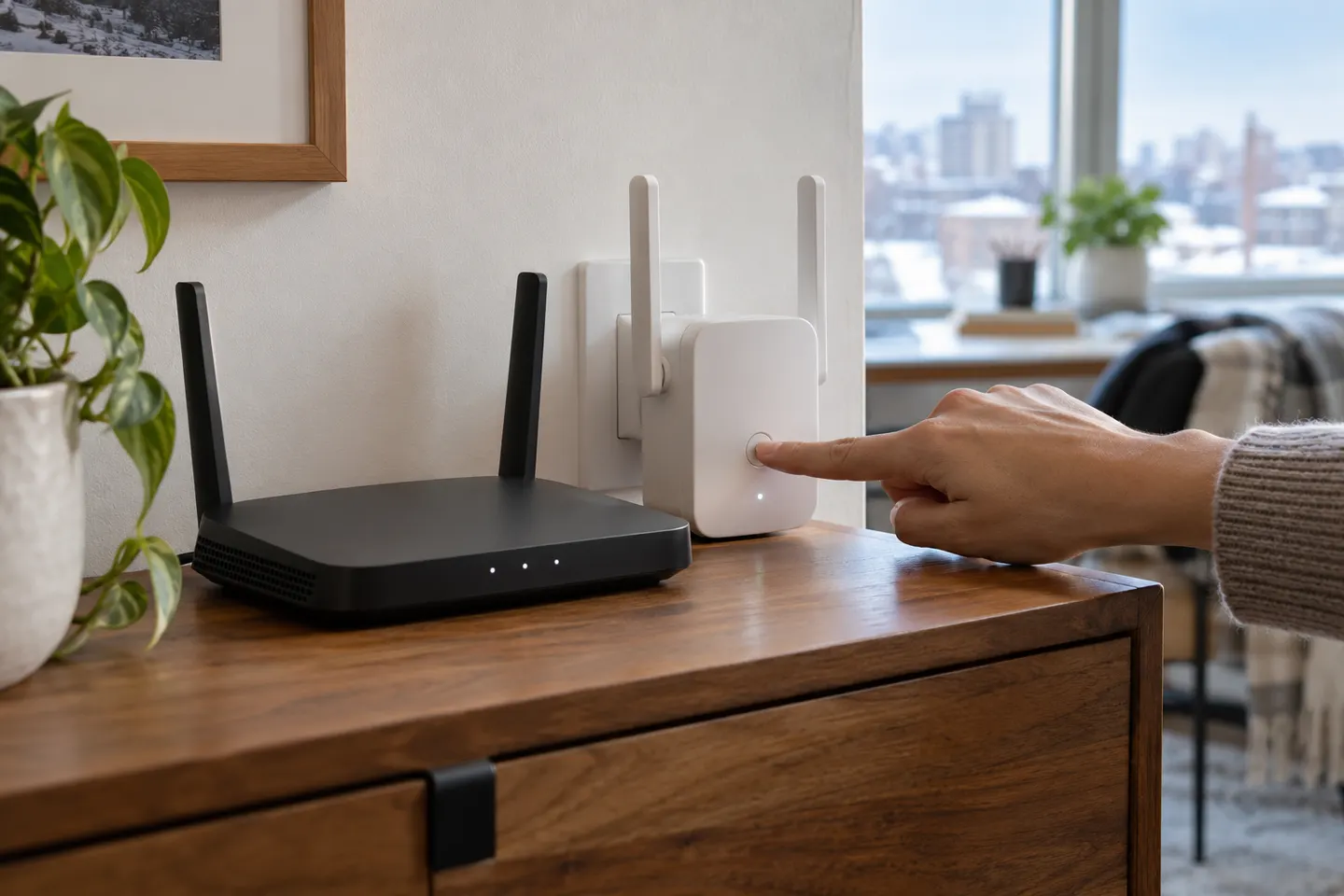
Plug the extender into a socket close to the router and wait for it to start. Press the router’s WPS button, then press the extender’s WPS or RE button within the interval stated in its manual. Wait for the connection indicator to confirm pairing; button names and timing vary by router and model.
03
Can I configure it with the TP-Link Tether app?
For a model supported by Tether, install/open the official app, choose the extender setup flow and follow the on-screen prompts to select the home WiFi network and enter its password. If the app cannot find the device, check that the phone is connected to the extender’s setup network and consult the model-specific guide.
04
How do I set up the TP-Link RE305?
TP-Link provides an RE305 V3 support page with a setup video for WPS and version-specific downloads. Check the label first: instructions for RE305 V3 and later versions may not match earlier hardware. Use the RE button and router WPS only as described in the matching guide.
05
How do I install a TP-Link AX3000 Wi-Fi 6 extender?
For the RE700X, the manufacturer lists range-extender and access-point modes, a WPS button and Tether app management. Pair it with the router using the method in the RE700X guide, then use its smart indicator and app to choose placement. A different AX3000 model may have different controls.
06
Where should I move the extender after pairing?
Move it towards the weak-coverage area while keeping it within a reliable connection to the router. Use the model’s signal indicator or app if available. Avoid placing it inside a cabinet or behind large obstructions, and retest the devices that originally had poor coverage.
07
How can I improve WiFi without adding a booster?
Try moving the router to a more central, open position, keeping it away from obstructions and interference sources, and checking for a router firmware update. These changes may help coverage but cannot overcome every building layout; an access point or mesh system may suit persistent dead zones.
Common questions
Questions before you buy
How do I extend WiFi range without an extender?
Improve router placement first: central, elevated and unobstructed is usually more useful than hiding it in a corner. If you can run Ethernet, a wired access point can add coverage without a wireless repeater.
Can I make a WiFi range extender myself?
A spare router may be configurable as an access point or repeater if its firmware supports that mode. Follow that router’s manual; improvised antennas or electrical modifications are not a reliable substitute.
Does the TP-Link RE305 setup use WPS?
TP-Link publishes WPS setup instructions for RE305 V3 and later versions. Check the hardware version on your device and use the matching regional support instructions.
Will a TP-Link extender work with a non-TP-Link router?
Many TP-Link extenders are described as compatible with standard WiFi routers, but mesh features such as OneMesh or EasyMesh require compatible equipment. Check the exact model’s compatibility notes.
Most setups follow the same pattern: pair near the router, then relocate the extender to a midway point with a reliable signal. Use the manual for your exact model because button sequences and apps differ.
TP-Link RE315 is a practical starting point for a standard indoor dead zone. Consider a Wi-Fi 6 device for newer kit, outdoor-rated hardware for a garden, or powerline where a wireless hop struggles.
A WiFi extender can carry your router signal further, but placement and backhaul matter. Choose a plug-in repeater for a nearby dead zone, powerline WiFi for difficult layouts, or an outdoor-rated unit for a garden.
Your privacy
We use cookies and similar technologies. Necessary ones keep the site working. With your permission we also use statistics cookies (Google Analytics and Microsoft Clarity) to understand which guides help readers. You can accept all, reject all or choose. You can change your choice at any time from "Cookie settings" at the bottom of every page. Cookie policy