









 Official manufacturer image
Our picks
Top picks
Official manufacturer image Official manufacturer image
Garmin Dash Cam Mini 3
Check price on Amazon Official manufacturer image
Garmin Dash Cam X310
Check price on AmazonBy feature
How-to guides
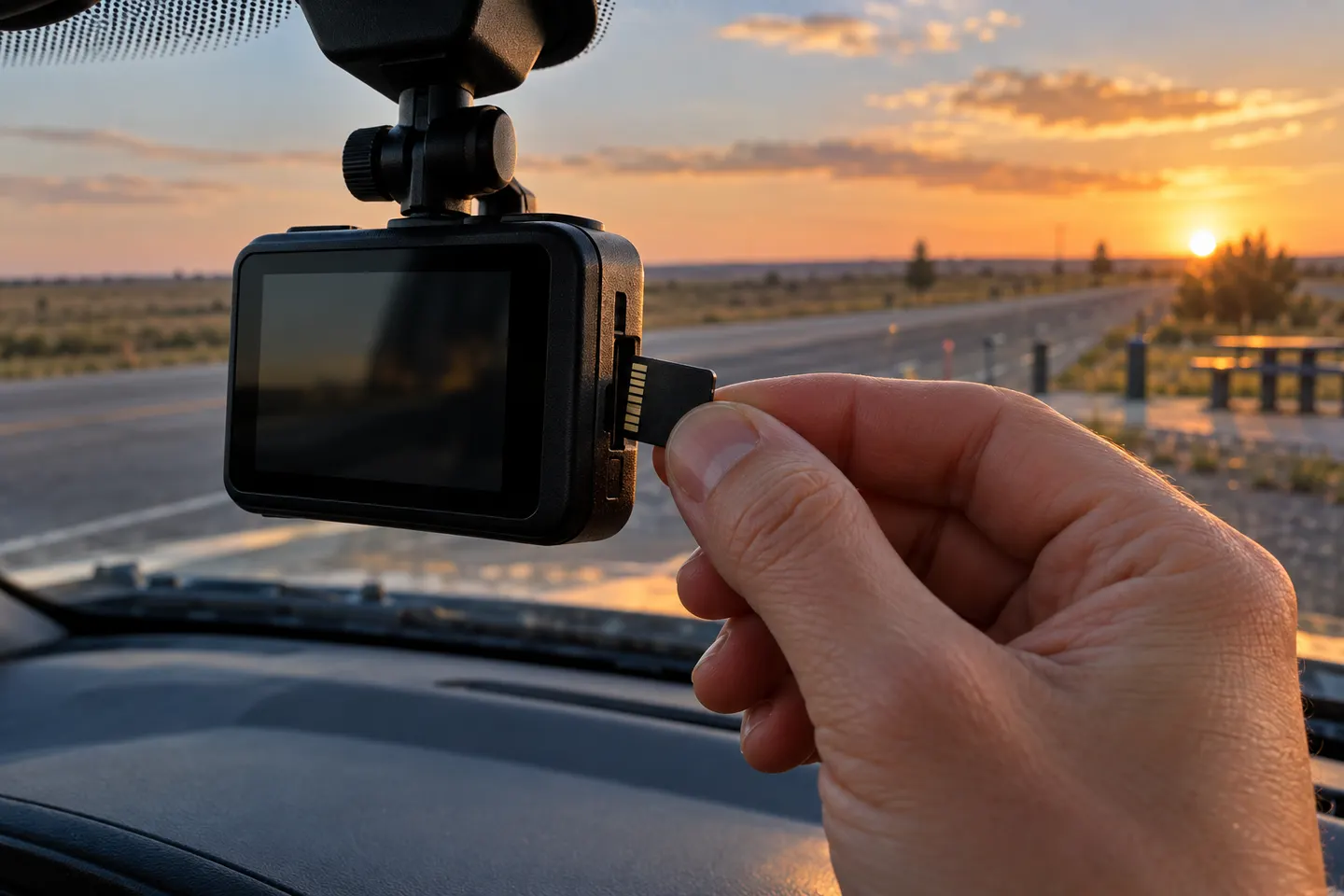 What Is Dash Cam Loop Recording and How Does It…
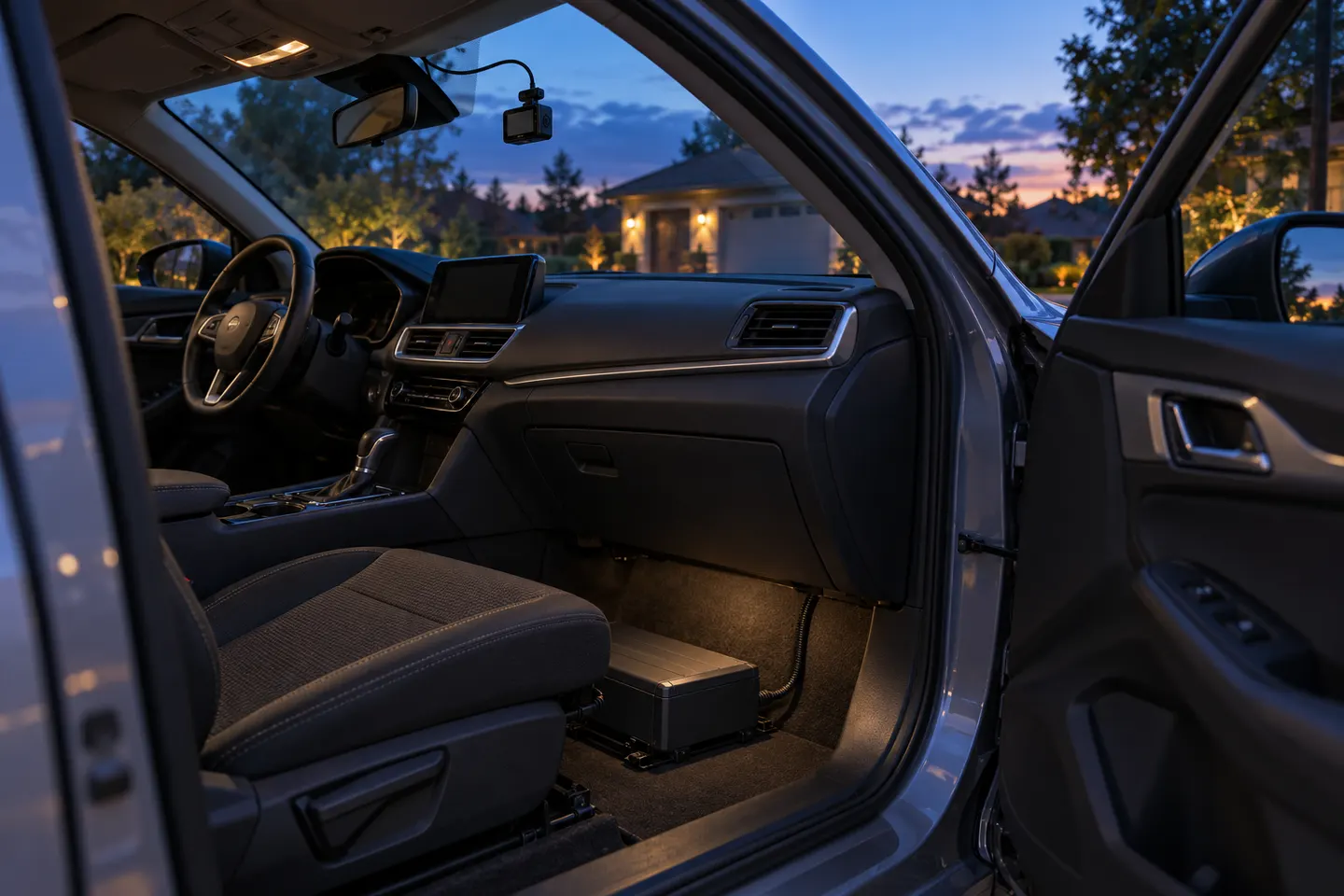 How to Keep a Dash Cam Recording When the Car Is Off
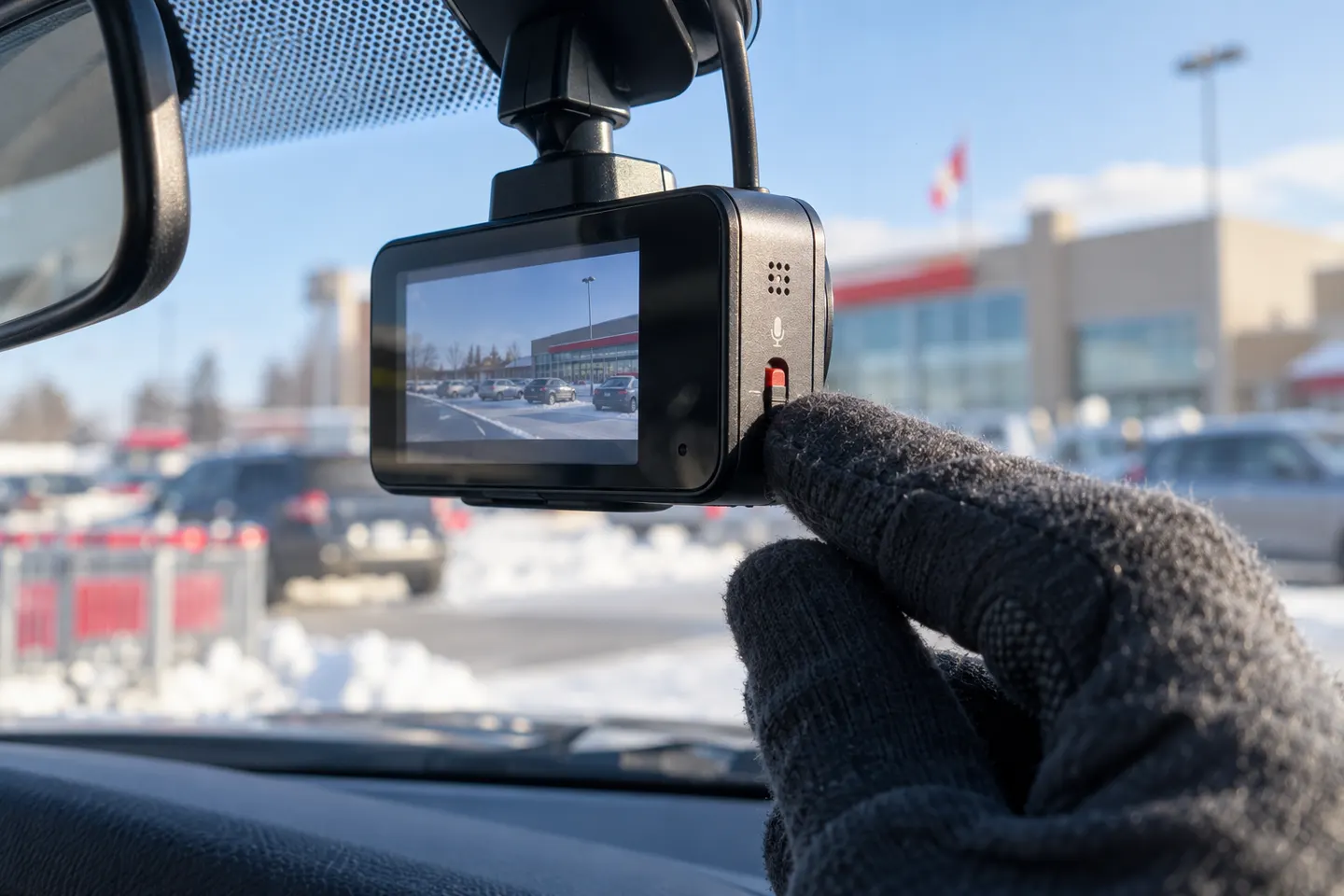 Does a Dashcam Record Audio Inside the Car?
More topics
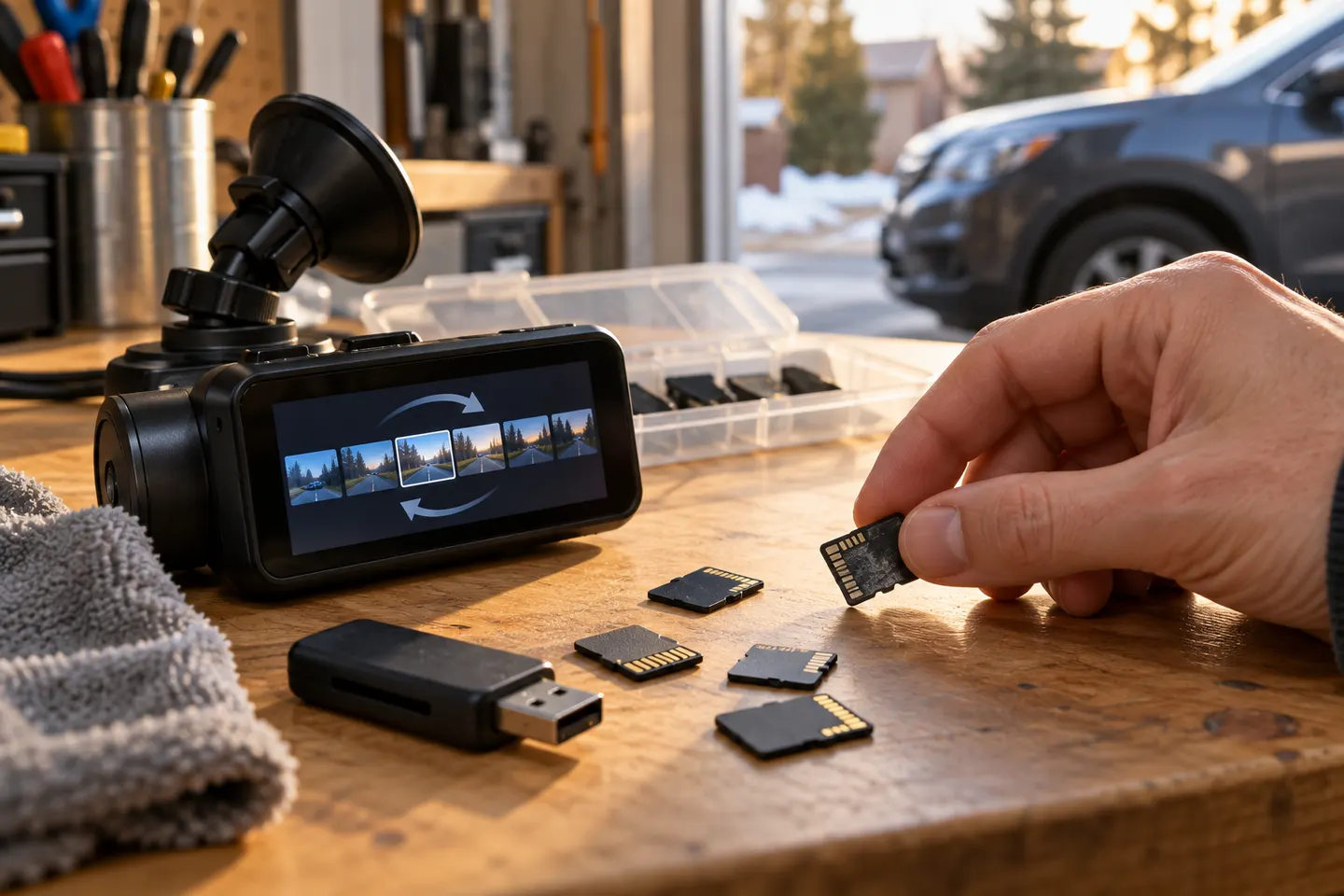 Dash Cams With Loop Recording
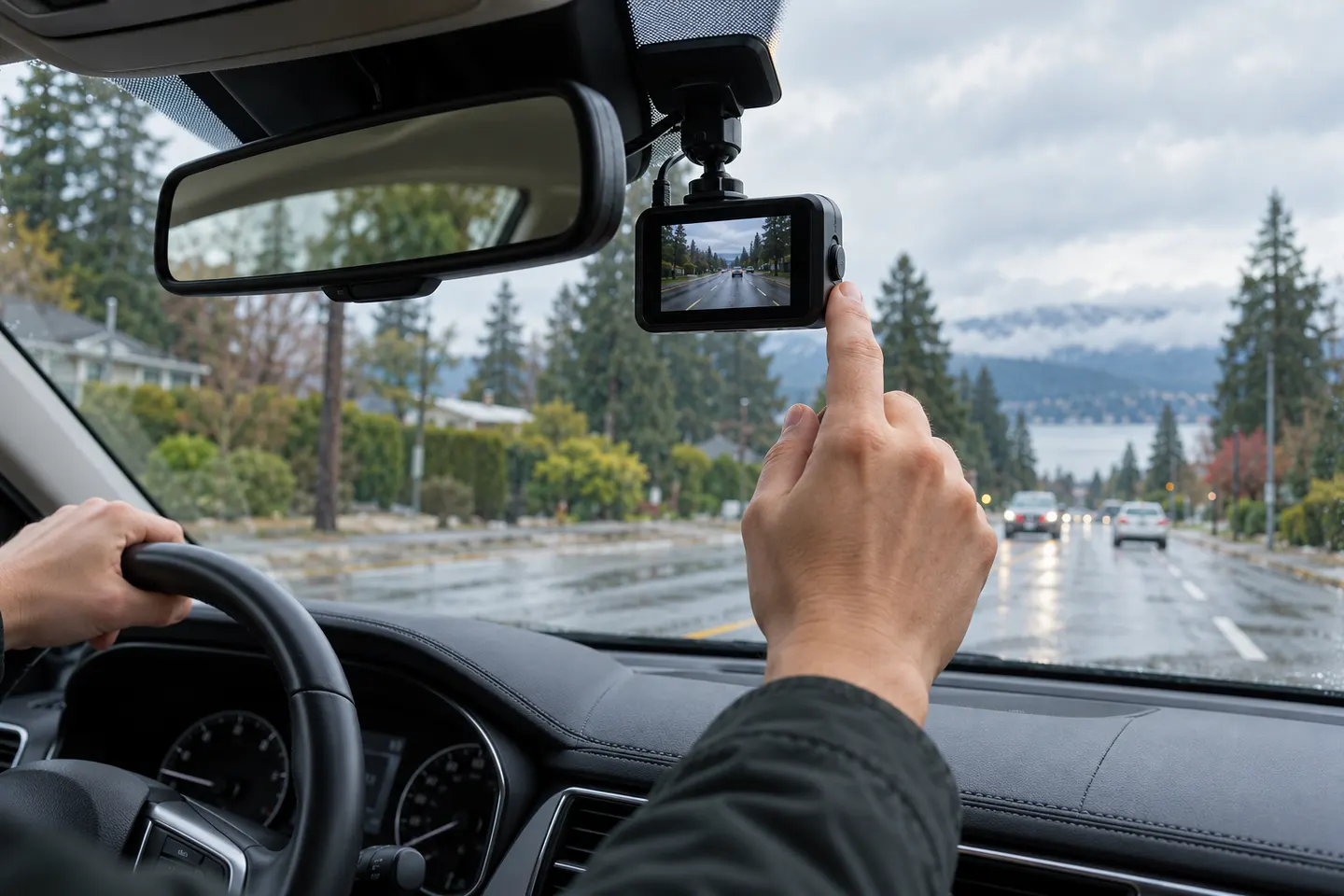 Recording Car Cameras
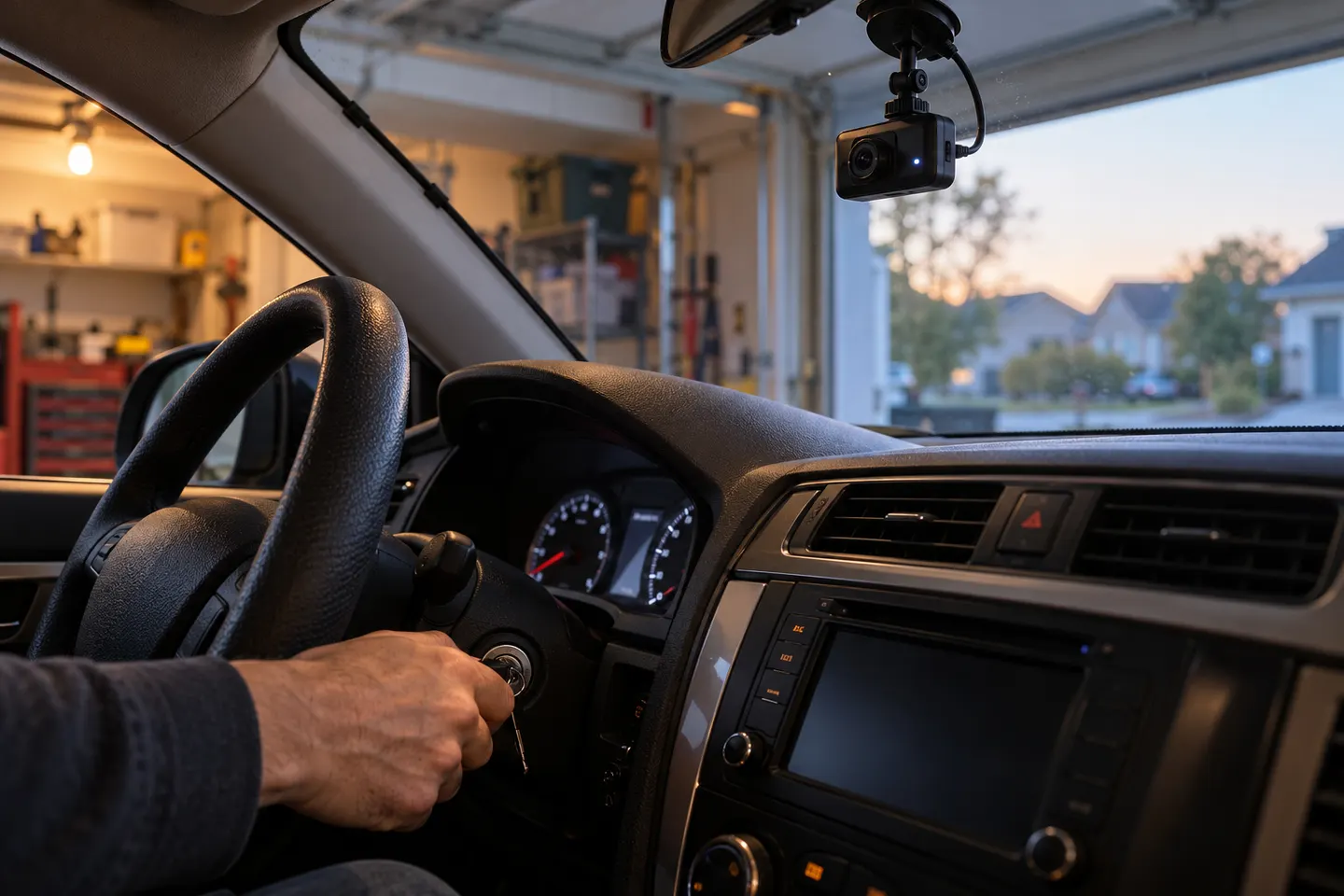 How Dash Cam Automatic Recording Works
Common questions
Questions before you buy
Do dash cams record sound inside the car?
Many do when their microphone is enabled. Check the on-screen icon or status light because default settings differ.
Is dash-cam audio legal in every state?
No single answer covers every situation. State consent laws and the circumstances of the conversation can change what is permitted.
Can I turn off audio on a dash cam?
Most audio-capable models offer a menu option or physical button, but confirm the control and saved setting for the exact model.
Should rideshare drivers record audio?
Consider local consent law, platform rules, passenger notice, and whether video alone meets the purpose. Seek legal advice for a business-specific decision.