









 Official manufacturer image
Our picks
Top picks
Official manufacturer image Official manufacturer image
Garmin Dash Cam Mini 3
Check price on Amazon Official manufacturer image
Garmin Dash Cam X310
Check price on AmazonBy vehicle
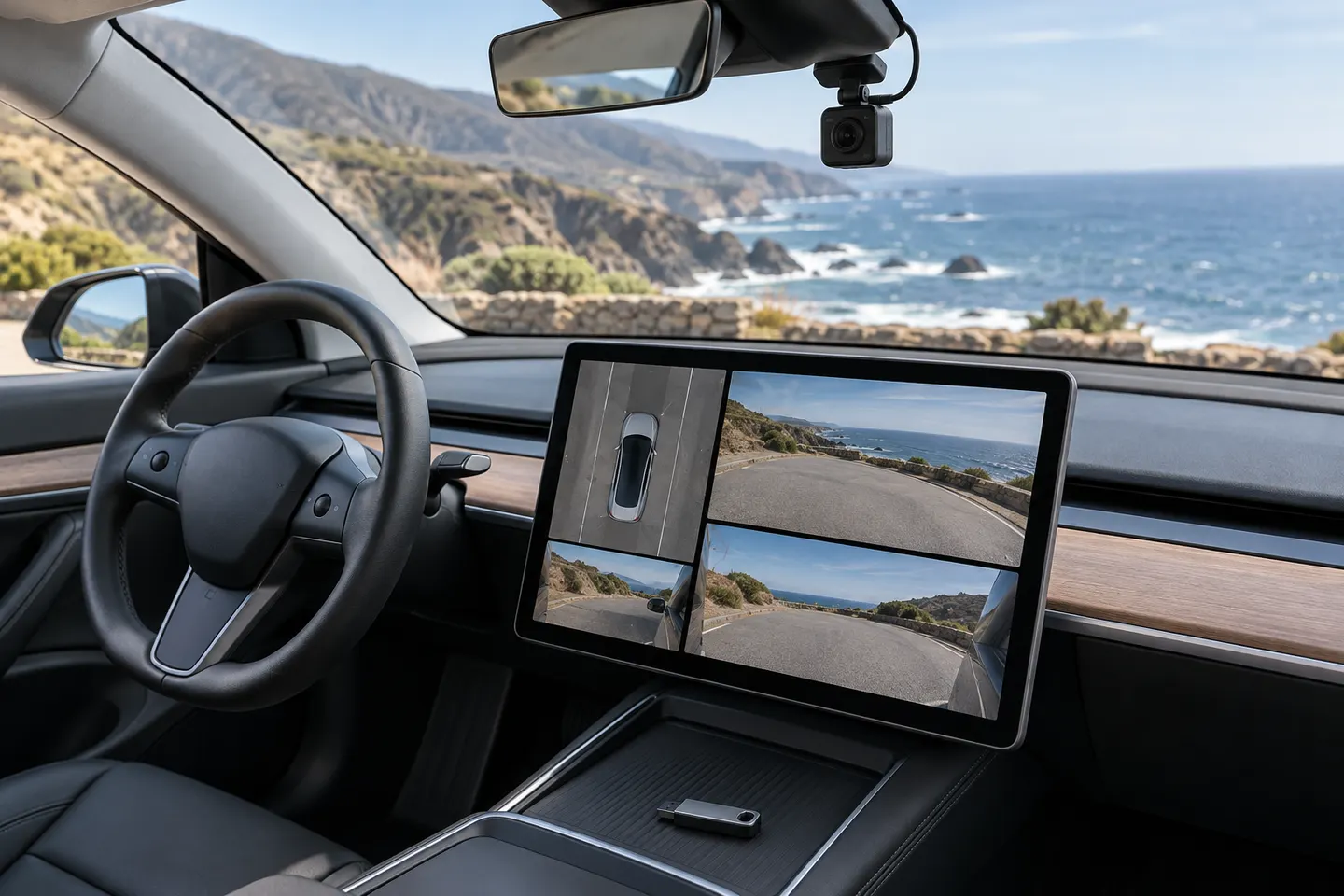 Tesla
By feature
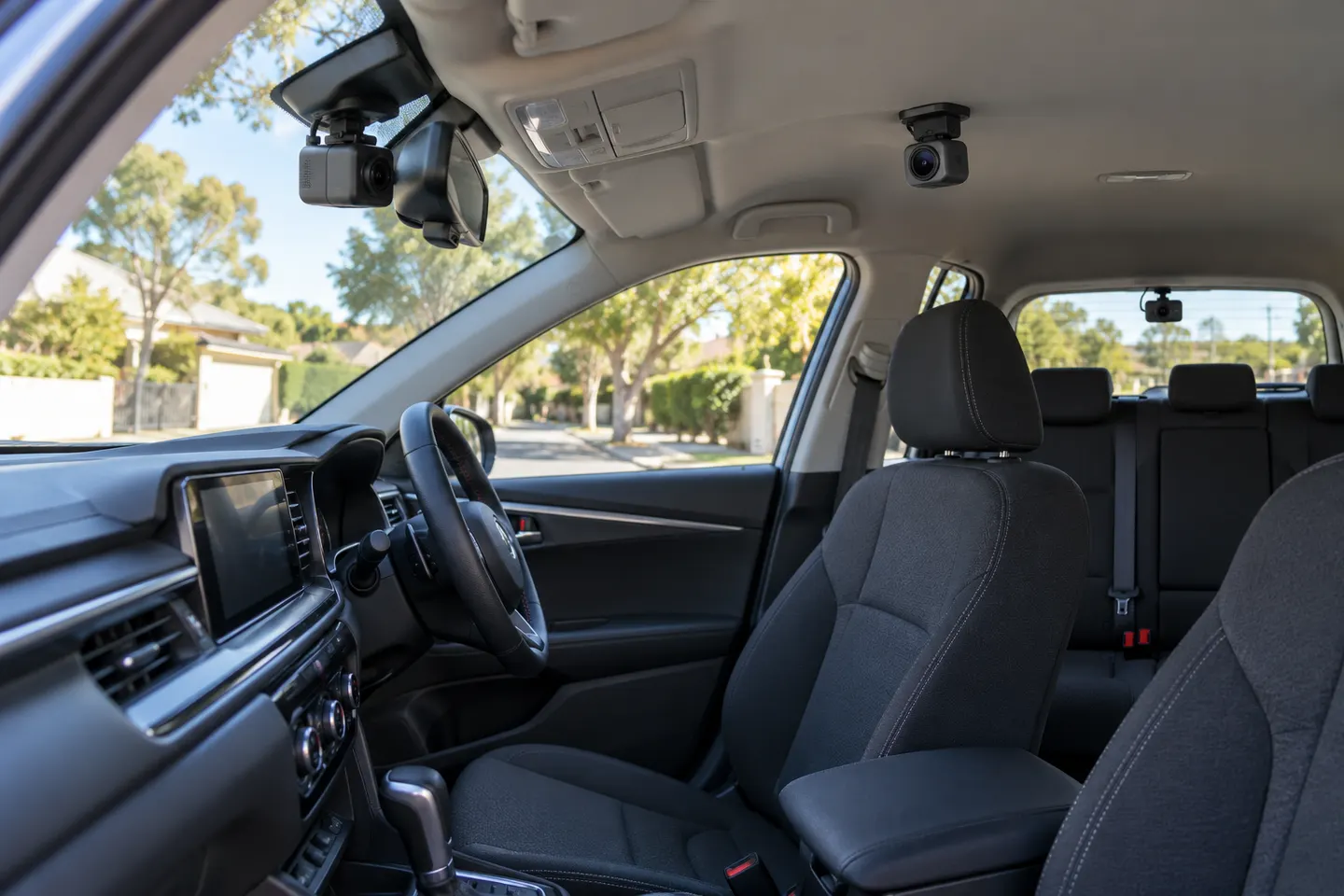 3 channel
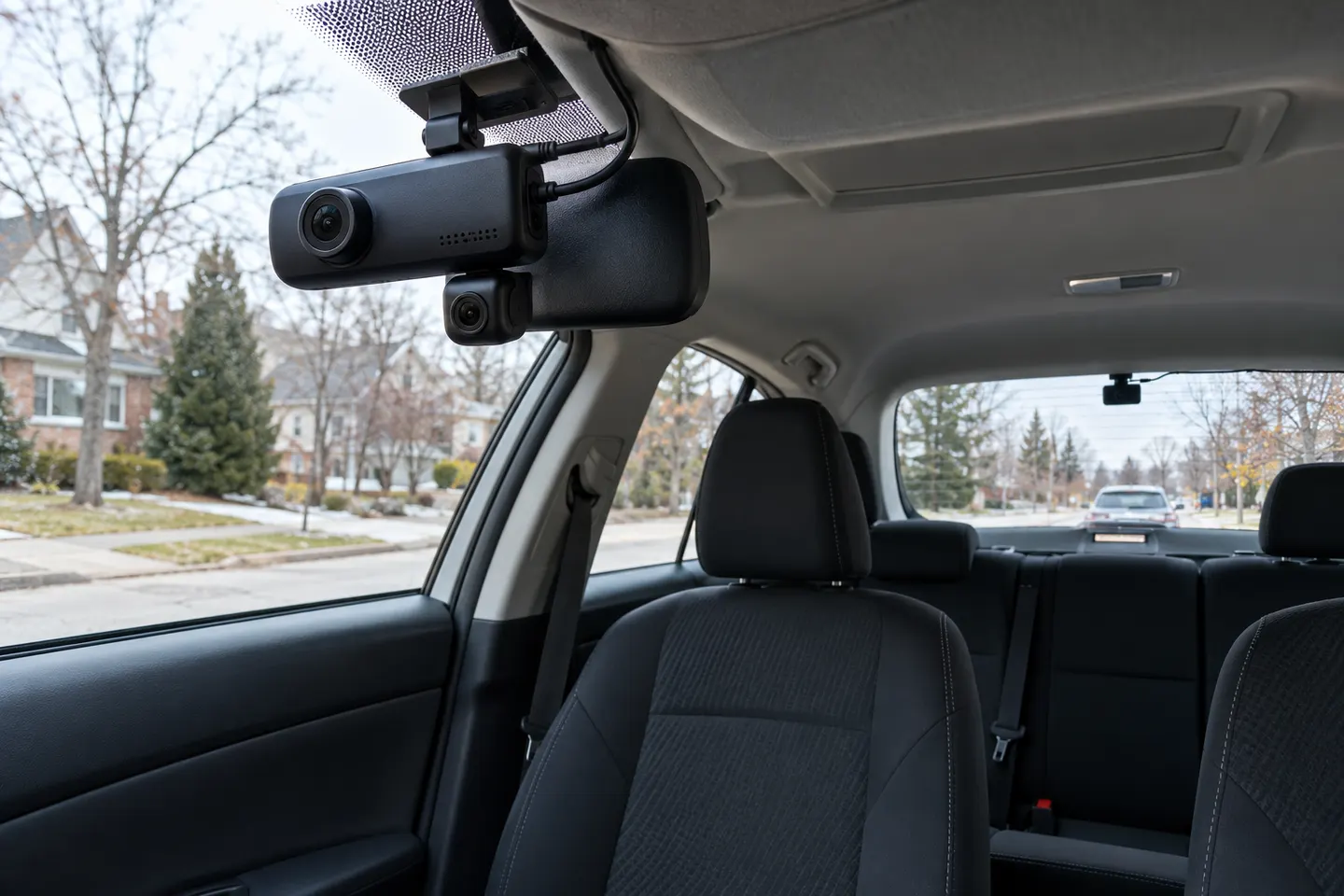 3 channel 4k
Installation and accessories
More topics
Common questions
Questions before you buy
Where is the Tesla Model 3 dashcam USB port?
On an equipped Model 3, it is the USB-A data port inside the glovebox. Earlier or differently configured cars may use a data-capable front center-console port.
Can I use the Tesla Model 3 center-console USB port for Dashcam?
Only if that port supports data. Tesla notes that some center-console ports in vehicles built after approximately November 1, 2021 may provide charging only.
Can Tesla Dashcam use a rear USB port?
No. Tesla's manual says rear USB ports are for charging devices and should not be used for recording storage.
How do I know the Model 3 recognizes the USB drive?
After insertion, wait a few seconds and check that the Dashcam and Sentry Mode icons are available in Controls. If they are missing, check the port, formatting and drive requirements.