









 Official manufacturer image
Our picks
Top picks
Official manufacturer image Official manufacturer image
Garmin Dash Cam Mini 3
Check price on Amazon Official manufacturer image
Garmin Dash Cam X310
Check price on AmazonBy feature
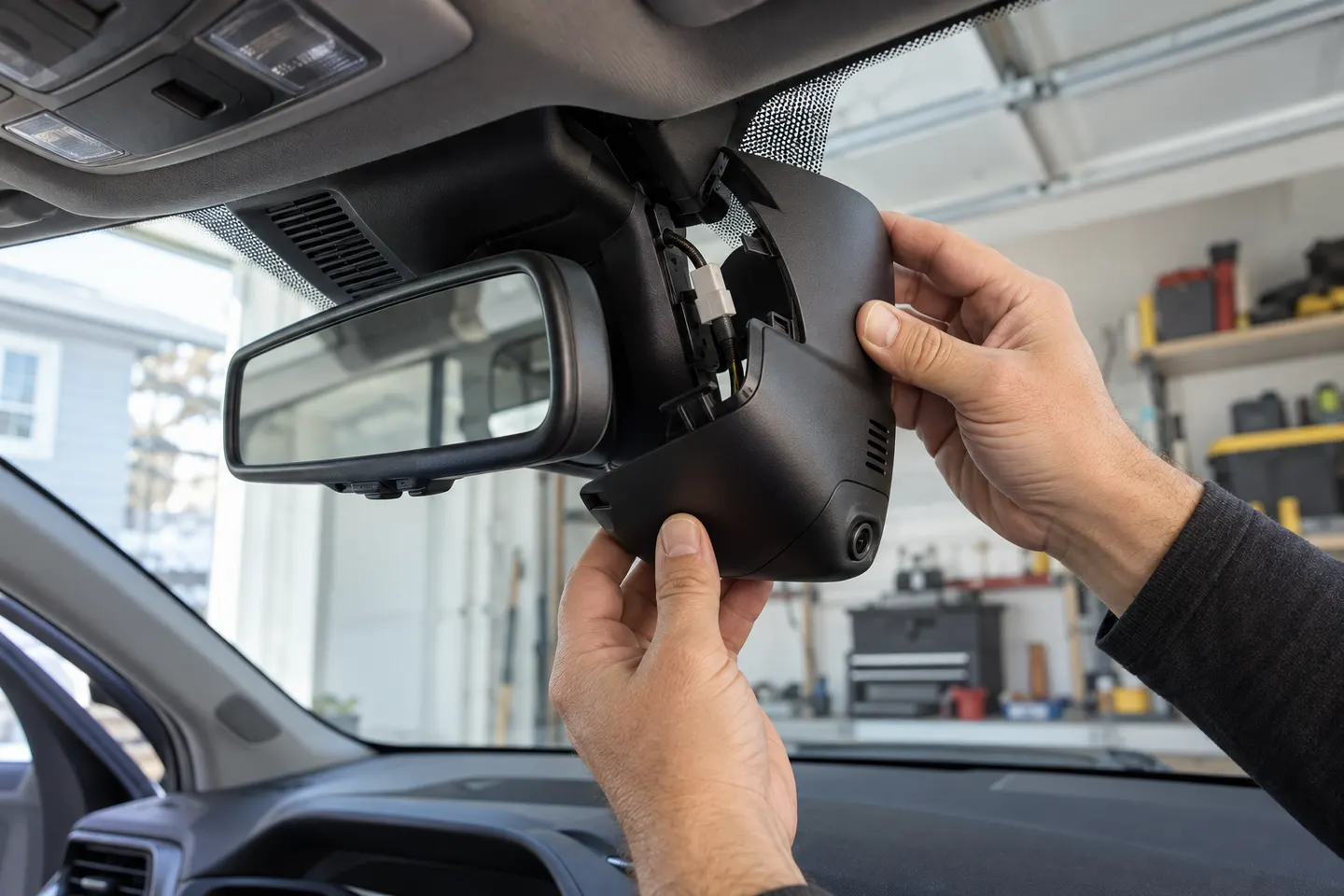
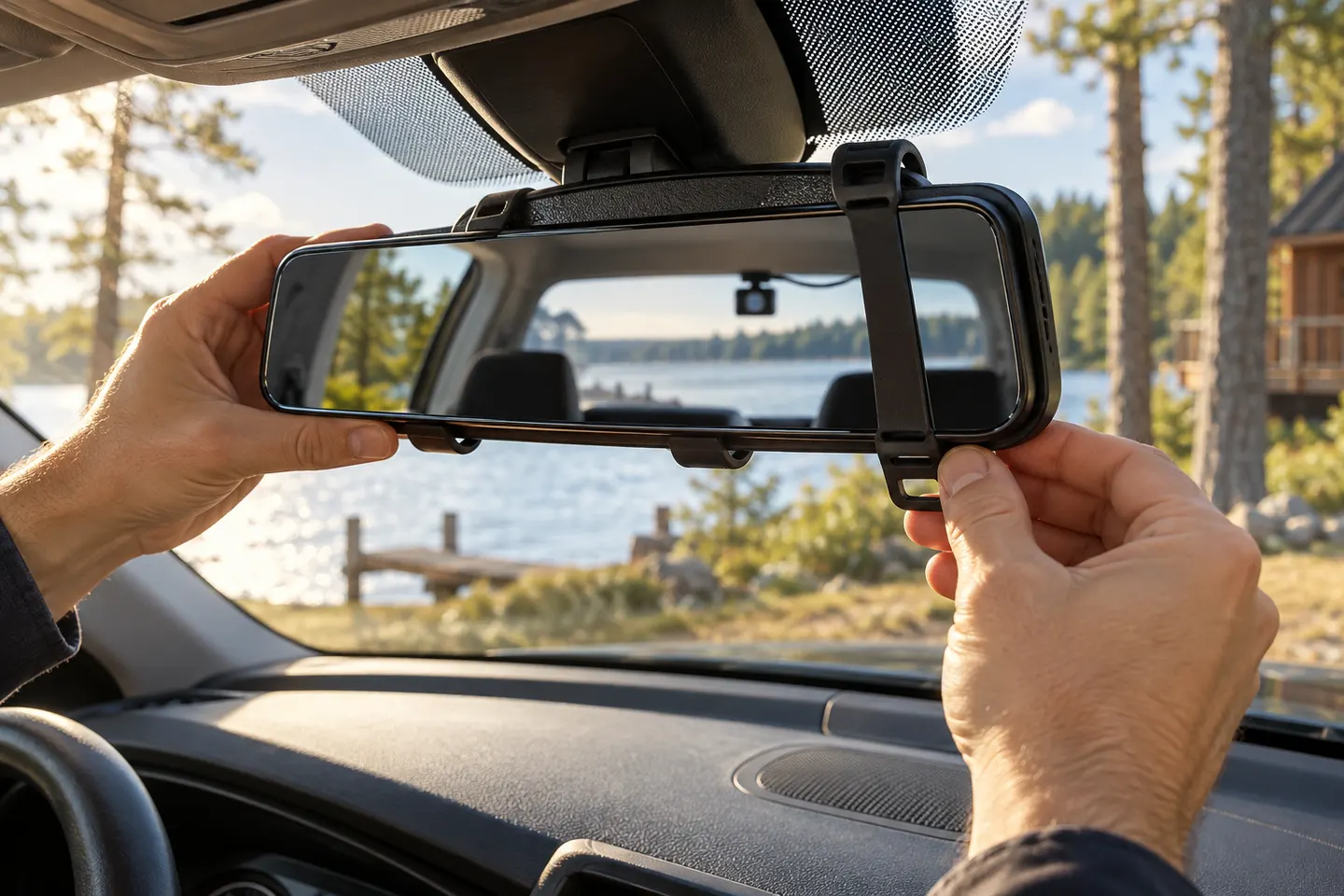 Rear view mirror
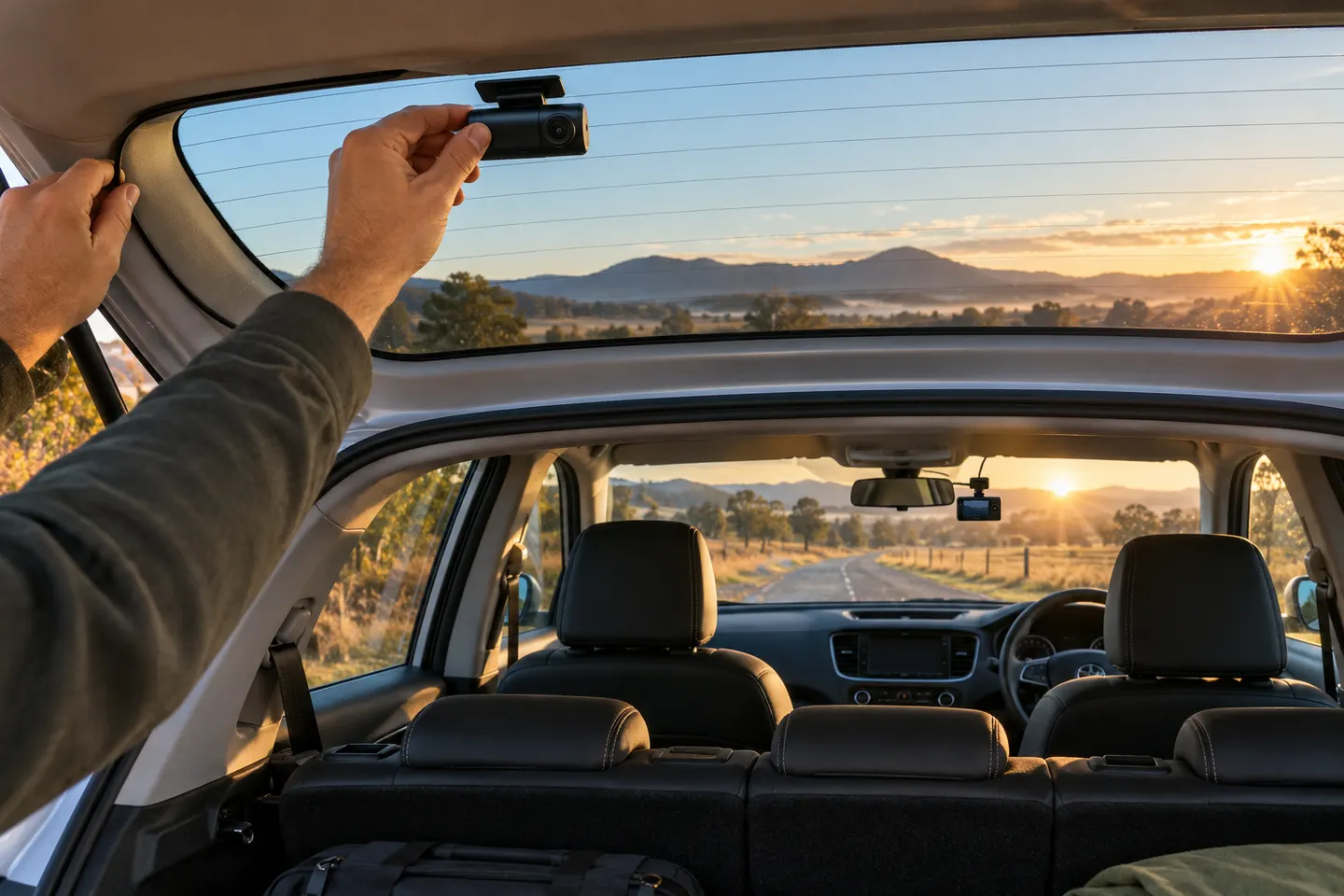 Dual
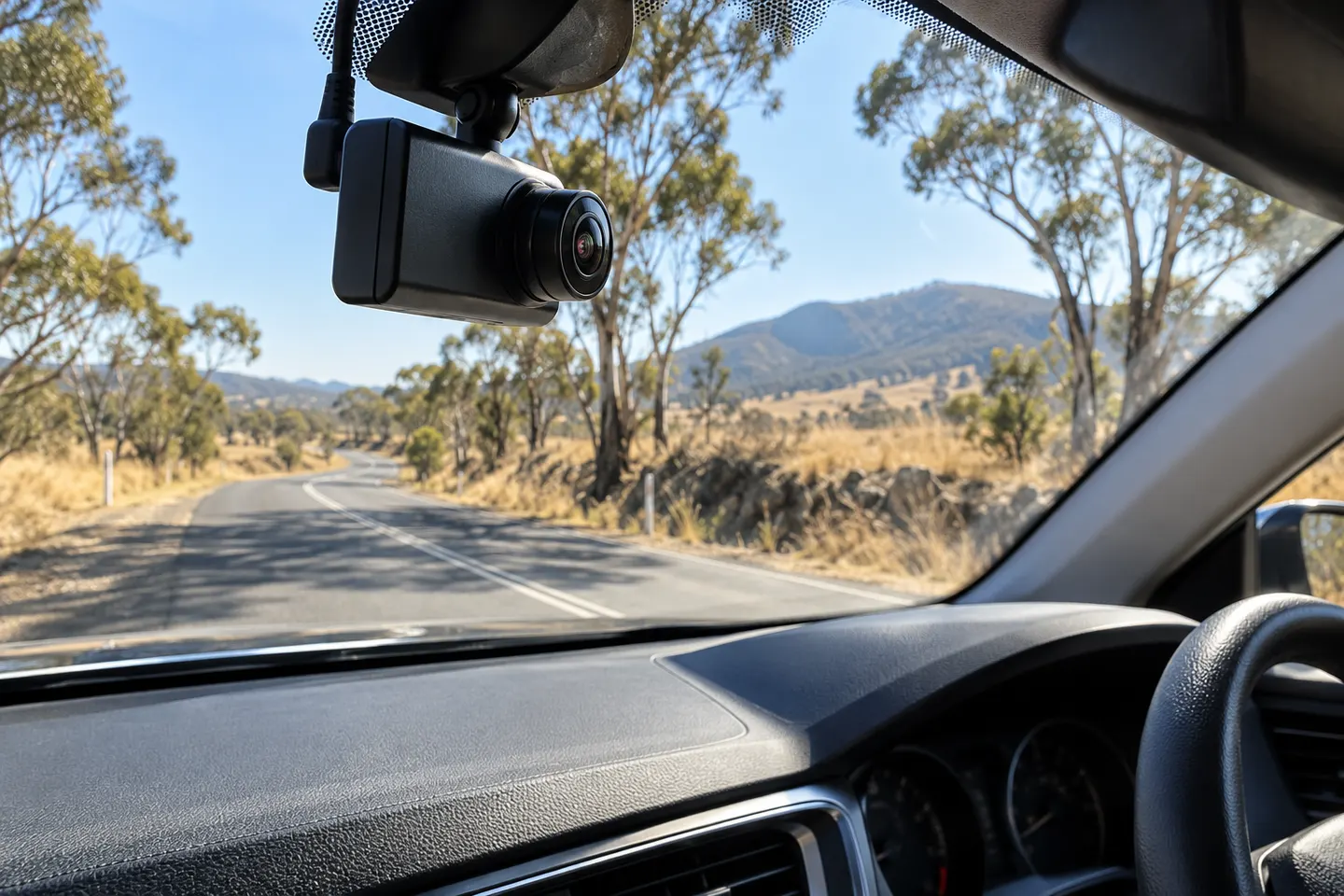 4k
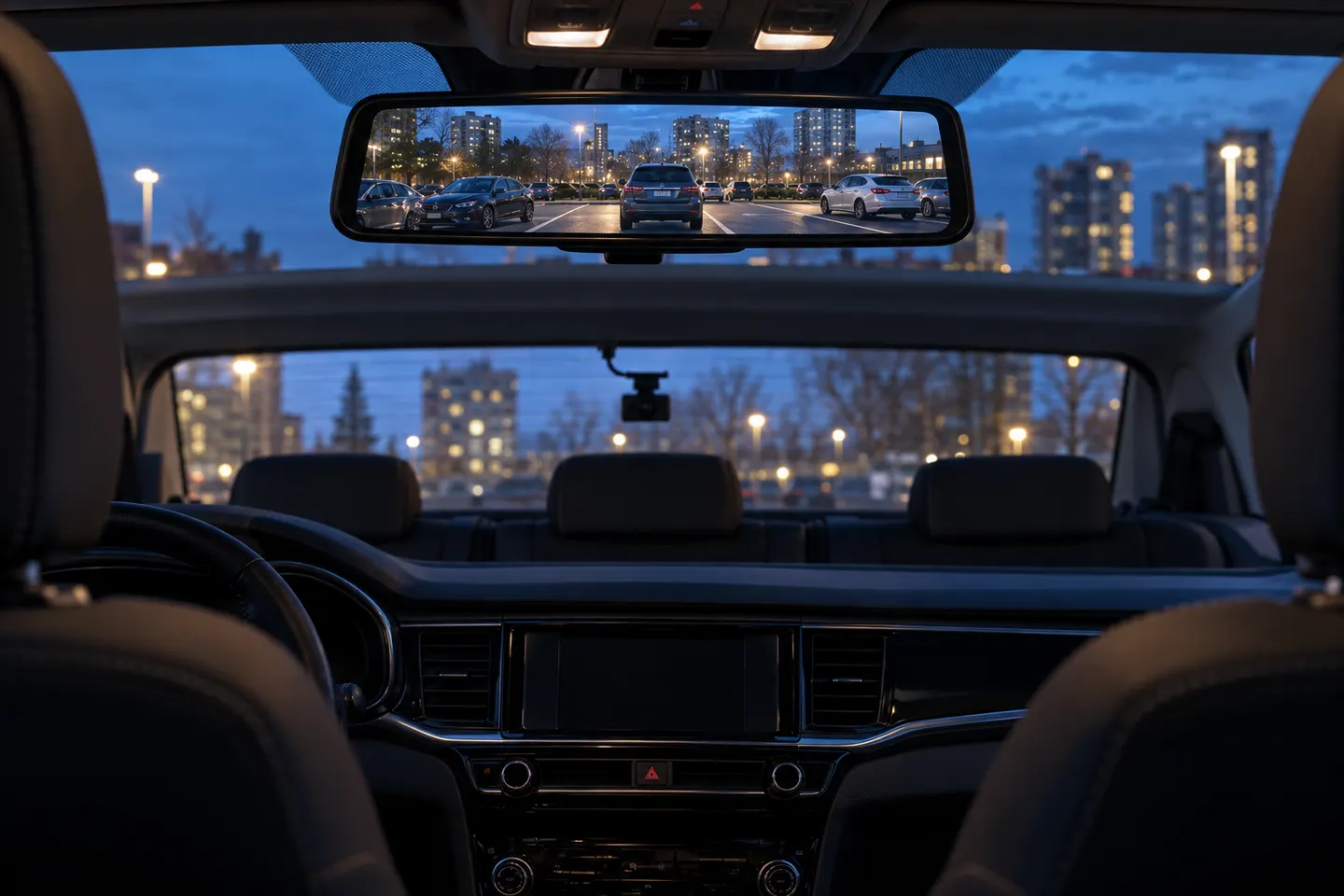 Rear view
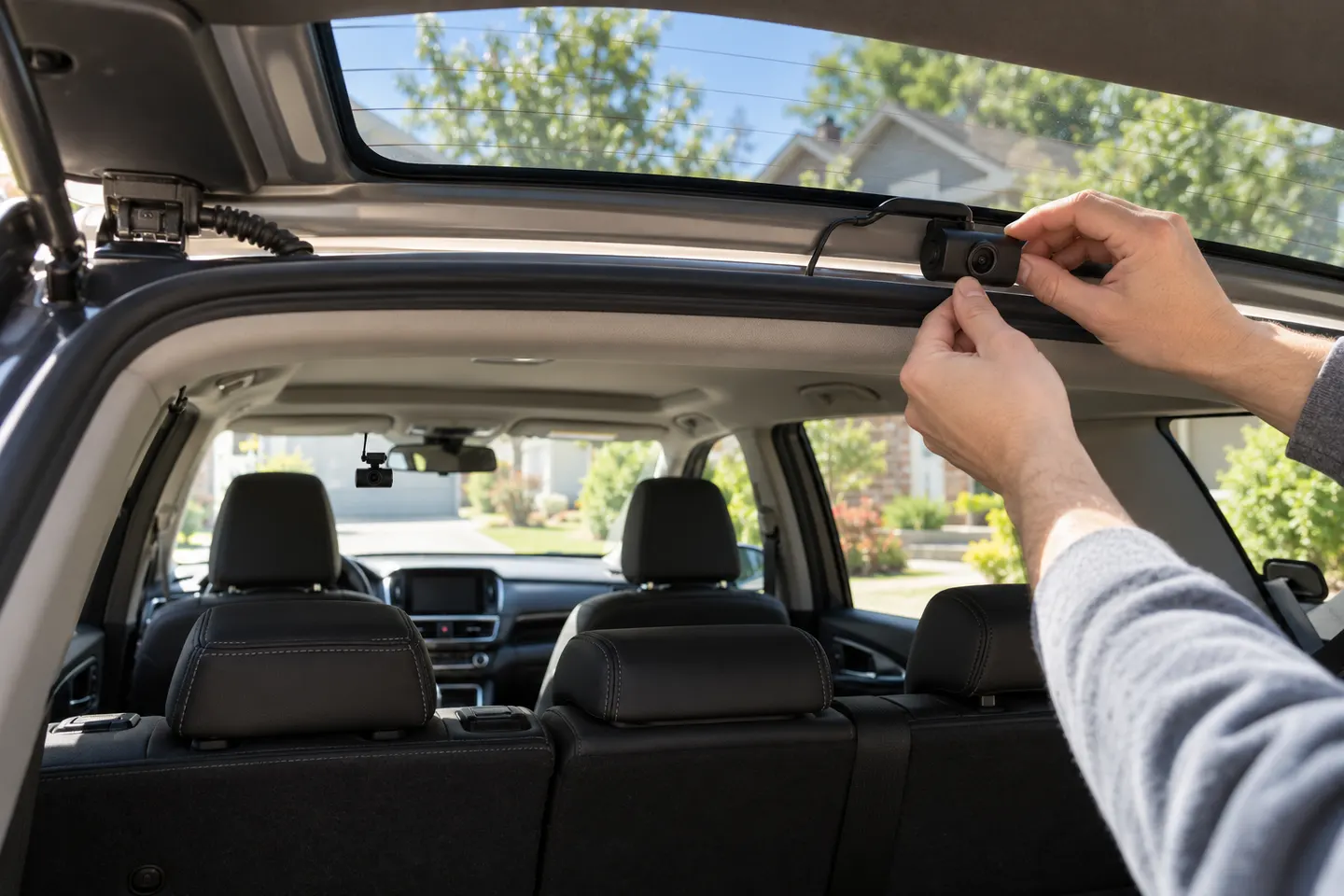 Dual channel
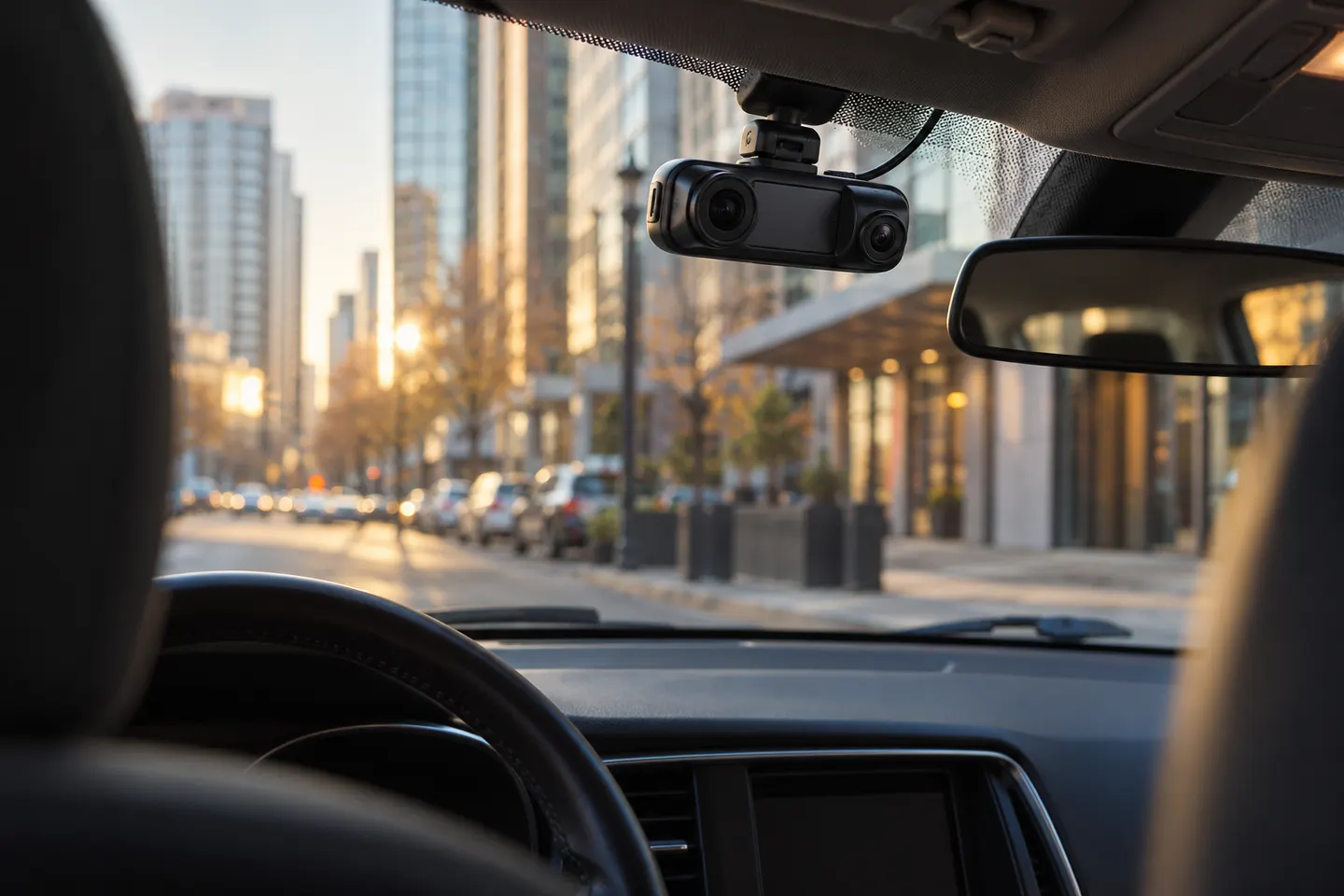 Dual lens
 Fitcamx 4k
Common questions
Questions before you buy
Which TYPE S Dual View 4K model do I have?
Find the model or item number on the camera, box or app and match it to the TYPE S support page. Do not rely only on the words Dual View 4K.
Does TYPE S Dual View record inside the car?
Dual View models pair a road-facing view with a cabin-facing camera, but cabin specifications vary by model. Check the exact support entry.
Does the TYPE S Dual View 4K need a memory card?
Recording depends on compatible storage. Confirm whether a card is included and the supported type and capacity in the manual for your model.
Can TYPE S Dual View record while parked?
Parking features and their power requirements differ between versions. Use only the supported installation method and verify battery-protection behavior.