Independent buying guidance · US editionHow we work
Gearjury
All categories
All categories
Best picksGood Meat Thermometers for Every Kind of Cook
Best picksBest WiFi Extenders: Which Range Extender Should You Buy?
Best picksBest Dash Cams for Cars in 2026
Best picksBest Radar Detectors for Cars: Models Compared
Best picksGood Winter Gloves for Cold Weather: Five Useful Picks
Best picksBest Headlamps: Six Lights Compared for Different Uses
Best picksBest Portable Air Coolers for Patios, Workshops and Small Spaces (2026)
Best picksTop 10 Best Battery-Powered Weed Eaters for Different Yards
Best picksBest Air Purifier for Bedroom in the US: Quiet Models Compared
United StatesEnglish

Category hub

How to Use an iPhone as a Dashcam Safely

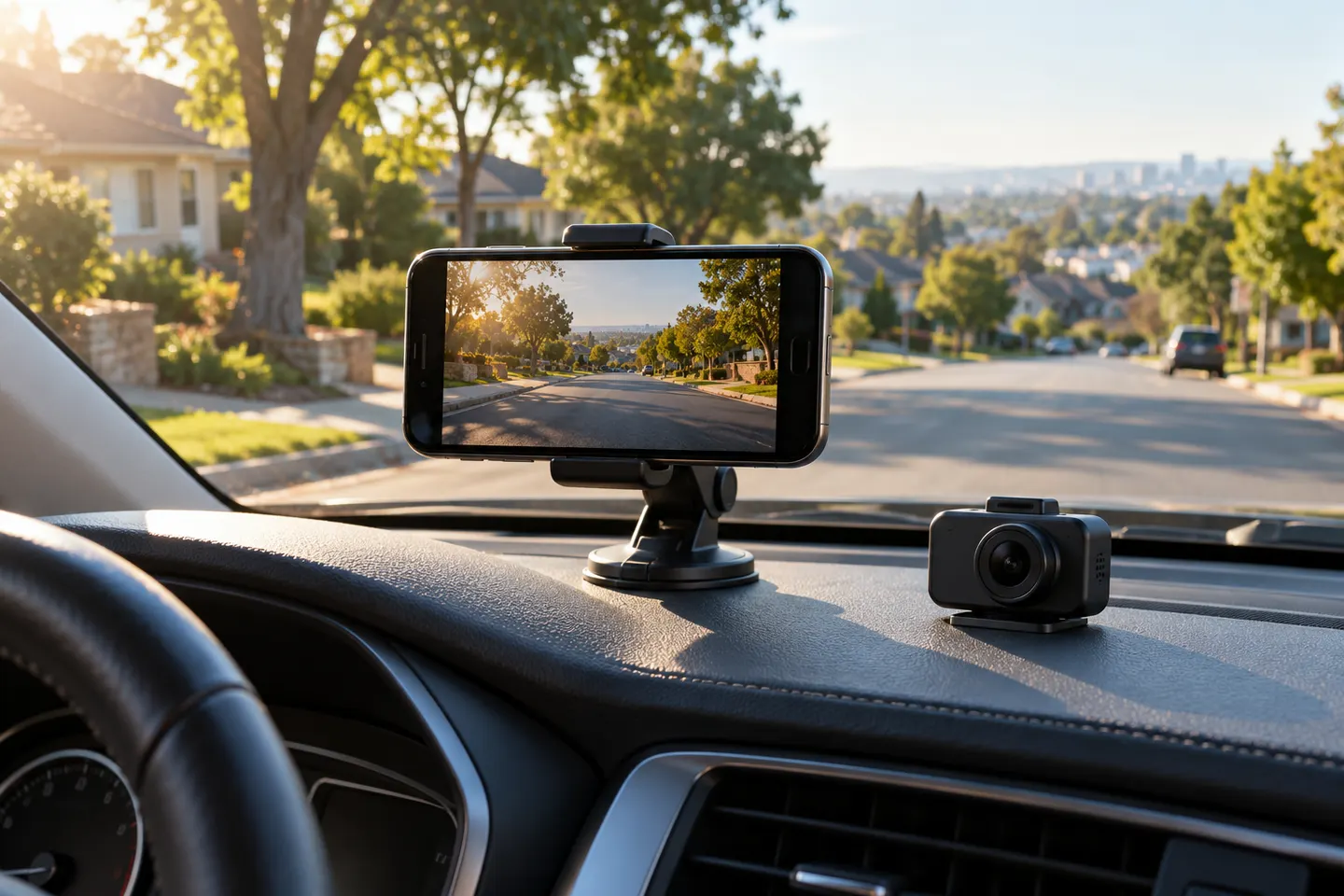
An iPhone can record a trip in a pinch, but it is not a direct substitute for a dedicated dash cam. A legal, secure mount and heat management matter as much as the recording app.

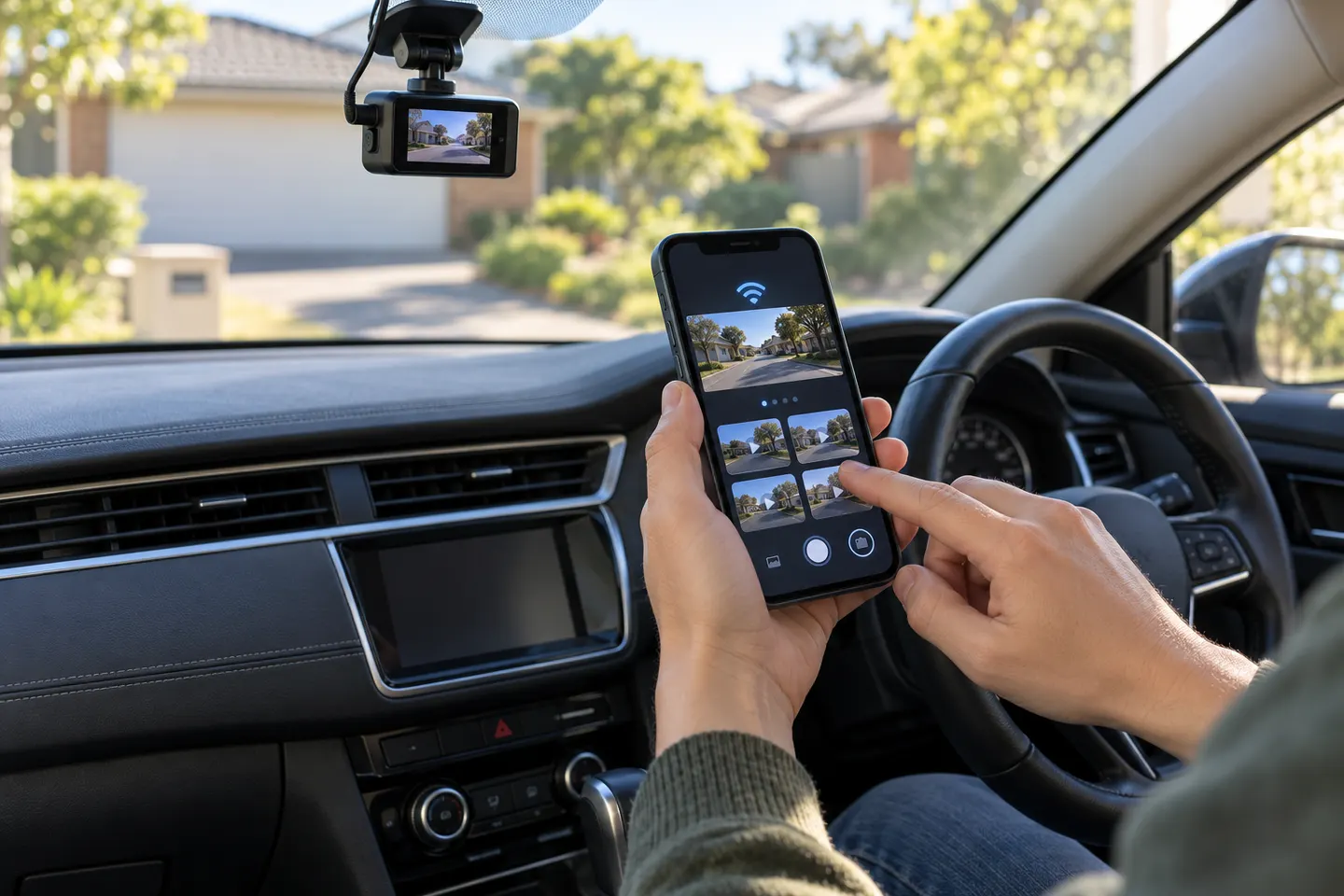
You can use an iPhone as a dashcam for occasional recording, provided it is mounted securely, does not obstruct your view and can run without overheating. Start the app before moving and never touch the phone while driving.

Start here

The essentials

Can You Use a GoPro as a Dashcam?

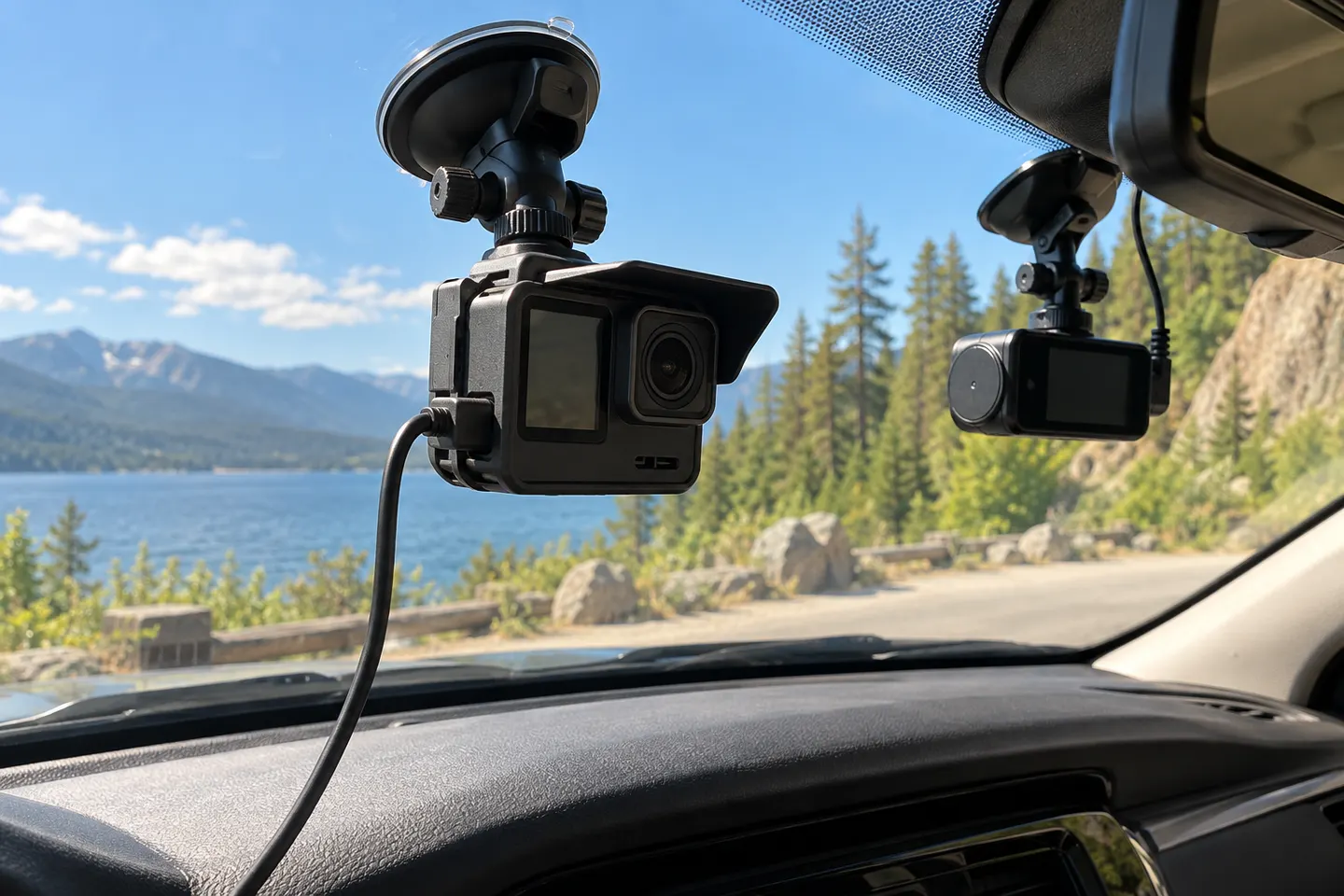
Yes, some GoPro models can record a drive in looping mode. They are best for occasional use because a dedicated dash cam normally handles automatic startup, heat and parking coverage more conveniently.

How-to guides

1

More topics

6
Show all (6)

Common questions

Questions before you buy

Can I legally use an iPhone as a dashcam?

Rules vary by state. The mount must not violate windshield-obstruction or distracted-driving laws, and recording passengers or audio may raise separate consent issues.

Will recording video damage my iPhone battery?

Long recording sessions combine camera use, processing and charging, which can create heat. Apple advises that excessive temperatures can temporarily disable features and shorten battery lifespan.

What happens when iPhone storage fills during a drive?

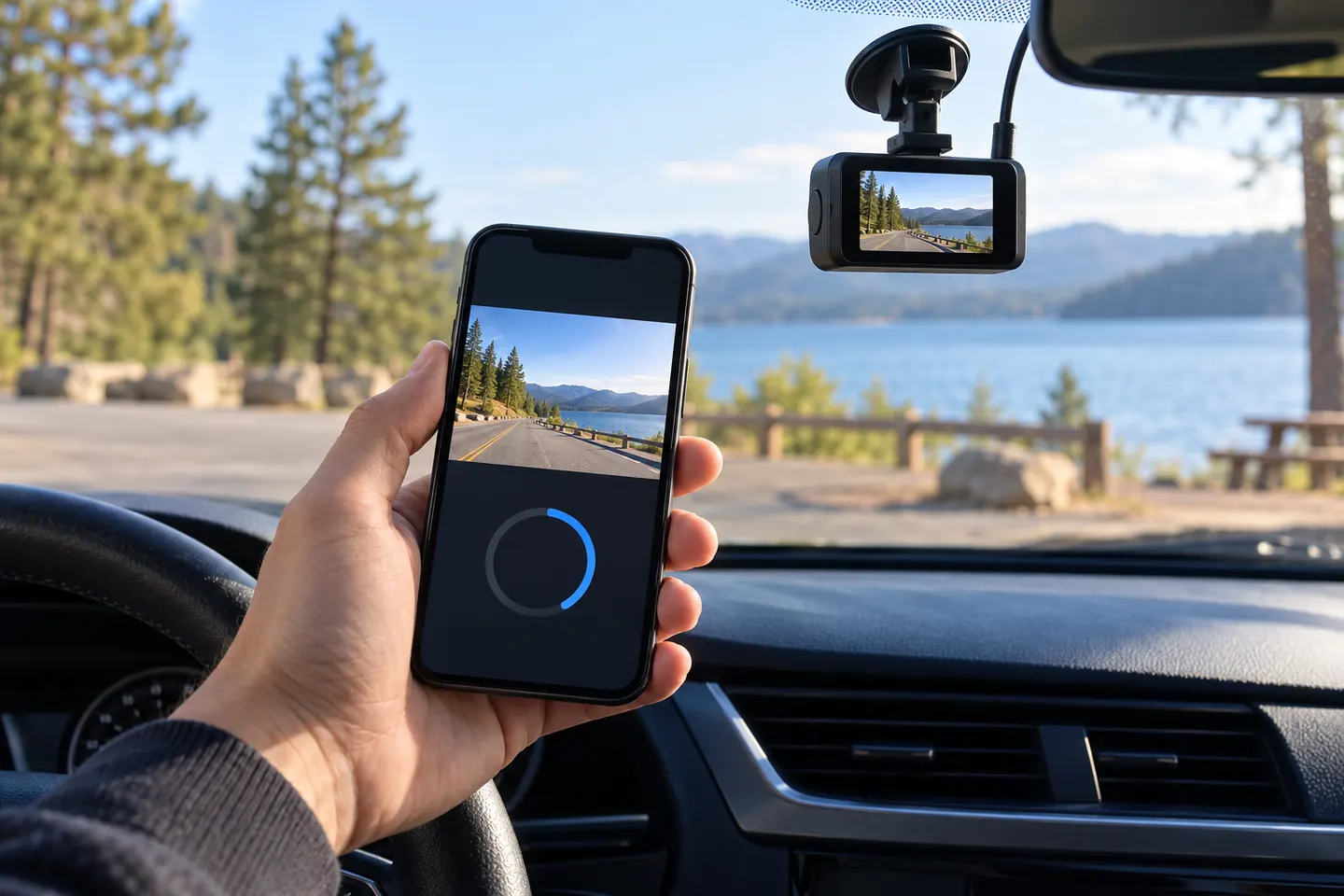
That depends on the app. Choose one with documented loop recording, set a sensible storage allowance and confirm before departure that recording has started.

Is an iPhone as reliable as a dedicated dash cam?

Usually not for set-and-forget coverage. Calls, notifications, heat, app behavior and daily mounting make a phone easier to interrupt or forget.