









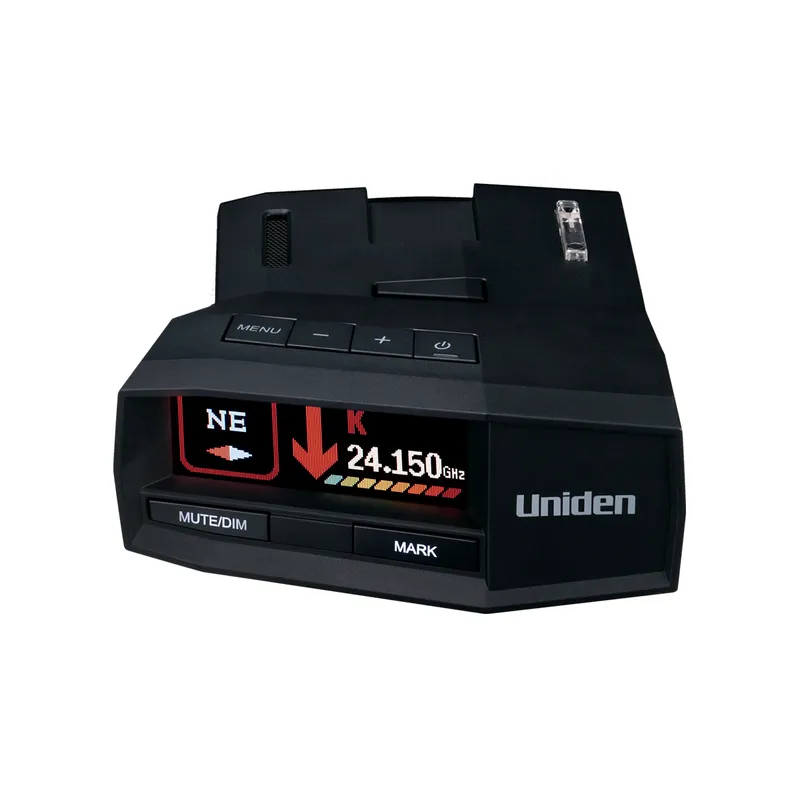
 Official manufacturer image
Our picks
Top picks
Official manufacturer image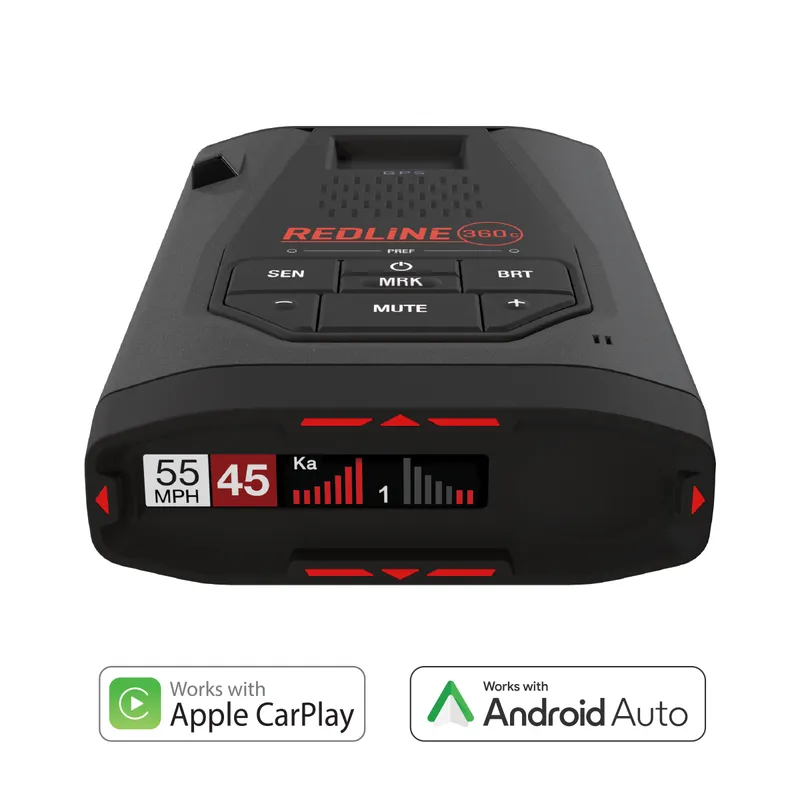 Official manufacturer image
Escort Redline 360c
Check price on Amazon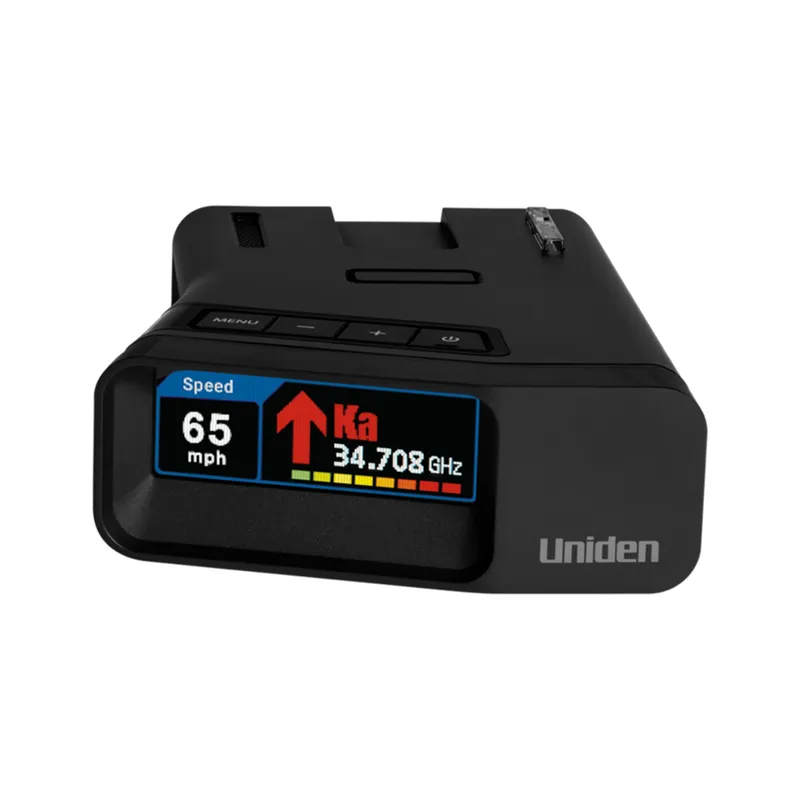 Official manufacturer image
Uniden R7
Check price on AmazonMore topics
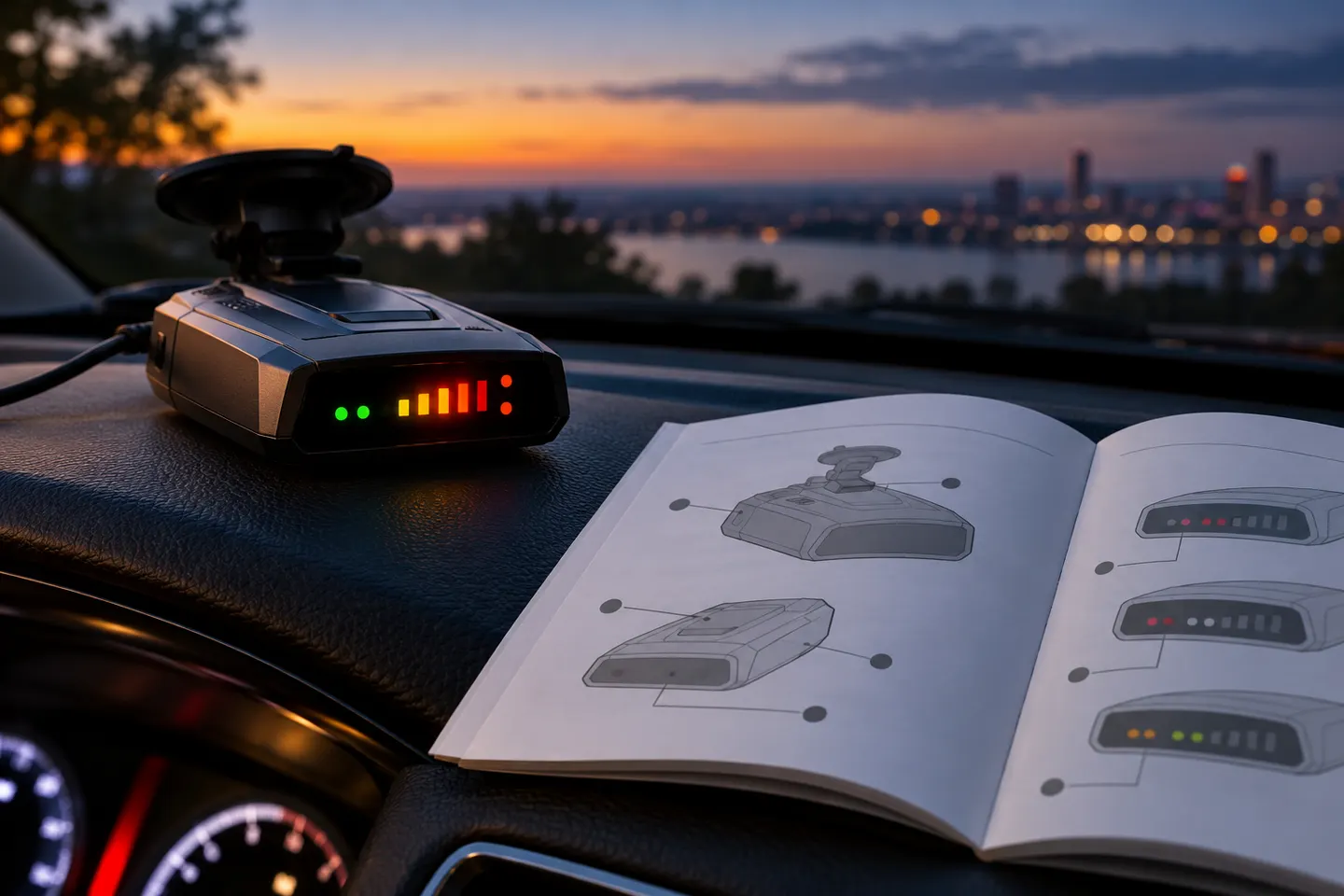 Radar Detector Code Meanings
Common questions
Questions before you buy
What do X, K and Ka mean on a radar detector?
They are labels for radio-frequency bands monitored by the detector. The frequencies and displayed behavior are specified by each manufacturer and can vary by model.
What do the arrows mean on a radar detector?
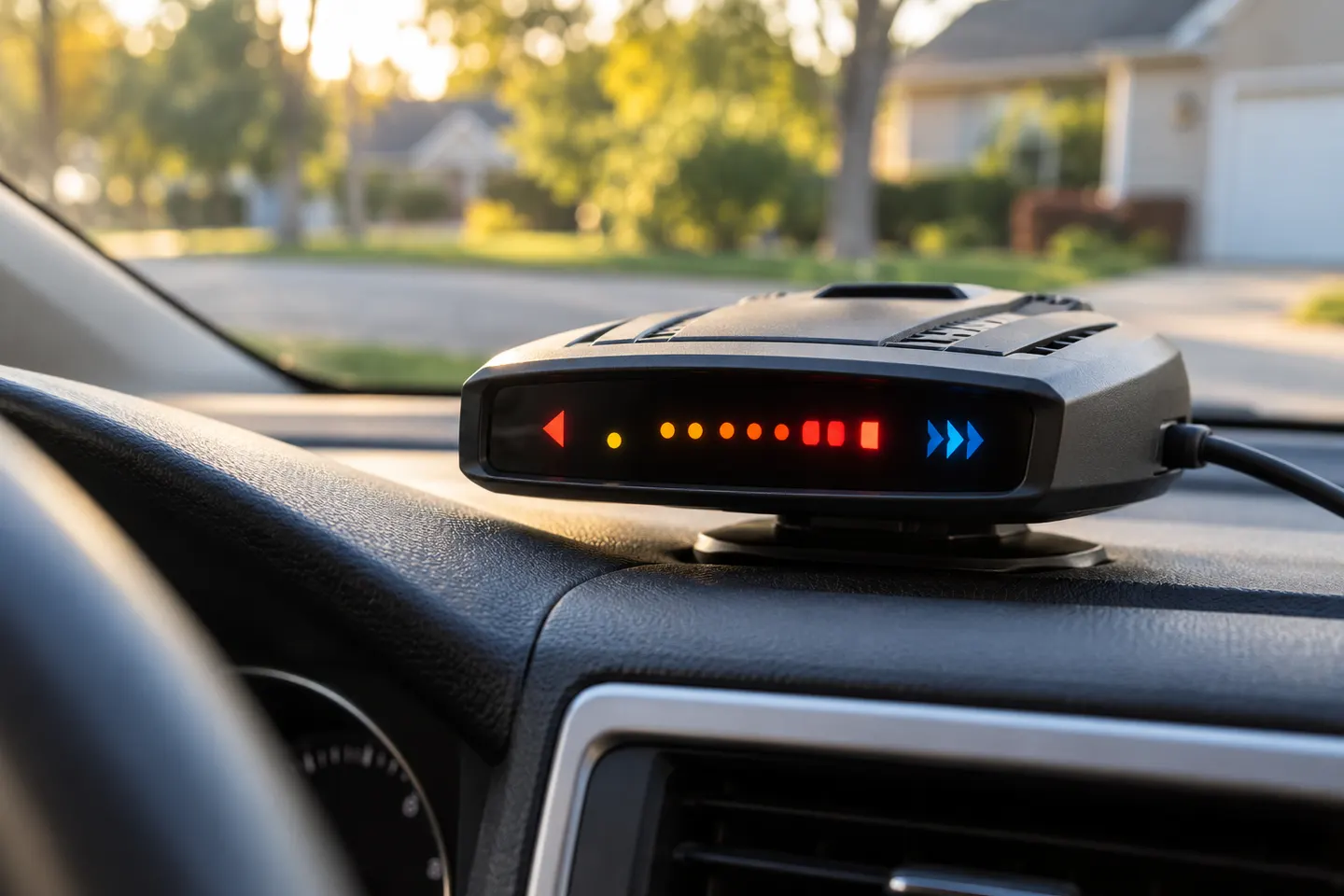
On detectors with directional antennas, arrows can indicate the apparent direction of a detected signal. Consult the manual for how your specific unit determines and displays direction.
What does a signal-strength bar mean?
It indicates a relative signal level as defined by that detector. It should not be treated as a precise distance measurement or proof of the signal’s source.
What does a bogey counter mean?
Some detectors use a counter to show how many signals they are tracking. The manufacturer’s manual explains what counts as a separate signal and how the display behaves.