
Independent buying guidance · US editionHow we work
Gearjury
All categories
All categories
Best picksGood Meat Thermometers for Every Kind of Cook
Best picksBest WiFi Extenders: Which Range Extender Should You Buy?
Best picksBest Dash Cams for Cars in 2026
Best picksBest Radar Detectors for Cars: Models Compared
Best picksGood Winter Gloves for Cold Weather: Five Useful Picks
Best picksBest Headlamps: Six Lights Compared for Different Uses
Best picksTop 10 Best Battery-Powered Weed Eaters for Different Yards
Best picksBest Portable Air Coolers for Patios, Workshops and Small Spaces (2026)
Best picksBest Air Purifier for Bedroom in the US: Quiet Models Compared
United StatesEnglish

Category hub

D-Link WiFi Range Extender Setup: A Model-Specific Guide

D-Link setup steps differ by extender model and firmware. Find the exact model number first, then follow its quick-start guide; use WPS or the web interface only when the manual supports it.

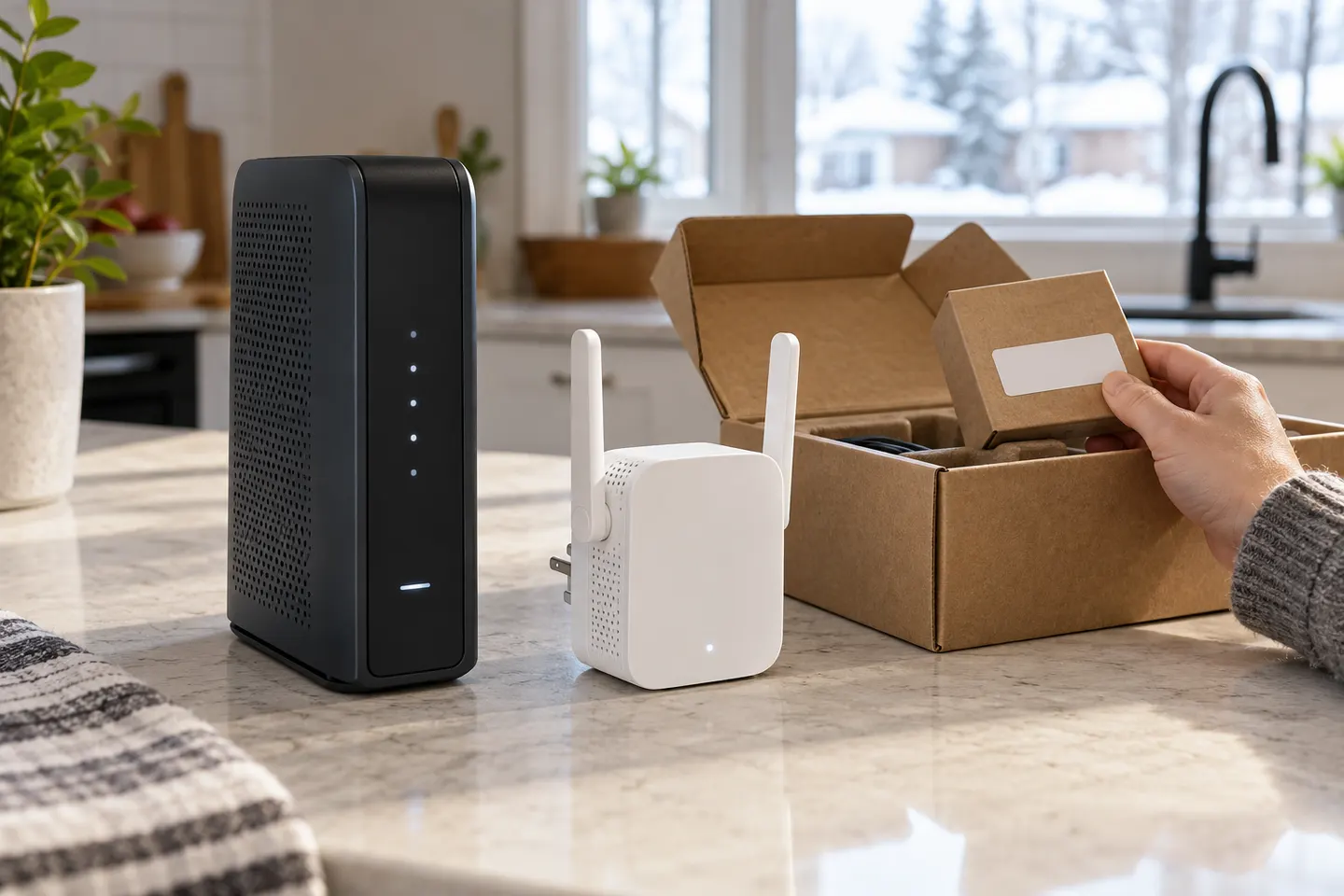
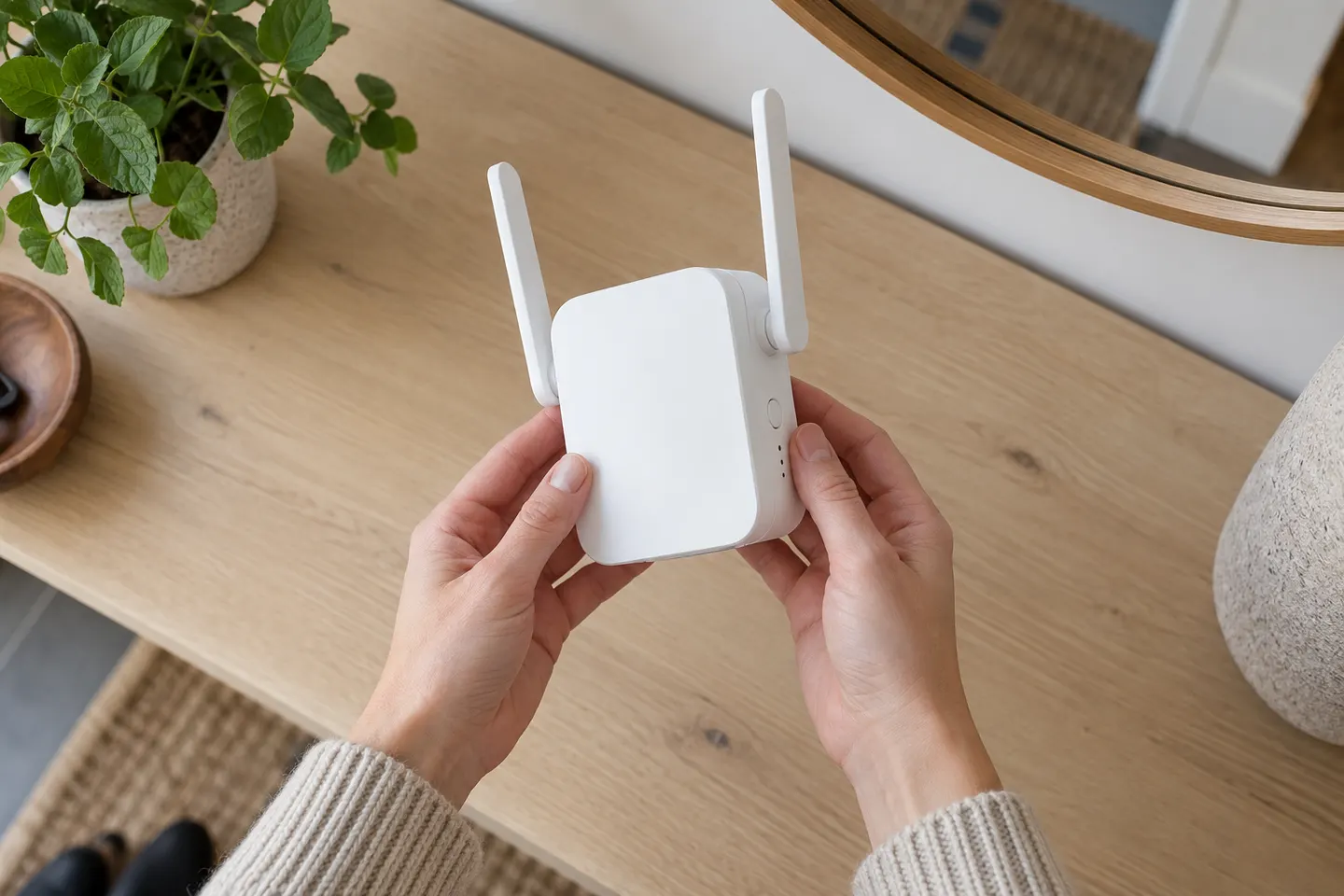
For D-Link WiFi range extender setup, begin with the model number on the device label. D-Link's support library organizes instructions by product, and the setup method can vary: some models use WPS, while others guide you through a web interface or mobile app. Keep the extender near the router while pairing, then move it to a suitable midpoint.

D-Link WiFi Range Extender Setup: A Model-Specific Guide

Start here

The essentials

How to Setup a NETGEAR WiFi Extender at Home

How to Setup a NETGEAR WiFi Extender at Home

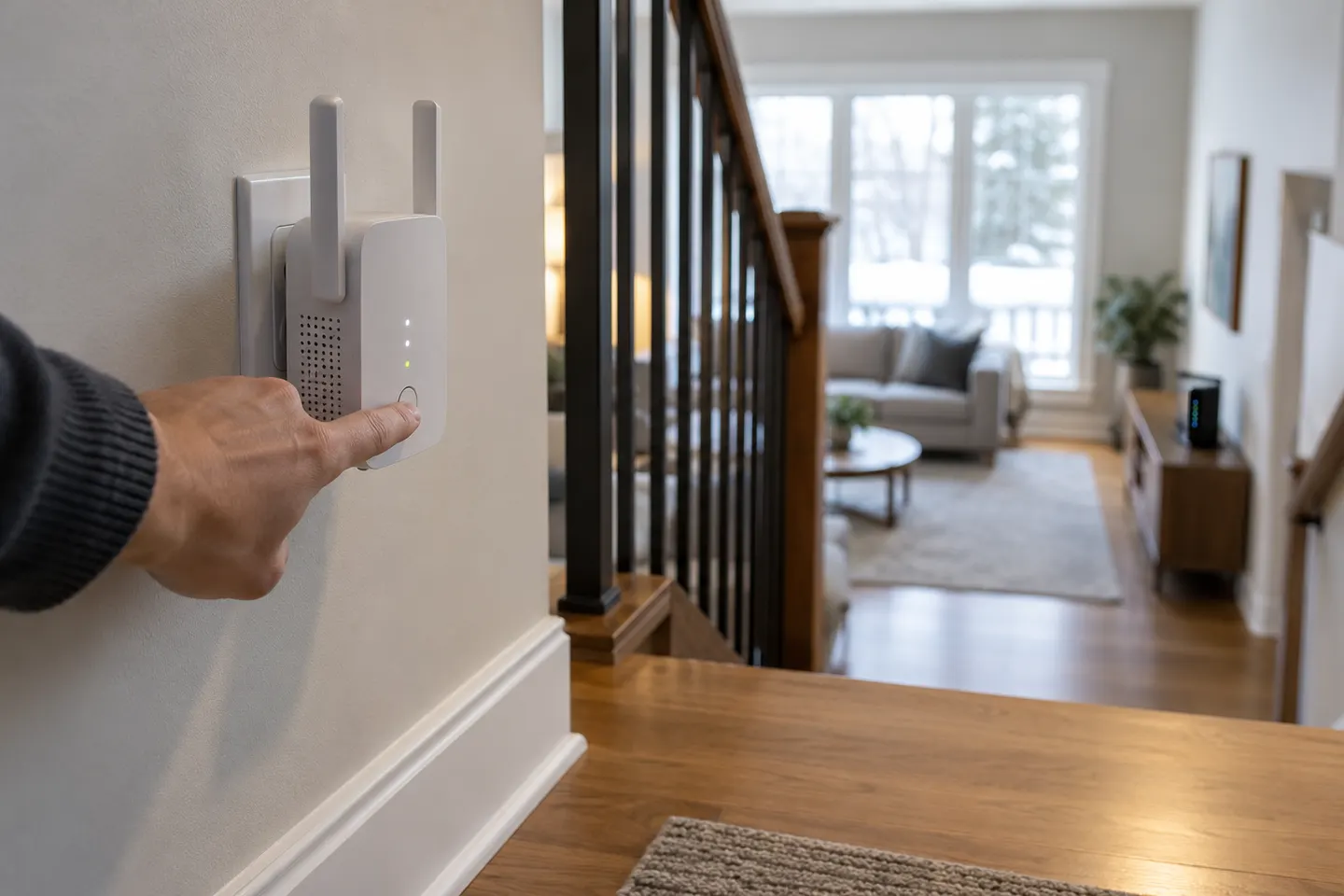
For most compatible NETGEAR extenders, start near the router, connect with WPS or the browser assistant, then move the unit to a spot that still receives a good router signal. Exact buttons and LEDs vary by model.


Setup and help

1

Brands

1

How-to guides

5
Show all (5)

More topics

1

Common questions

Questions before you buy

How do I set up a D-Link WiFi range extender?

Use the setup instructions for your exact model. They will identify whether to use the D-Link app, a browser-based wizard or WPS, and explain the indicator lights.

Can I set up a D-Link extender with WPS?

Only if both the extender and router support WPS and the model's guide describes that method. Otherwise follow the app or web setup procedure.

Why is my D-Link extender not connecting to the router?

Check that you selected the correct network and entered its current password, then move the extender closer during setup. Confirm router compatibility and the model-specific troubleshooting steps.

Where can I find the D-Link extender setup page?

The address and access method depend on the product. Check the label or official quick-start guide rather than assuming one login address works for every D-Link model.