









 Official manufacturer image
Our picks
Top picks
Official manufacturer image Official manufacturer image
NETGEAR EAX15
Check price on Amazon Official manufacturer image
TP-Link RE550
Check price on AmazonBy place and use
 Home
 At home
 Large home
More topics
 Verizon WiFi Extenders
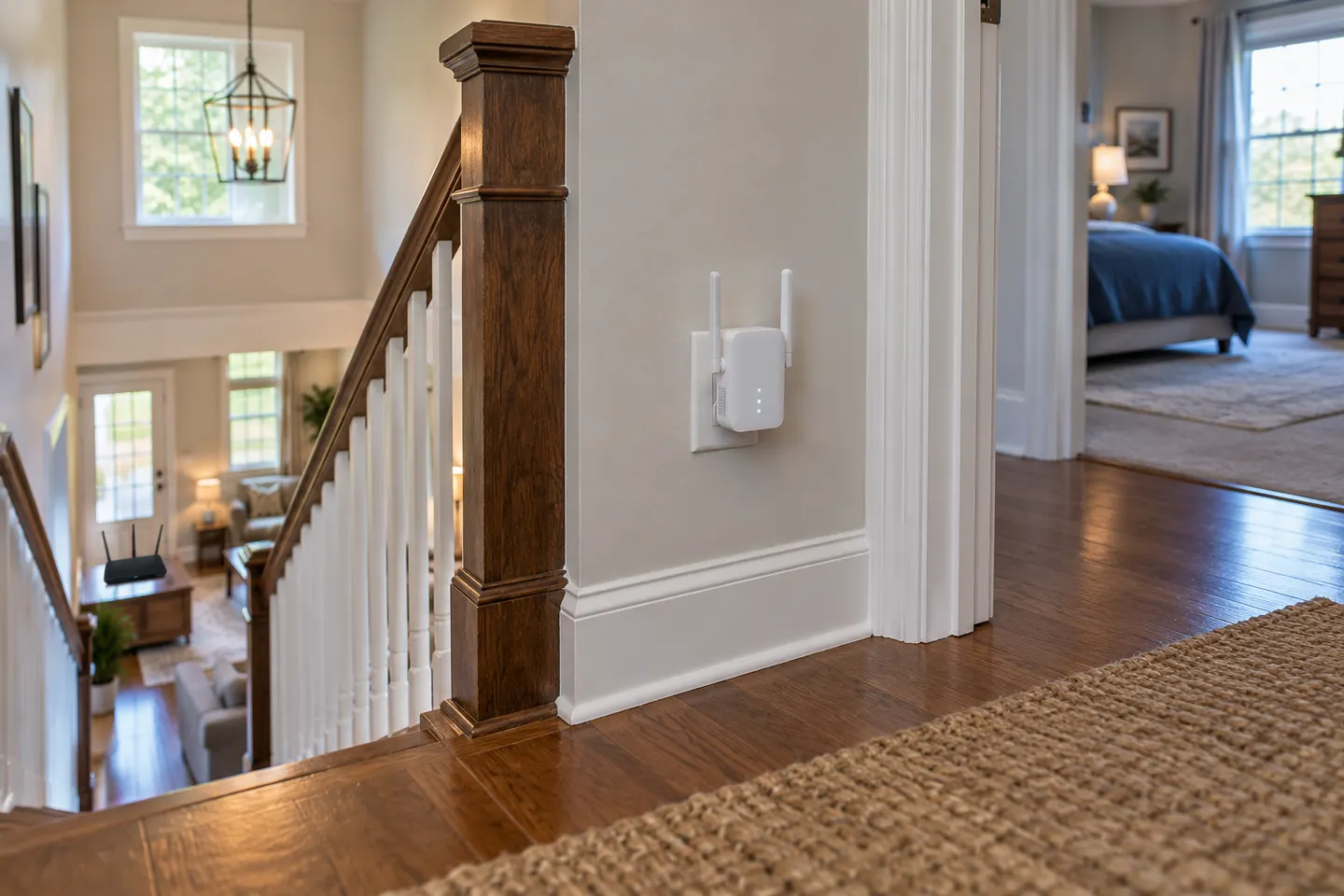 WiFi Extenders for Verizon Fios
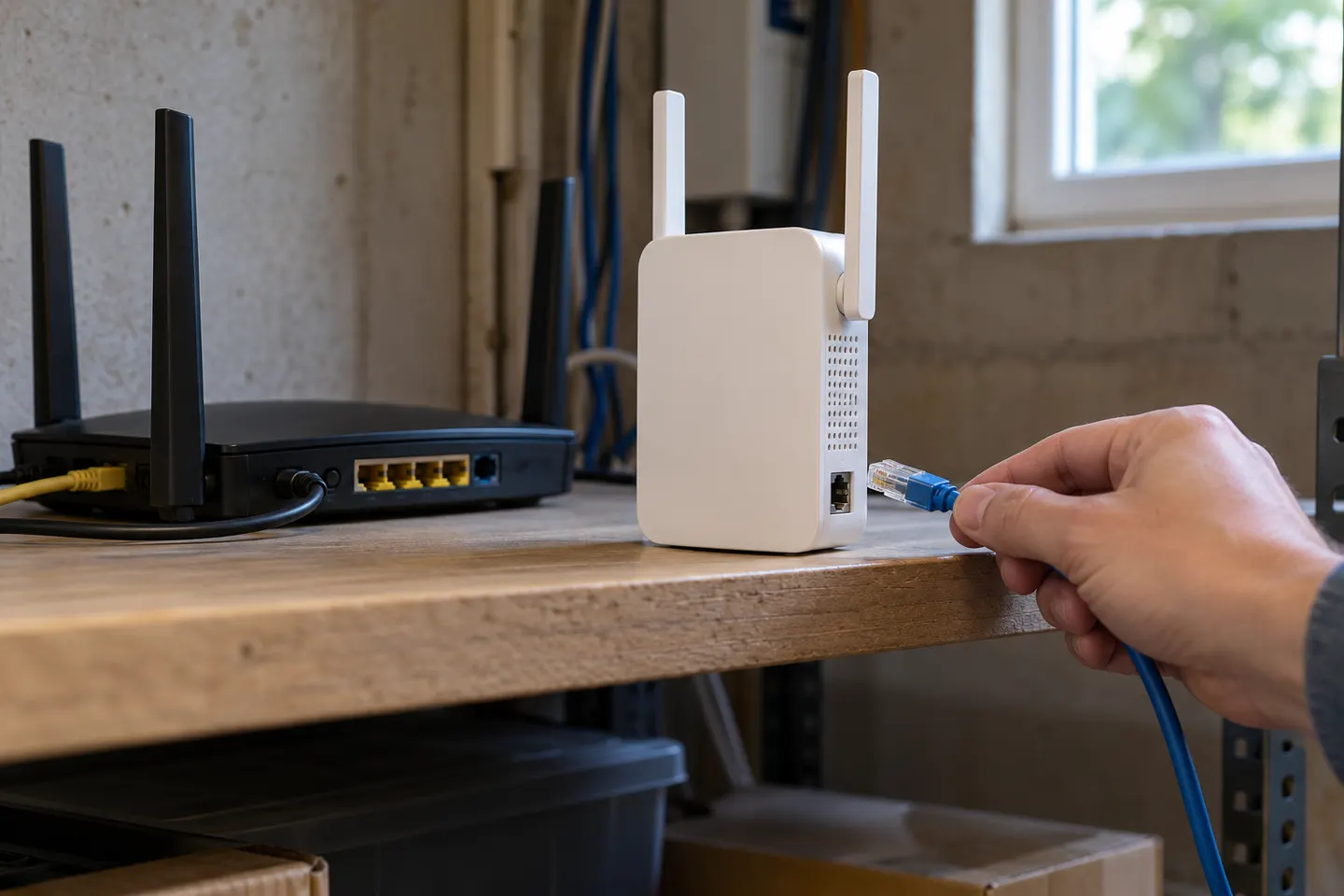 Verizon E3200 Wi-Fi Extender
Common questions
Questions before you buy
Does the Verizon E3200 work with any router?
No. Verizon states that its Fios Extender E3200 works exclusively with the latest Fios Router. Check Verizon support for compatibility with your equipment.
Can the Verizon Fios Extender connect by Ethernet?
Verizon says the E3200 supports a direct Ethernet or coax connection to the router. Review the current installation guide for your setup.
Is a Verizon extender needed for 5G Home Internet?
That depends on the gateway, home layout and available coverage. Check extender guidance for your exact Verizon service and gateway rather than assuming the Fios E3200 applies.
Where should a Fios Extender E3200 sit?
Verizon says the E3200 should remain upright. Follow provider placement guidance and keep it within a suitable wired or wireless link to the router.