








 Official manufacturer image
Our picks
Top picks
Official manufacturer image Official manufacturer image
TP-Link RE705X-Outdoor
Check price on Amazon AU Official manufacturer image
TP-Link TL-WPA8631P KIT
Check price on Amazon AUSetup and help
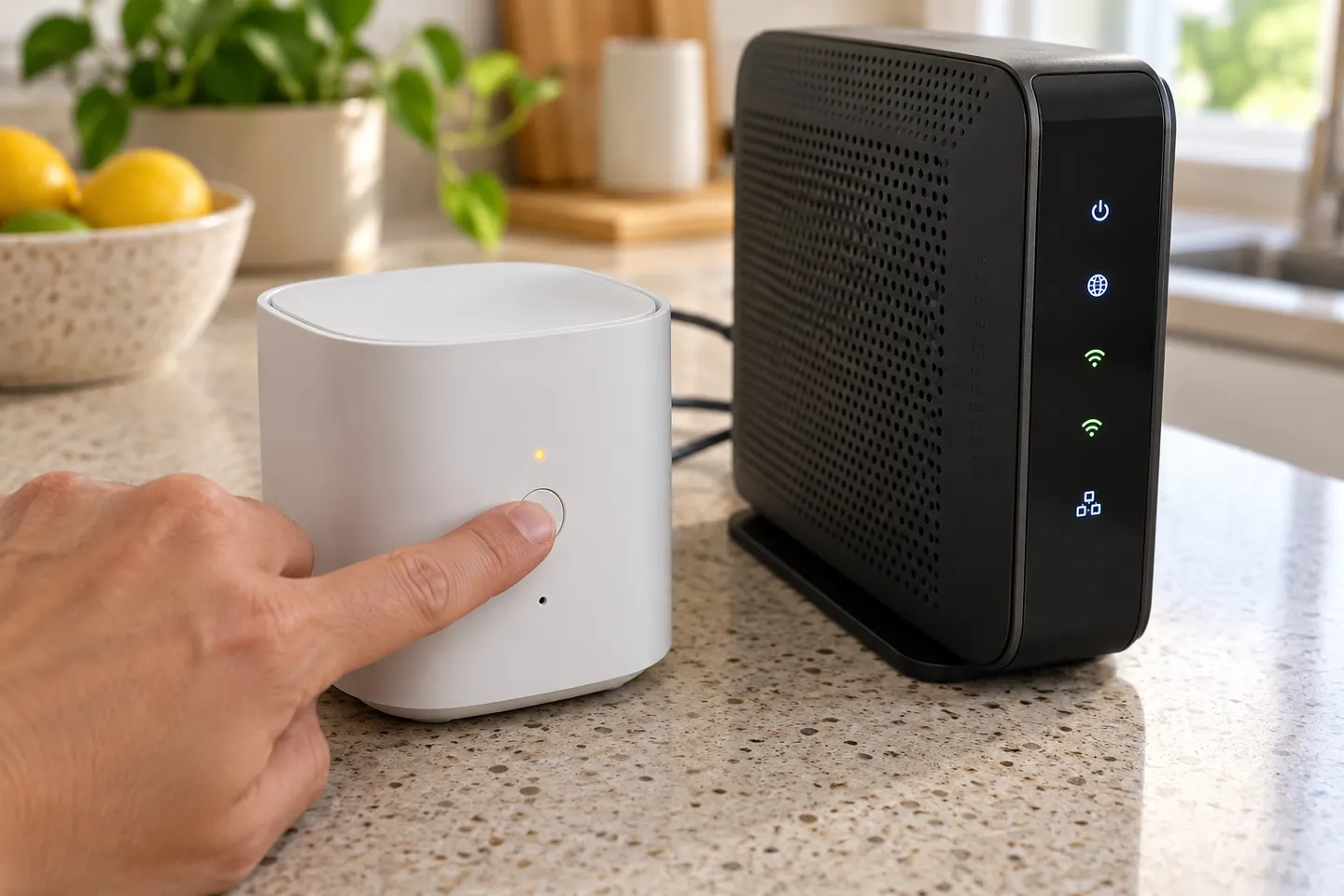 Telstra not pairing
Common questions
Questions before you buy
Why is my WiFi extender connected but there is no internet?
The extender may have lost its upstream router connection, or the router's internet service may be down. Check internet access beside the router, confirm the extender is linked to the right network with the current password, and use its signal indicators and manual to diagnose the link.
What should I do if my WiFi booster will not connect to the router?
Place it near the router for setup, verify the network name and password, and use the manufacturer's app or browser setup if WPS pairing fails. If router settings recently changed, reconfigure the extender for the updated network.
Why did my extender stop working after I changed my WiFi password?
The extender still has the previous credentials stored. Open its setup interface or app and connect it again using the new router password.
Should I reset a WiFi extender that is not working?
Try checking power, placement, credentials and firmware instructions first. A factory reset removes saved settings, so use it when the model's support guidance recommends it and be ready to set the extender up again.
Why does my extender work in one room but not another?
The extended signal depends on the connection between the extender and router as well as the path to the device. Test a position with a stronger router signal and fewer obstructions, then check coverage in the room again.