Gearjury may earn a commission when you buy through a retailer link.
Guide
How to Boost a WiFi Signal Around Your Home
Start with router placement and obstructions. If a room still has a weak connection, add a compatible extender where it can receive a useful signal from the router.
GGearjury editorial team · Updated 18 October 2026· 4 min
01
Move the router into a better position
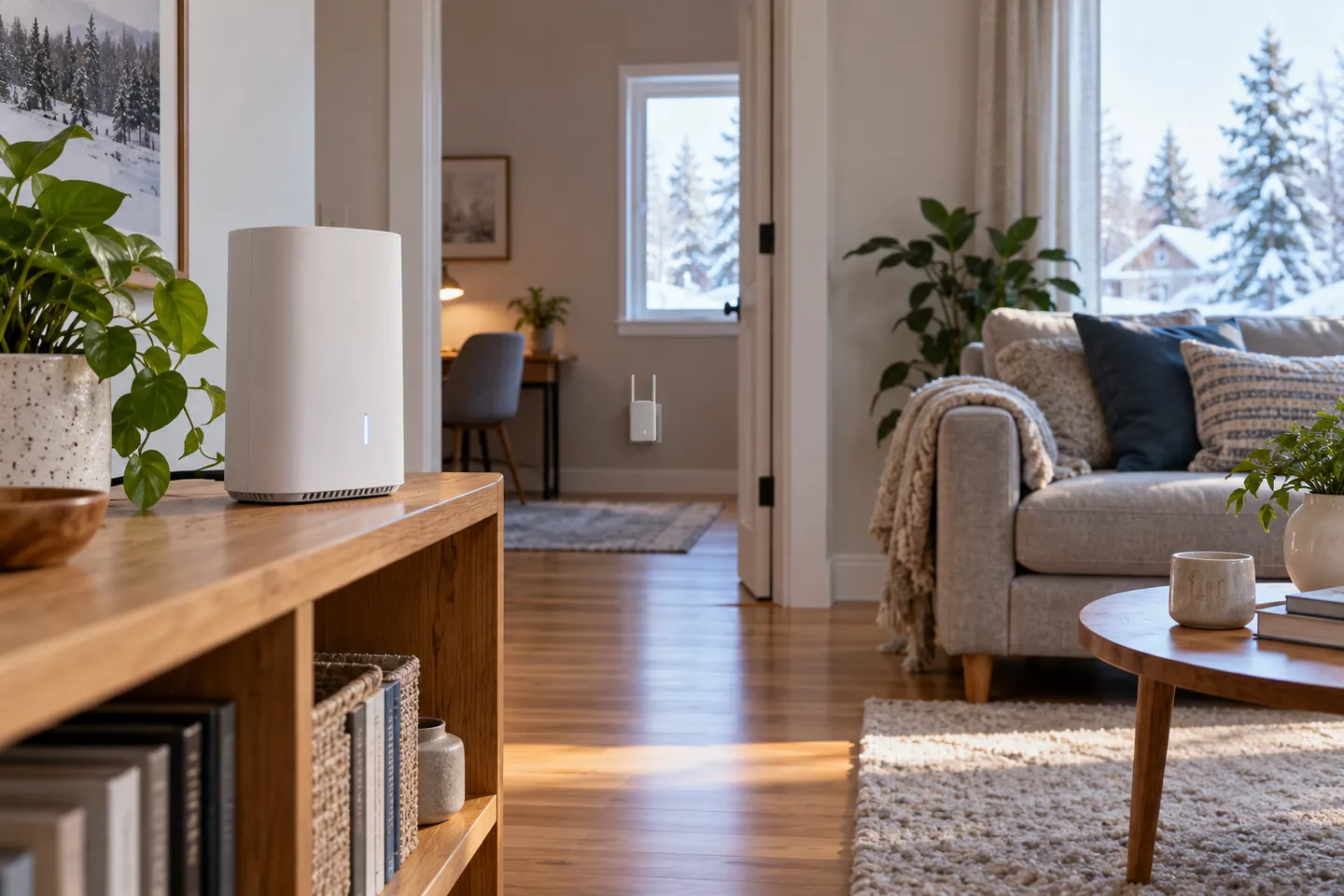
Place the router centrally and above floor level where possible. Ofcom notes that Wi-Fi signals travel in all directions and can be weakened by objects and materials, so avoid hiding the router behind furniture or inside a cupboard.
02
Check what is blocking the route
Large appliances, thick walls and floors can reduce signal strength. If the weak room is separated by several barriers, a different router position or wired access point may help more than simply increasing transmit power.
03
Check whether the problem is Wi-Fi or broadband
Test a device near the router and compare it with the weak room. If both are slow, the issue may be the broadband service or router rather than coverage. If only the distant area struggles, focus on local Wi-Fi placement.
04
Choose an extender for the gap
A range extender can relay Wi-Fi into a nearby problem area; a mesh node is designed to coordinate with its matching system. A wired access point can avoid a wireless backhaul where Ethernet is available.
05
Place the extender before the dead zone
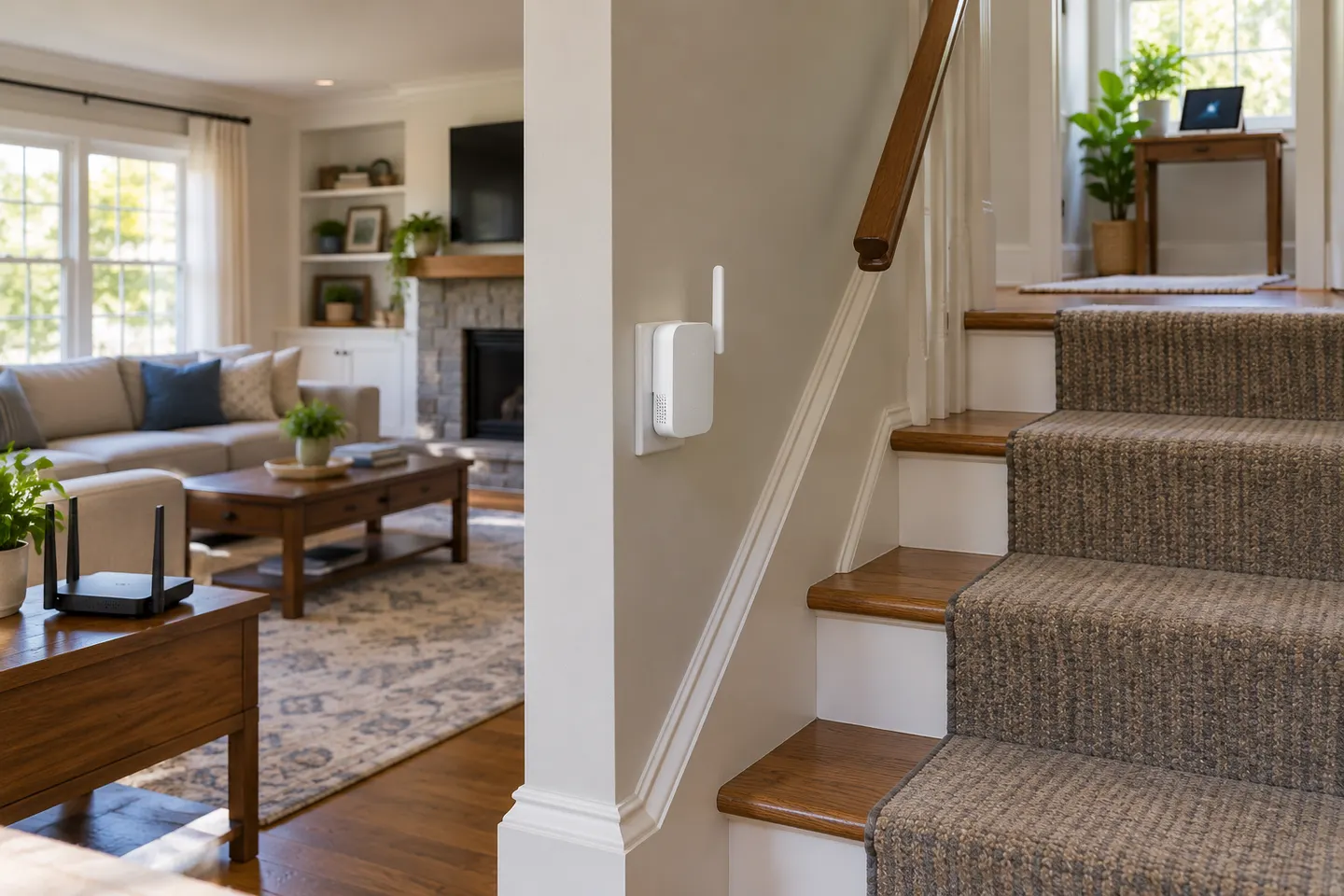
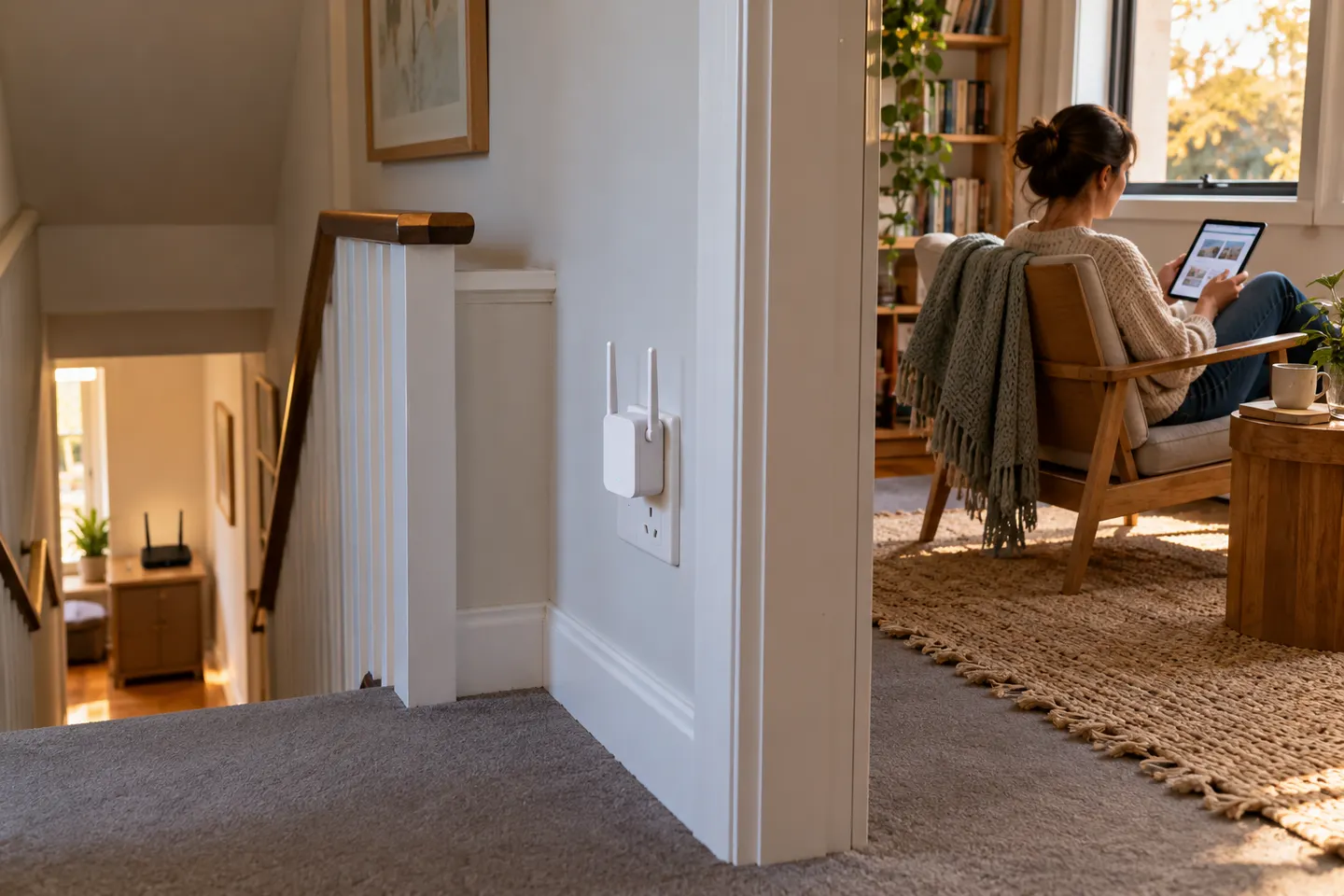
Set the extender where it still receives a solid router signal while being close enough to serve the target room. Indicators or companion apps can help, but test actual use from the affected spot.
06
Review the router and device settings
Install available firmware updates, use a strong Wi-Fi password and check whether the device is connecting to the intended band or access point. Follow the router and extender manuals for network settings.
Common questions
Questions before you buy
How can I boost WiFi without buying anything?
Move the router to a central, elevated and open location, then reduce nearby obstructions. Check the weak room again before adding hardware.
How do I use a WiFi range extender?
Pair it with the router using the model’s app, web setup or WPS instructions. Then position it between the router and the weak area, not inside the dead zone.
Can I boost WiFi with a second router?
A spare router may work as an access point if it supports that mode and can connect to the main router, ideally by Ethernet. Follow both router manuals to avoid conflicting network settings.
Does a WiFi booster increase broadband speed?
It improves the wireless coverage path in some locations, not the speed of the broadband plan itself. Results depend on the signal reaching the extender and local conditions.
Match a WiFi coverage extender to where the signal drops: a plug-in unit for one room, mesh for coordinated indoor coverage, or an outdoor-rated model beyond the walls.
A WiFi connection booster can help carry an existing network into a weak area, but it needs a usable link to the router. For a consistent whole-home network, compare extenders with mesh nodes or a wired access point.
TP-Link RE315 is a practical starting point for a standard indoor dead zone. Consider a Wi-Fi 6 device for newer kit, outdoor-rated hardware for a garden, or powerline where a wireless hop struggles.
A WiFi extender can carry your router signal further, but placement and backhaul matter. Choose a plug-in repeater for a nearby dead zone, powerline WiFi for difficult layouts, or an outdoor-rated unit for a garden.
Your privacy
We use cookies and similar technologies. Necessary ones keep the site working. With your permission we also use statistics cookies (Google Analytics and Microsoft Clarity) to understand which guides help readers. You can accept all, reject all or choose. You can change your choice at any time from "Cookie settings" at the bottom of every page. Cookie policy