









 Official manufacturer image
Our picks
Top picks
Official manufacturer image Official manufacturer image
Garmin Dash Cam Mini 3
Check price on Amazon Official manufacturer image
Garmin Dash Cam X310
Check price on AmazonBy feature
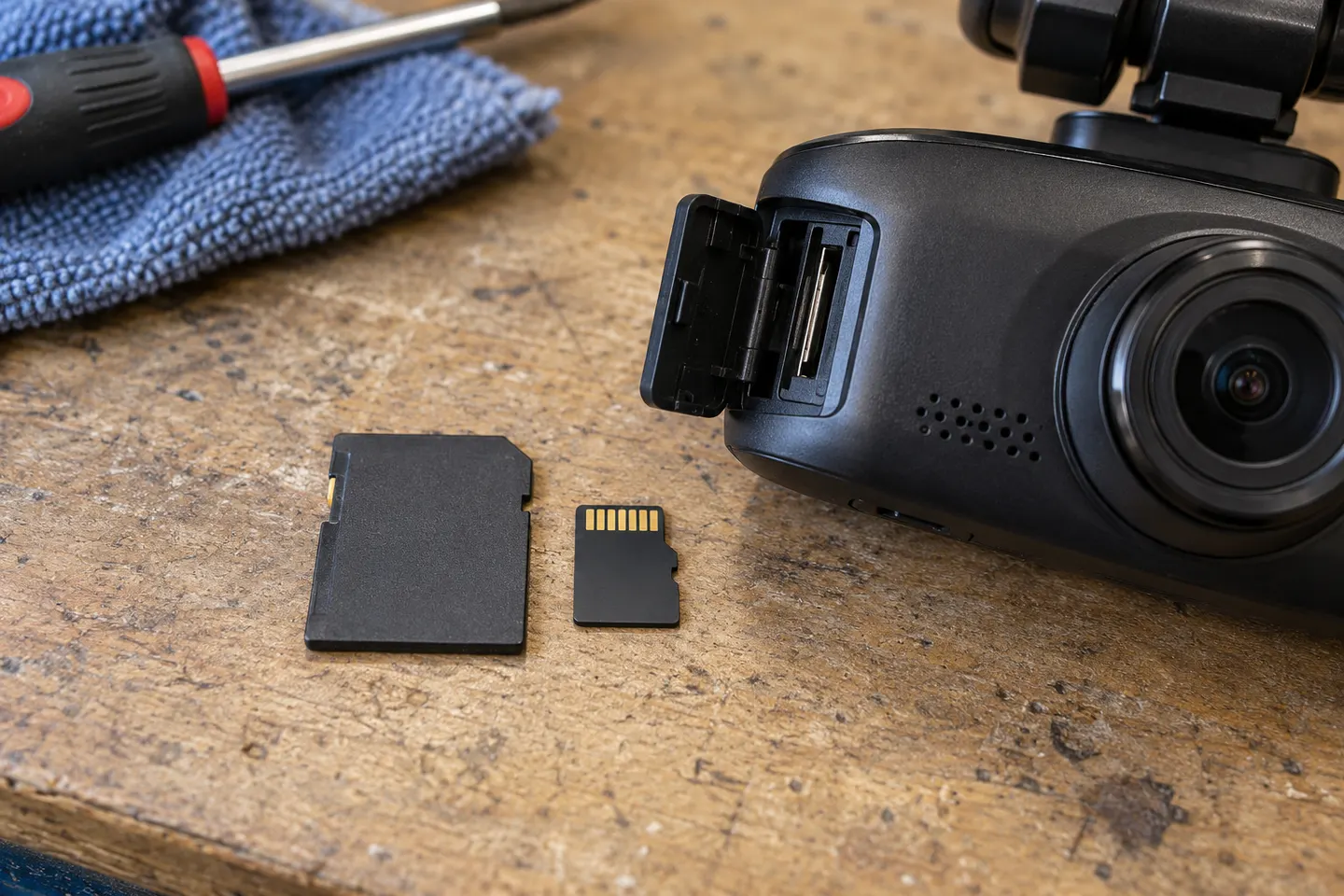 Mini sd card
Installation and accessories
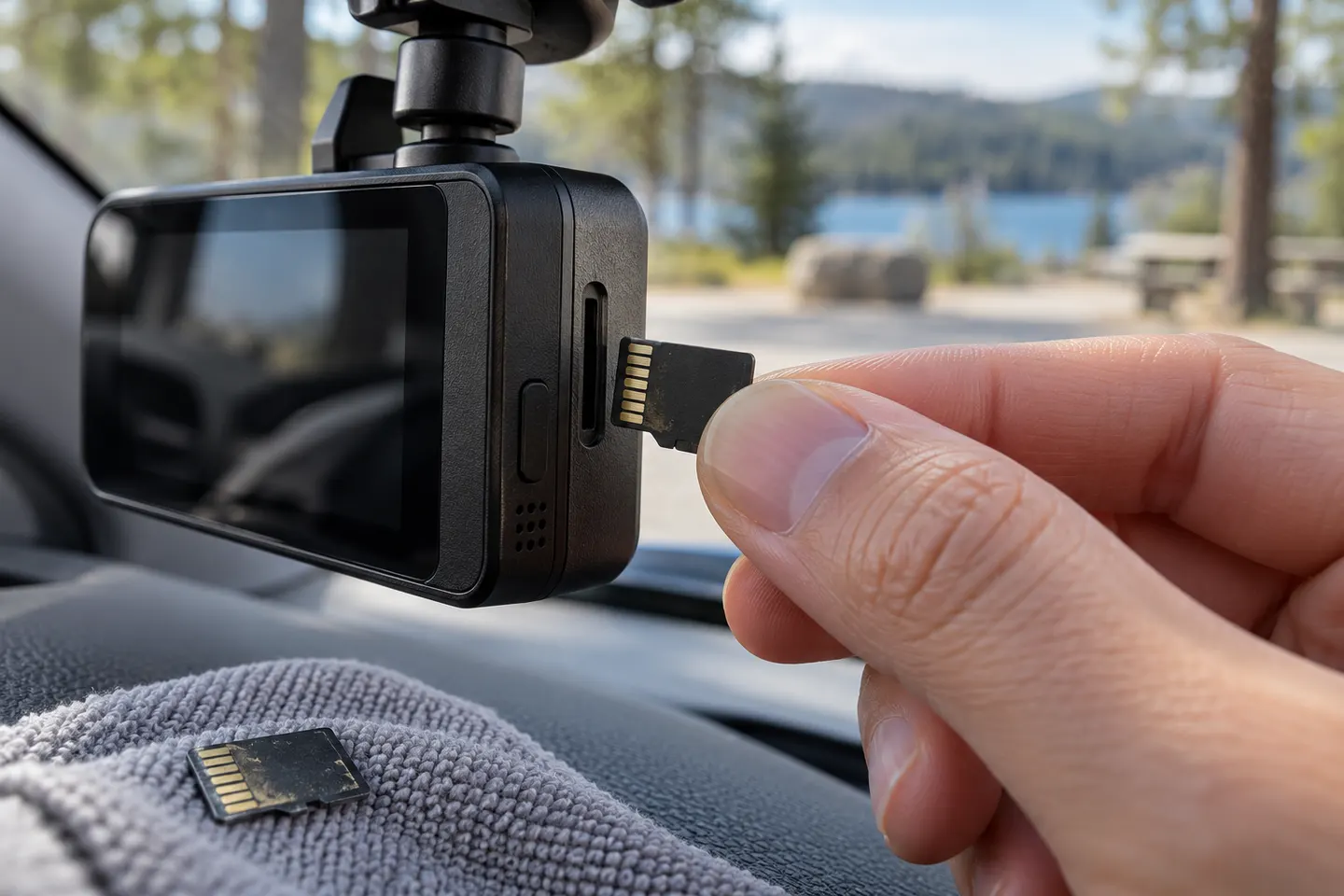 Micro sd card
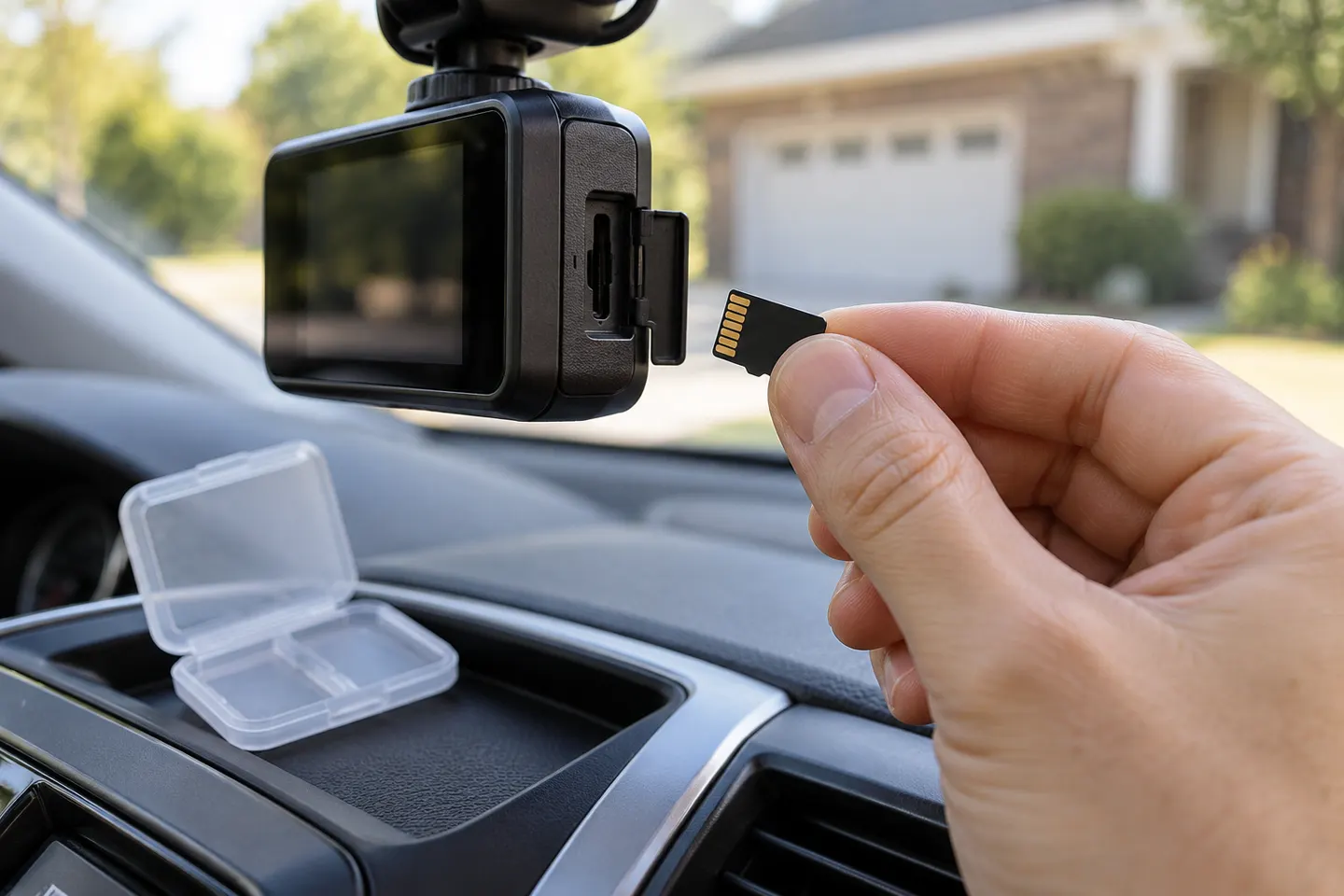 Sd card
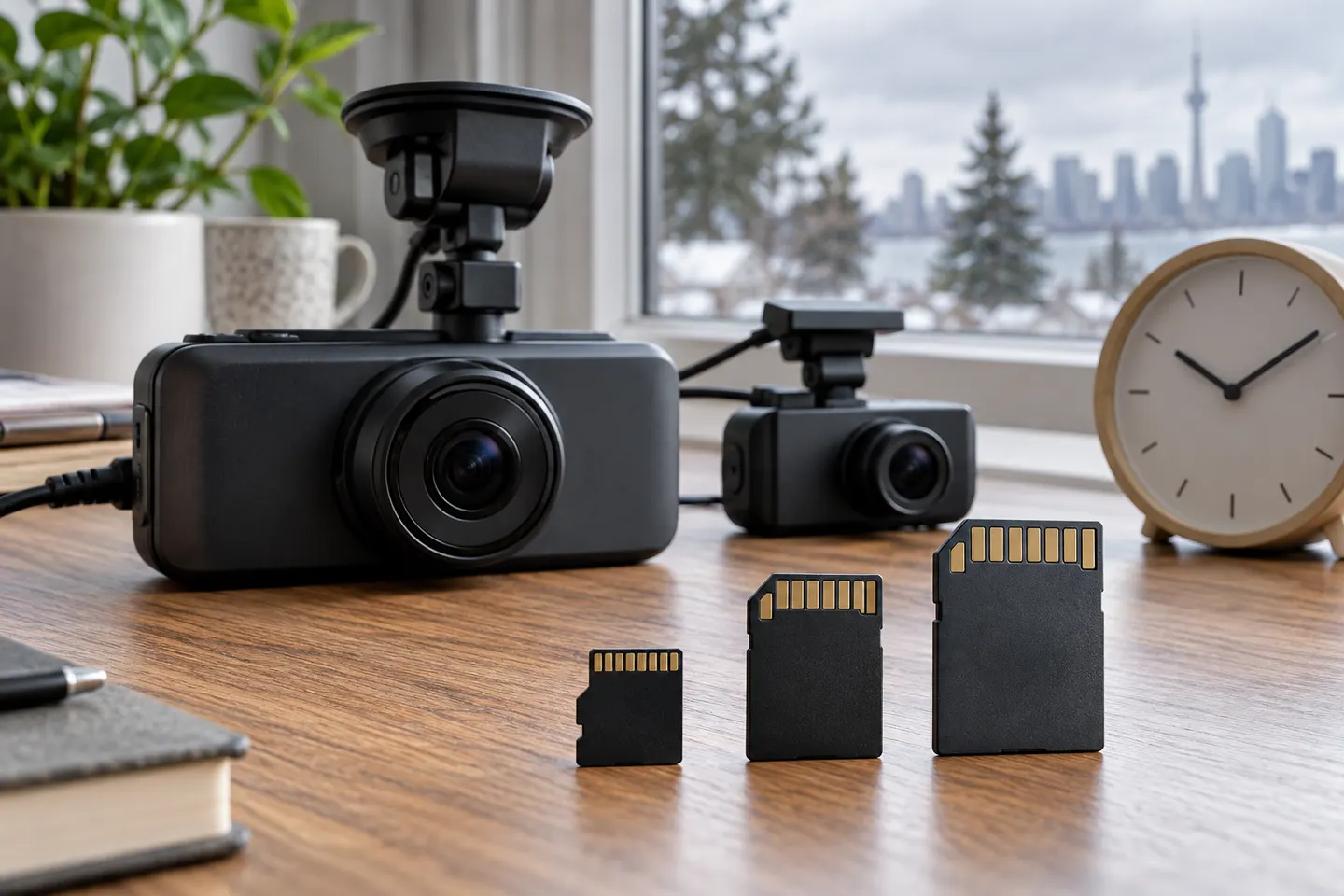 Memory card
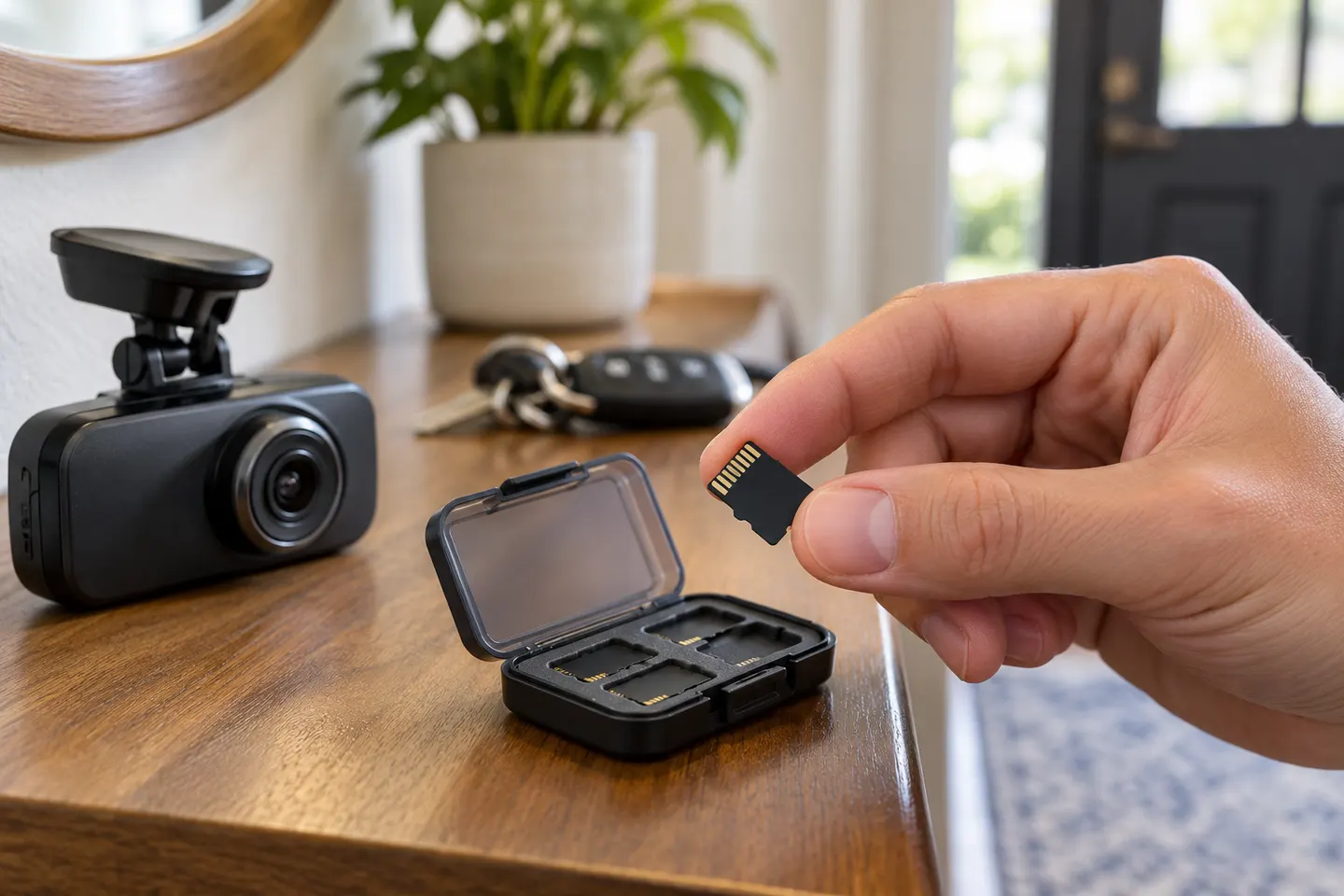 Microsd card
Show all (6)
Common questions
Questions before you buy
Is 128GB enough for a dashcam?
It is a practical capacity for many single- and dual-channel cameras, but retention time varies greatly with bitrate and channel count. Confirm that your model supports it.
Can I use a 512GB card in my dashcam?
Only if the camera maker lists that capacity for your exact model and firmware. An unsupported card may fail to format or record reliably.
Why does a dashcam need a high-endurance SD card?
Continuous loop recording repeatedly writes and erases data. High-endurance ranges are designed specifically for heavier video-write workloads than ordinary general-use cards.
How often should I format a dashcam SD card?
Follow the camera manufacturer's interval and use its in-camera format function. Also inspect saved footage periodically rather than waiting for an error alert.