









 Official manufacturer image
Our picks
Top picks
Official manufacturer image Official manufacturer image
Garmin Dash Cam Mini 3
Check price on Amazon Official manufacturer image
Garmin Dash Cam X310
Check price on AmazonBy vehicle
More topics
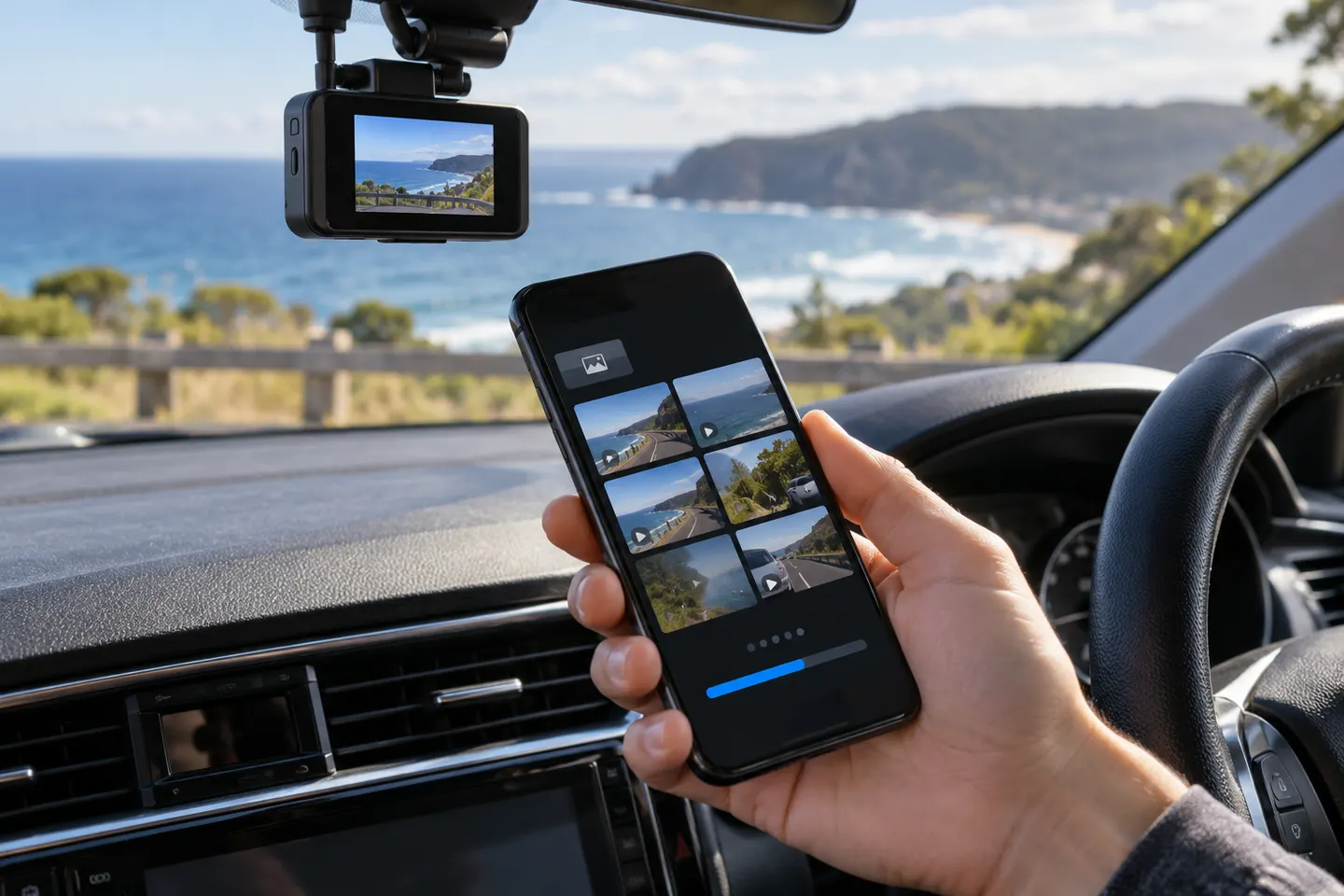 Dashcam Apps and App-Connected Cameras
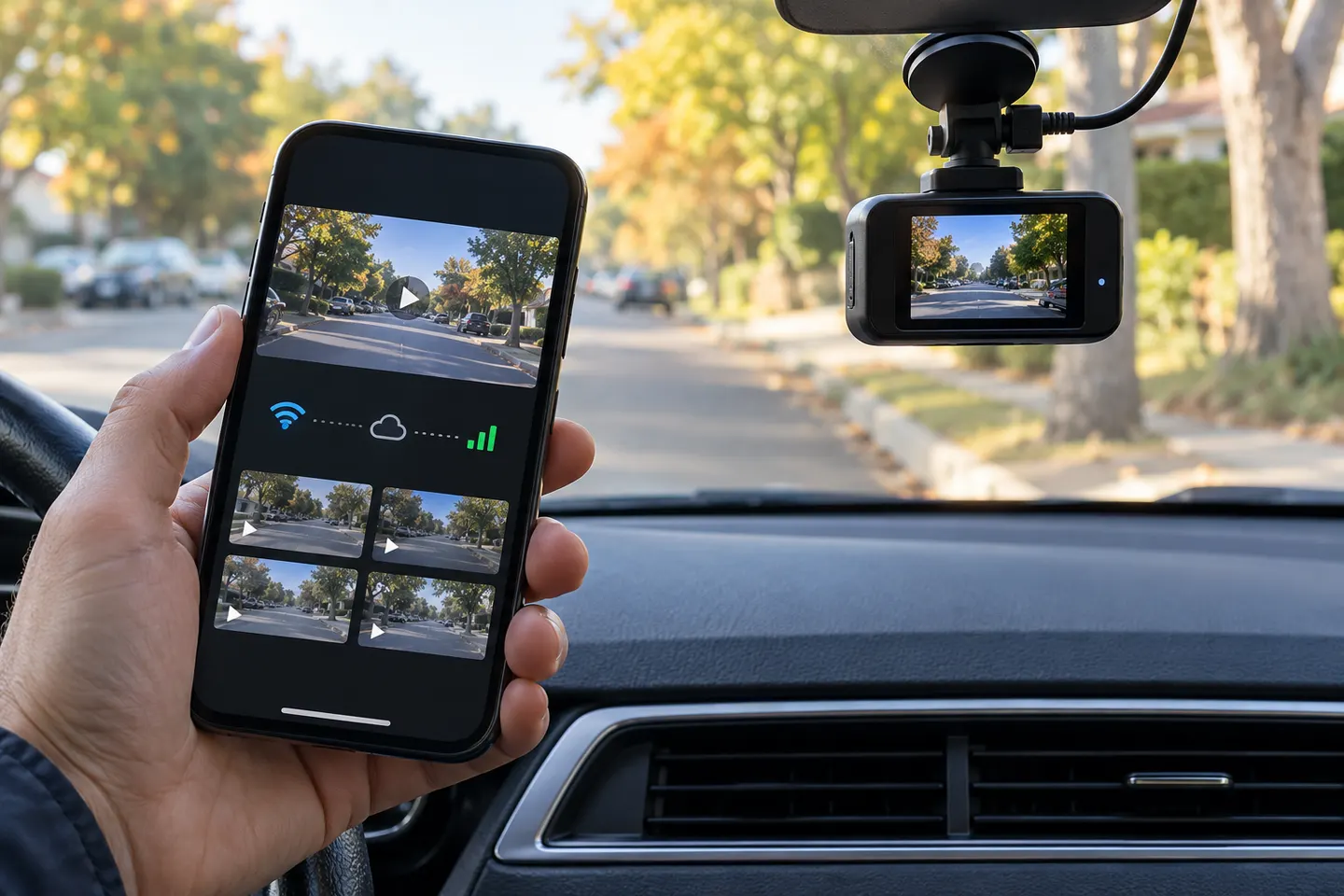 Dash Cams With a Mobile App
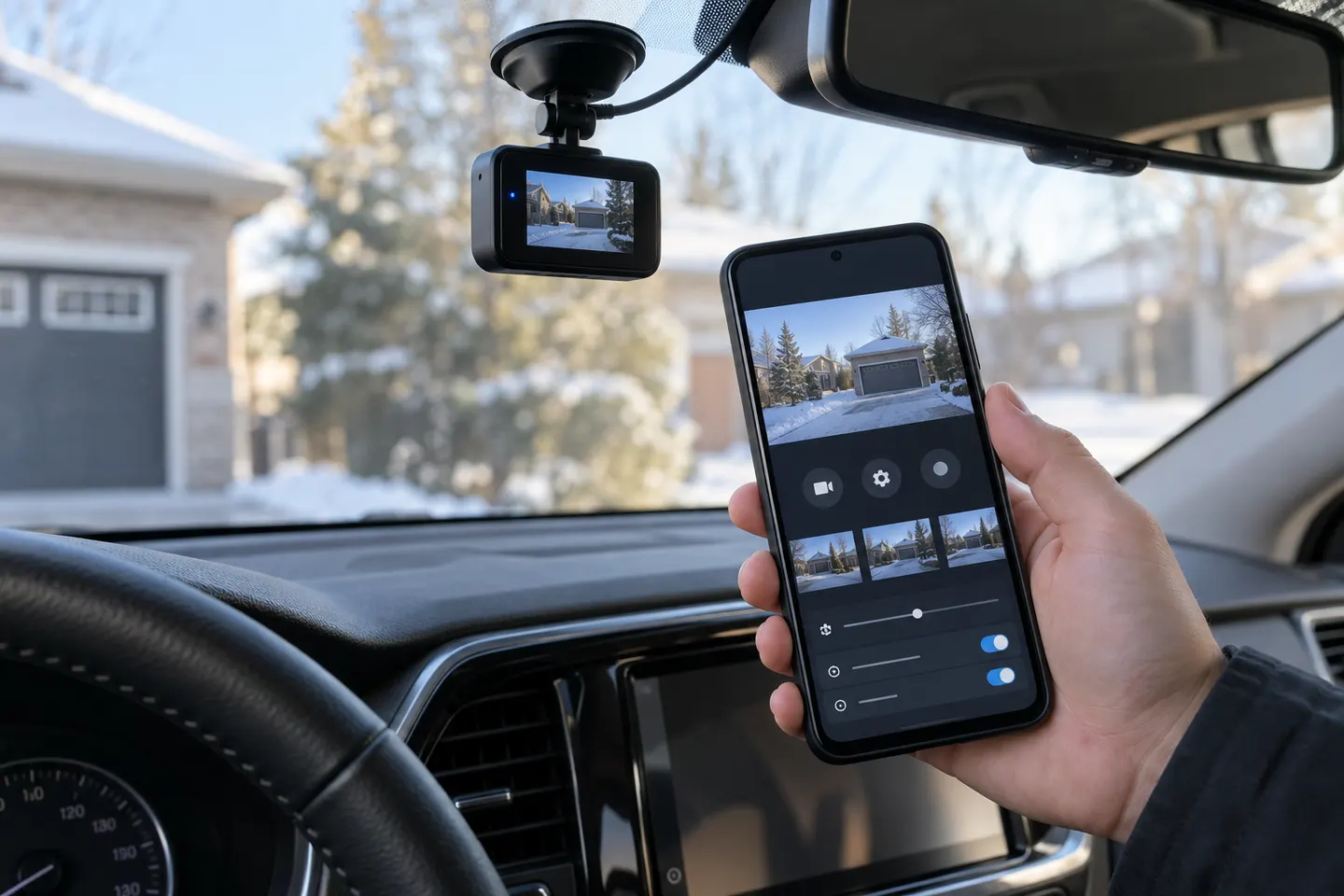 Dashcam Apps for Android
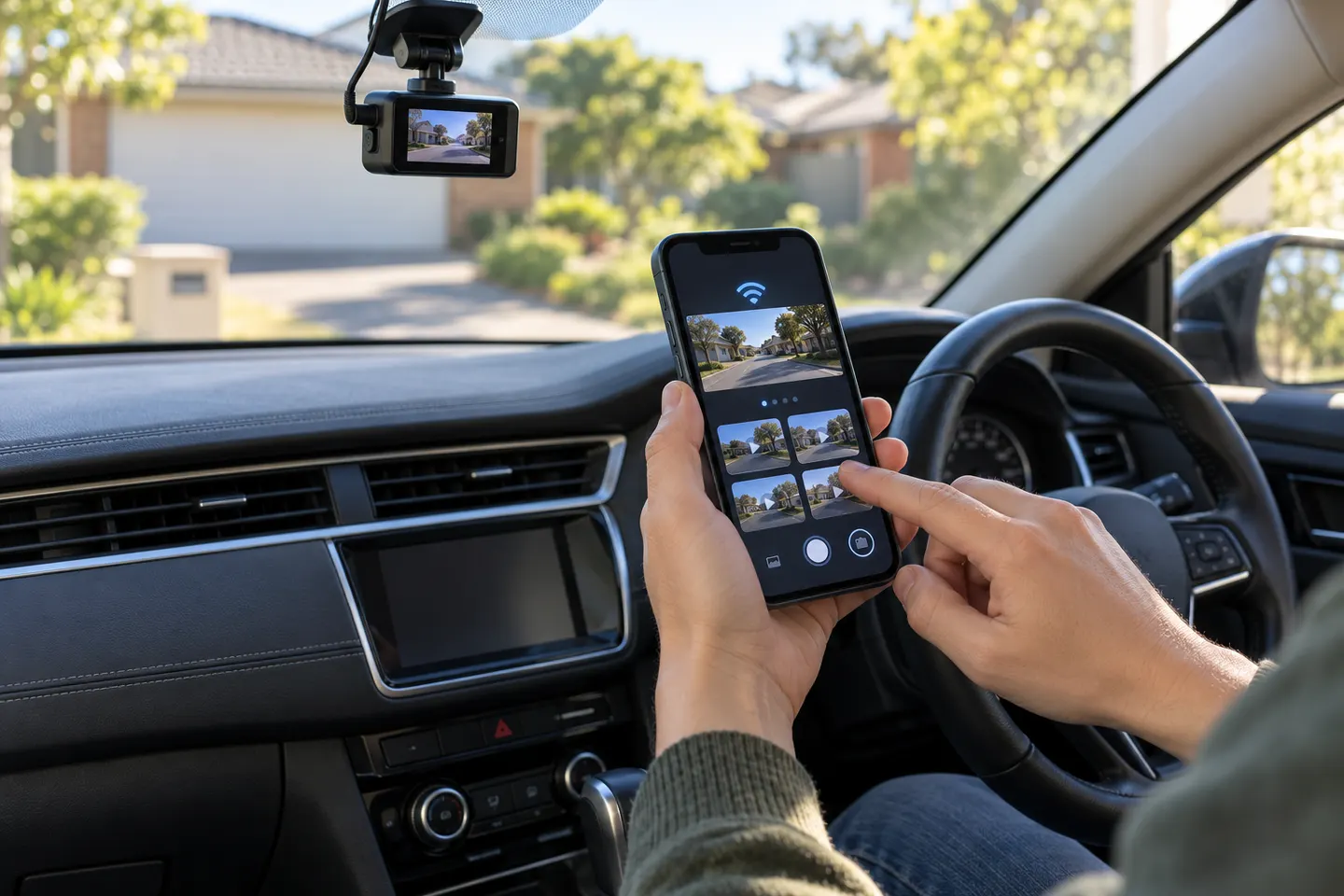 Dashcam Apps for iPhone
Common questions
Questions before you buy
Which app works with the Toyota Integrated Dashcam?
Use the app named Toyota Integrated Dashcam for the genuine accessory camera. The main Toyota app manages other vehicle services and is not the dashcam viewer described in the accessory manual.
How does the Toyota dashcam app connect?
Turn on the camera's Wi-Fi, join its network in your phone's Wi-Fi settings, then return to the dashcam app to complete pairing.
Does the Toyota Integrated Dashcam record while connected to the app?
Toyota's current manual says recording stops while the smartphone Wi-Fi connection is active. Turn dashcam Wi-Fi off and verify recording after using the app.
Can I download Toyota dashcam video to my phone?
Yes. Toyota lists smartphone review and download as supported functions, and a desktop companion tool is also available for compatible systems.
Why can't my phone find the Toyota dashcam?
Confirm the camera is powered, its Wi-Fi indicator is active, and the phone joined the dashcam network rather than the vehicle hotspot. Then check the manual for your accessory version.