









 Official manufacturer image
Our picks
Top picks
Official manufacturer image Official manufacturer image
NETGEAR EAX15
Check price on Amazon Official manufacturer image
TP-Link RE550
Check price on AmazonBy place and use
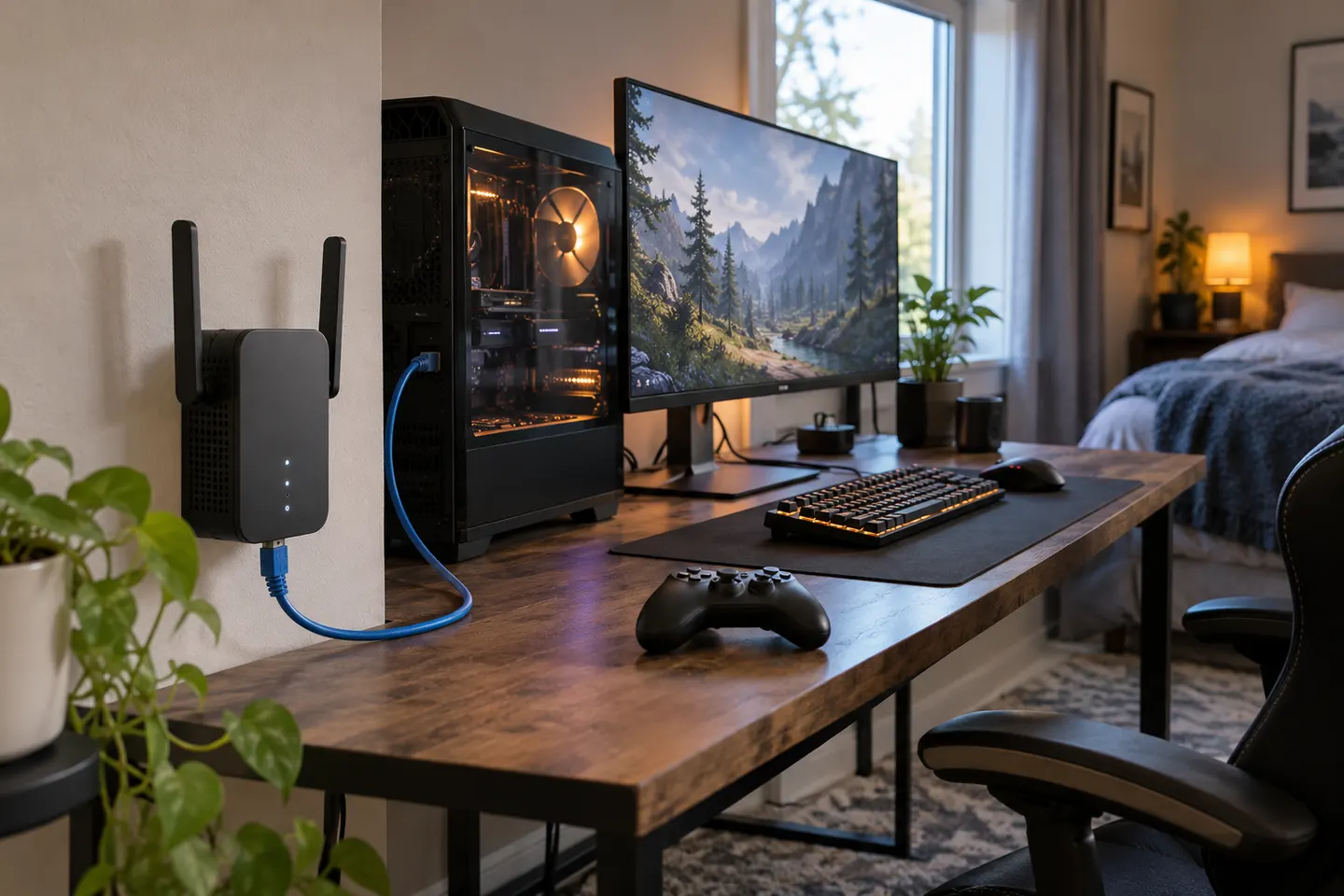 Ethernet port gaming
By type
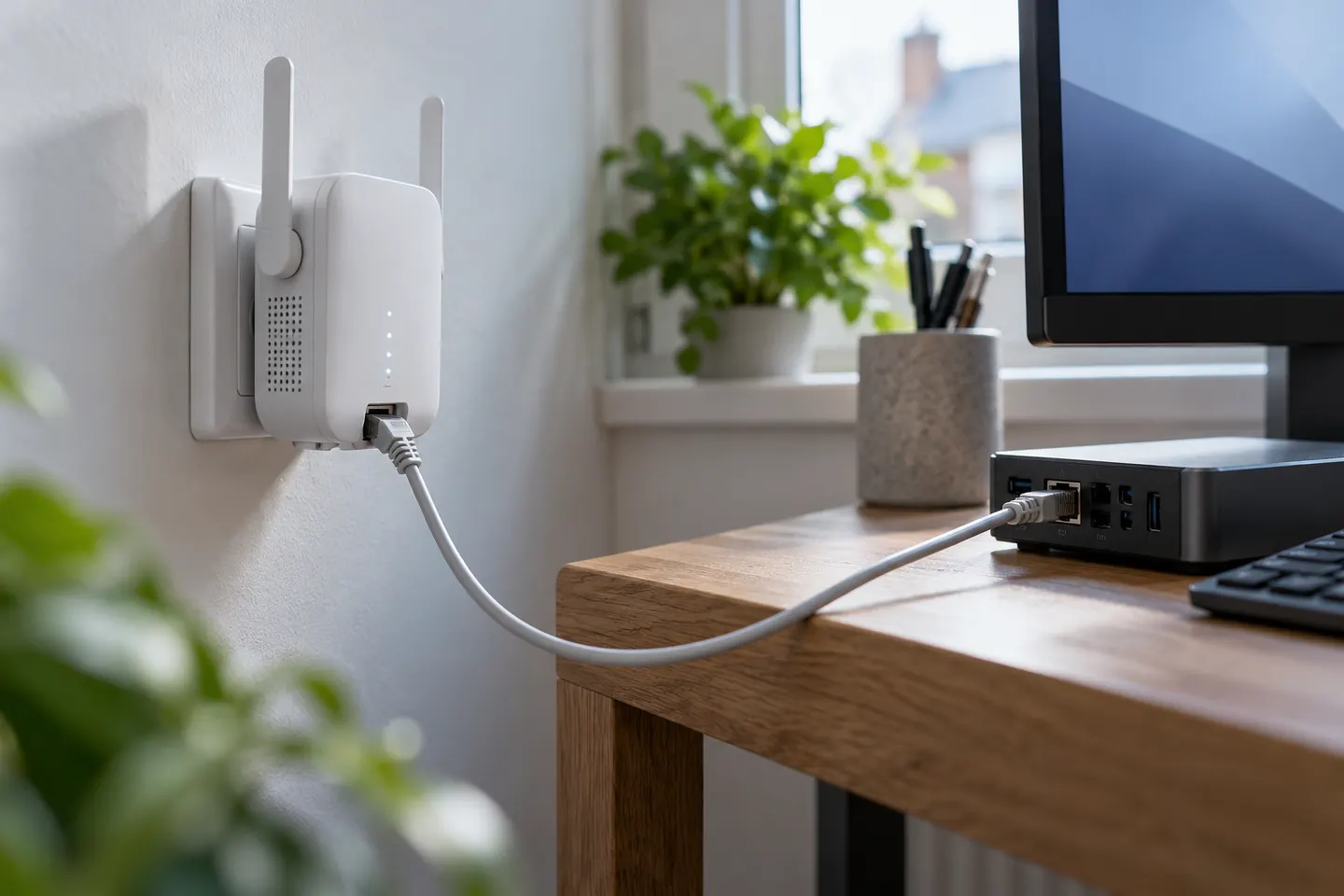 Ethernet port
 Lan
Common questions
Questions before you buy
What does the LAN port on a WiFi extender do?
It provides a wired connection for a nearby device such as a PC or console. Depending on the model, it may also support an access-point mode when connected to a router by Ethernet.
Does a LAN port mean the extender has wired backhaul?
No. In range-extender mode, the LAN port can serve a client while the unit's link to the router remains wireless. Check the model manual for backhaul and access-point support.
Is a Gigabit Ethernet port worth having on an extender?
It avoids a 100 Mbps port ceiling for wired clients, although actual throughput also depends on the extender's wireless link, router, client and internet connection.
Can I connect a gaming PC to a WiFi extender by Ethernet?
Yes, if the extender has a compatible Ethernet port. The cable connects the PC to the extender, but does not remove the extender's wireless hop to the router.