








 Official manufacturer image
Our picks
Top picks
Official manufacturer image Official manufacturer image
TP-Link RE705X-Outdoor
Check price on Amazon AU Official manufacturer image
TP-Link TL-WPA8631P KIT
Check price on Amazon AUBy type
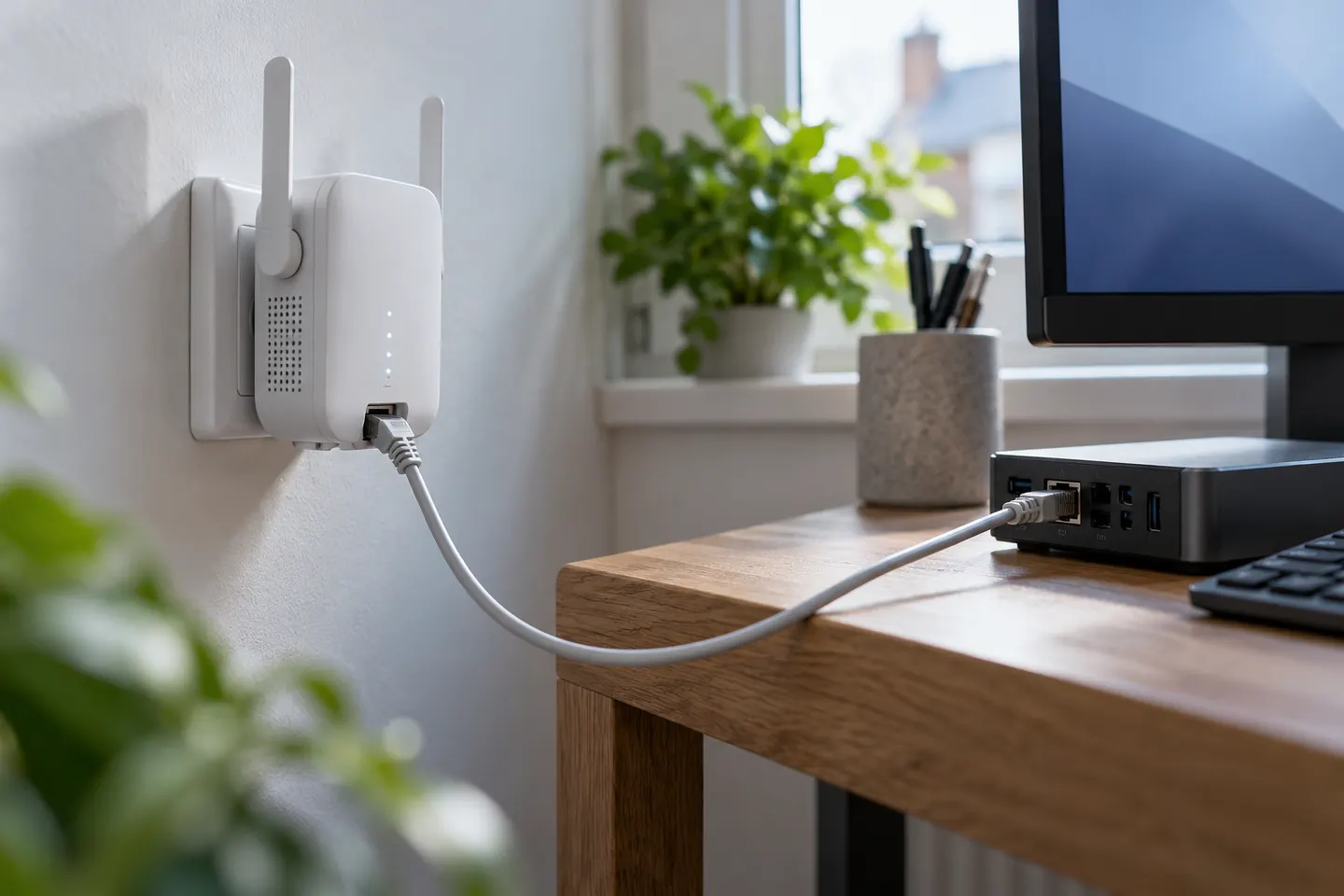 Ethernet port
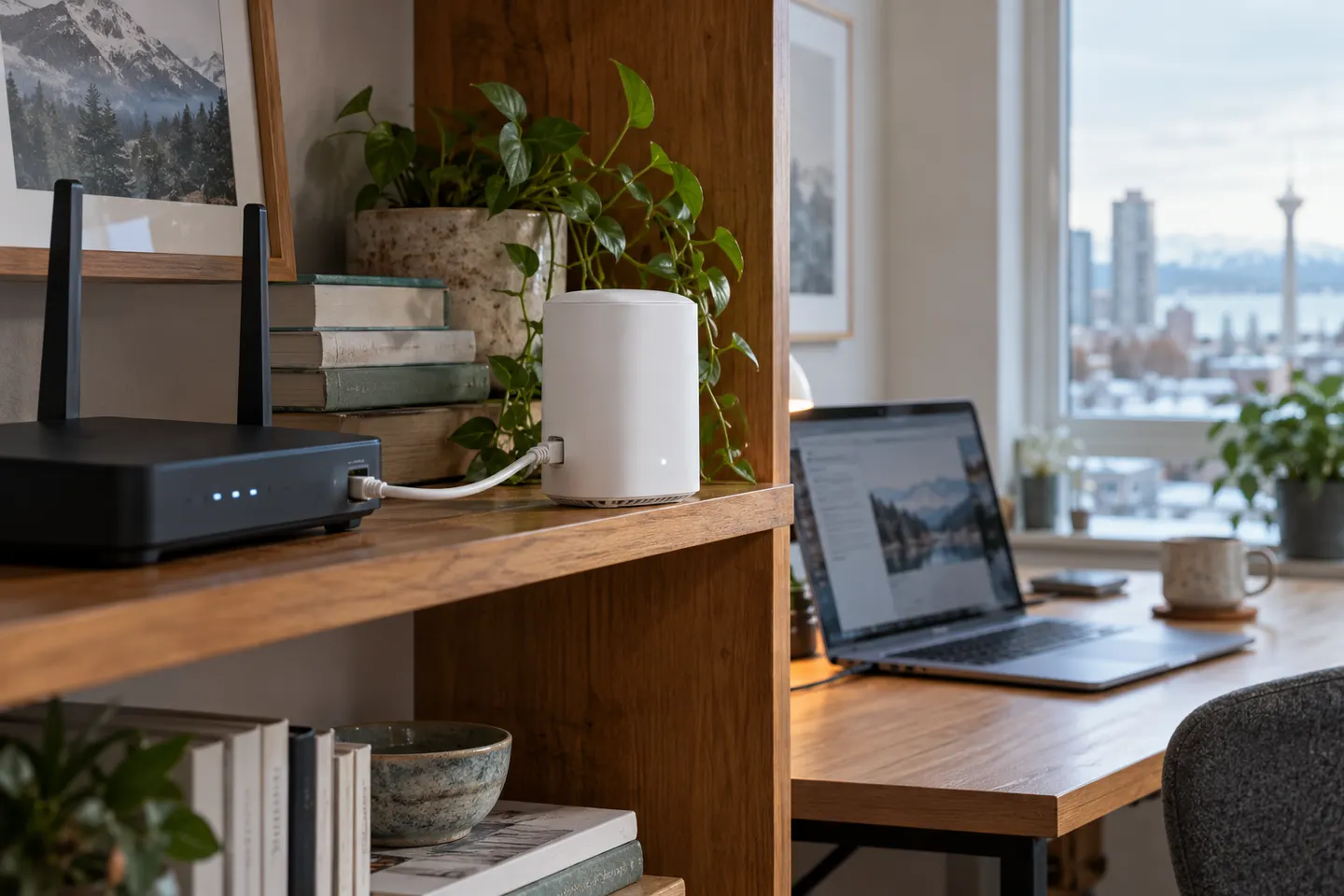 Lan
Common questions
Questions before you buy
Can I plug a device into a Wi-Fi extender LAN port?
Yes, when the port is enabled in the device’s operating mode. Check the manual for supported wired clients and whether the port is Gigabit Ethernet.
Does a LAN port make an extender faster?
It can provide a wired connection to a nearby client, but performance still depends on the link between extender and router unless Ethernet backhaul is used.
Can I use a Wi-Fi extender with LAN port as an access point?
Some models support access point mode through Ethernet. Confirm that the product lists this mode and follow its setup instructions.
Is a Wi-Fi extender LAN port the same as a WAN port?
Not always. On extenders it is commonly an Ethernet LAN interface, while some products repurpose it in access point mode. Follow the model’s port labels and manual.