









 Official manufacturer image
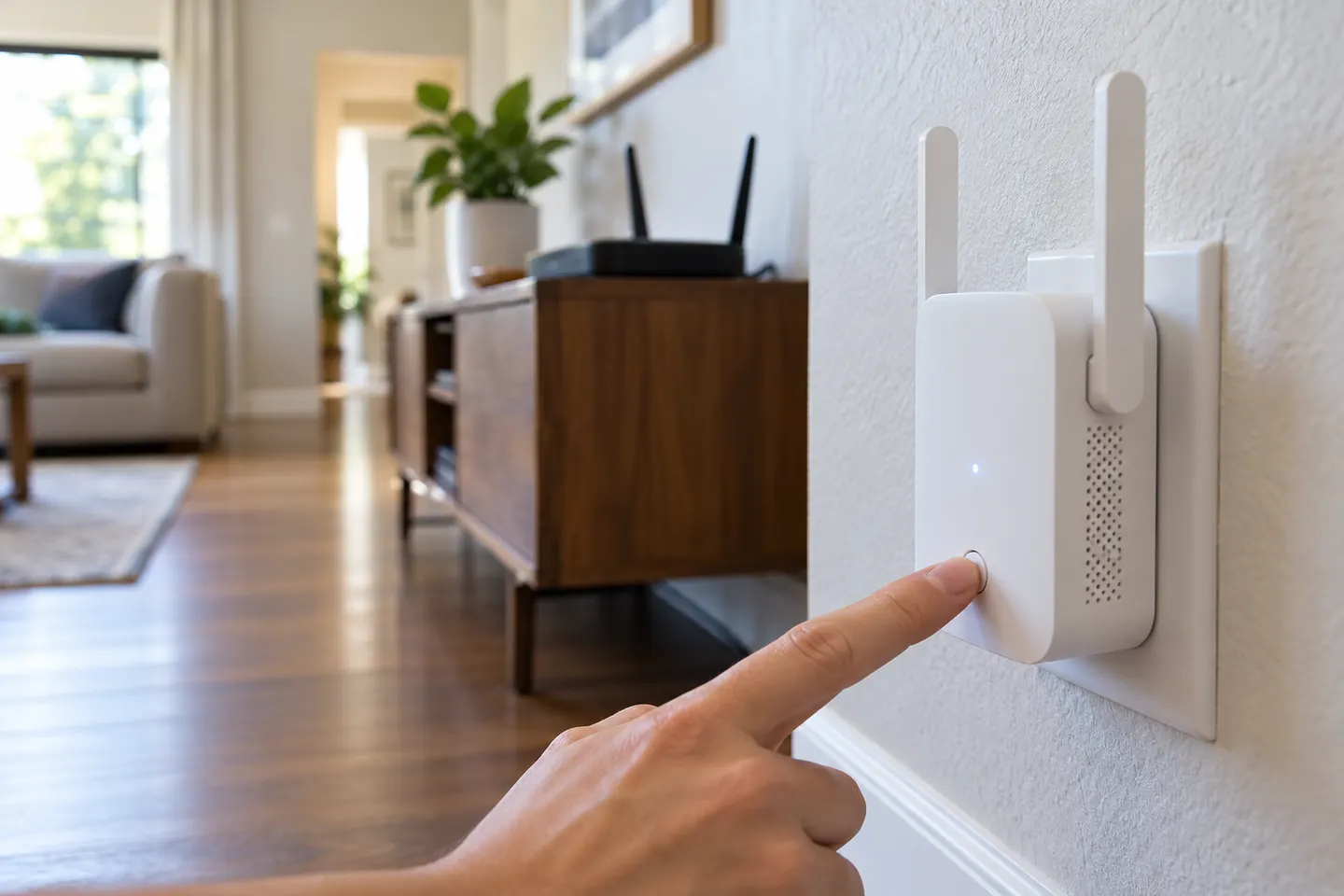
Our picks
Top picks
Official manufacturer image Official manufacturer image
NETGEAR EAX15
Check price on Amazon Official manufacturer image
TP-Link RE550
Check price on AmazonSetup and help
 Setup
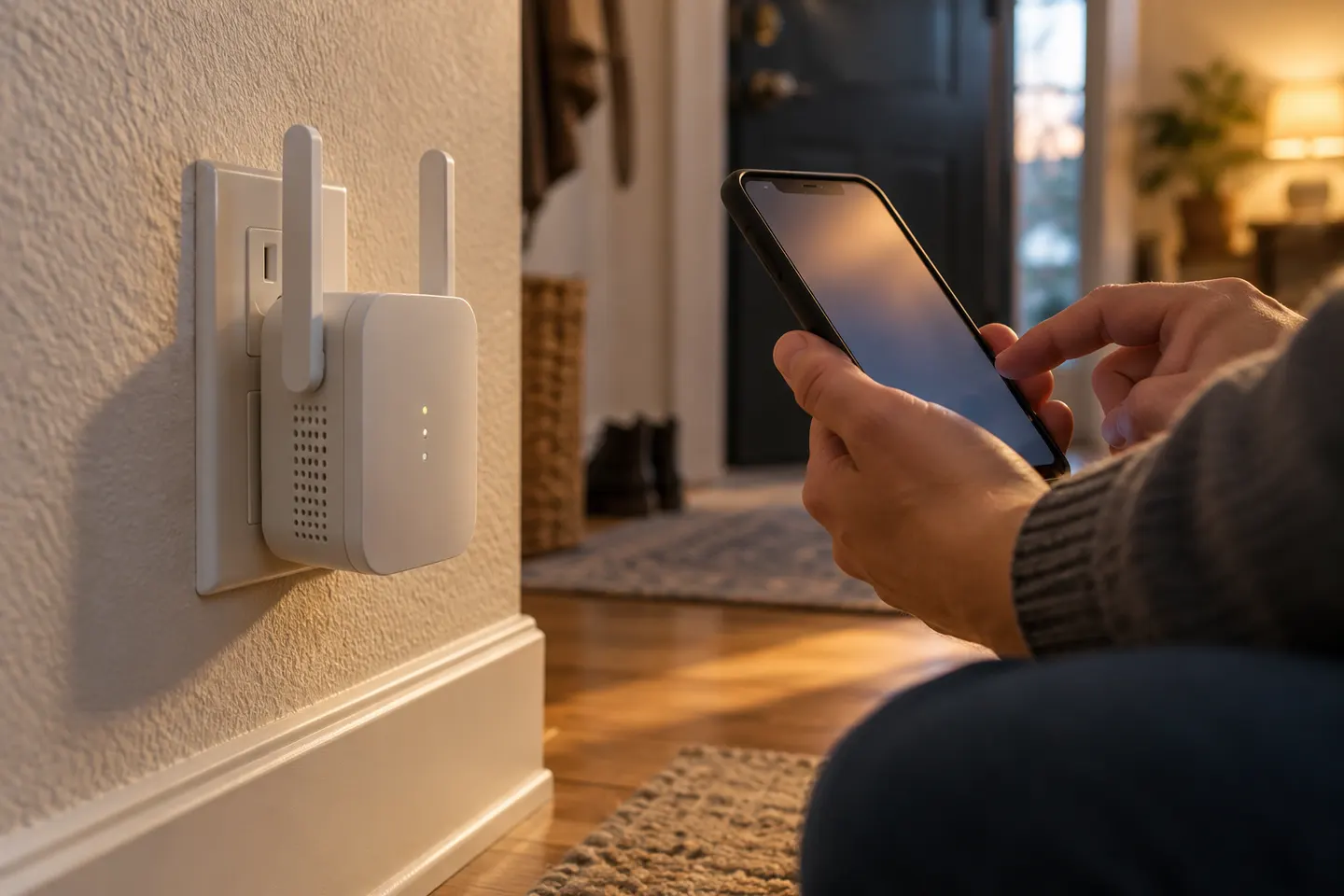 Macard setup
How-to guides
 How to Setup a NETGEAR WiFi Extender at Home
 How to Set Up a TP-Link Wi-Fi Extender
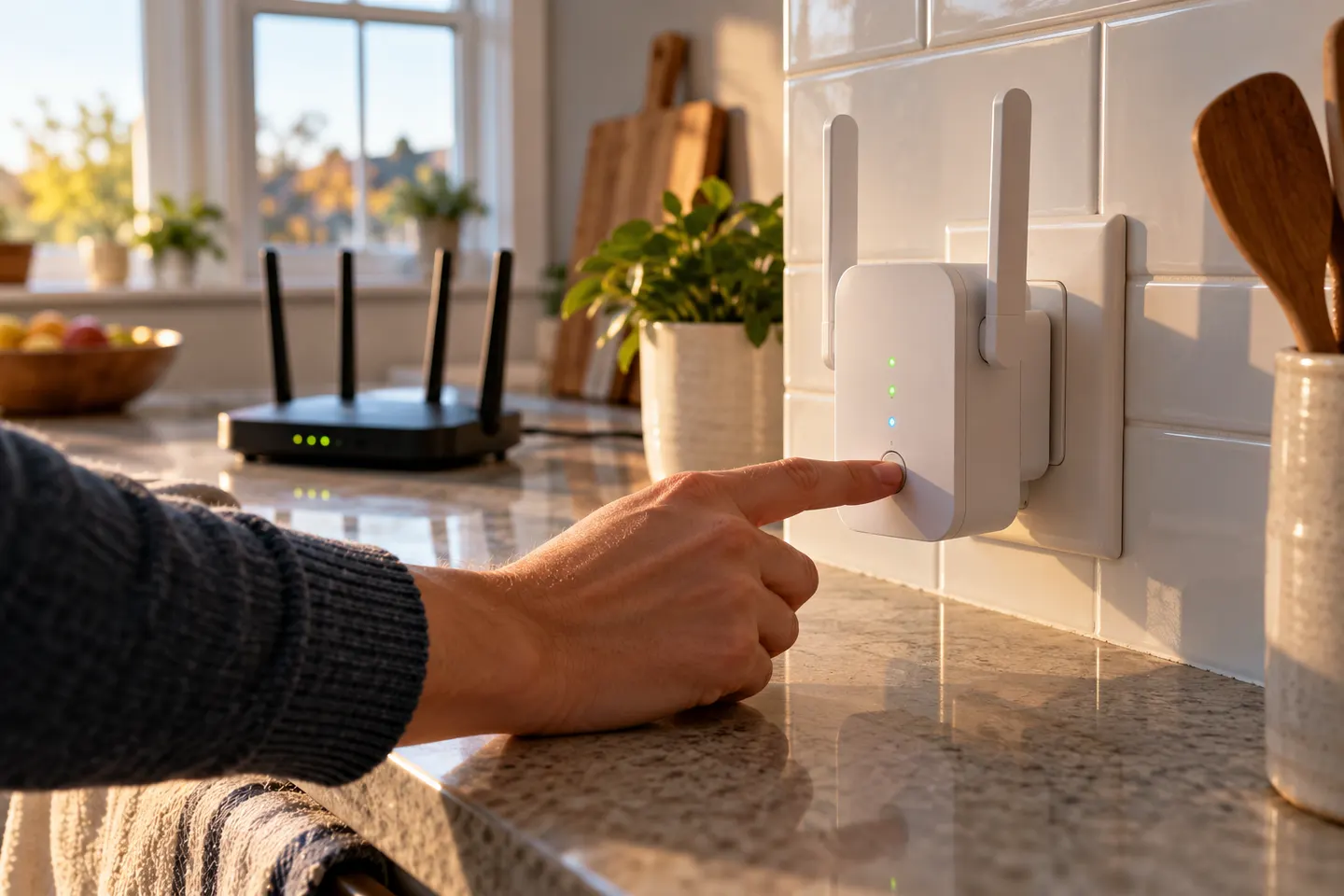 How to Setup a WiFi Extender in Your Home
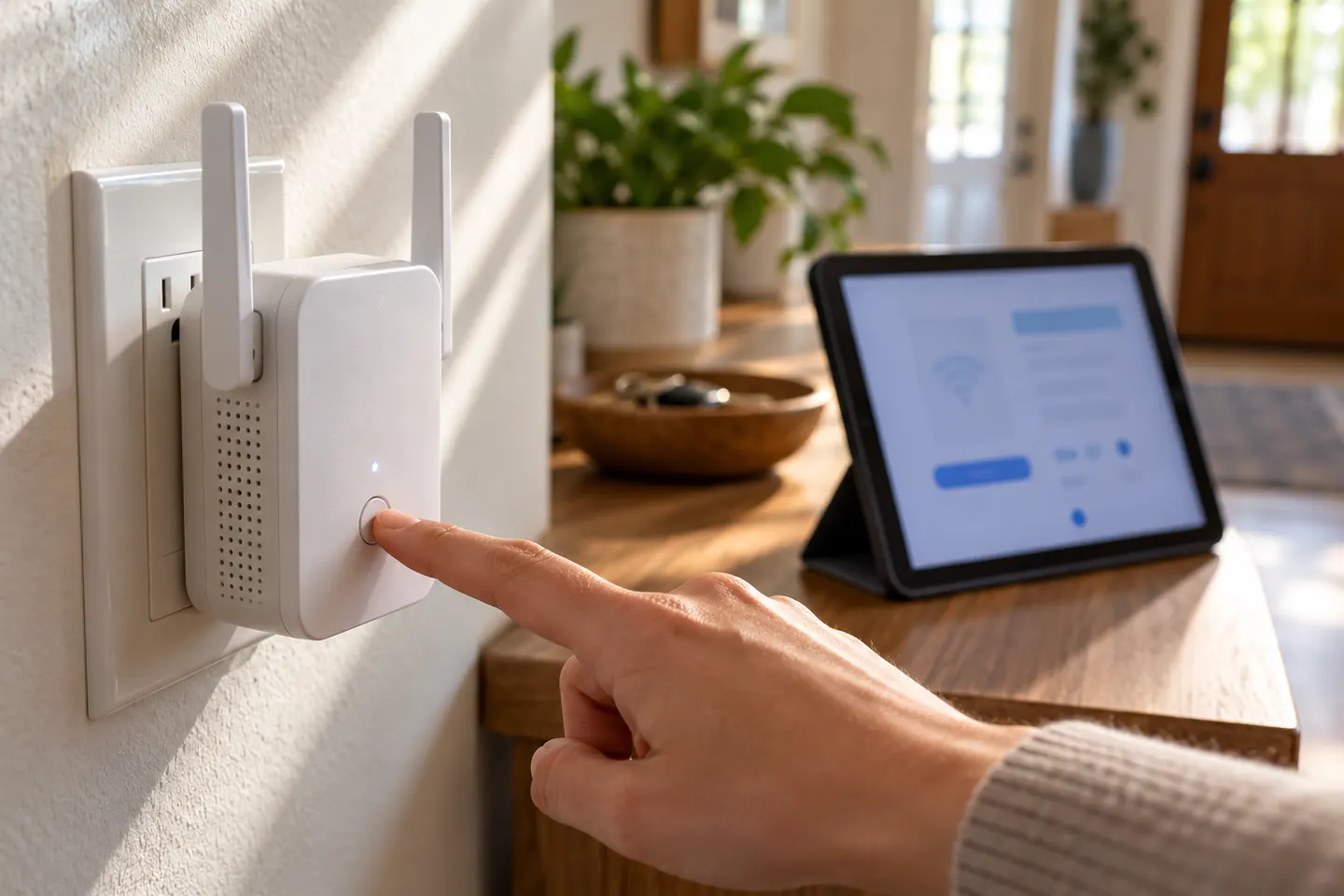 How Do You Setup a NETGEAR WiFi Extender at Home?
Show all (5)
More topics
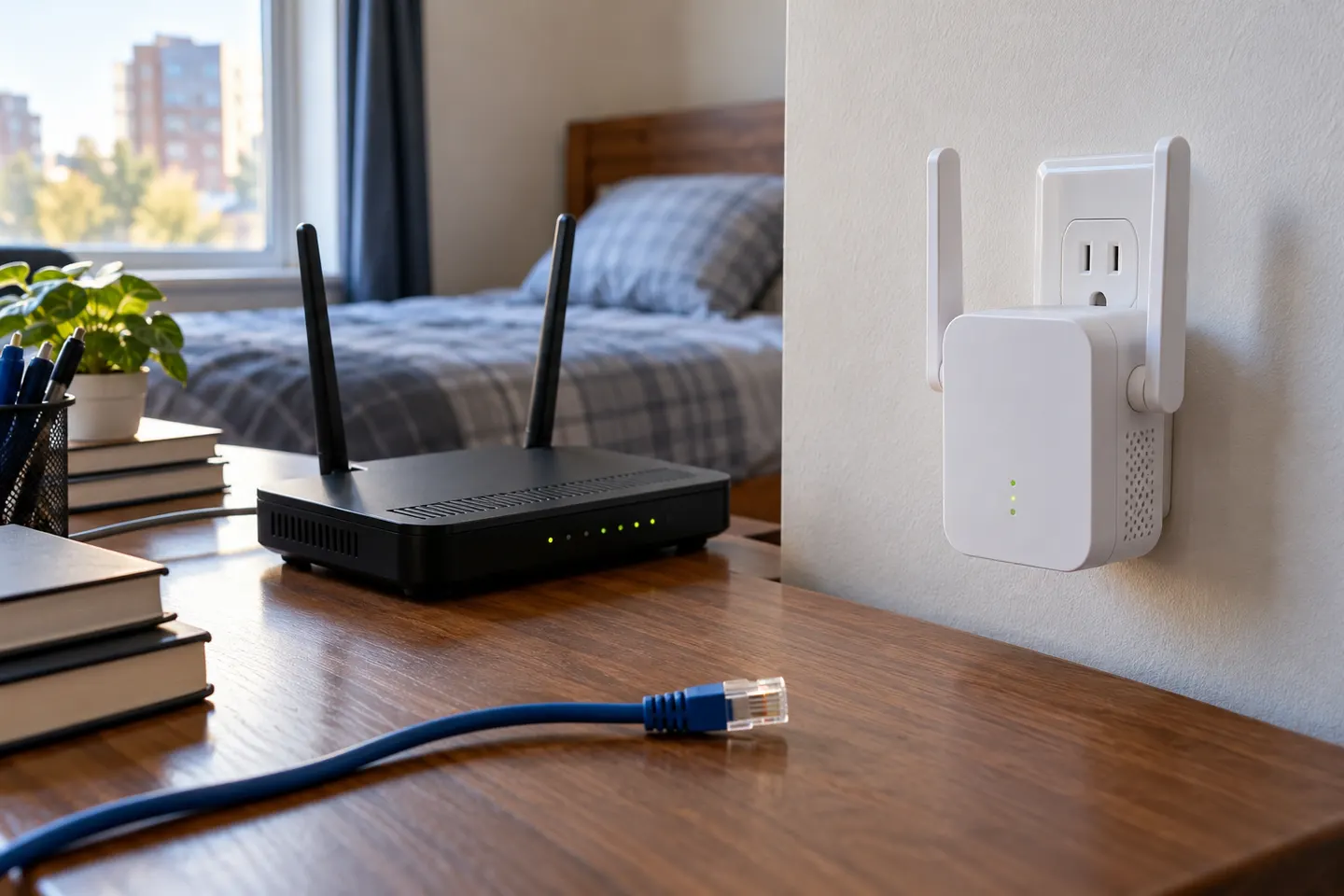 WiFi Range Extenders N300
Common questions
Questions before you buy
How do I set up an N300 Wi-Fi range extender?
N300 is a class label used by multiple products. Identify the exact model, connect it near the router and follow its manual or app setup.
How do I set up a TP-Link N300 extender?
For TP-Link TL-WA850RE, use its WPS pairing or TP-Link Tether setup, then move it where the router signal remains usable.
Can I set up an N300 extender with WPS?
The TL-WA850RE supports WPS pairing with compatible router configuration. Follow the timing and button instructions in the model guide.
Why is my N300 extender not connecting?
Check the host Wi-Fi password, router security compatibility and placement. Reset only using the model-specific instructions if needed.