Independent buying guidance · Australia editionHow we work
Gearjury
All categories
All categories
Best picksBest Dash Cam in Australia: Five Models Compared
Best picksBest Wi-Fi Extenders in Australia for Different Homes
Best picksThe Best Meat Thermometer for Every Kind of Cook
Best picksBest Portable Air Coolers to Consider in Australia (2026)
Best picksBest Headlamp Torches for Different Uses in 2026
Best picksBest Winter Gloves for Everyday Wear and Outdoor Use
Best picksBest Cordless String Trimmers for Australian Gardens (2026)
Best picksBest air purifier for bedroom in Australia: five models compared
AustraliaEnglish

Category hub

WiFi Range Extender 300Mbps: What the Specification Means

A 300 Mbps label describes a theoretical wireless link rate, not guaranteed internet throughput. Check the band, standard and placement constraints.

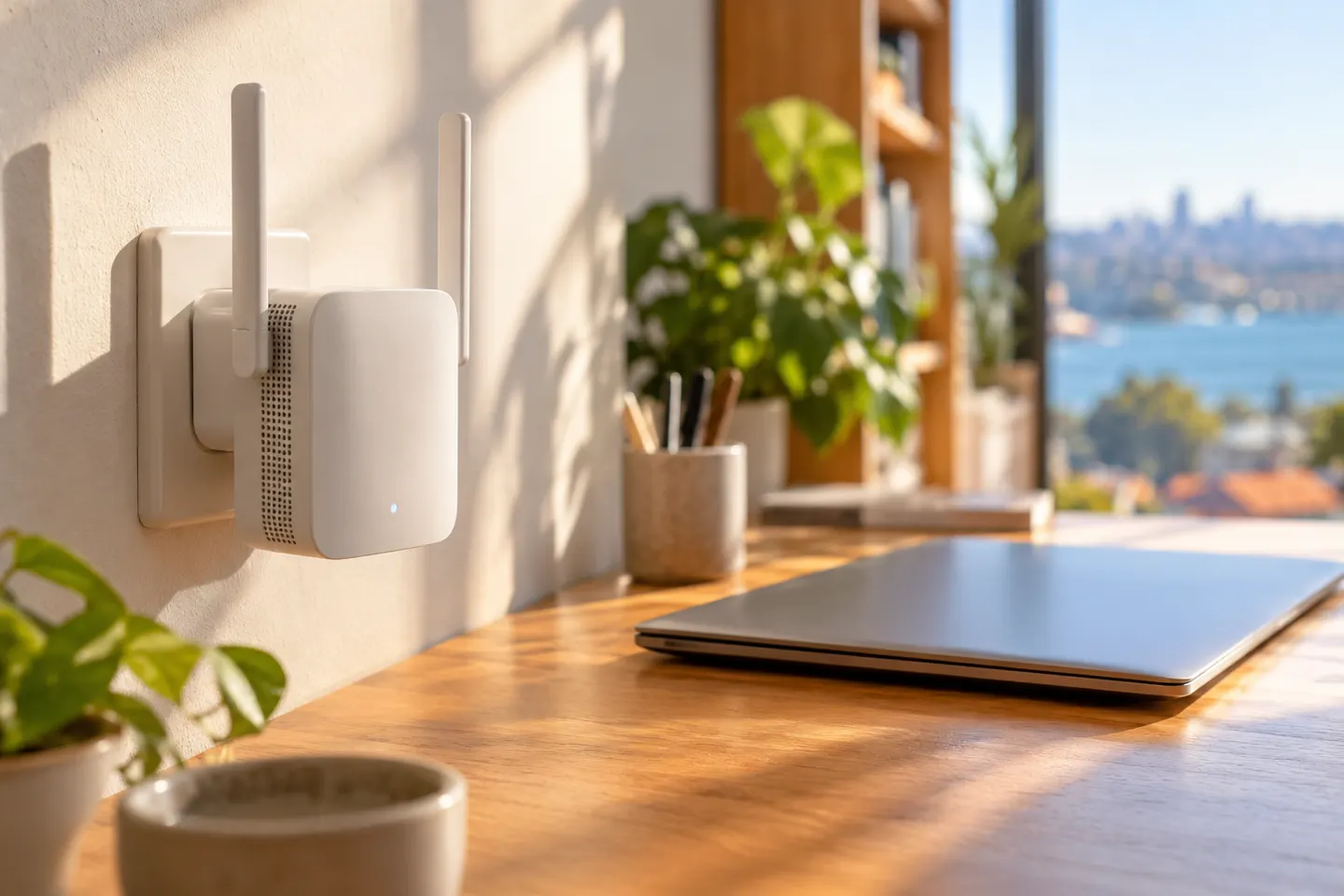
A WiFi range extender 300Mbps listing usually refers to a nominal wireless rate under specified conditions, rather than the speed you will see on every connected device. The 300Mbps WiFi range extender search can include single-band 2.4 GHz equipment and devices whose performance is shared across the router-to-extender and extender-to-device links. Compare the supported WiFi standard, security, Ethernet port and setup mode, then place the unit where the router signal remains strong.

WiFi Range Extender 300Mbps: What the Specification Means

Common questions

Questions before you buy

Does 300Mbps mean my internet will run at that speed?

No. The figure is a theoretical link rate, and actual throughput is affected by interference, distance, device capability and network traffic.

Is a 300Mbps extender suitable for 2.4 GHz WiFi?

Many products with this rating use 2.4 GHz, but confirm the exact model specification. Band support and compatibility vary by device.

Will a 300Mbps extender work with a dual-band router?

It may connect using a compatible band, but it may not extend both bands. Check the extender specification and your intended setup.

Where should I install a 300Mbps WiFi extender?

Choose a position between the router and the coverage gap that still receives a reliable signal. Avoid placing it at the far edge of the dead zone.