Independent buying guidance · Australia editionHow we work
Gearjury
All categories
All categories
Best picksBest Dash Cam in Australia: Five Models Compared
Best picksBest Wi-Fi Extenders in Australia for Different Homes
Best picksThe Best Meat Thermometer for Every Kind of Cook
Best picksBest Headlamp Torches for Different Uses in 2026
Best picksBest Portable Air Coolers to Consider in Australia (2026)
Best picksBest Winter Gloves for Everyday Wear and Outdoor Use
Best picksBest Cordless String Trimmers for Australian Gardens (2026)
Best picksBest air purifier for bedroom in Australia: five models compared
AustraliaEnglish

Category hub

WiFi Extender Apps: What They Can and Cannot Do

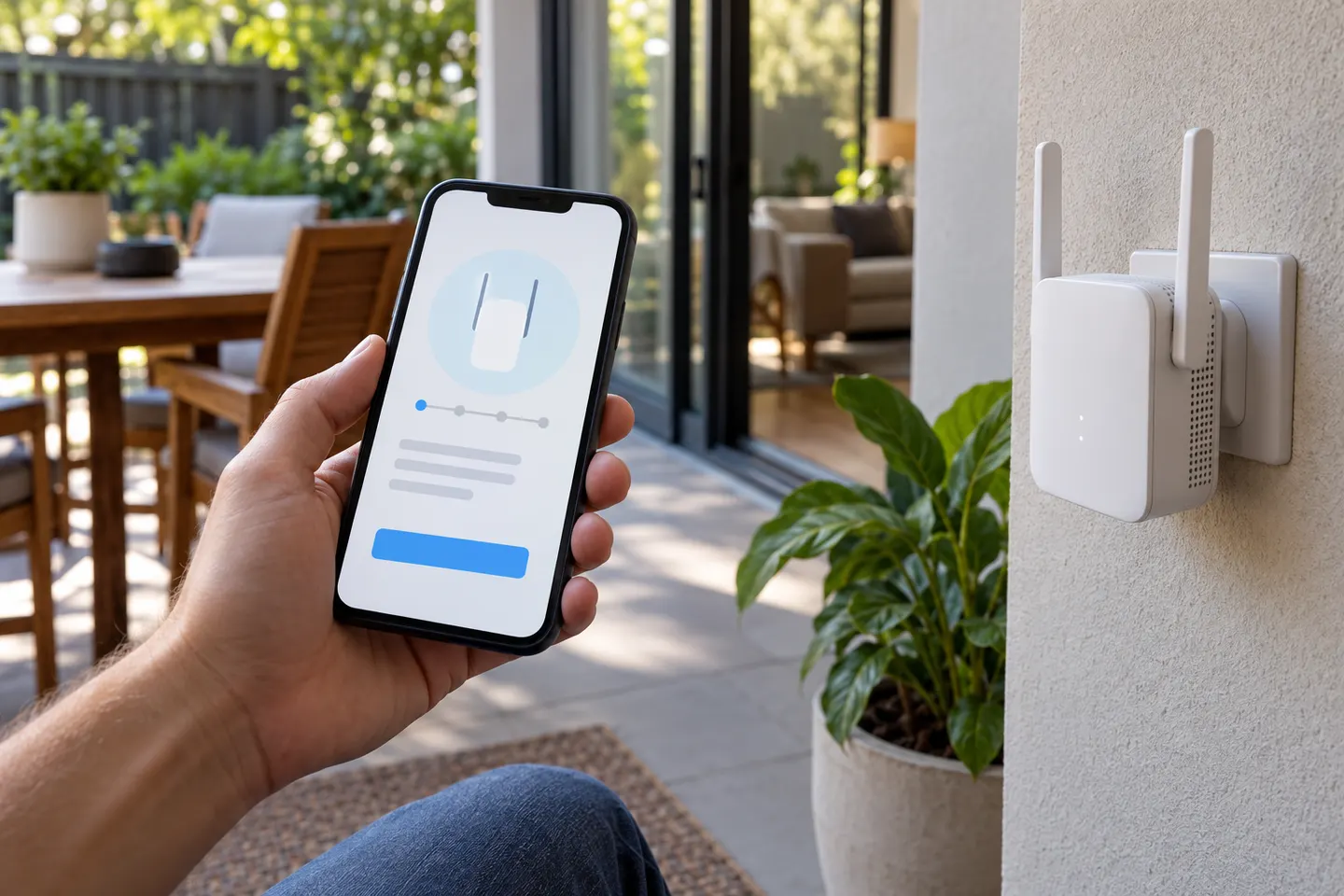
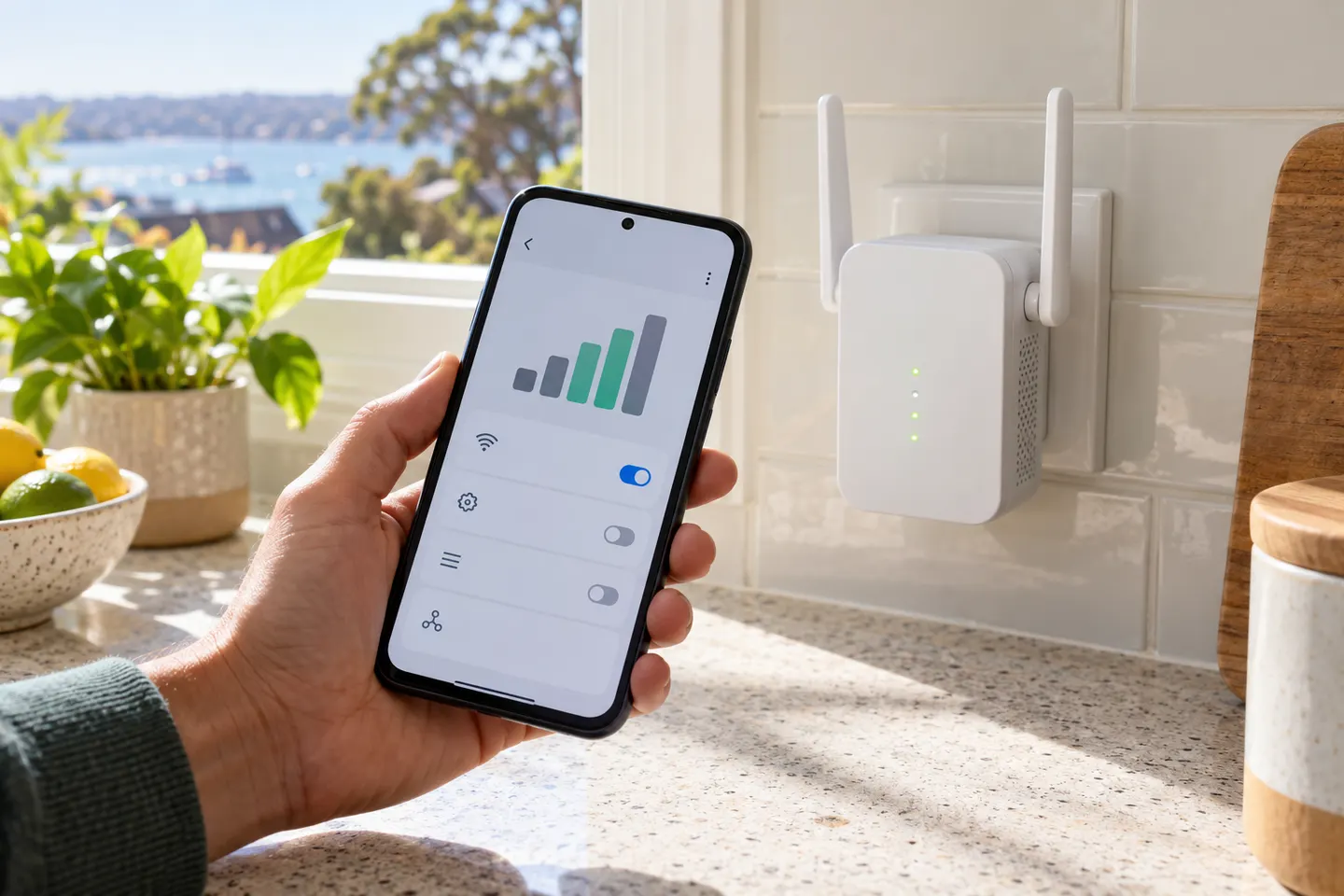
A manufacturer app can configure a compatible extender and help manage it. It cannot turn a phone into a hardware Wi-Fi repeater.

A WiFi extender app usually means the companion app used to set up or manage a physical range extender. Some apps show device status, change settings or help find a better location. Free booster downloads cannot increase a phone’s Wi-Fi radio power or create coverage without compatible hardware. On iPhone as well as Android, start with the app named in the extender official instructions and check compatibility before installation. For a hardware shortlist, browse the category and compare TP-Link or NETGEAR models.

WiFi Extender Apps: What They Can and Cannot Do

Setup and help

1

Common questions

Questions before you buy

Is there a free app that boosts Wi-Fi signal?

An app alone cannot increase a phone’s radio range or repeat a network without supported hardware. Manufacturer apps can configure compatible extenders.

Do I need an app to set up a Wi-Fi extender?

Not always. Depending on the model, setup may use an app, browser interface or WPS. Follow the model guide.

Can I use an iPhone as a Wi-Fi extender?

An iPhone does not act as a general-purpose Wi-Fi repeater. Use compatible router or extender hardware to extend coverage.

What does a Wi-Fi booster app do?

A manufacturer app can help configure or manage its hardware. Check permissions, publisher identity and model compatibility before downloading.