WiFi Extender Brands: Compare Options for Canadian Homes
TP-Link, NETGEAR, Linksys and other brands offer different approaches to extending WiFi. Compare the exact model and compatibility features before choosing.
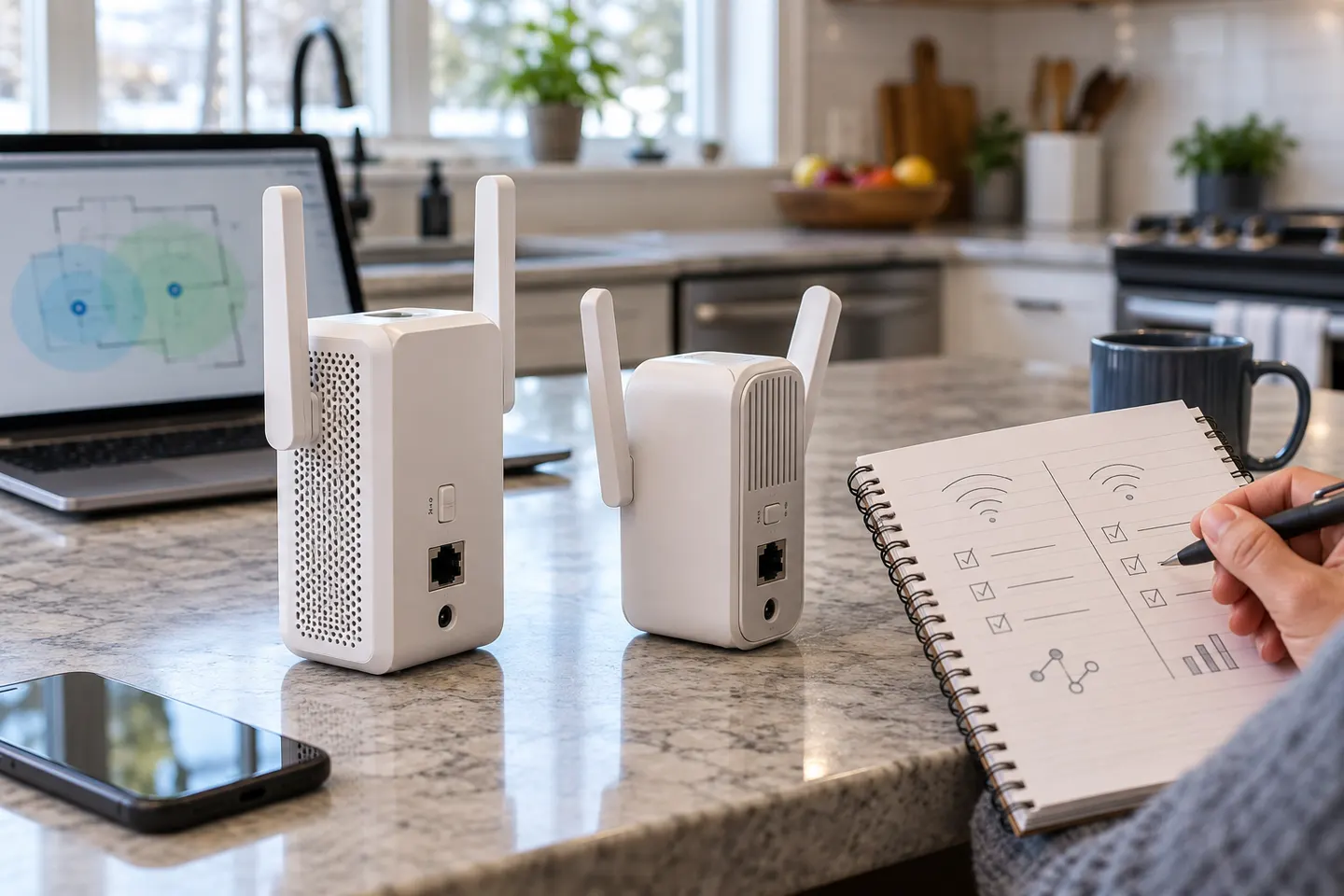
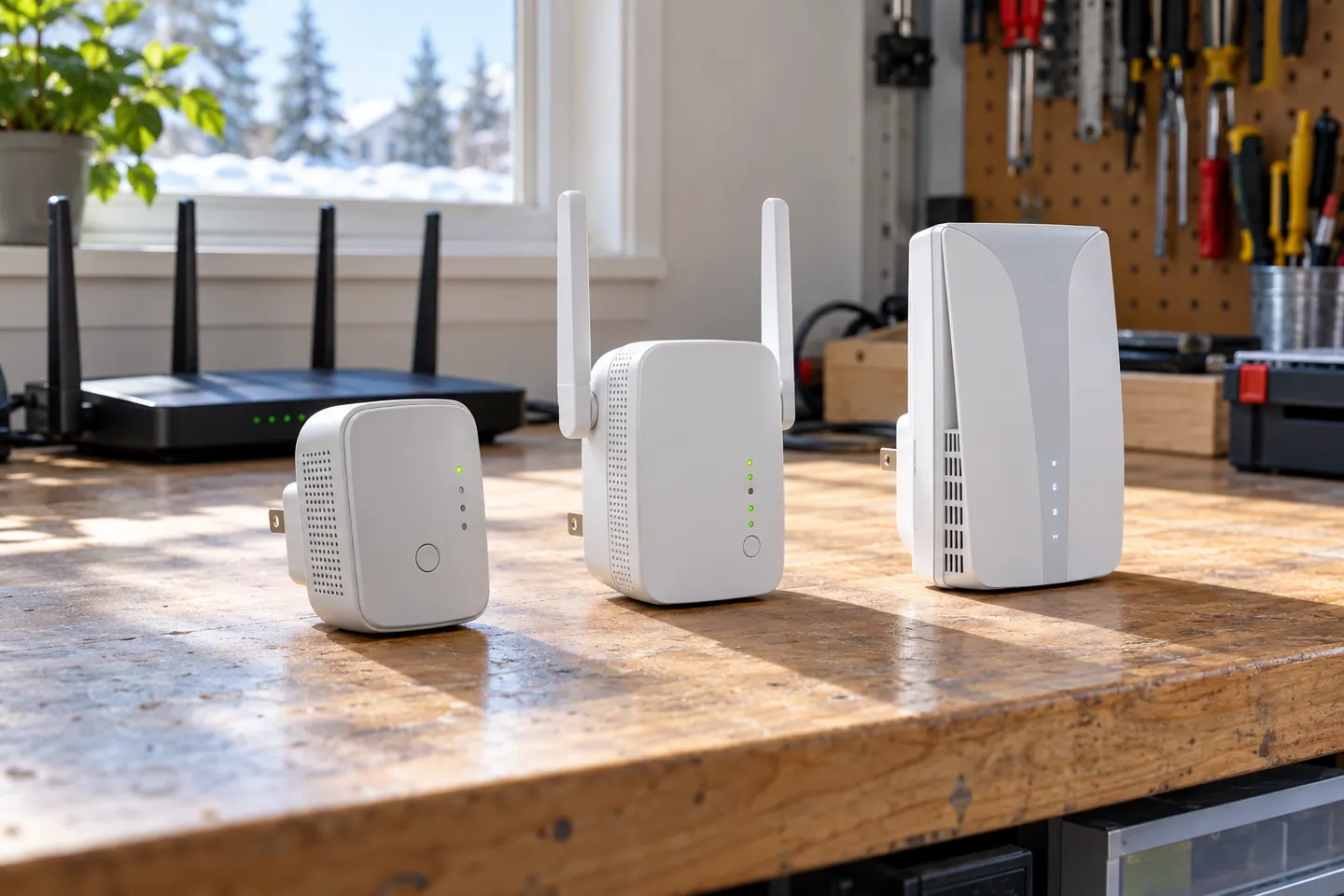
WiFi extender brands differ in setup software, mesh standards, ports and the way they work with an existing router. Begin with the router you already own: a brand name alone does not guarantee one-name roaming or compatibility with a proprietary mesh system. TP-Link publishes EasyMesh support for selected models such as RE605X; check the specific router and extender listings together. NETGEAR and Linksys also sell range extenders, but feature sets vary by model and generation. Browse the TP-Link hub, NETGEAR page and Canada buying list to compare relevant choices rather than assuming products from one brand share the same capabilities.
The TP-Link RE705X is a strong feature-led starting point, with WiFi 6, AX3000 class and a Gigabit port. Consider NETGEAR EAX15 for mesh-style WiFi 6 or simpler plug-in models for a basic dead zone.
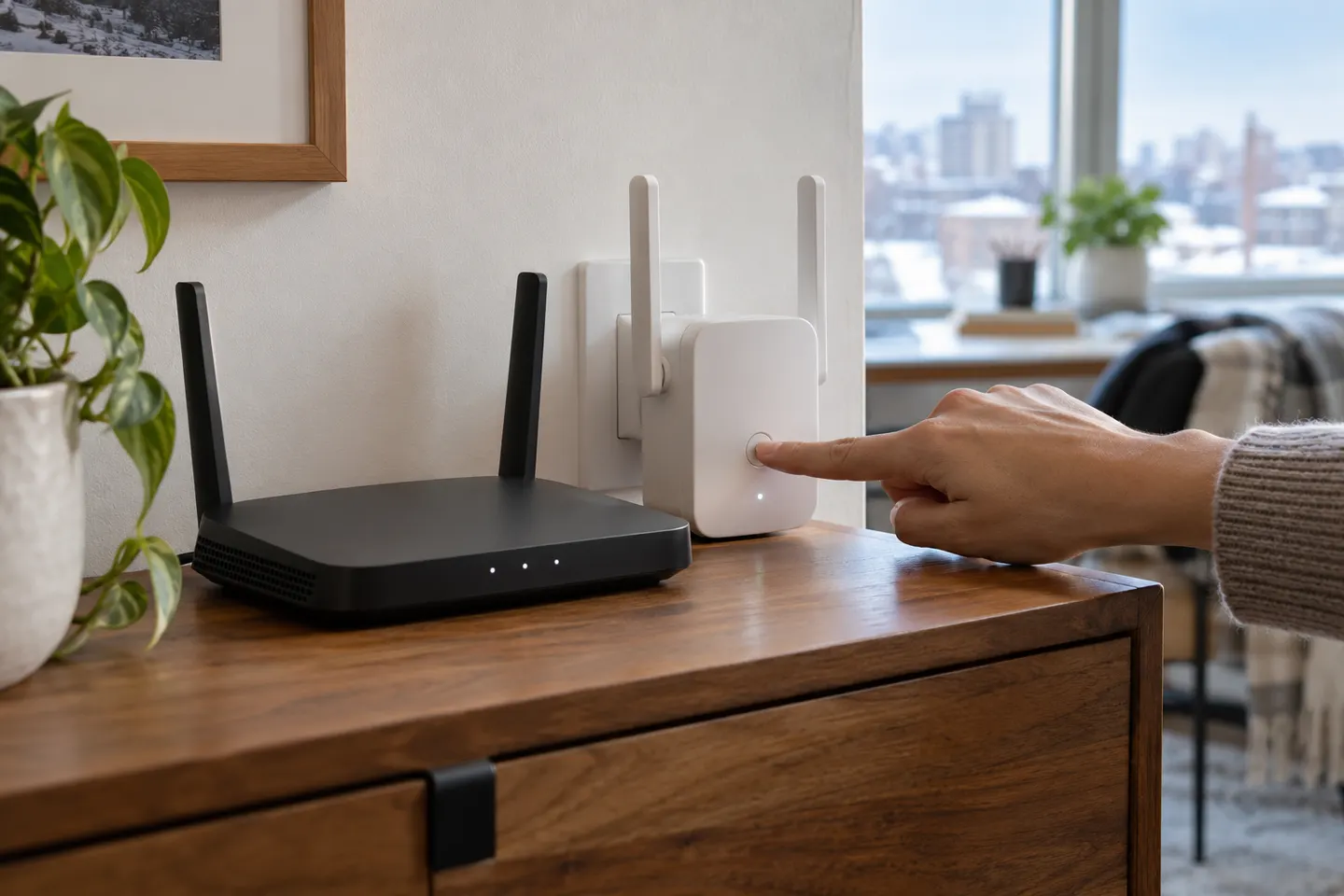
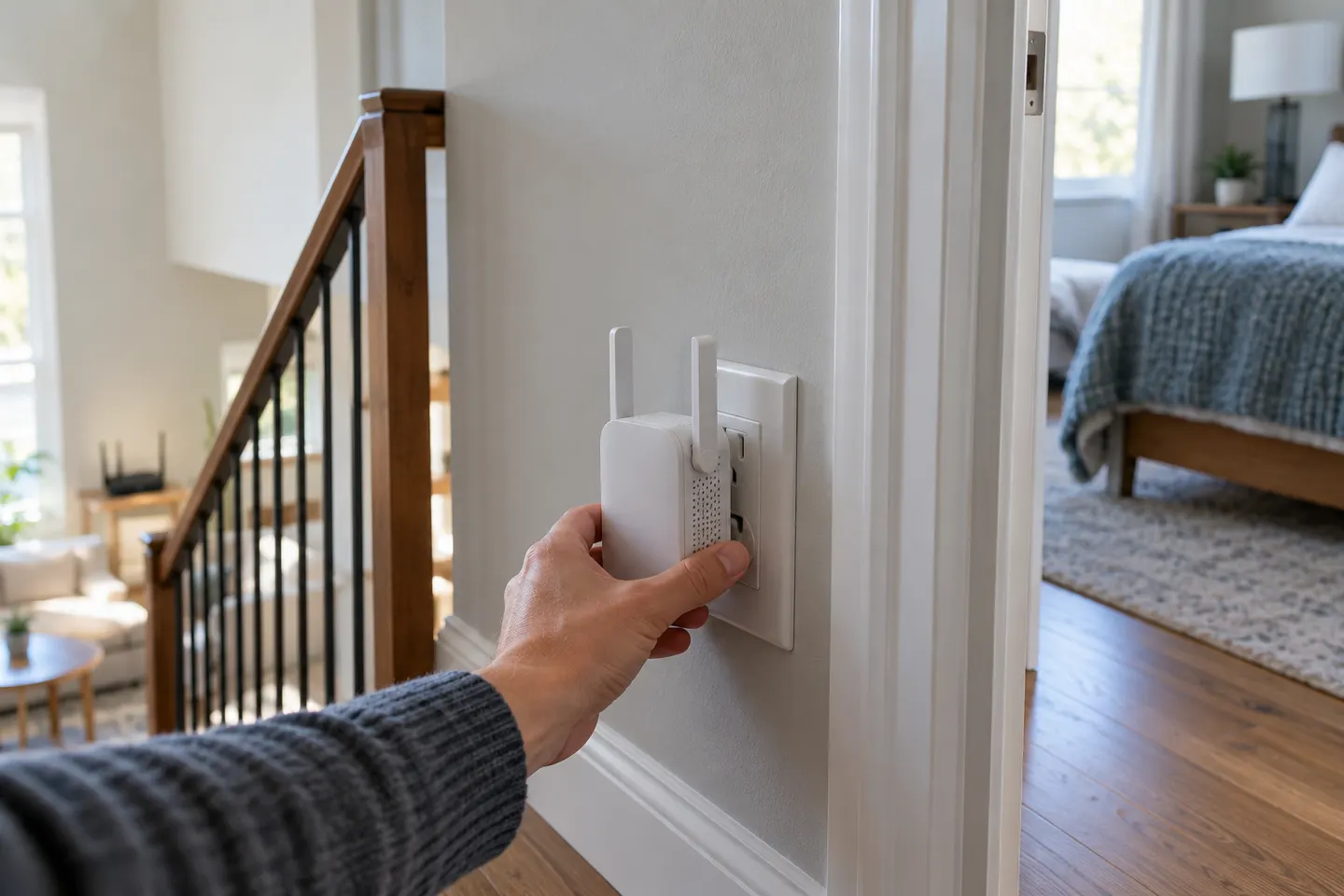
Pair the extender near your router using WPS, the Tether app or its web setup, then move it to a position with a stable router signal. The exact controls vary by model.
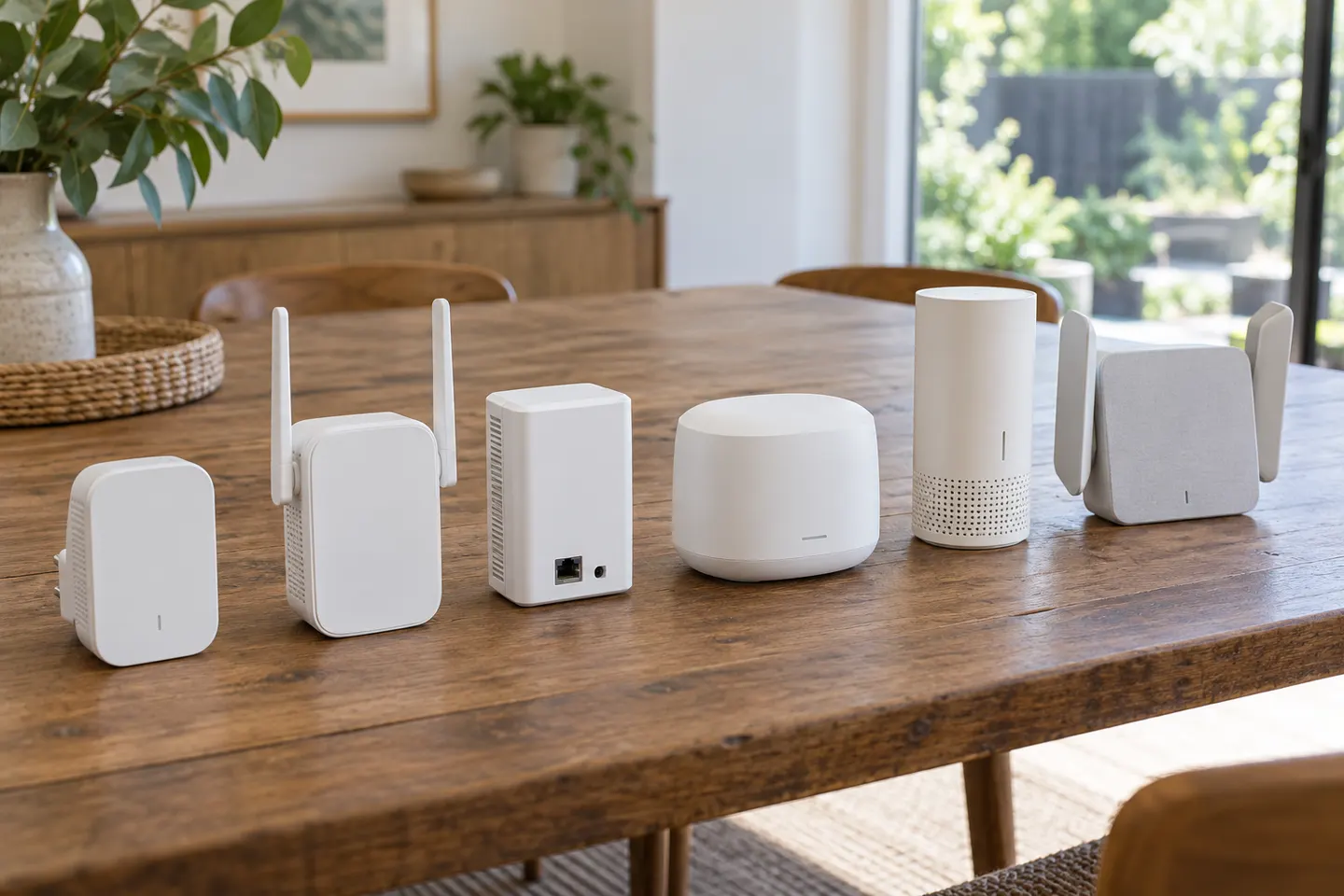
The terms often overlap: a booster may simply be a range extender. The meaningful comparison is between a standalone repeater and a coordinated mesh system from an internet provider or router brand.
The TP-Link RE705X is a strong feature-led starting point, with WiFi 6, AX3000 class and a Gigabit port. Consider NETGEAR EAX15 for mesh-style WiFi 6 or simpler plug-in models for a basic dead zone.
There is no single rating that fits every router or home. These highly specified extenders stand out in manufacturer listings for WiFi class, connectivity and operating modes.
TP-Link RE605X is a strong starting point if you want Wi-Fi 6, EasyMesh compatibility and a Gigabit port. A mesh node or powerline kit may suit larger or harder-to-wire layouts better.
Our shortlist compares manufacturer-documented features across plug-in and desktop designs. Match Ethernet, WiFi generation and placement to your home.
The terms often overlap: a booster may simply be a range extender. The meaningful comparison is between a standalone repeater and a coordinated mesh system from an internet provider or router brand.
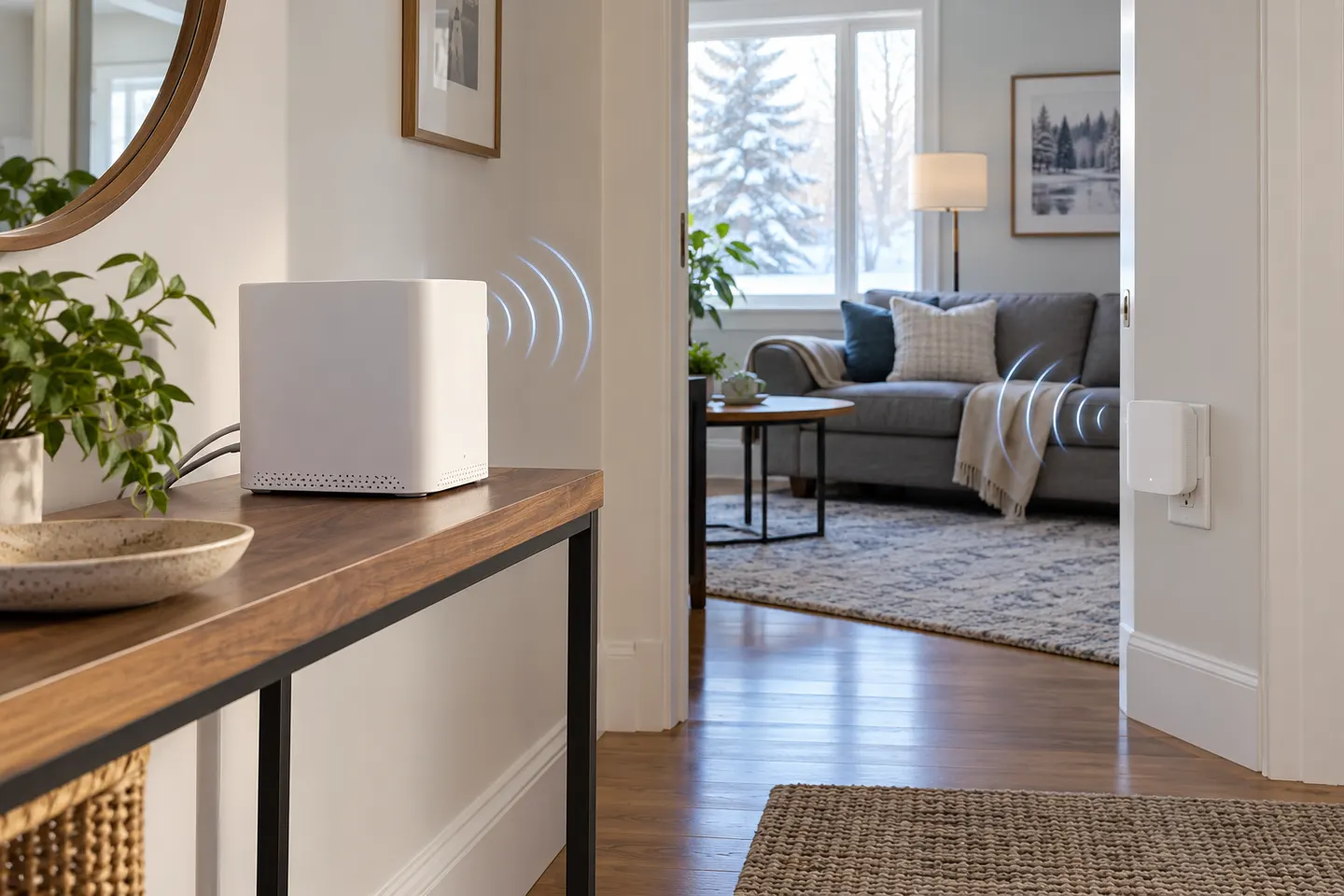
Choose a single range extender for a local weak spot and a working router. Consider mesh when you need coordinated coverage across several rooms or floors.
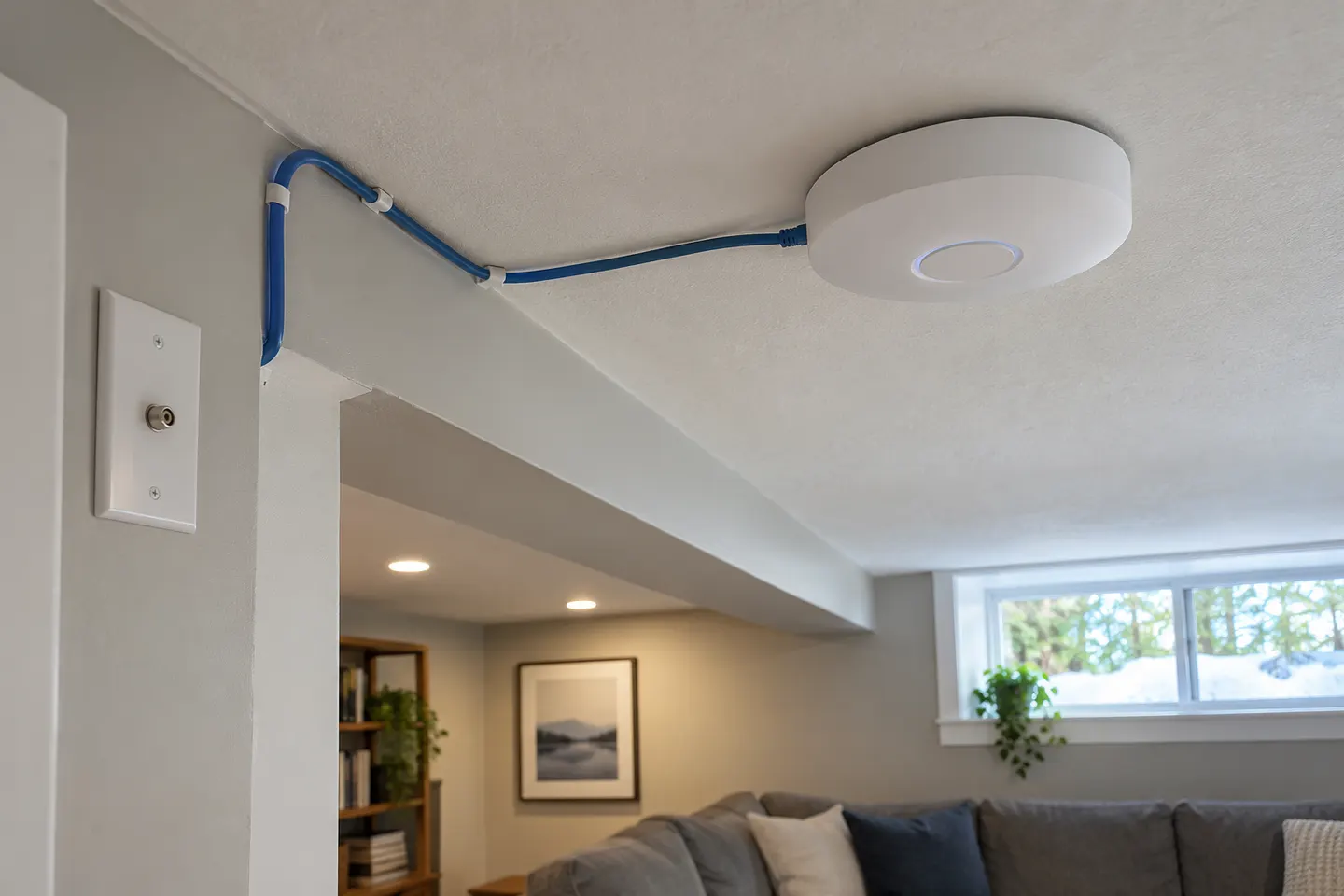
Choose an access point when you can connect it to the router by Ethernet. Choose a wireless extender when a wired run is impractical and a usable router signal reaches its location.
Common questions
Questions before you buy
Which brands make WiFi range extenders?
TP-Link, NETGEAR, Linksys and other networking companies sell range extenders. Confirm model availability and specifications in your market before buying.
Can I use an extender from a different brand than my router?
Many standalone extenders are designed to connect to standard WiFi routers from other brands. Mesh roaming features may require compatible devices, so check the exact model documentation.
Are all WiFi extenders compatible with mesh?
No. Some support a named standard such as EasyMesh, while others repeat a network without joining a coordinated mesh. Verify both router and extender support the same feature.
How do I choose between extender brands?
Compare supported WiFi generation, bands, Ethernet port, setup method and mesh compatibility against your router and home layout. Those details are more useful than brand reputation alone.
Your privacy
We use cookies and similar technologies. Necessary ones keep the site working. With your permission we also use statistics cookies (Google Analytics and Microsoft Clarity) to understand which guides help readers. You can accept all, reject all or choose. You can change your choice at any time from "Cookie settings" at the bottom of every page. Cookie policy







 Official manufacturer image
 Official manufacturer image
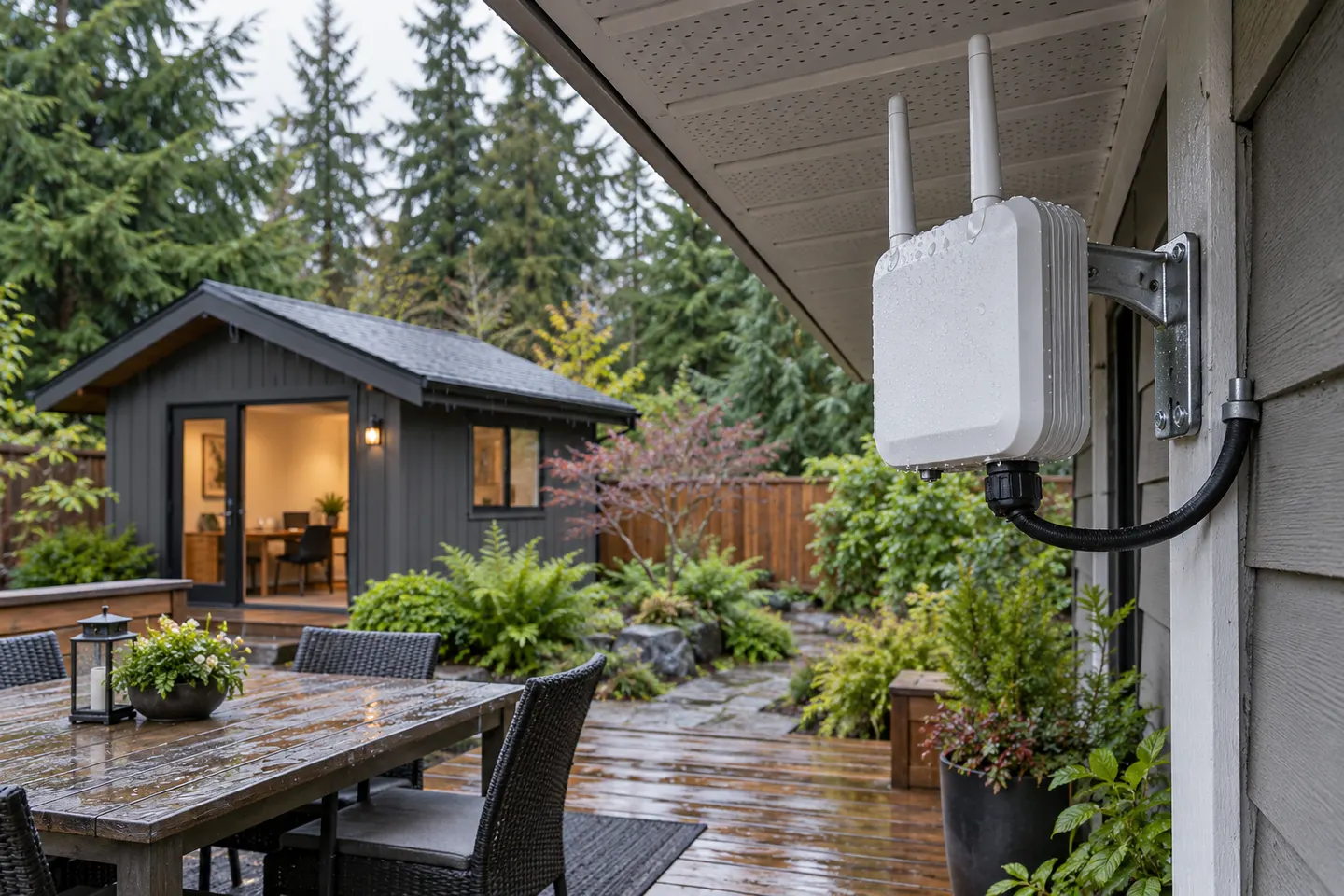 Outdoor
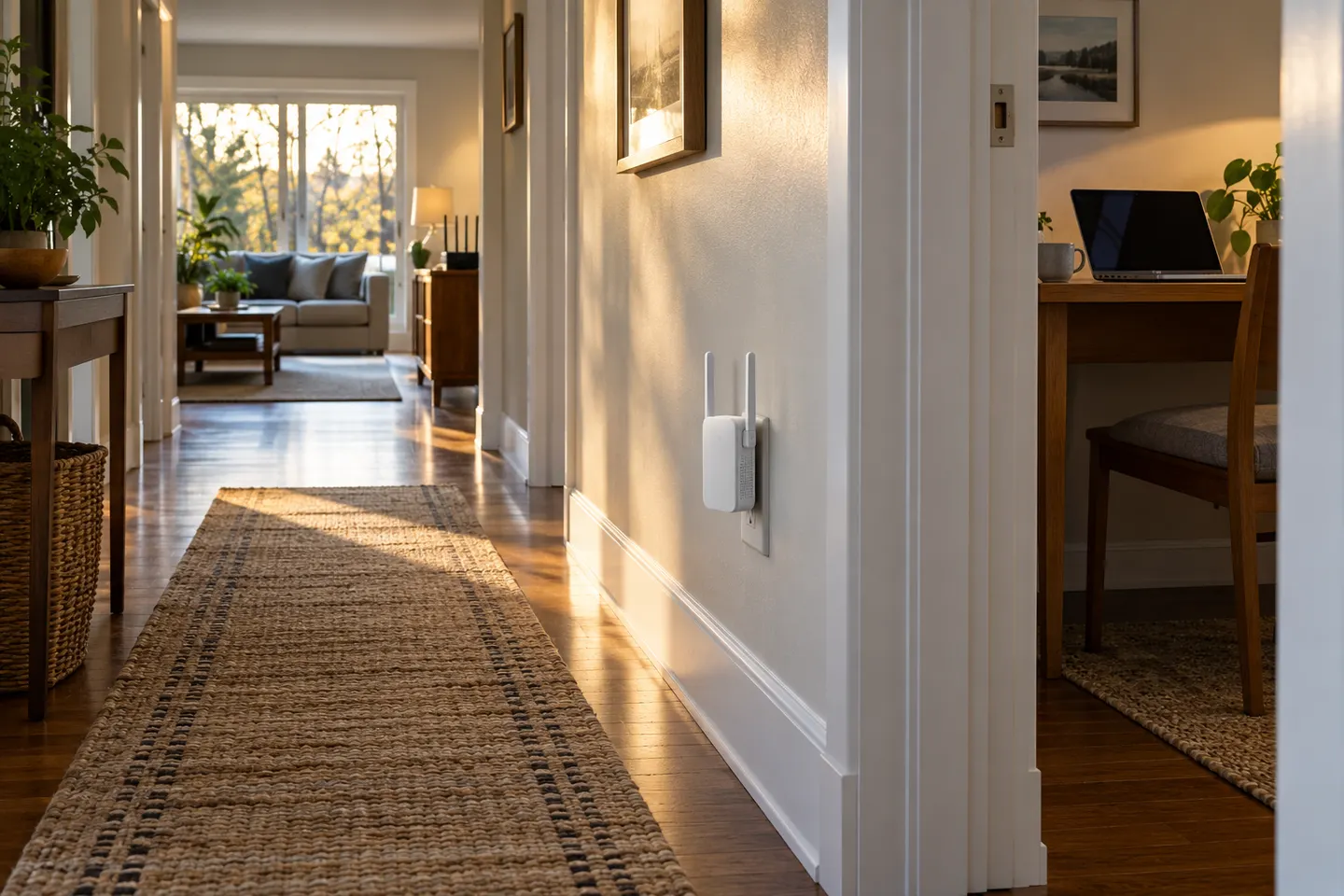 Home
Home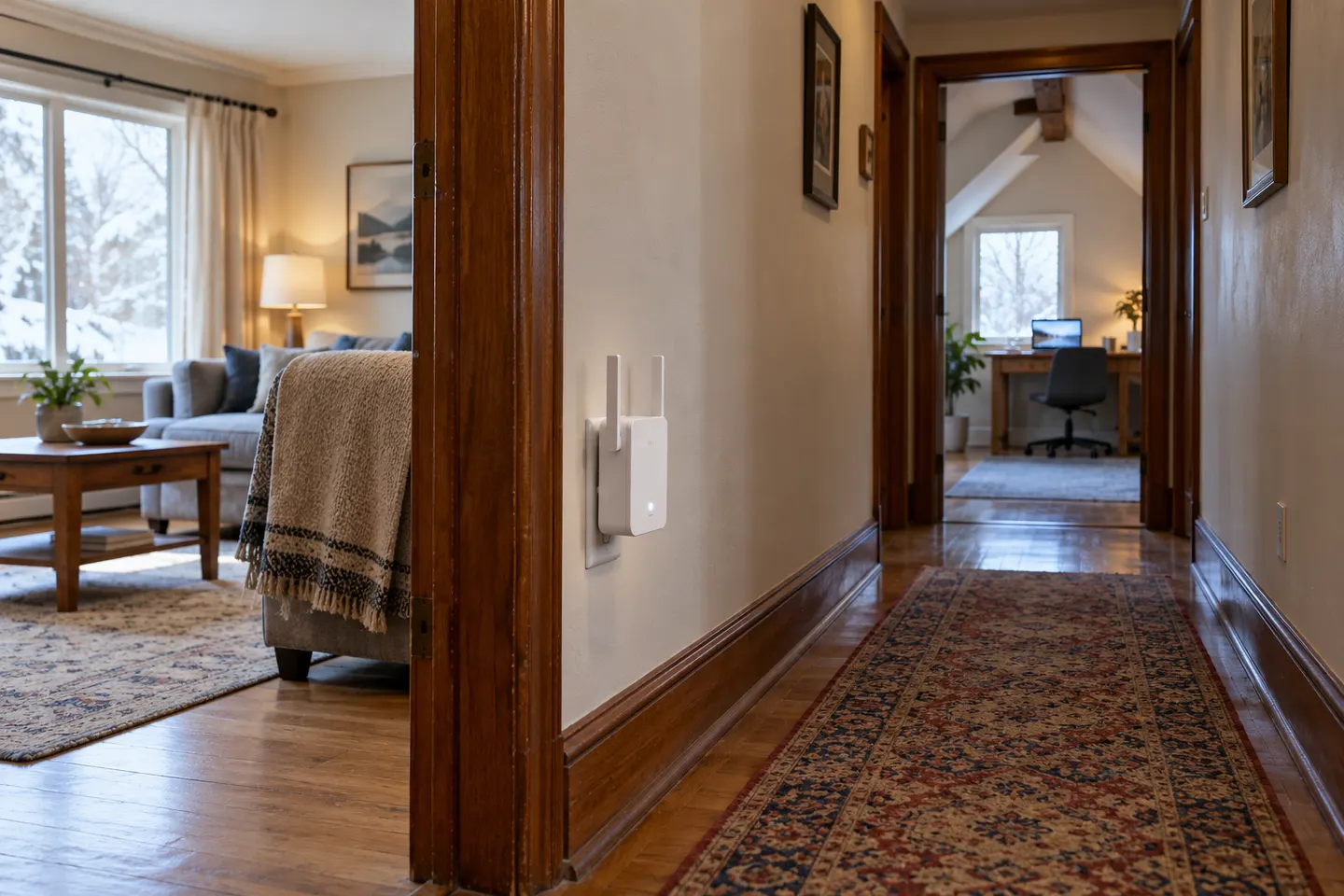 Long
Long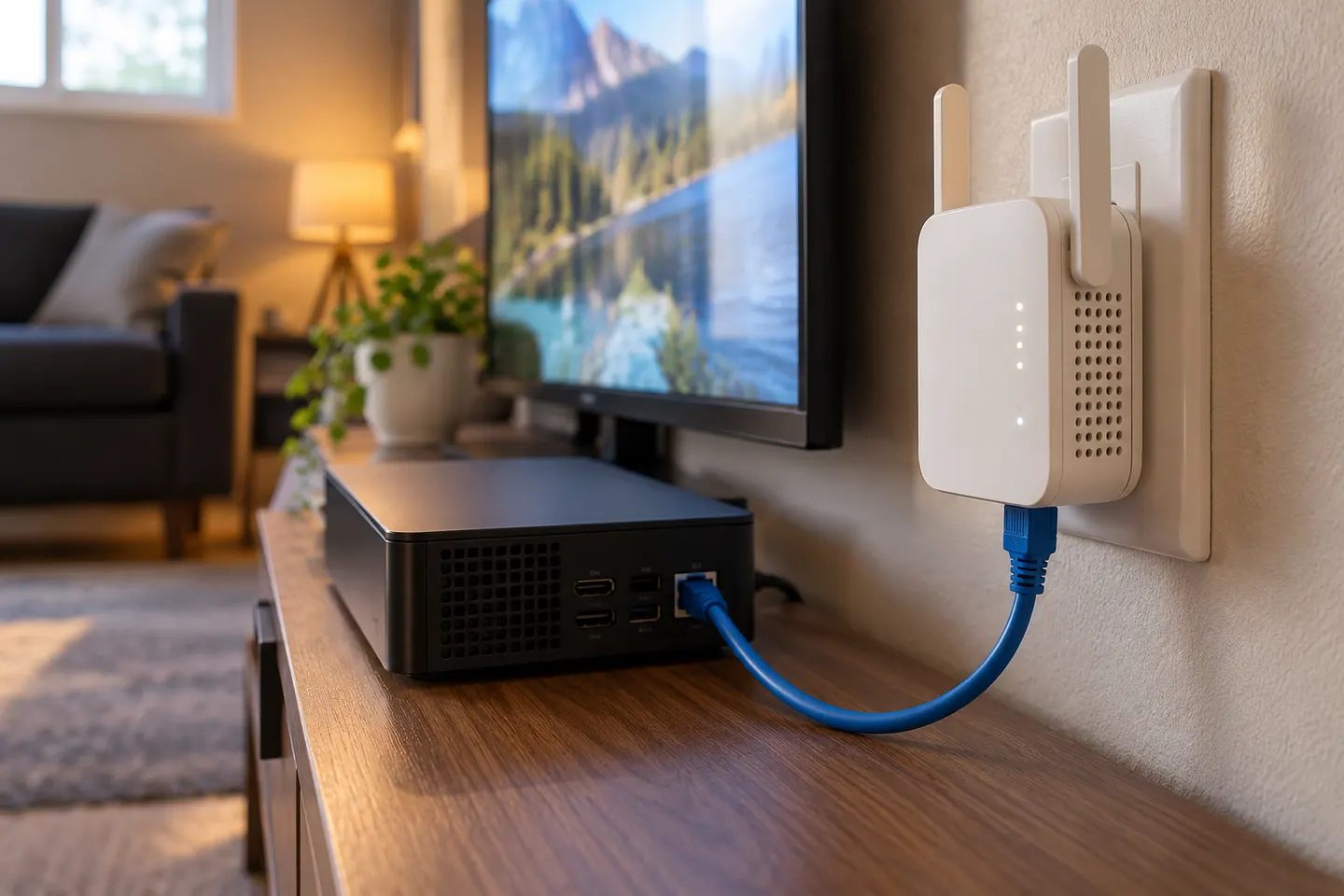 Ethernet ports
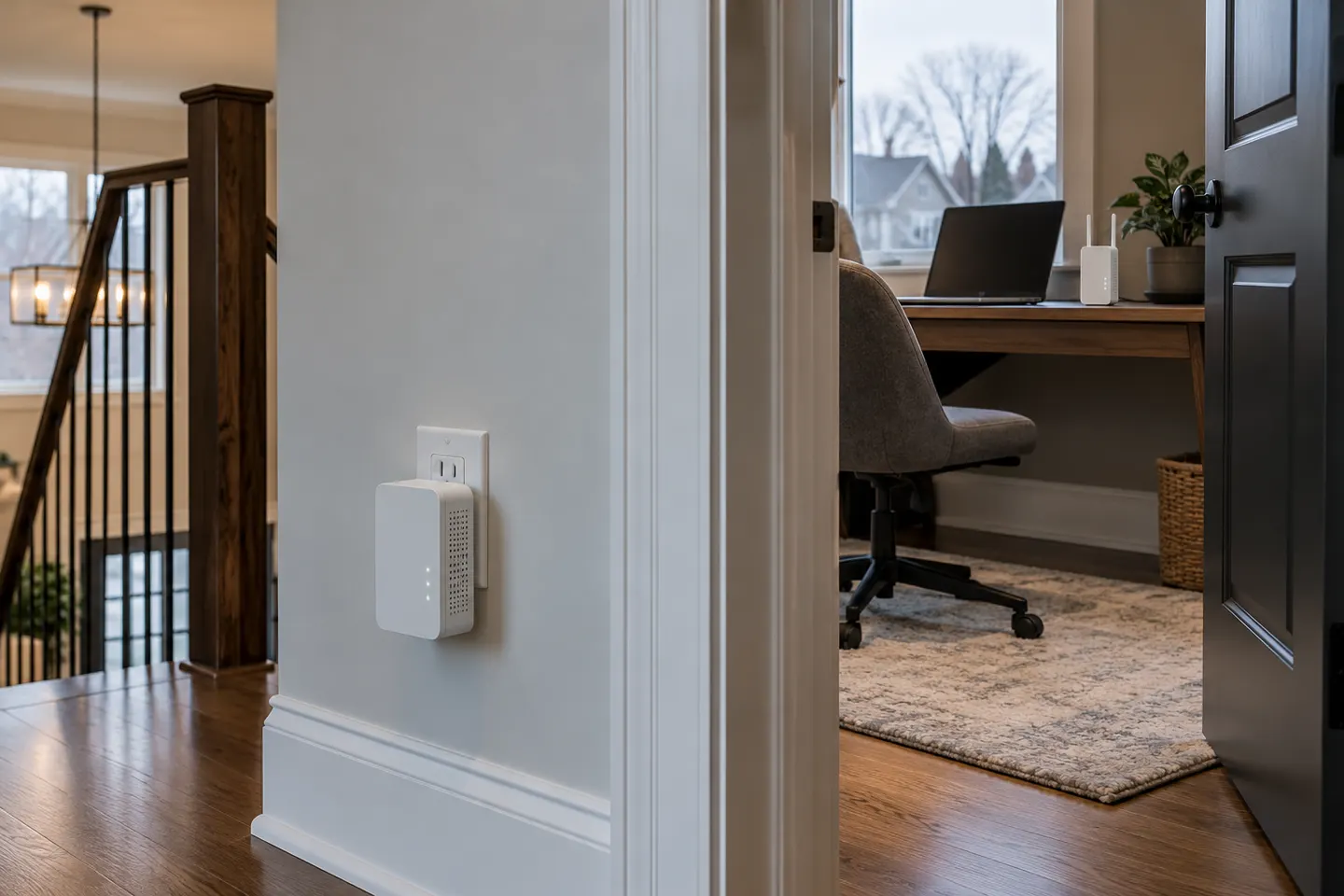 Powerline
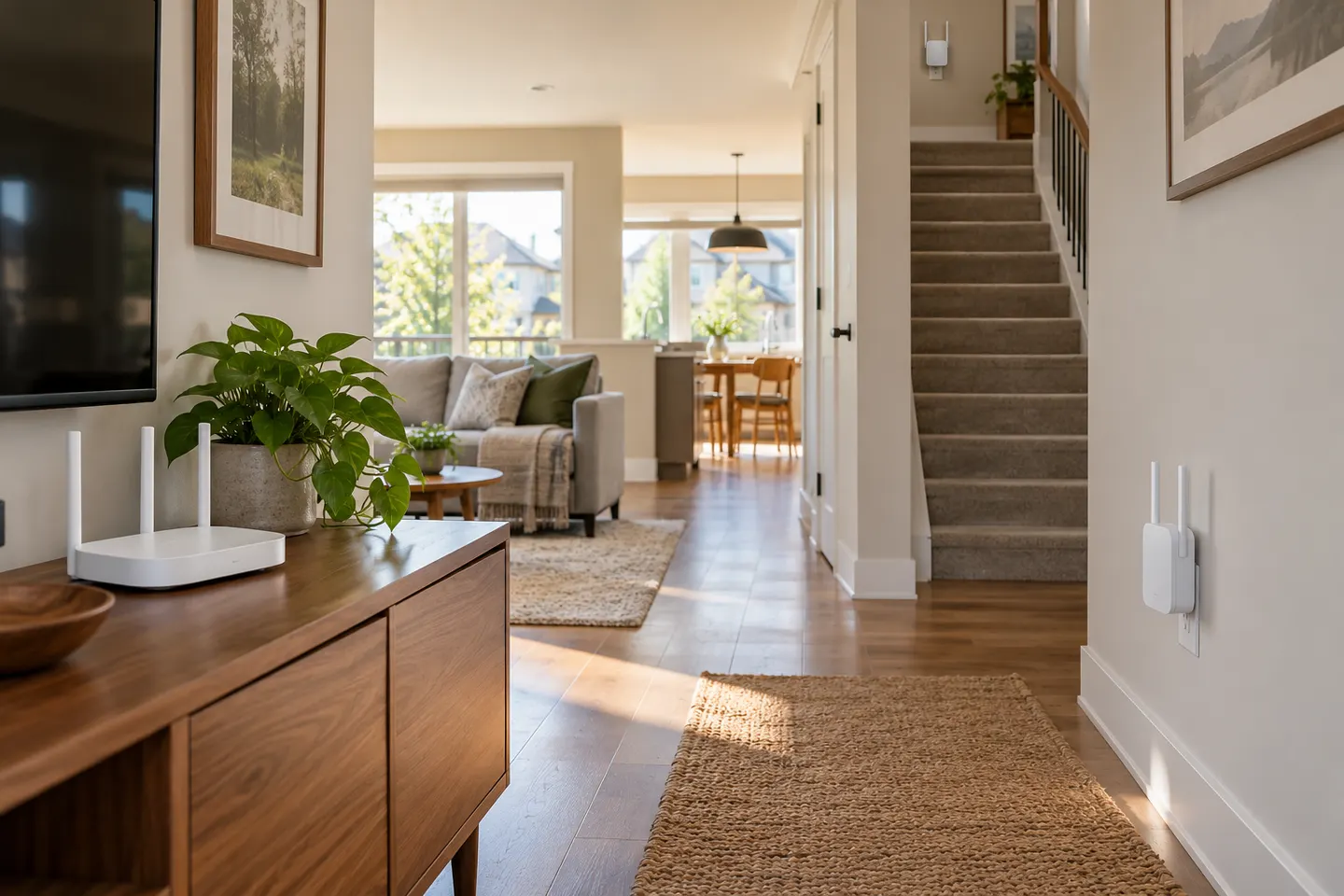 Mesh
Mesh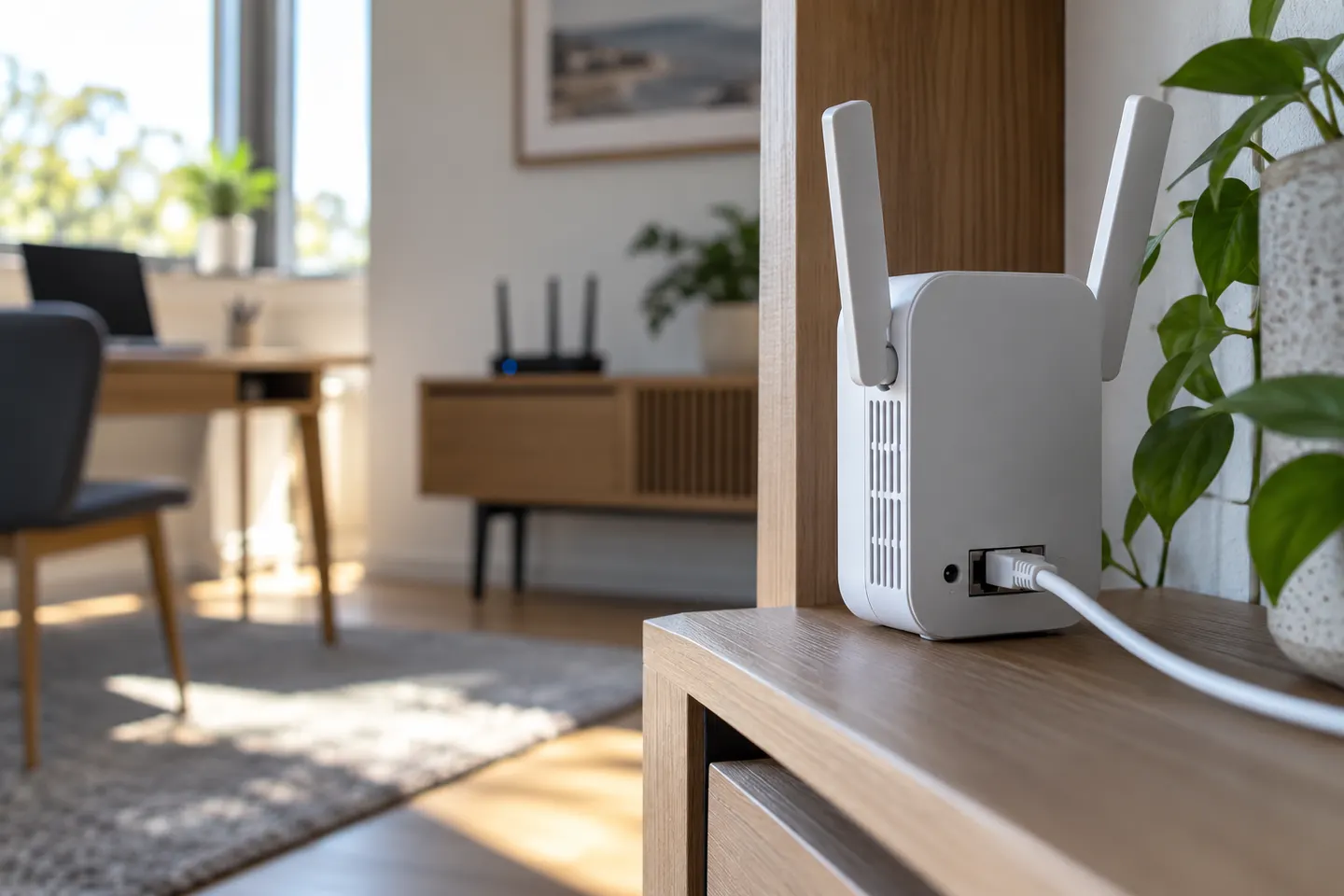 Dual band
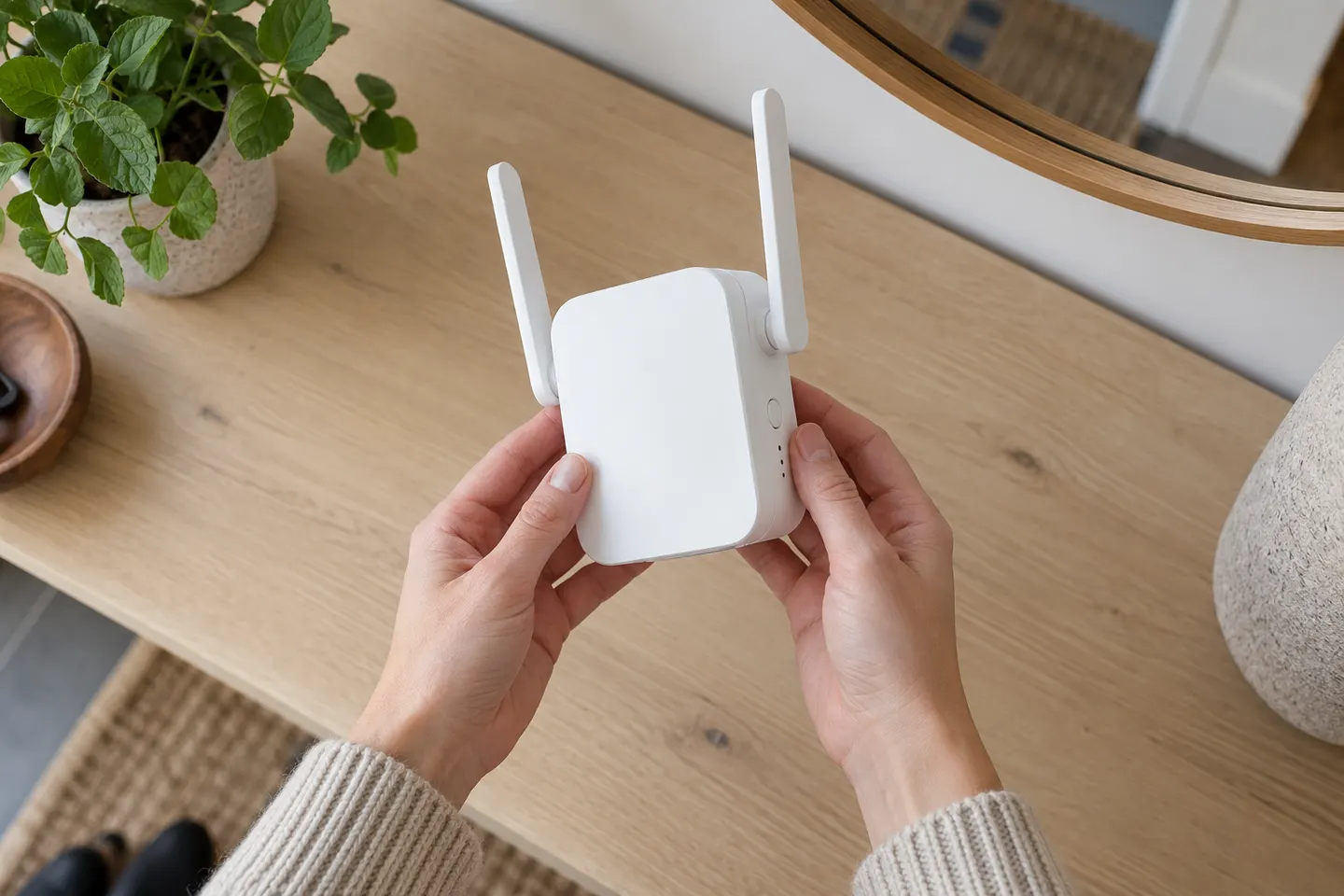 D link setup
 Setup
Setup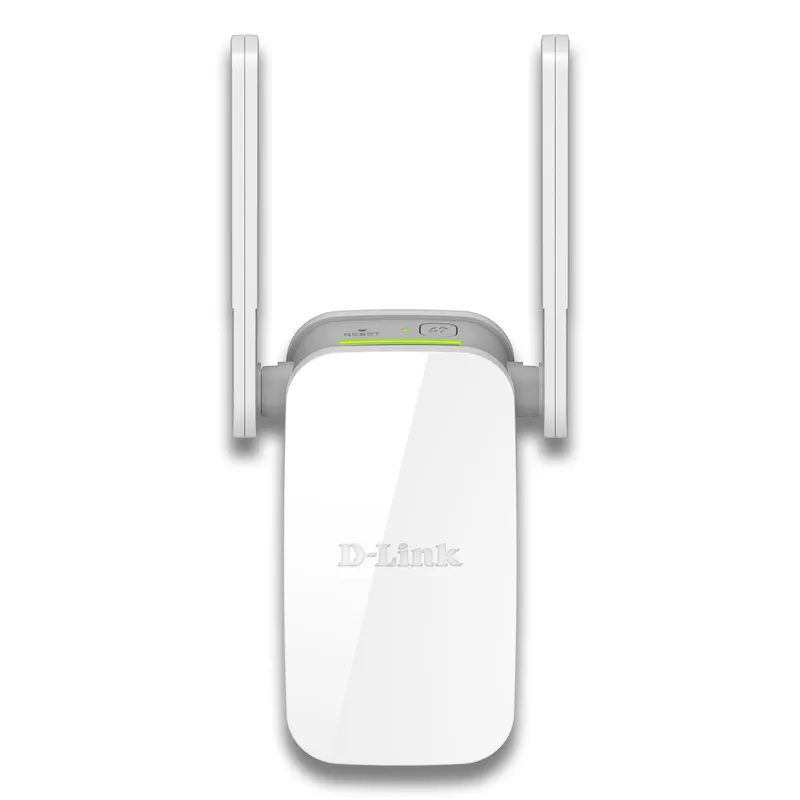 D-Link
 Starlink
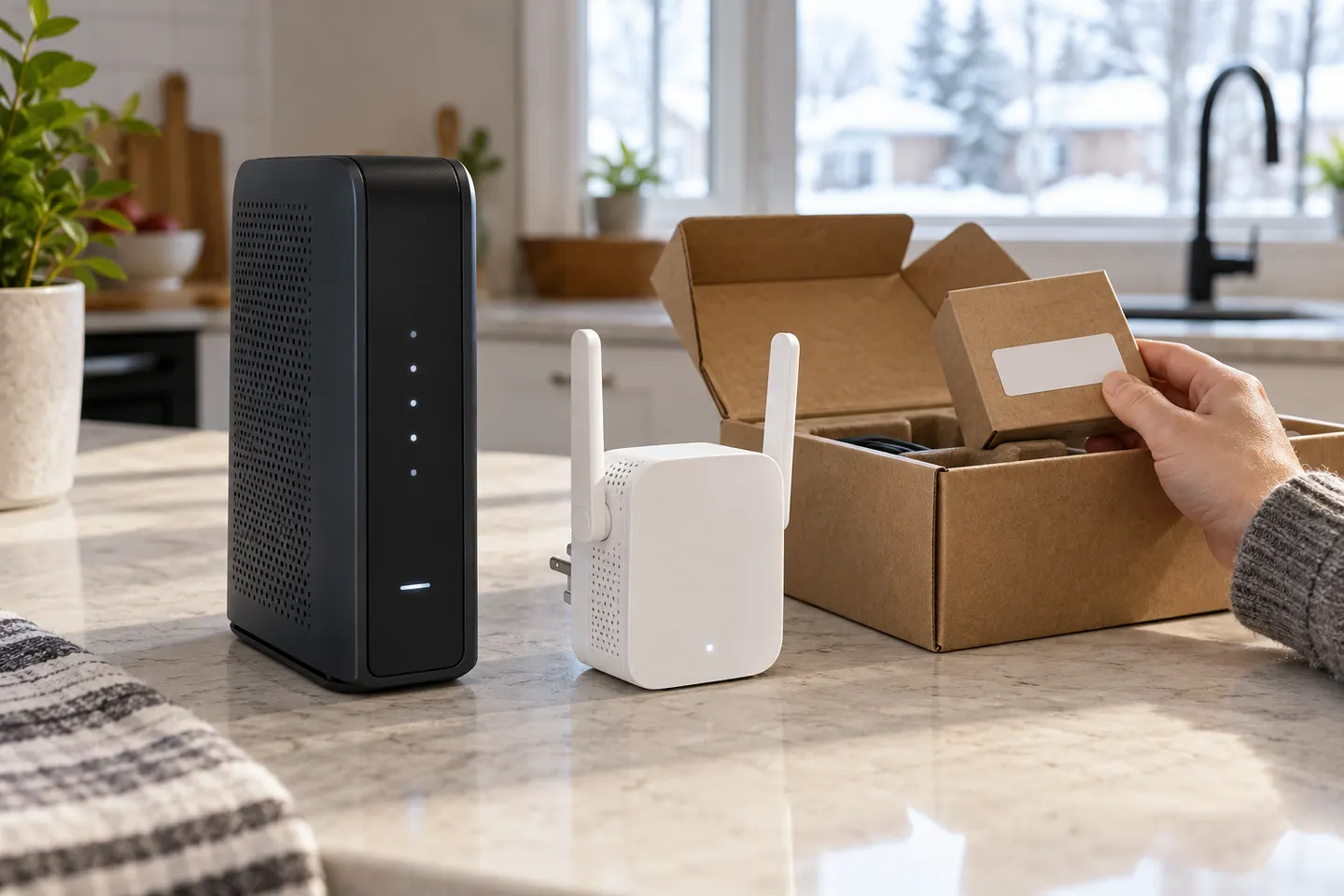 How to Set Up a TP-Link WiFi Extender
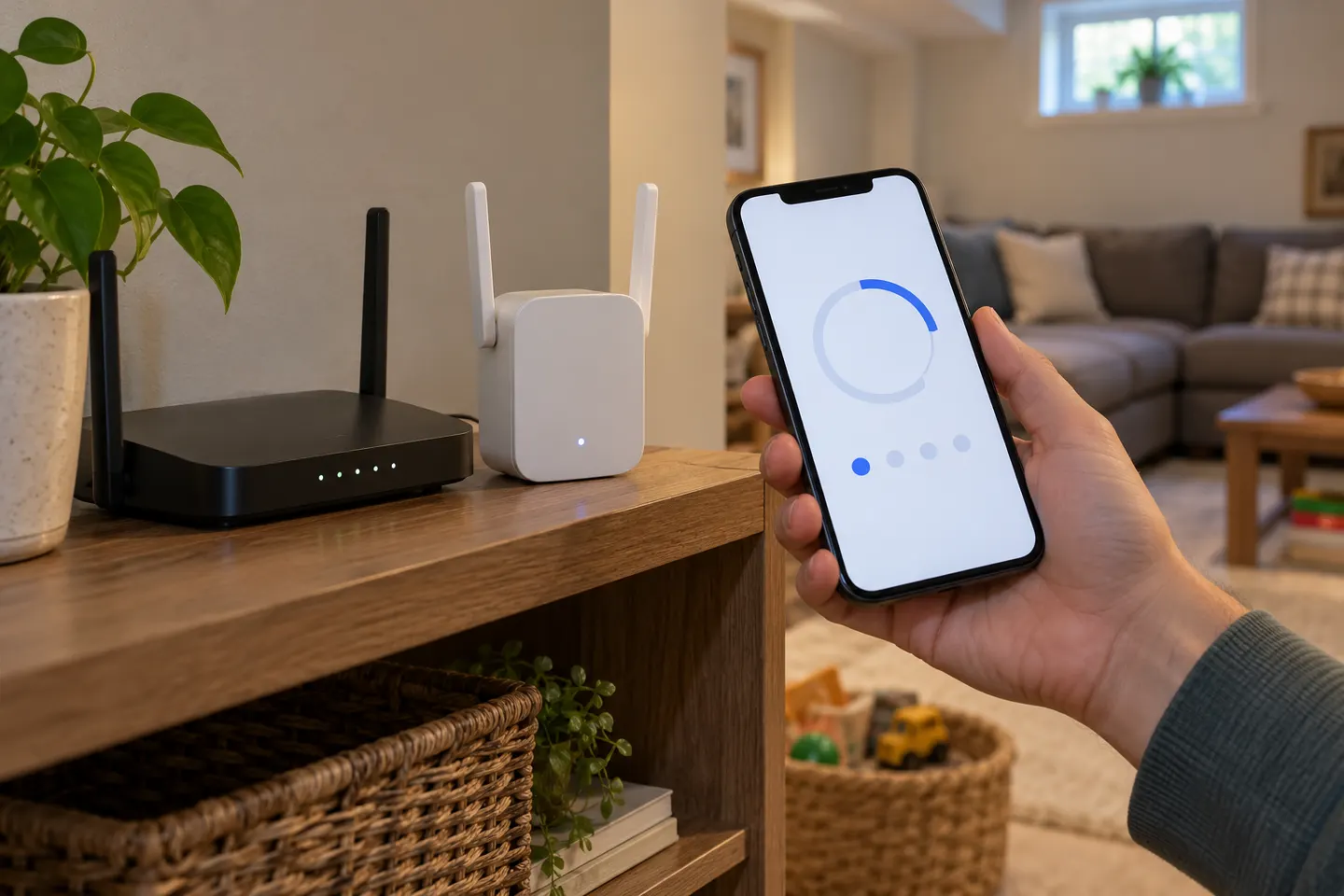 How to Set Up a NETGEAR WiFi Extender
 What Is a WiFi Extender and When Do You Need One?
 WiFi Extenders
 TELUS WiFi Boosters
 TP-Link WiFi Extenders
 D-Link WiFi Extenders for Extending a Home Network
 Bell WiFi Extenders
 Rogers WiFi Extenders
 Better WiFi Extender Options
 WiFi Coverage Extenders