Gearjury may earn a commission when you buy through a retailer link. Editorial conclusions are based on cited evidence.
Guide
Which Dashcam Should You Buy for Your Car?
Choose a front-only camera for simple evidence, front-and-rear for broader road coverage, or three-channel for cabin recording. After that, prioritise readable footage, dependable power and an installation you can maintain.
GGearjury editorial team · Updated 15 October 2026· 6 min
01
Which car camera coverage do you need?
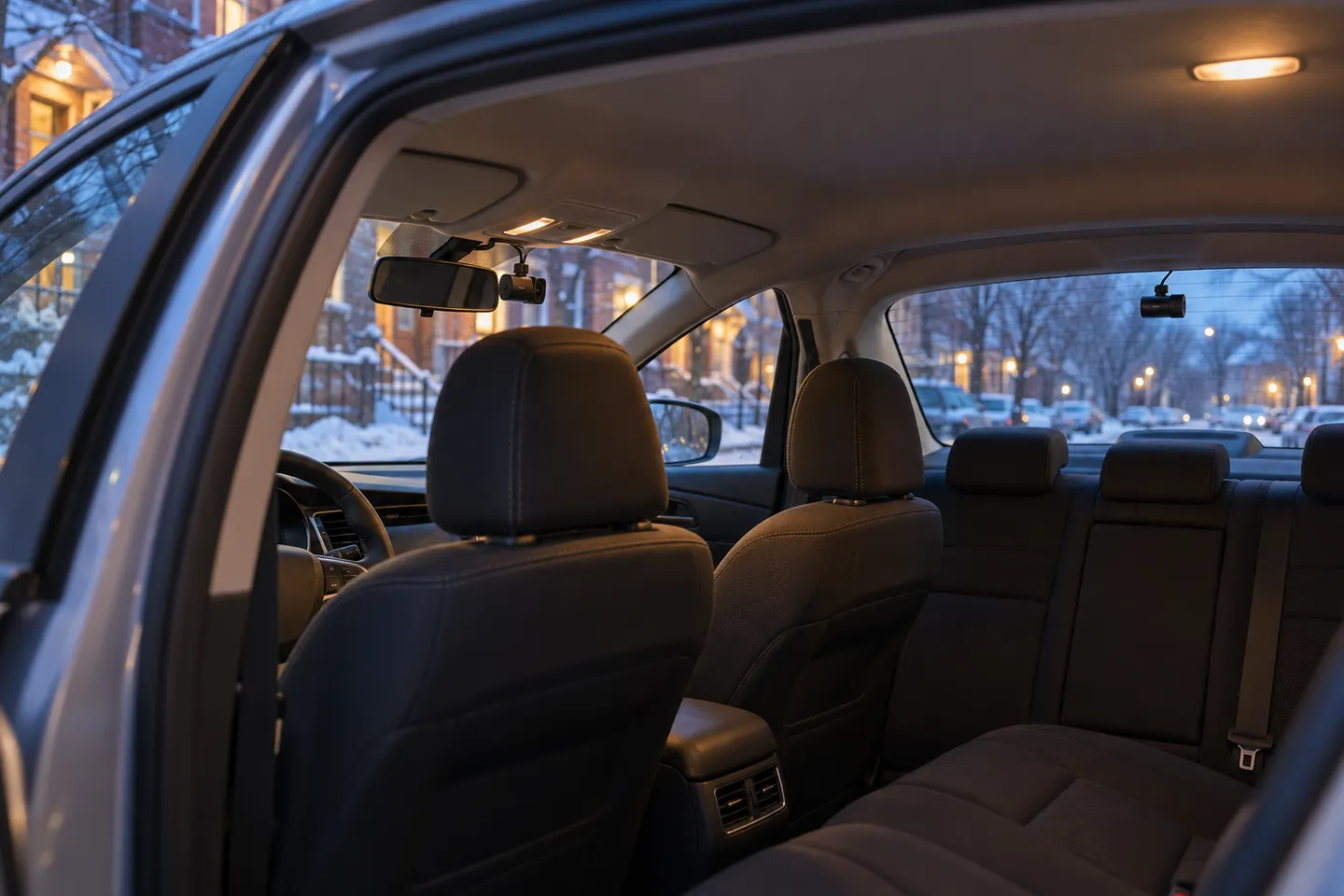
Start with front-only for the simplest install. Choose front-and-rear if impacts from behind are a concern, or add a cabin channel for taxi, rideshare or interior evidence. Channel count should follow a real use case.
02
Which dashcam image features matter?
Resolution alone does not guarantee readable plates. Look for published sample footage, HDR behaviour, lens angle and night performance. An excessively wide view can make distant details smaller.
03
Which dash cam records while parked?
A model needs a stated parking mode and suitable continuous power. Some use impact detection, time-lapse or buffered event recording. A compatible hardwire or constant-power accessory should include battery protection.
04
Choose storage before installation
Use only card types and capacities supported by the manufacturer. High-endurance cards suit repeated video writes, and loop recording does not protect every incident file automatically.
05
Decide whether wireless features help
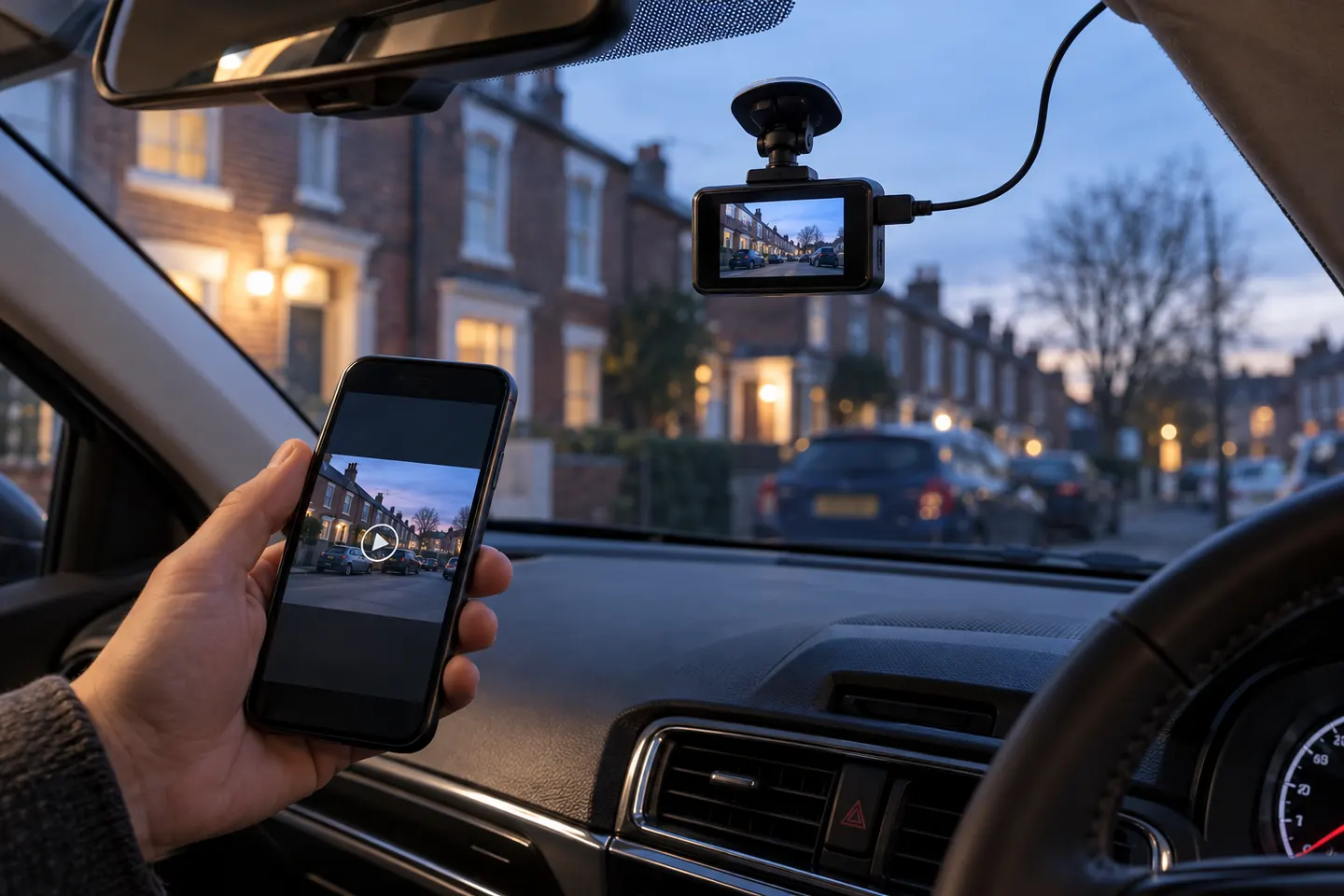
Wi-Fi generally connects the camera to a phone for settings and transfers; it does not mean cable-free power. Remote viewing may require the parked camera to have internet access and can involve a subscription.
06
Check fit, privacy and safe placement
Place the unit where it does not obstruct the driver's view. Route cables away from controls and airbag areas, disclose cabin recording where appropriate and limit unnecessary audio or location collection.
Common questions
Questions before you buy
Which dash cam records while parked?
Choose a model that explicitly supports parking mode and pair it with the manufacturer's compatible power accessory. Confirm low-voltage protection and the available recording modes.
Which dashcam is best for a first-time buyer?
A compact front camera with reliable loop recording, clear status signals and simple file access is the easiest starting point. Add a rear channel only if the extra coverage justifies installation.
Which car camera works without a phone?
Many dash cams record independently once configured. A screen can simplify roadside playback, while screenless models commonly use an app for setup.
Which memory card should a dash cam use?
Follow the camera maker's capacity and speed requirements and choose a compatible high-endurance card intended for repeated recording.
A dual-channel kit records ahead and behind from one system. Prioritise rear-camera quality, cable length and supported memory capacity rather than judging the front unit alone.
Most ‘wireless’ dash cams still need a power cable. The term usually means Wi-Fi transfer to a phone, so check the power and rear-camera connections before buying.
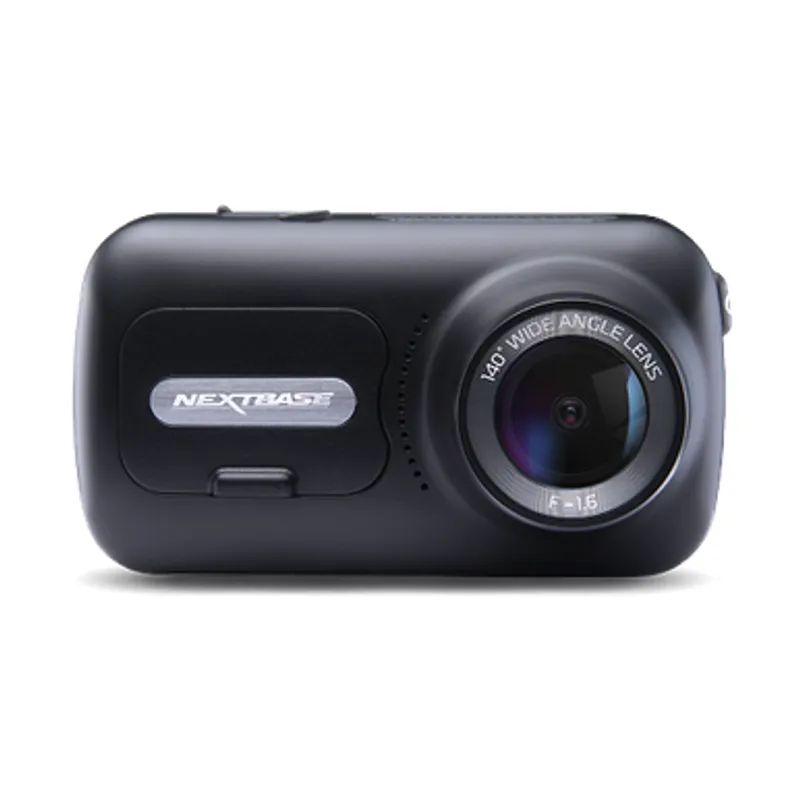
The 322GW covers core recording needs, the 522GW adds a larger touch display and the 622GW raises capture resolution. Choose by footage needs, not model number alone.
Start with the coverage you need: front-only is simplest, while front-and-rear systems record more of an incident. Then check power, storage and mounting.
Your privacy
We use cookies and similar technologies. Necessary ones keep the site working. With your permission we also use statistics cookies (Google Analytics and Microsoft Clarity) to understand which guides help readers. You can accept all, reject all or choose. You can change your choice at any time from "Cookie settings" at the bottom of every page. Cookie policy