Gearjury may earn a commission when you buy through a retailer link. This does not affect our editorial criteria.
Guide
Which Dashcam Is Best for Your Car and Driving?
The best dash cam is the simplest reliable system that covers the views you need. Start with channels and parking use, then compare image quality and ownership details.
GGearjury editorial team · Updated October 15, 2026· 6 min
01
Which dashcam is best for everyday driving?
For most drivers, a discreet front camera with dependable loop recording is the sensible baseline. Choose front-and-rear if evidence from behind matters enough to justify the second cable and higher storage demand. A cabin lens is mainly useful for rideshare, taxi, or fleet work, subject to privacy rules.
02
Choose coverage before resolution
Decide which events the camera must capture. A sharp front view cannot document a rear impact, while extra channels do not help if poor placement leaves the important area hidden. Review sample frame coverage from the manufacturer and measure the proposed mounting space.
03
Judge image quality in difficult conditions
Resolution alone does not guarantee readable detail. Exposure control, sensor performance, compression, windshield condition, motion, and lighting all affect a frame. Compare original daytime and nighttime clips where available, not only promotional stills.
04
Plan storage and file access
Use a memory card type and capacity approved by the camera maker. Check how protected events are saved, whether loop recording can overwrite them, and how easily files can be copied without removing the camera. Format and replacement guidance belongs in the manual.
05
Decide whether parking mode is worth wiring
Parking surveillance needs compatible power management and can use the vehicle battery. Look for low-voltage protection, understandable recording modes, and an installation route that stays clear of airbags and vehicle electronics.
06
Check support, heat tolerance, and accessories
Confirm the warranty region, firmware source, replacement mounts, rear-camera compatibility, and operating-temperature specification. A well-supported camera is easier to keep working than an anonymous device with impressive listing claims.
Common questions
Questions before you buy
Which dashcam is best: front only or front and rear?
Front-only is simpler and covers the most common viewpoint. Front-and-rear adds valuable context behind the vehicle but needs more installation and storage.
Is a higher-resolution dash cam always better?
No. Processing, exposure, lens quality, compression, motion, and lighting can matter as much as the stated pixel count.
Do I need Wi-Fi or an app on a dash cam?
No, but they can make settings and clip transfers easier. A removable card and usable on-camera controls may be enough.
Which dash cam is best for parking?
Choose one with a documented parking mode, compatible low-voltage power protection, and a recording method suited to where the vehicle is left.
VIOFO A229 Pro 2CH is our broad recommendation for detailed front and rear coverage. Garmin Mini 3 favors discretion, while Garmin X310 is the sharper single-camera choice.
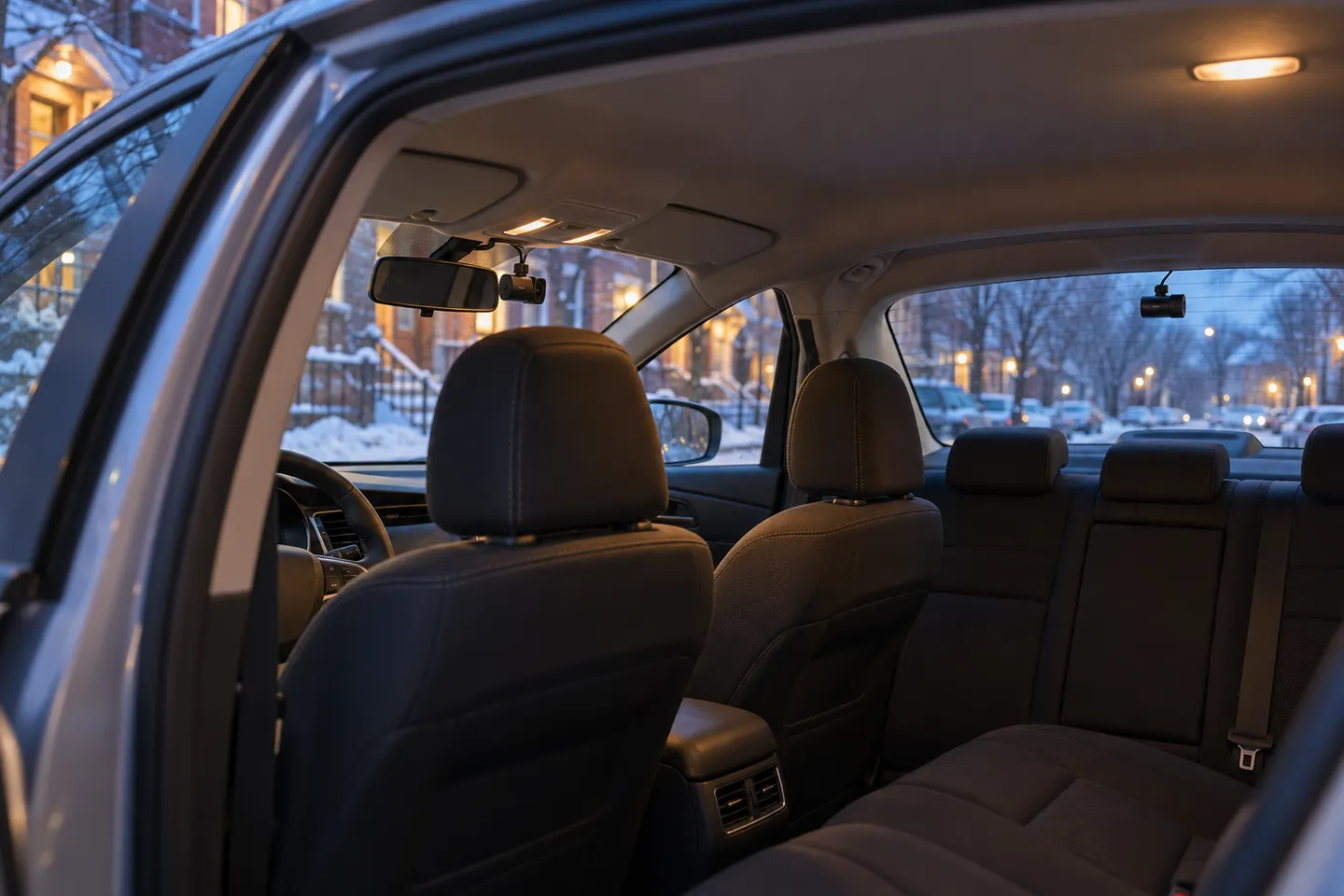
A front and rear dash cam records both directions and can provide context a single lens misses. Check the rear-camera cable route and simultaneous recording resolution before buying.
The A329S serves buyers seeking high-detail multichannel recording; A229 models cover more moderate dual-camera needs, while A119 Mini 2 is the compact front-only option.
Start with the coverage you need: front-only, front and rear, cabin or a wider multi-camera view. Then compare recording detail, storage and power requirements.
Your privacy
We use cookies and similar technologies. Necessary ones keep the site working. With your permission we also use statistics cookies (Google Analytics and Microsoft Clarity) to understand which guides help readers. You can accept all, reject all or choose. You can change your choice at any time from "Cookie settings" at the bottom of every page. Cookie policy