








 Official manufacturer image
Our picks
Top picks
Official manufacturer image Official manufacturer image
TP-Link RE550
Check price on Amazon Official manufacturer image
TP-Link RE315
Check price on AmazonHead to head
Comparisons
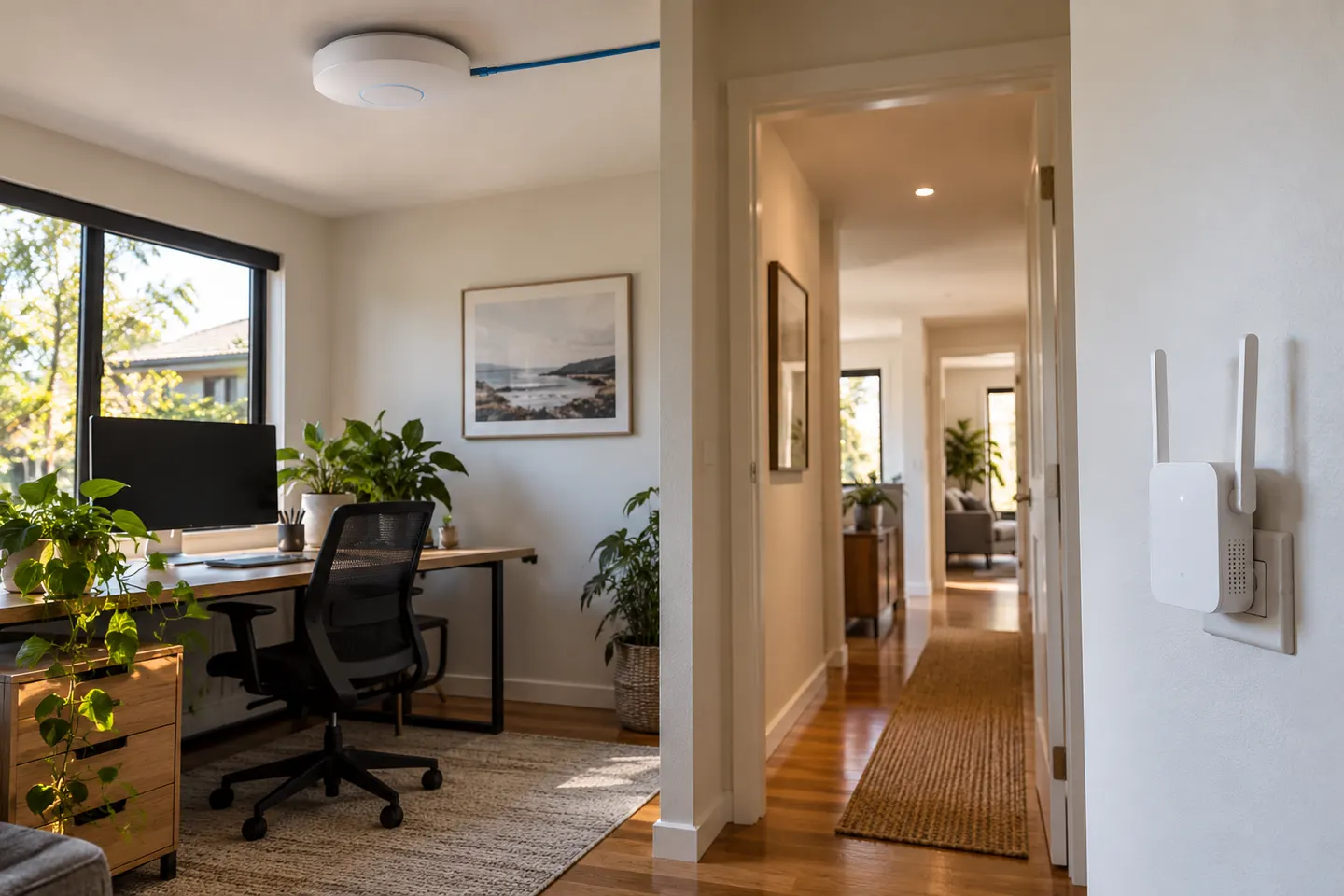
WiFi Access Point vs Extender: Which Coverage Method Fits?
Choose a range extender when a wireless relay suits the gap; choose an access point when you can run network cable to the coverage area.
Read more →Common questions
Questions before you buy
Is a WiFi access point the same as a range extender?
No. An access point usually creates Wi-Fi from a wired network connection; a range extender typically receives and relays Wi-Fi wirelessly. Some products support both modes.
Should I choose an access point or WiFi extender?
Choose an access point when you can provide a wired network feed to the coverage area. A wireless extender may be more practical when cabling is unavailable.
Can a range extender work as an access point?
Some models include access point mode, often using Ethernet. Check the exact model official specification and setup guide.
Can I connect an access point to a router?
A typical access point connects to the router or network switch by Ethernet and is configured according to its manual. Check power and network requirements.