 Official manufacturer image
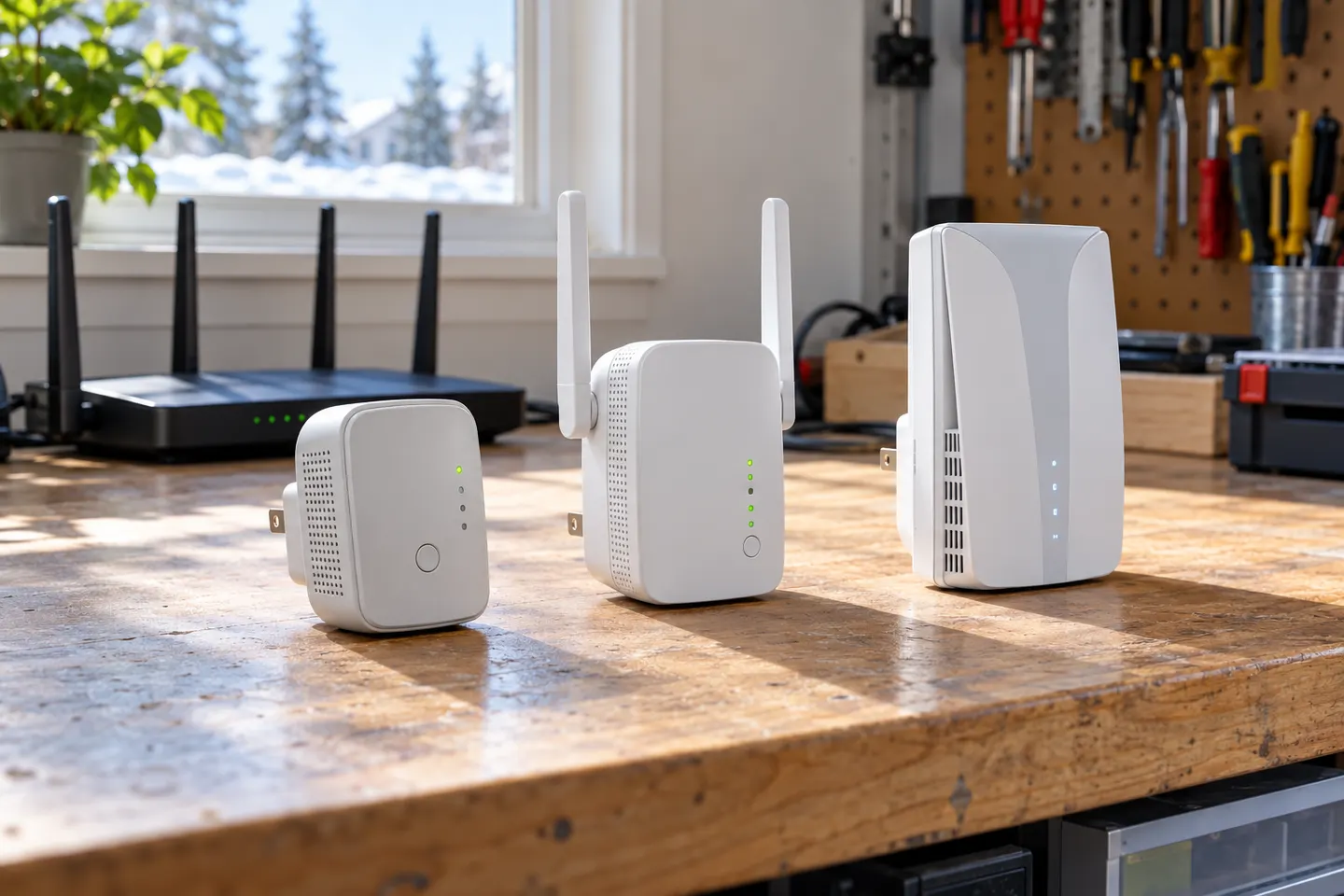
A Wi-Fi 6 extender with a gigabit wired connection
TP-Link RE605X
Check price on AmazonSponsored link · no live price shown

 Best picksBest WiFi Extenders for Different Homes in Ireland
 Best picksThe Best Dashcams for Cars in 2026
 Best picksBest Headlamp Torches for Hiking, Work and Everyday Use
 Best picksBest Meat Thermometers for Cooking, Roasting and BBQ
 Best picksBest cordless strimmers for Irish gardens: compared
 Best picksBest Winter Gloves for Cold, Wet Days in Ireland (2026)
 Best picksBest Portable Air Coolers for Irish Homes in 2026
 Best picksBest air purifier for bedroom in Ireland: five models compared
Gearjury may earn a commission when you buy through retailer links.
Head to head
A WiFi booster is usually another name for a range extender, so the label alone does not tell you what a device can do. Compare the features that matter: dual-band support, access point mode and mesh compatibility.
Official manufacturer image
A Wi-Fi 6 extender with a gigabit wired connection
 Official manufacturer image
An extender that can join a compatible mesh setup
The verdict
TP-Link identifies RE605X as an AX1800 Wi-Fi 6 range extender and lists a gigabit Ethernet port.
TP-Link lists EasyMesh compatibility for RE315; confirm your router and hardware version support the feature.
TP-Link says RE315 works with Wi-Fi routers and offers dual-band range extension and access point modes.
| Official manufacturer imageTP-Link RE605X | Official manufacturer imageTP-Link RE315 | |
|---|---|---|
| Product type | Wi-Fi 6 range extender | Wi-Fi 5 mesh range extender |
| Advertised class | AX1800 | AC1200 |
| Bands | 2.4 GHz and 5 GHz | 2.4 GHz and 5 GHz |
| Ethernet | Gigabit Ethernet | 10/100 Mbps Ethernet |
| Access point mode | Yes | Yes |
| Mesh feature named by TP-Link | — | EasyMesh-compatible |
| Check price on Amazon | Check price on Amazon |
Common questions
Often, yes: retailers and manufacturers commonly use “booster” informally for a device that extends an existing Wi-Fi network. Check the listed operating modes and compatibility rather than relying on the name.
The terms are often used for devices that receive a router’s Wi-Fi and rebroadcast it to improve coverage. Product designs and features vary, so check the specific model’s documentation.
It may improve the connection in a weak-signal area, but it does not raise the speed supplied by your broadband plan. The link between router and extender, interference and distance can limit performance.
Place it between the router and the area with weak coverage, where it can still receive a usable signal from the router. Use the device’s signal indicator or setup guidance to refine the position.
Some can. Both TP-Link RE605X and RE315 list access point mode, which uses a wired network connection to provide Wi-Fi; check the model’s regional specifications and setup instructions.
Keep exploring

A WiFi extender can carry an existing router signal into a weak-coverage area. Choose a plug-in repeater for a simple dead zone, or consider powerline when walls make a wireless link unreliable.

The RE705X is the WiFi 6 pick with a Gigabit port; RE550 offers WiFi 5 and three external antennas. For a compact dual-band option, compare RE315.
For a general indoor pick, start with TP-Link RE705X: it has WiFi 6, a Gigabit Ethernet port and access point mode. RE550, RE315 and a powerline kit suit different budgets and layouts; outdoor use needs purpose-built hardware.
Choose a wireless range extender when it can receive a healthy signal; consider powerline when the route through the home is the main obstacle. TP-Link’s model range includes both approaches.