Check the router connection
Make sure the router is online and note its network name and security details. Keep the quick start guide nearby because button sequences and app steps vary by model.

 Best picksBest WiFi Extenders for Different Homes in Ireland
 Best picksThe Best Dashcams for Cars in 2026
 Best picksBest Headlamp Torches for Hiking, Work and Everyday Use
 Best picksBest Meat Thermometers for Cooking, Roasting and BBQ
 Best picksBest cordless strimmers for Irish gardens: compared
 Best picksBest Winter Gloves for Cold, Wet Days in Ireland (2026)
 Best picksBest Portable Air Coolers for Irish Homes in 2026
 Best picksBest air purifier for bedroom in Ireland: five models compared
Gearjury may earn a commission from qualifying retailer links. Editorial conclusions are based on cited sources.
Guide
Pair the extender with the router, place it where the router signal remains strong, then test the rooms you want to cover.
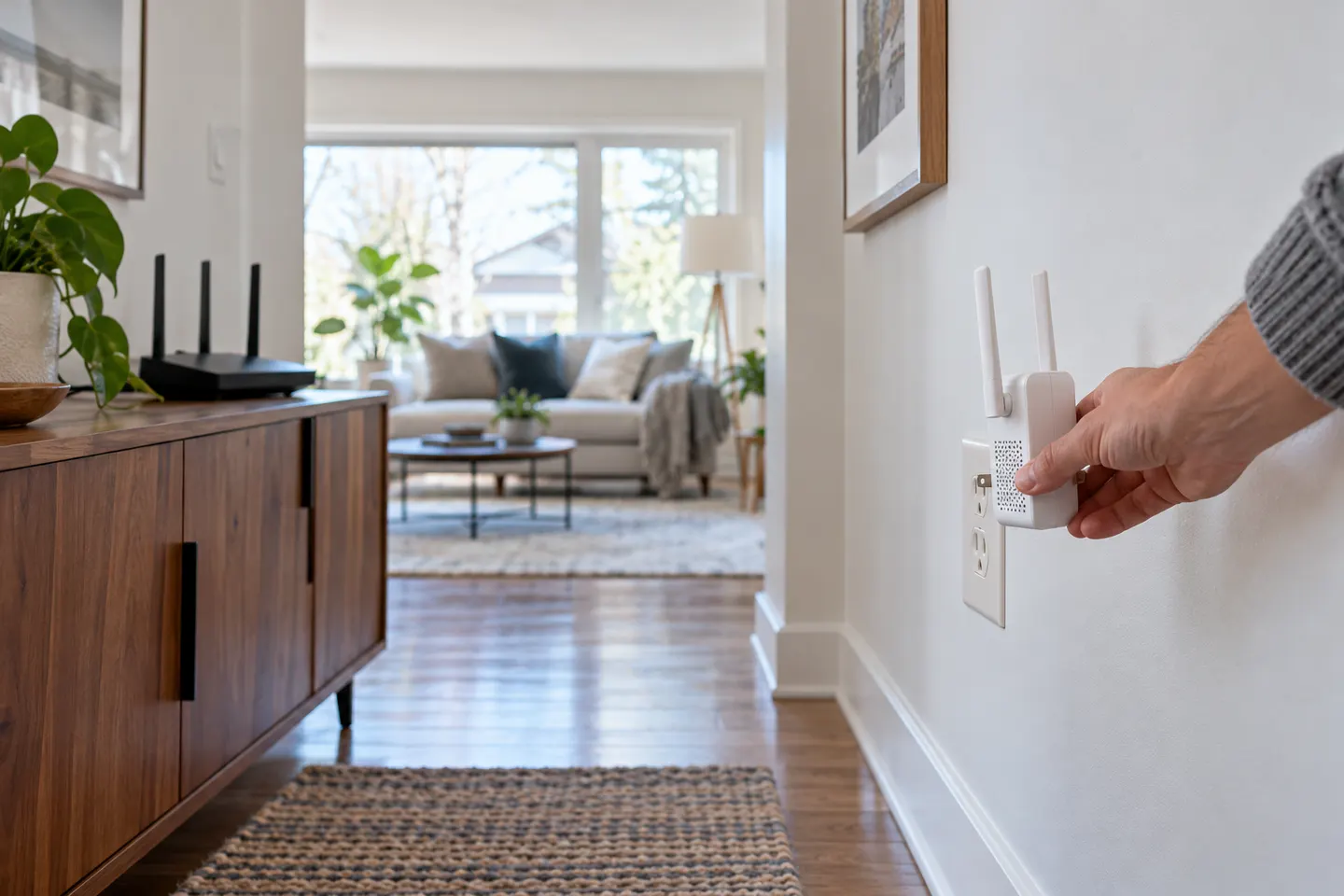
Make sure the router is online and note its network name and security details. Keep the quick start guide nearby because button sequences and app steps vary by model.
Many extenders offer setup through a mobile app, web page or WPS. Use a method supported by your router and extender, following the manufacturer instructions for secure pairing.
Initial setup is often easiest in the same room as the router. Once the extender confirms a connection, move it to a socket between the router and the area with weak Wi-Fi.
Check the extender light or app to find a position with a usable router link. If it reports a weak connection, move closer to the router before testing the far room.
Reconnect a phone or laptop to the extended network if needed and check the rooms that matter. If coverage remains poor, adjust placement or consult the model troubleshooting guide.
If the extender supports access point mode and you can run Ethernet, configure that option as described by its manufacturer. Do not assume every Ethernet port accepts a wired feed.
Common questions
Pair it with the router using the supported app, web or WPS method, then move it to a point where it still receives a strong router signal. Test coverage and adjust position.
Place it between the router and weak-signal area, while keeping a reliable connection to the router. Use the model signal indicator as a guide.
Many models also support app or browser setup. Check the included instructions for the methods available on your device.
Confirm the router is online, recheck network details and move the extender closer for setup. Use manufacturer reset guidance only if simpler checks fail.
Keep exploring

A WiFi extender can carry an existing router signal into a weak-coverage area. Choose a plug-in repeater for a simple dead zone, or consider powerline when walls make a wireless link unreliable.
For a general indoor pick, start with TP-Link RE705X: it has WiFi 6, a Gigabit Ethernet port and access point mode. RE550, RE315 and a powerline kit suit different budgets and layouts; outdoor use needs purpose-built hardware.

The RE705X is the WiFi 6 pick with a Gigabit port; RE550 offers WiFi 5 and three external antennas. For a compact dual-band option, compare RE315.
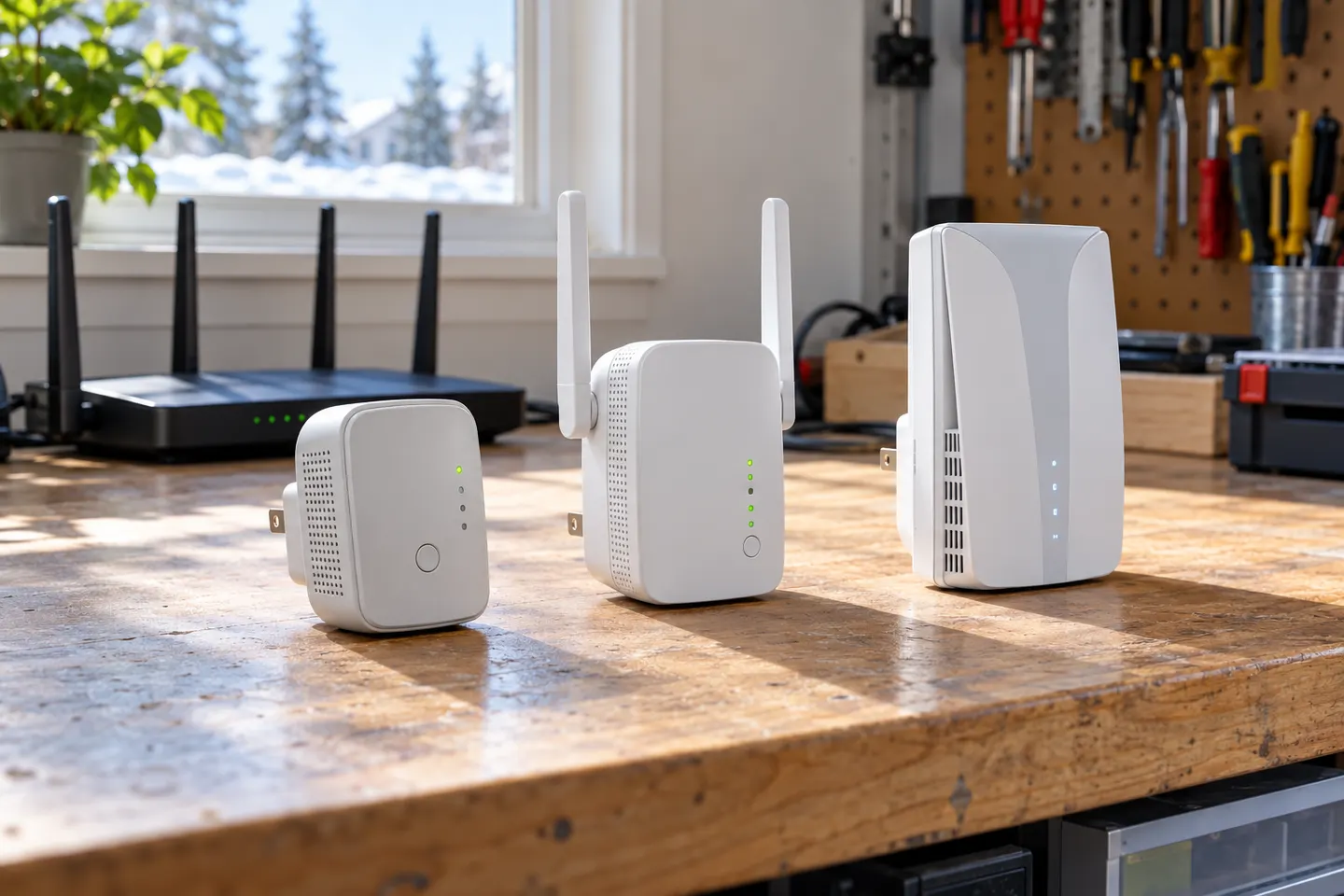
Choose a wireless range extender when it can receive a healthy signal; consider powerline when the route through the home is the main obstacle. TP-Link’s model range includes both approaches.