








 Official manufacturer image
Our picks
Top picks
Official manufacturer image Official manufacturer image
TP-Link RE550
Check price on Amazon Official manufacturer image
TP-Link RE315
Check price on AmazonCommon questions
Questions before you buy
How do I log in to my WiFi extender settings?
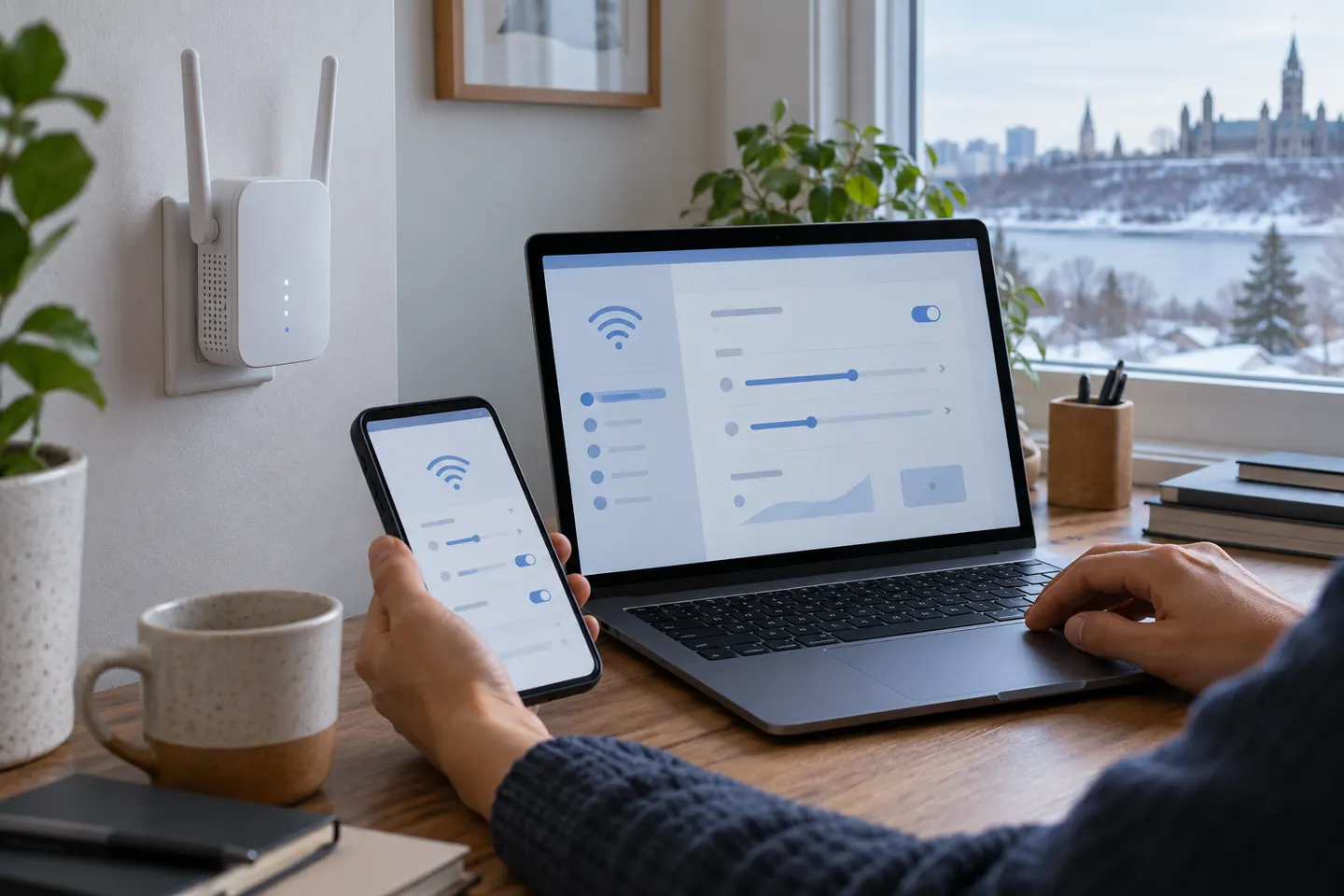
Connect to the extender’s network and open the management address or app listed in its manual. Default addresses and credentials vary by model, so use the label or official setup guide.
Should my extender use the same WiFi name as the router?
Some mesh-compatible devices support a shared network name and coordinated roaming; basic repeaters may create a separate name. Follow the compatibility notes for your router and extender pair.
What is access point mode on a WiFi extender?
Access point mode uses a wired network connection to provide WiFi at the extender’s location. It differs from repeater mode, which receives the router connection wirelessly.
Why is my extender connected but has no internet?
Check the router connection, WiFi password and placement, then restart the devices in the order given by the manufacturer. A weak backhaul or incompatible security setting can prevent useful traffic.