








 Official manufacturer image
Our picks
Top picks
Official manufacturer image Official manufacturer image
TP-Link RE705X-Outdoor
Check price on Amazon AU Official manufacturer image
TP-Link TL-WPA8631P KIT
Check price on Amazon AUCommon questions
Questions before you buy
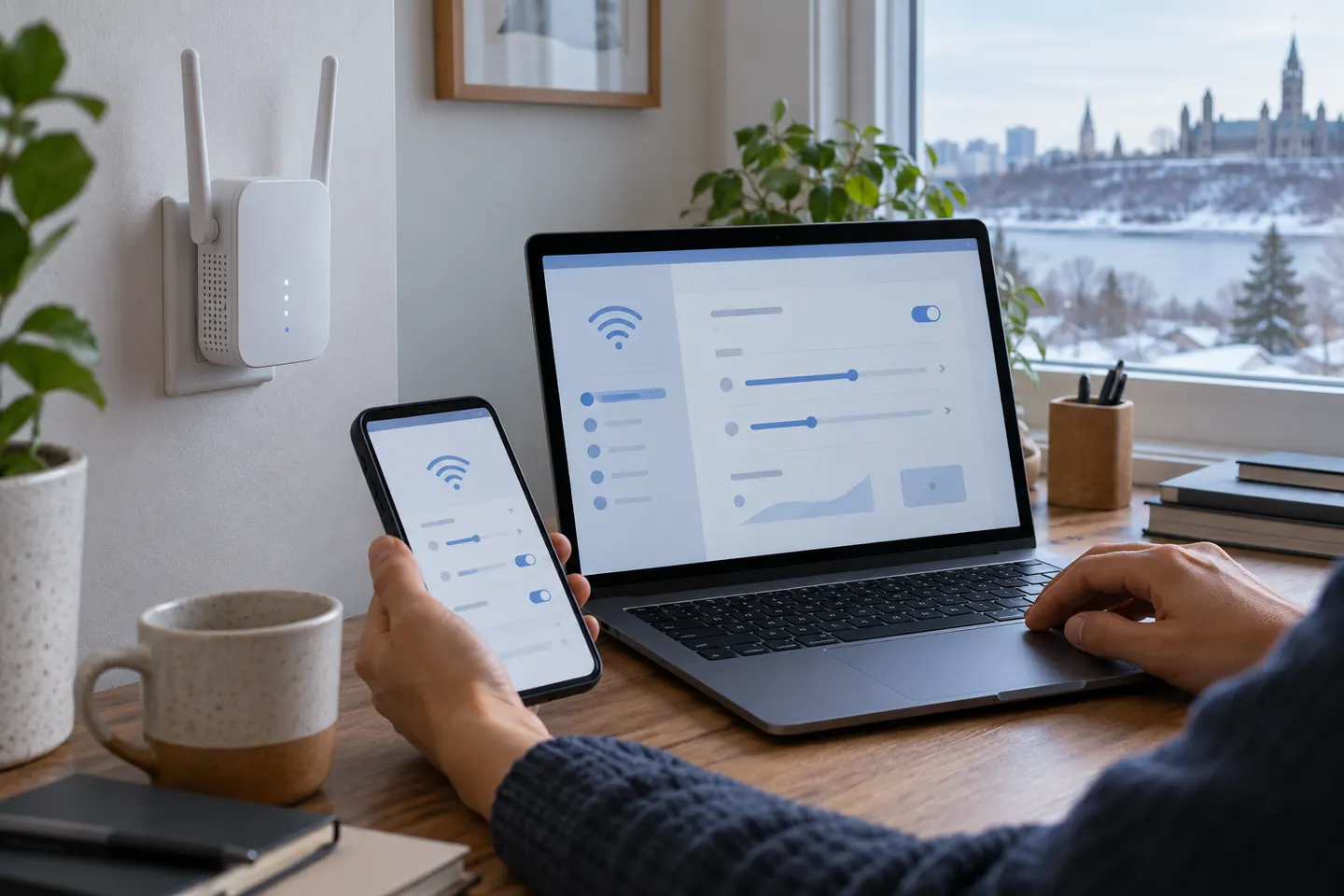
How do I access my WiFi extender settings?
Connect your phone or computer to the extender, then open its manufacturer's app or enter the setup address listed in the manual. The address and login process vary by model; some devices also show their assigned address in the router's connected-device list.
Can I change the WiFi name and password on an extender?
Many models let you edit the extended wireless network name and password in their app or web interface. Check the manual to see whether the extender can copy the router's credentials or use a separate name.
What happens if I change my router's WiFi password?
An extender using the old password can lose its connection to the router. Open its setup settings and update the saved host network credentials, then confirm the extender reconnects.
What does access point mode do on a WiFi extender?
On supported models, access point mode uses an Ethernet cable from the router or upstream network and creates WiFi from that wired connection. The model may display different status indicators in this mode.
Should I update my extender's firmware?
Use the manufacturer's support page for the exact model and hardware revision to check available firmware and installation instructions. Keep power connected during an update and follow the maker's process.