
How to Set Up a TP-Link WiFi Range Extender
Start beside the router, pair the extender using Tether, a browser or WPS, then move it to a spot that still receives a good router signal. The exact screens and lights vary by model and hardware version.

 Best picksBest WiFi Extenders for Different Homes in Ireland
 Best picksThe Best Dashcams for Cars in 2026
 Best picksBest Headlamp Torches for Hiking, Work and Everyday Use
 Best picksBest Meat Thermometers for Cooking, Roasting and BBQ
 Best picksBest cordless strimmers for Irish gardens: compared
 Best picksBest Winter Gloves for Cold, Wet Days in Ireland (2026)
 Best picksBest Portable Air Coolers for Irish Homes in 2026
 Best picksBest air purifier for bedroom in Ireland: five models compared
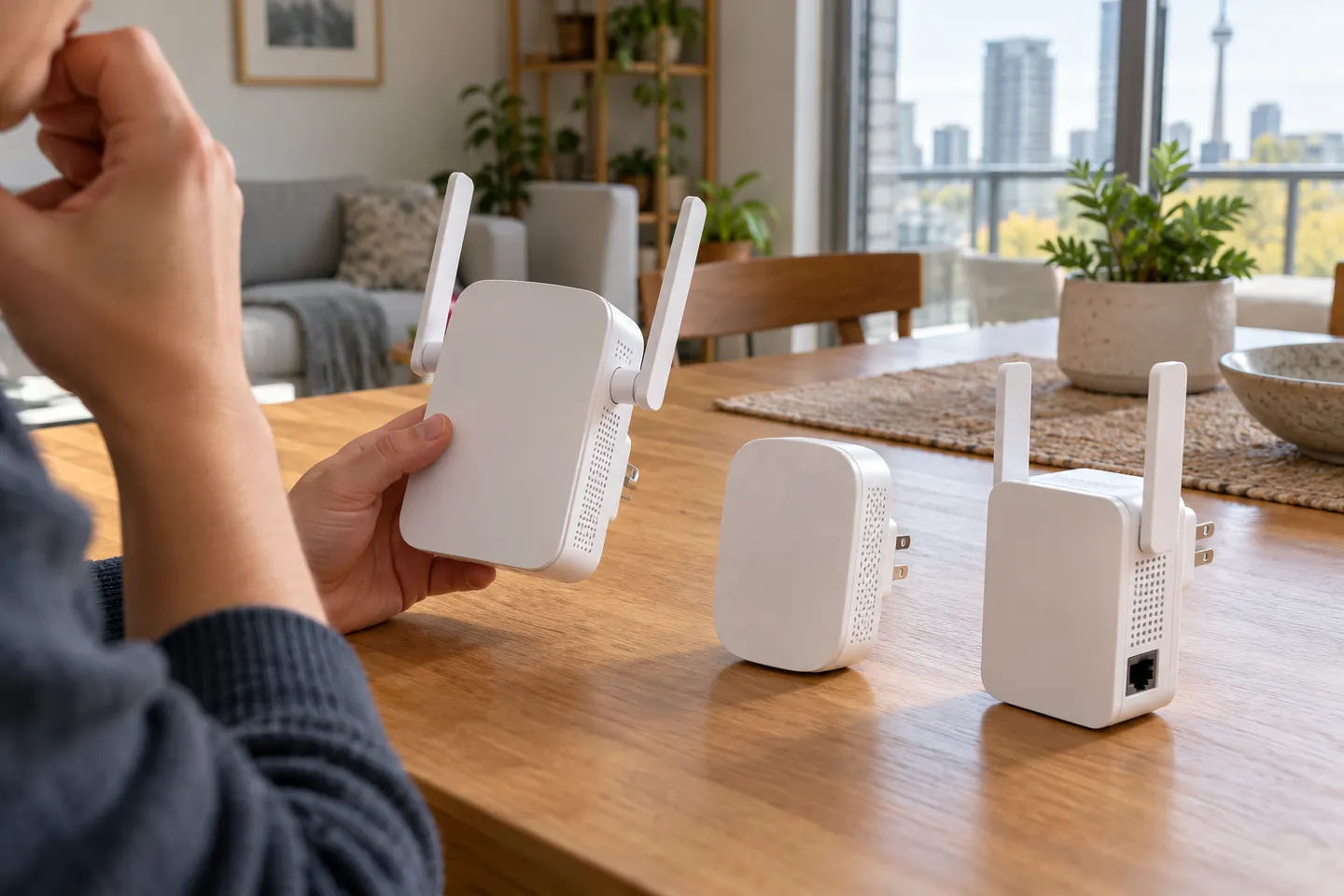
Start here
Start beside the router, pair the extender using Tether, a browser or WPS, then move it to a spot that still receives a good router signal. The exact screens and lights vary by model and hardware version.

The RE705X is the WiFi 6 pick with a Gigabit port; RE550 offers WiFi 5 and three external antennas. For a compact dual-band option, compare RE315.
Our picks
Official manufacturer image Official manufacturer image
 Official manufacturer image
Common questions
Searches often use “TP” as shorthand for TP-Link, whose product range includes WiFi range extenders. Check the brand and model name on the device listing before buying.
TP-Link describes several extenders as compatible with WiFi routers, but band support and features differ by model. Verify the precise model and hardware revision against your router and desired setup.
Some models offer mesh features such as EasyMesh or OneMesh, which may support a unified network when paired with compatible equipment. A traditional extender can instead broadcast a separate network name; consult the exact model’s setup guide.
The terms are often used for the same consumer product: a range extender relays a router’s wireless network. A wired access point creates WiFi from an Ethernet connection, so it works differently.
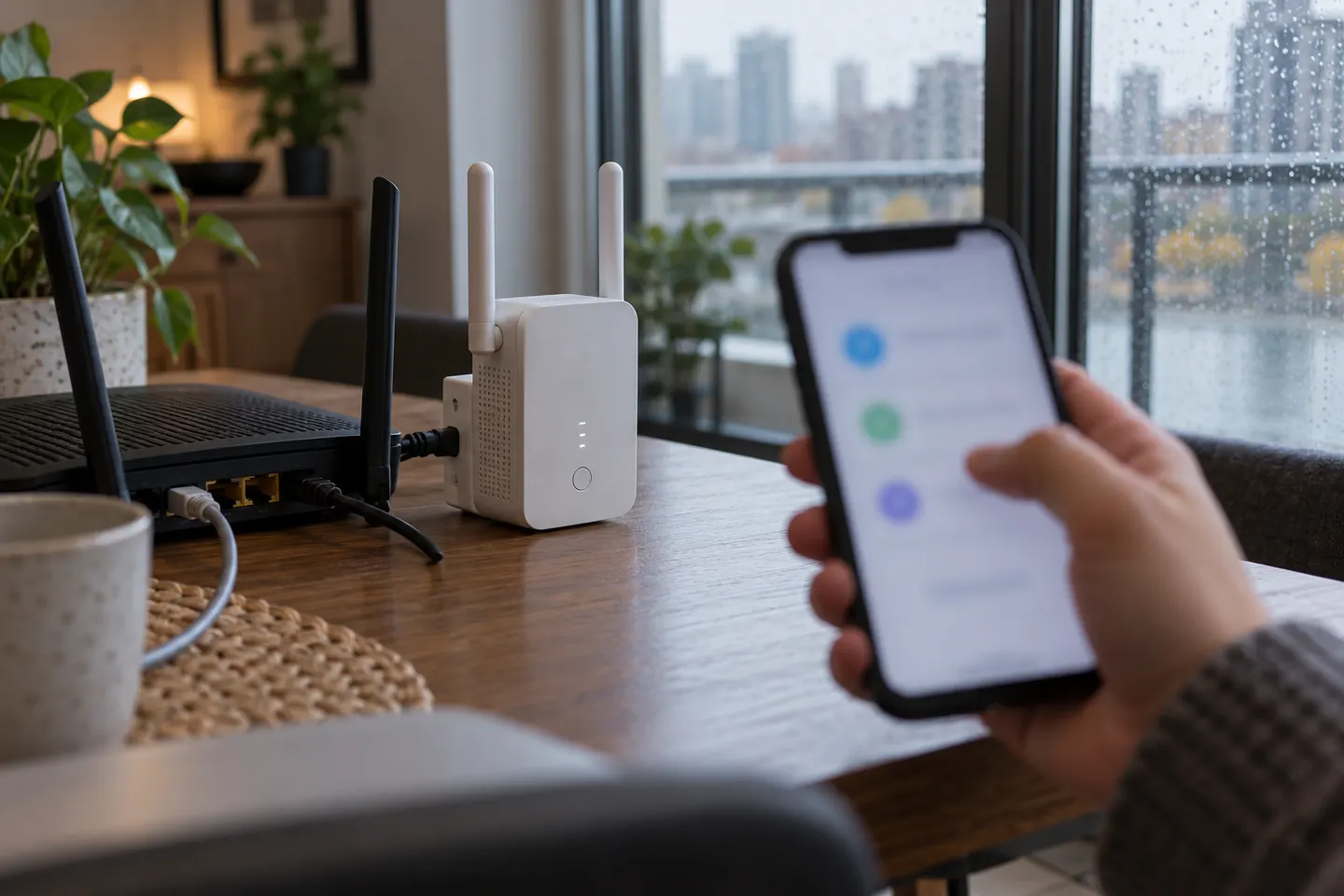 How to Connect a TP Link WiFi Extender to Your…
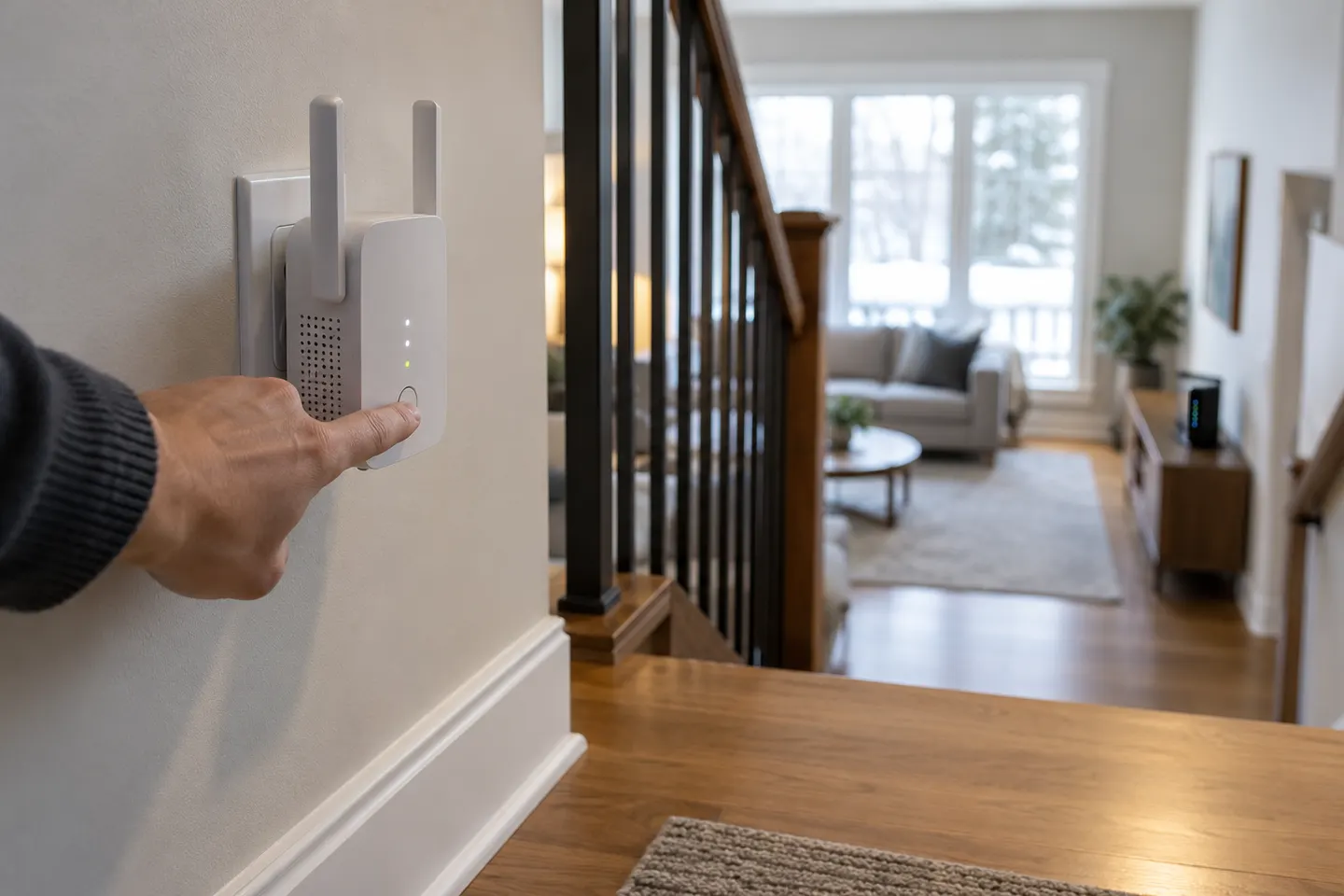 How to Configure a TP-Link Wi-Fi Extender at Home
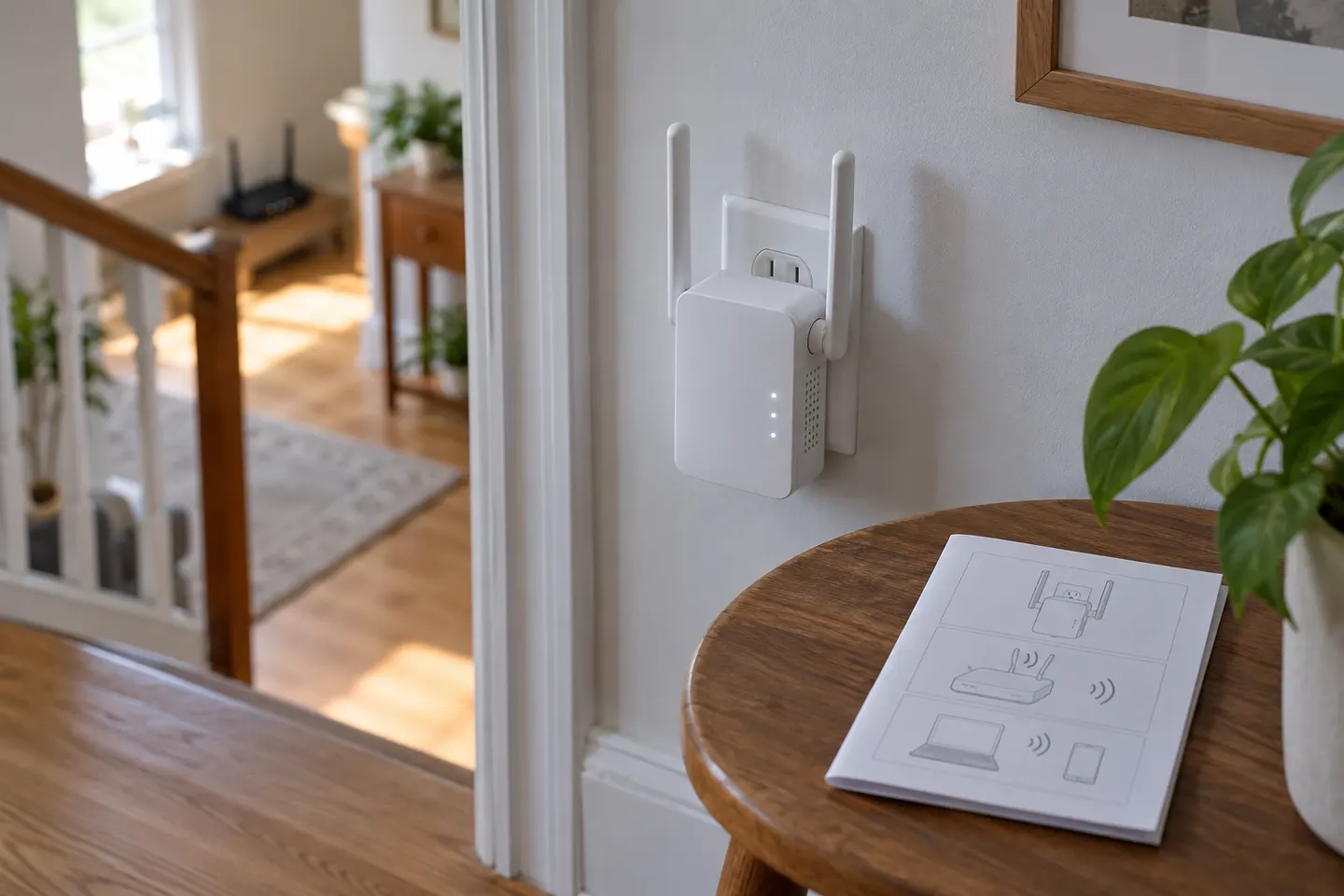 How to Use a TP-Link WiFi Extender at Home