Install Tether and power the extender near the router
Check that your model supports the TP-Link Tether app. Add a range extender in the app and follow its prompt to connect to the temporary device network if required.

 Best picksBest WiFi Extenders for Different Homes in Ireland
 Best picksThe Best Dashcams for Cars in 2026
 Best picksBest Headlamp Torches for Hiking, Work and Everyday Use
 Best picksBest Meat Thermometers for Cooking, Roasting and BBQ
 Best picksBest cordless strimmers for Irish gardens: compared
 Best picksBest Winter Gloves for Cold, Wet Days in Ireland (2026)
 Best picksBest Portable Air Coolers for Irish Homes in 2026
 Best picksBest air purifier for bedroom in Ireland: five models compared
Gearjury may earn a commission from qualifying retailer links. This does not affect our editorial approach.
Guide
Use Tether or the web interface for guided pairing; the exact screens vary by extender model and hardware version.
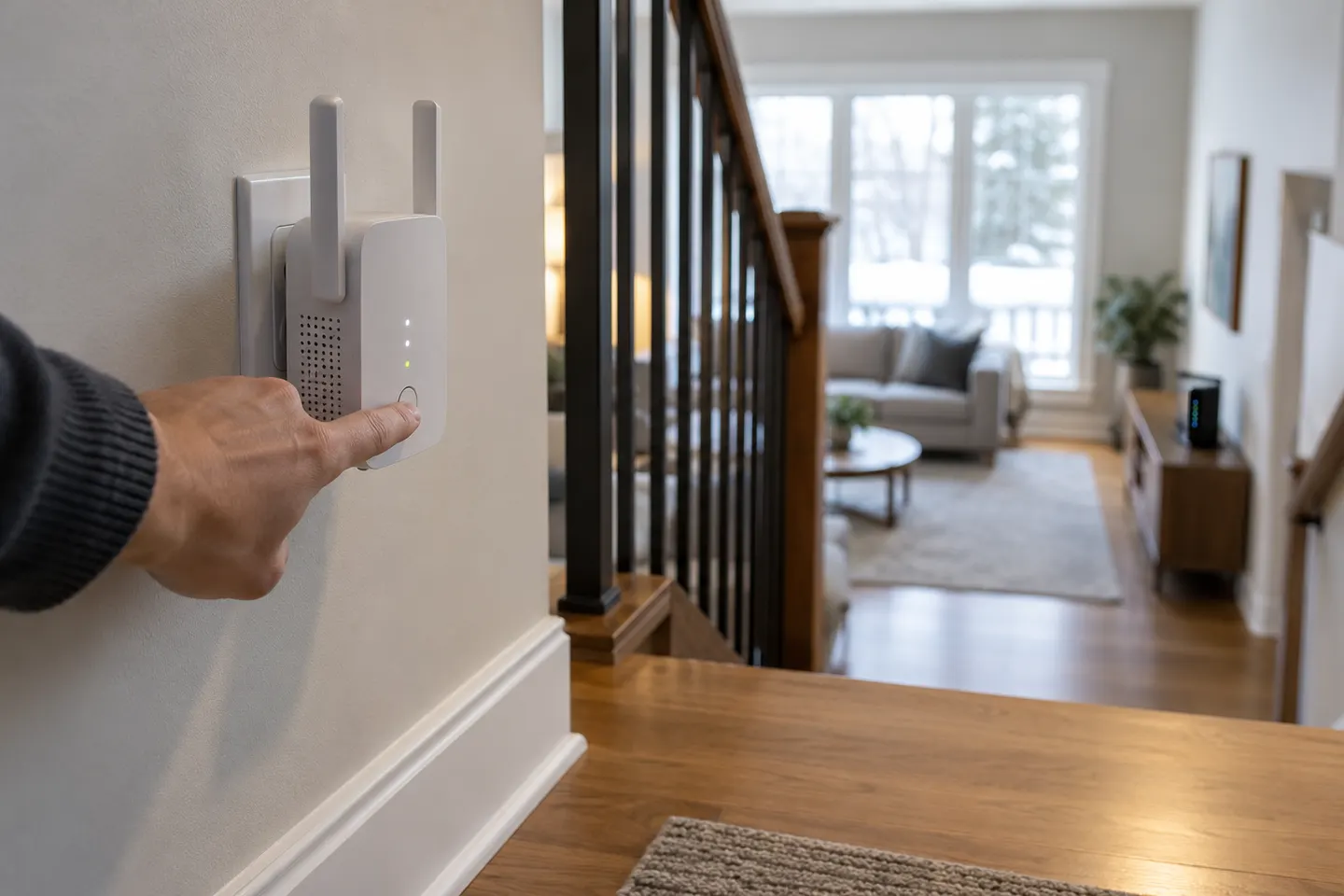
Check that your model supports the TP-Link Tether app. Add a range extender in the app and follow its prompt to connect to the temporary device network if required.
Select the router network shown by the scan and enter its Wi-Fi password. If the router broadcasts both bands and the extender supports them, follow the app prompts for each one.
Review the network name and settings offered by the app. EasyMesh or OneMesh pairing may inherit the router settings, so options can differ from a standalone repeater setup.
Wait for the setup to finish, then use the app or status indicator to confirm the extender has joined the router. Check the support page for firmware relevant to the exact hardware revision.
Move the extender towards the area needing coverage while maintaining a good link back to the router. If the indicator reports a poor source signal, move it nearer rather than farther away.
The TP-Link Tether procedure does not configure Tenda hardware. Find the model number on the Tenda label and follow its manufacturer manual or app instructions; menus and reset steps are brand-specific.
Common questions
Use Tenda’s own app or web setup for the exact model. Connect it to the router network with the current Wi-Fi password, then use the device indicator or app to confirm the link.
Many models provide a web management page, while WPS is available on some router and extender combinations. Check the specific model guide for supported methods.
Confirm the extender is powered and your phone is connected to its temporary Wi-Fi network if prompted. Then retry discovery and consult the model’s setup guide.
On supported models, the indicator can show a weak link to the router. Check the manual for your model and try a location closer to the router.
Keep exploring

The RE705X is the WiFi 6 pick with a Gigabit port; RE550 offers WiFi 5 and three external antennas. For a compact dual-band option, compare RE315.
For a general indoor pick, start with TP-Link RE705X: it has WiFi 6, a Gigabit Ethernet port and access point mode. RE550, RE315 and a powerline kit suit different budgets and layouts; outdoor use needs purpose-built hardware.
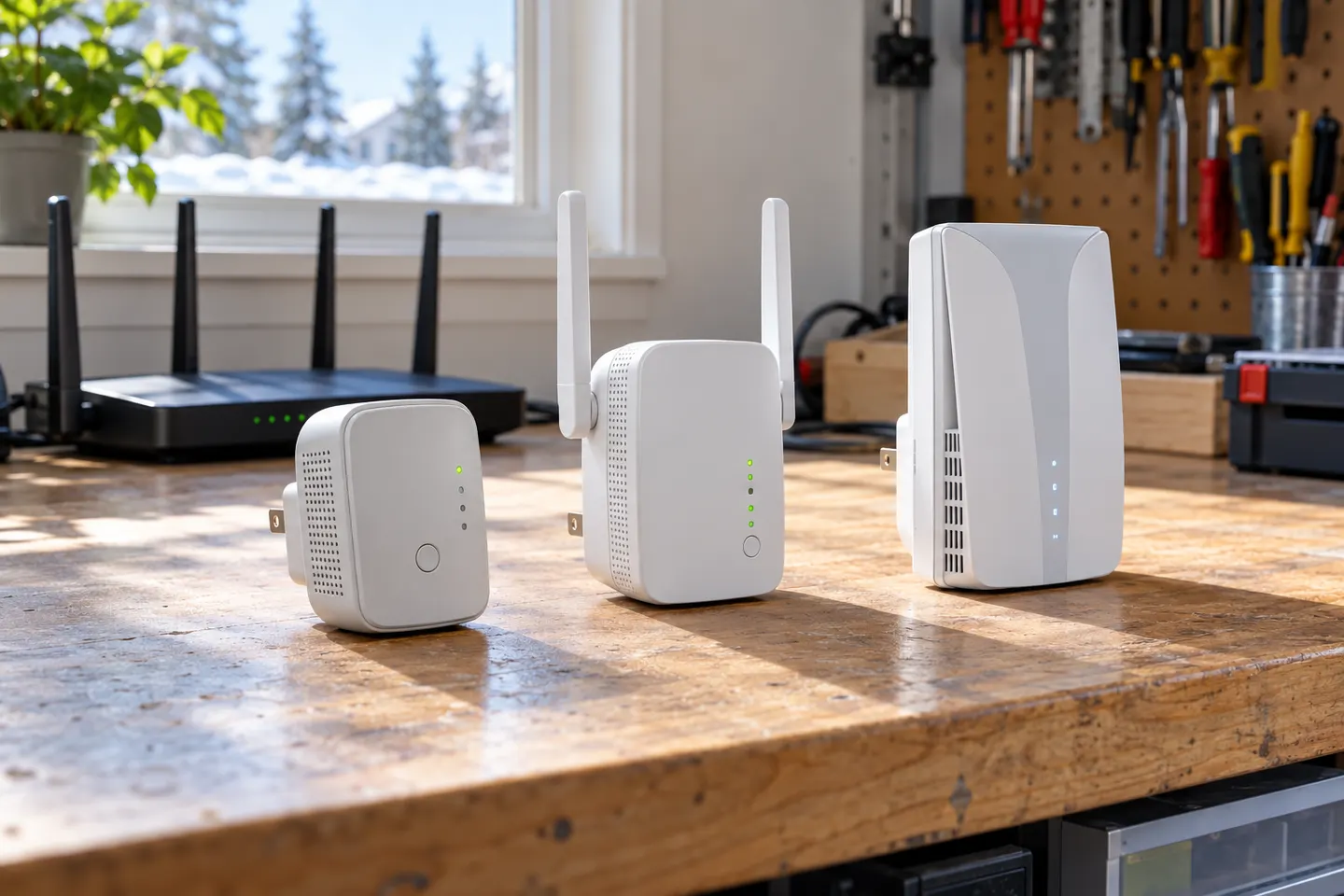
Choose a wireless range extender when it can receive a healthy signal; consider powerline when the route through the home is the main obstacle. TP-Link’s model range includes both approaches.

A WiFi extender can carry an existing router signal into a weak-coverage area. Choose a plug-in repeater for a simple dead zone, or consider powerline when walls make a wireless link unreliable.