We may earn a commission from qualifying retailer links.
Guide
How to Get a Sky WiFi Booster from Sky
Sky’s Broadband Boost information explains eligibility and equipment terms. Check your account and current package details before requesting a booster.
GGearjury editorial team · Updated 15 October 2026· 4 min
01
Check whether your Sky package can add Broadband Boost
Sign in to your Sky account or contact Sky and check whether Broadband Boost is available for your subscription and address. Sky’s help page provides the current eligibility route; package terms can change.
02
Ask Sky about the booster supplied with the service
Confirm whether a booster is included, loaned or available under your specific offer. Sky’s help information says a Broadband Booster is loaned and must be returned if you cancel the Broadband Boost subscription.
03
Wait for the device and follow its setup guide
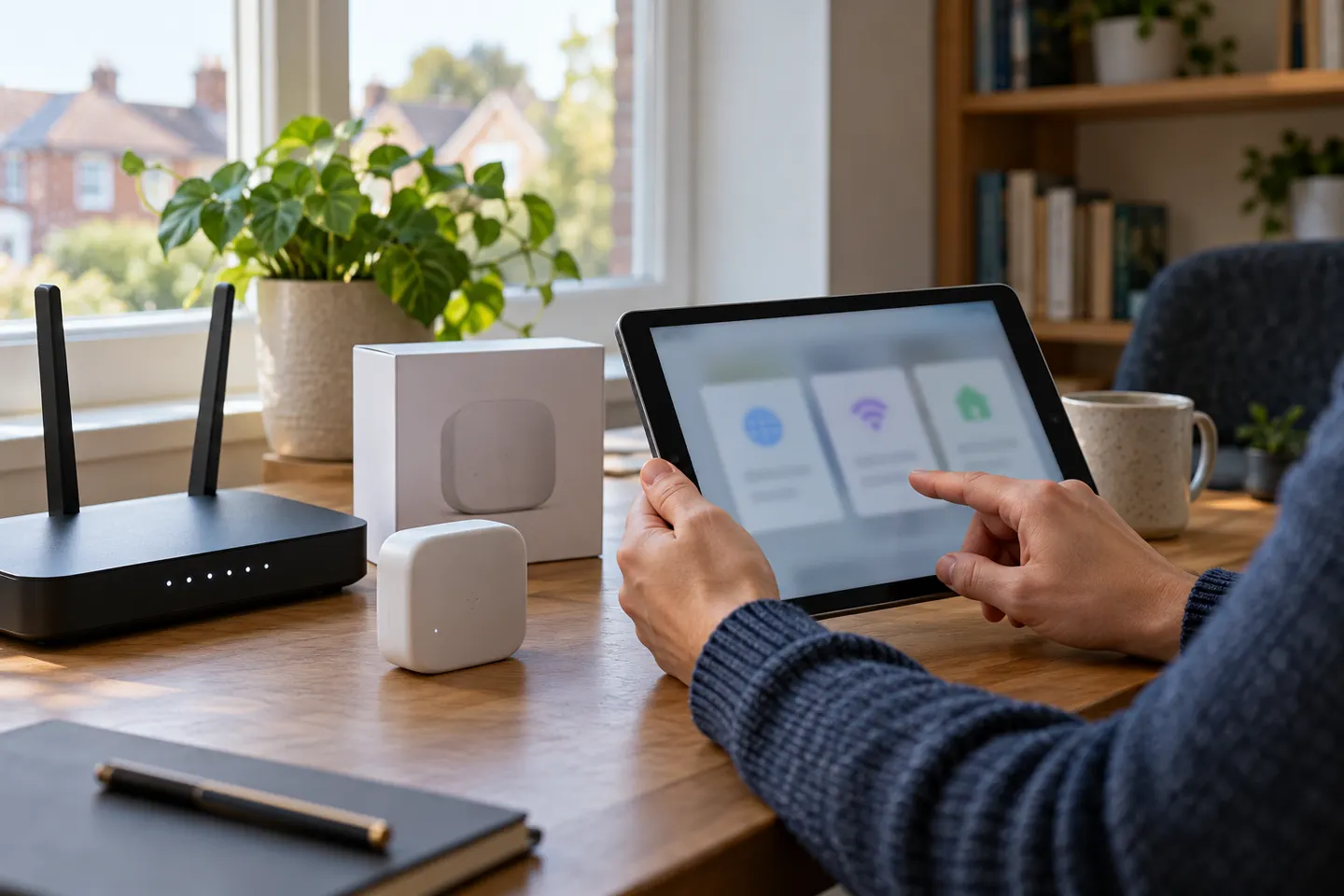
Use the instructions supplied with your booster because Sky equipment generations differ. The Sky Q Booster guide describes pairing with the router and checking the WPS indicator.
04
Place the booster where it can relay the signal
Choose a position between the router and the area with poor reception, with enough signal reaching the booster. Avoid hiding it behind furniture or inside a cabinet.
05
If you cannot obtain a Sky booster
Ask Sky support whether your account is eligible and what alternatives are supported. A third-party extender may work with many routers, but it will not necessarily provide Sky-managed features.
Common questions
Questions before you buy
How do I get a Sky WiFi booster?
Check your Sky account and ask Sky about Broadband Boost availability for your package. Sky’s help page sets out the current eligibility and service details.
Is a Sky Broadband Booster free?
Sky’s current help page describes the booster as loaned to eligible Broadband Boost customers, with return required if the subscription is cancelled. Check your own offer for its terms.
Do I have to return a Sky WiFi booster?
Sky states that a loaned Broadband Booster must be returned when you cancel Broadband Boost. Follow the return instructions supplied by Sky.
Can I buy a Sky-branded WiFi booster separately?
Sky’s help material describes boosters supplied through its broadband service. Contact Sky to confirm current availability rather than assuming a standalone retail product is offered.
Sky has different booster products for different broadband generations. Sky Max customers may use a Max Pod; check your account and hub-specific help before seeking a third-party extender.
A WiFi extender can carry your router signal further, but placement and backhaul matter. Choose a plug-in repeater for a nearby dead zone, powerline WiFi for difficult layouts, or an outdoor-rated unit for a garden.
TP-Link RE315 is a practical starting point for a standard indoor dead zone. Consider a Wi-Fi 6 device for newer kit, outdoor-rated hardware for a garden, or powerline where a wireless hop struggles.
TP-Link sells plug-in repeaters and powerline kits. Check EasyMesh support, Ethernet needs and the exact UK hardware revision before buying.
Your privacy
We use cookies and similar technologies. Necessary ones keep the site working. With your permission we also use statistics cookies (Google Analytics and Microsoft Clarity) to understand which guides help readers. You can accept all, reject all or choose. You can change your choice at any time from "Cookie settings" at the bottom of every page. Cookie policy