









 Official manufacturer image
Our picks
Top picks
Official manufacturer image Official manufacturer image
Garmin Dash Cam Mini 3
Check price on Amazon Official manufacturer image
Garmin Dash Cam X310
Check price on AmazonBy feature
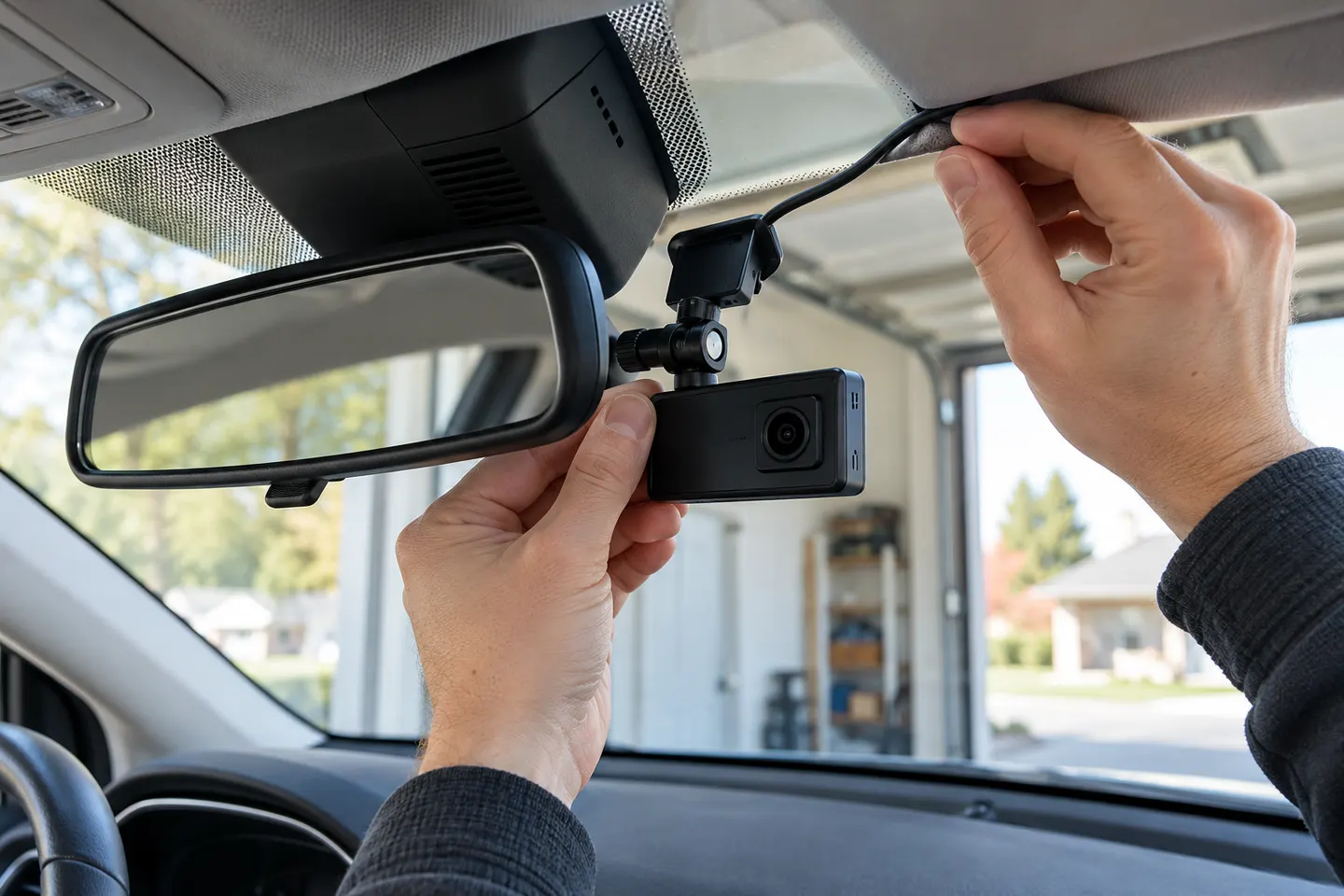 Mirror mount
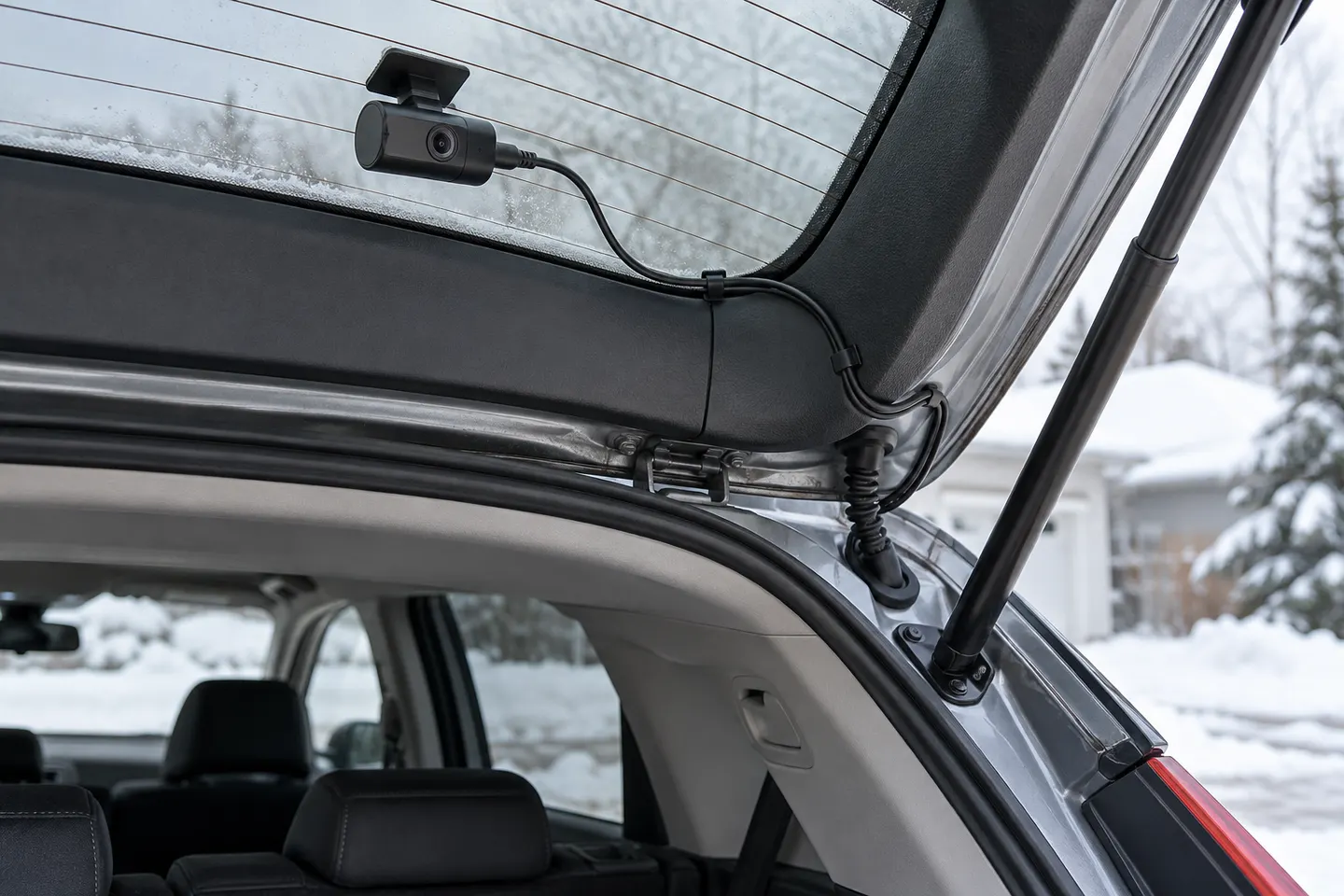 Rear mount
Installation and accessories
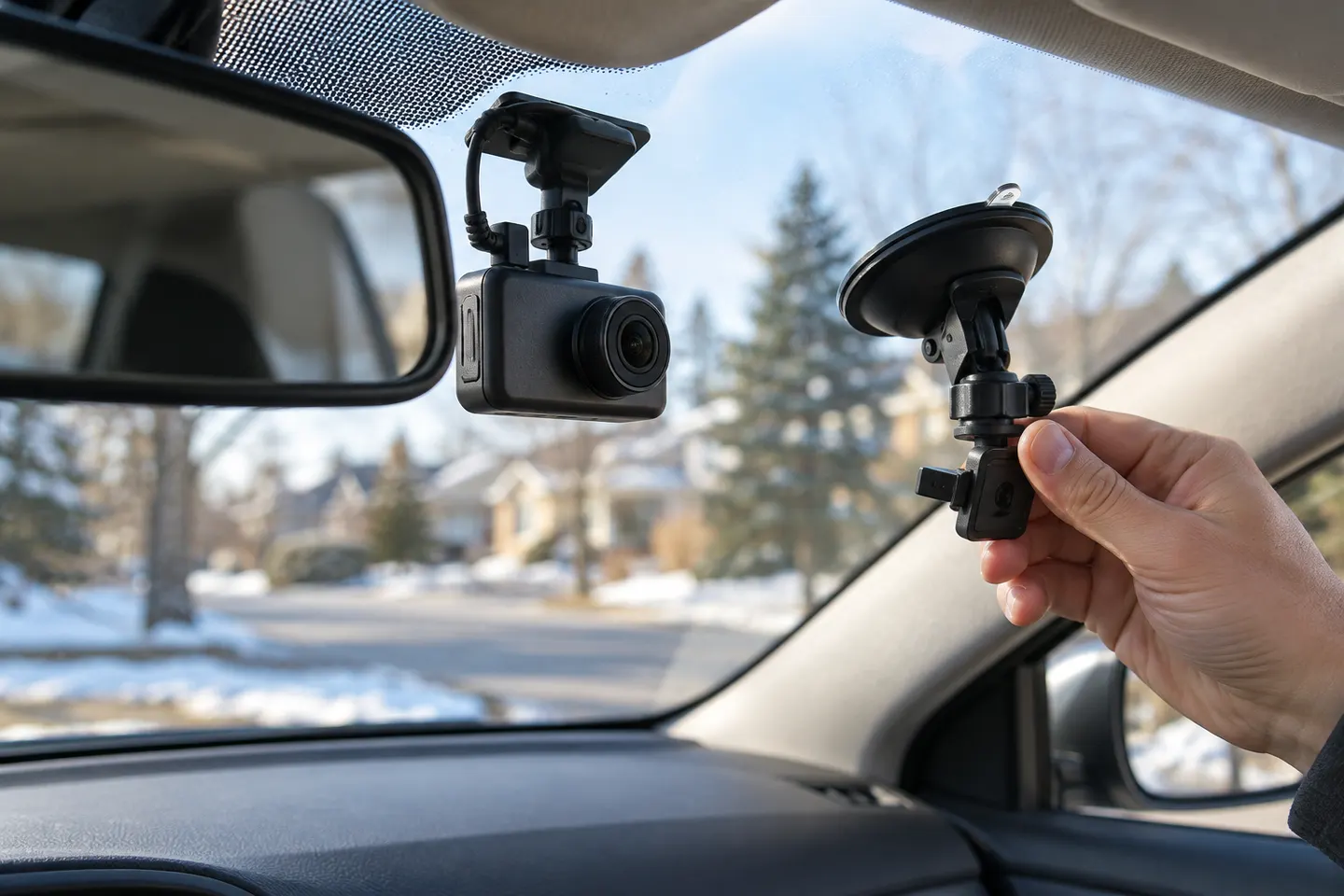 Mount
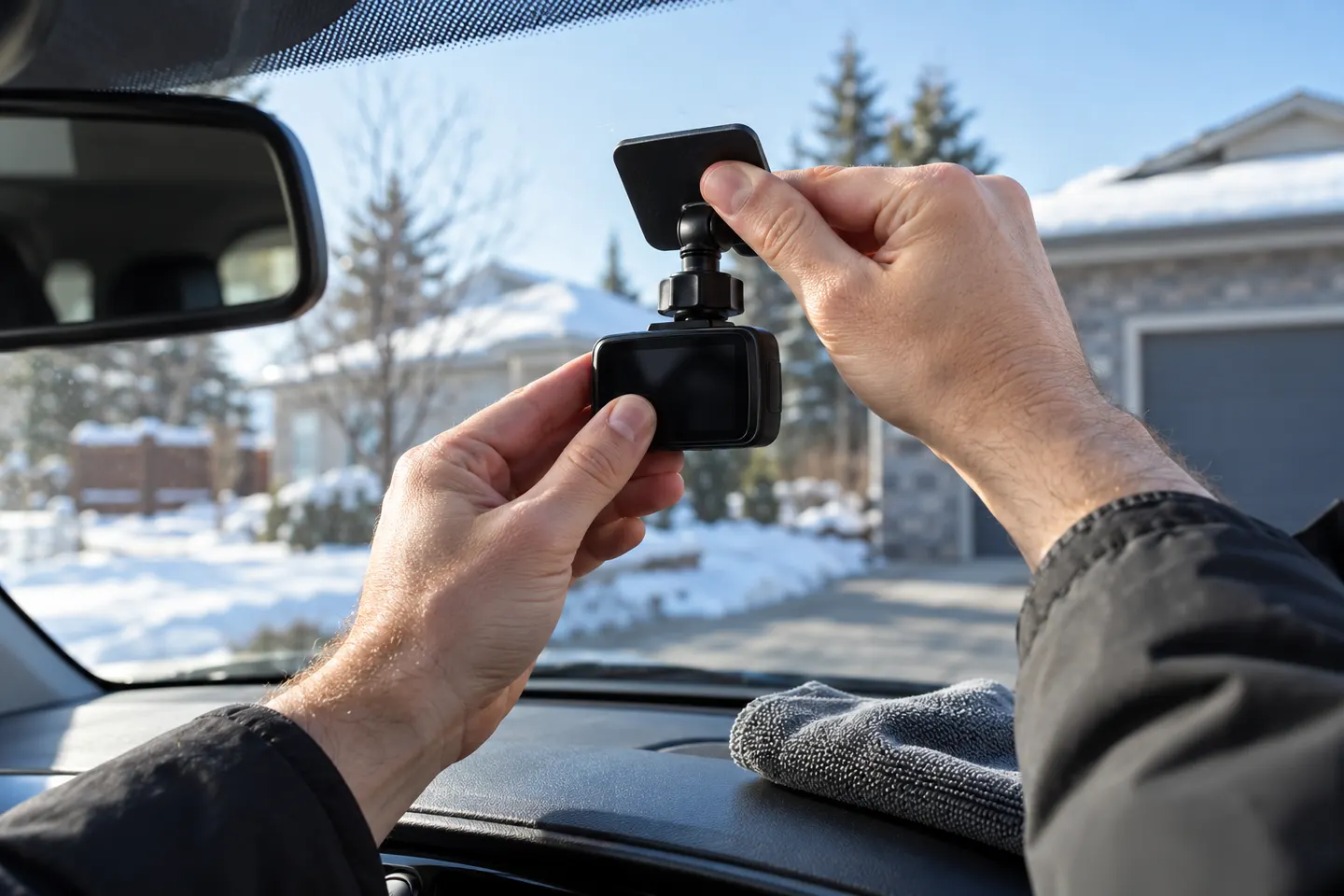 Adhesive mount
More topics
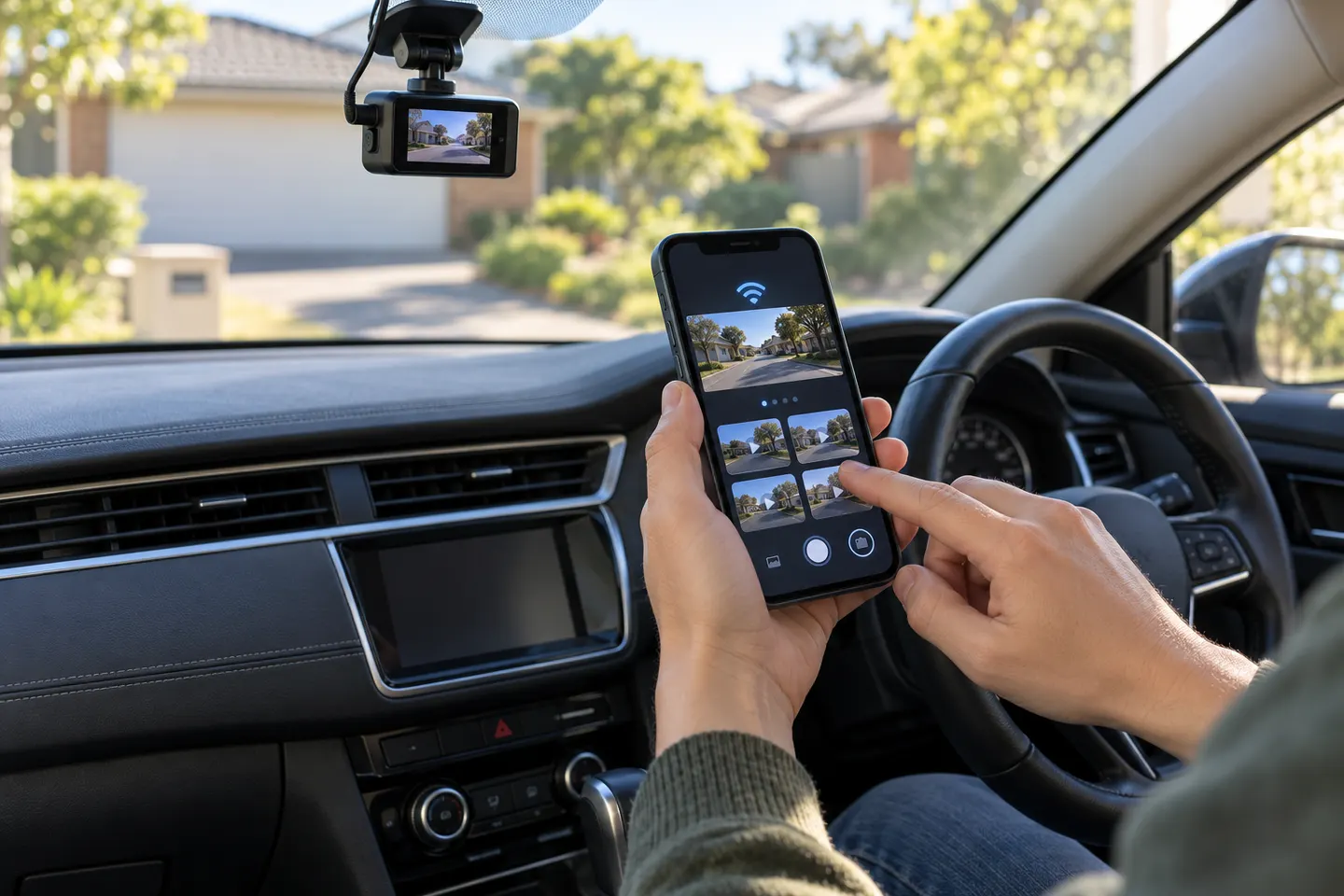 Dashcam Apps for iPhone
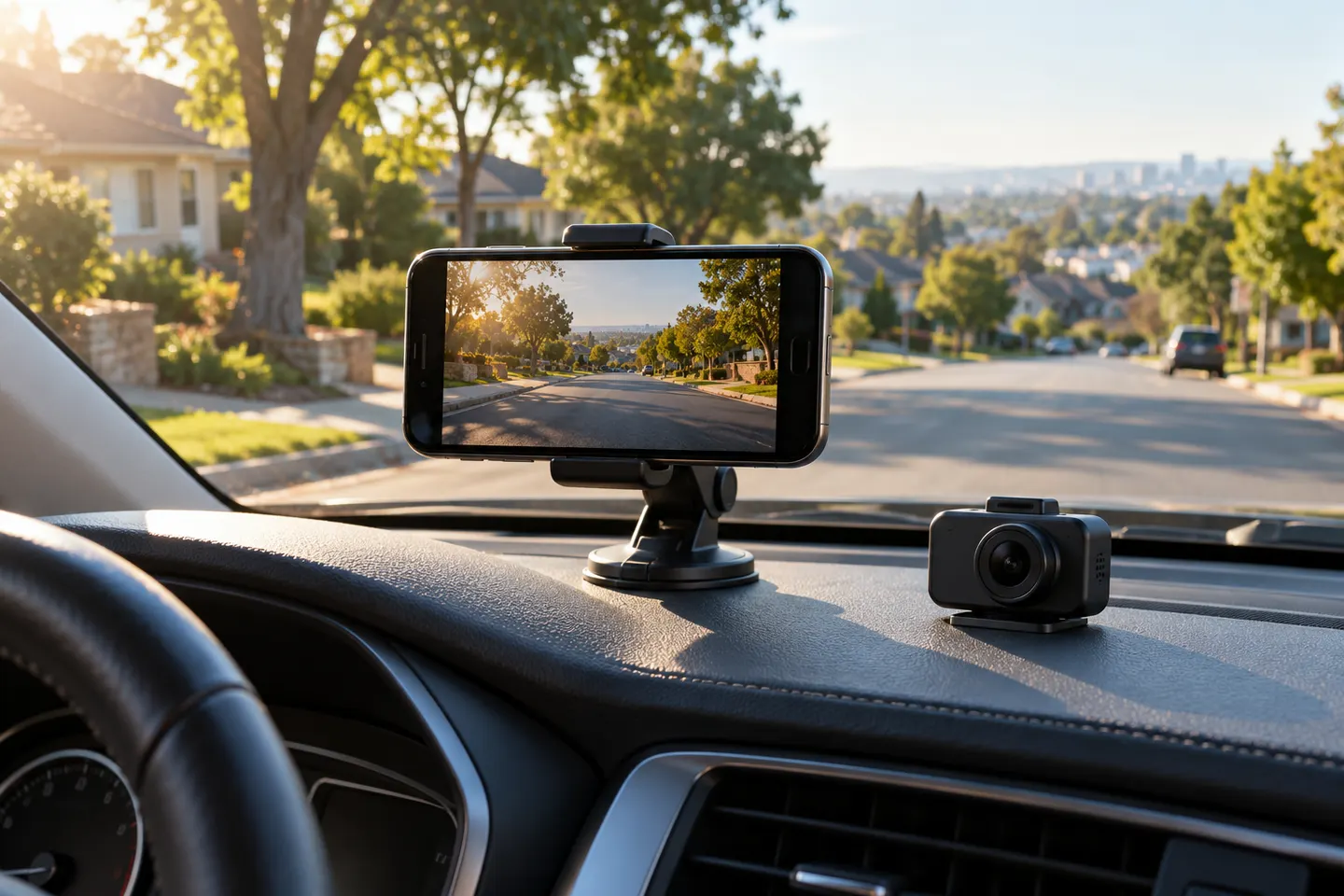 iPhone Dash Cam Apps
Common questions
Questions before you buy
Can I use my iPhone as a dashcam?
Yes, with a suitable recording app and stable mount, but storage, heat, notifications and automatic recording may be less seamless than with a dedicated camera.
Where should an iPhone dashcam mount go?
Place it where the camera has a useful road view without obstructing driving visibility, controls or airbags. Check the mounting law in every state where you drive.
Is a windshield or dashboard mount better for dashcam video?
A windshield mount may provide a higher view, while a dashboard mount can reduce obstruction concerns. Stability, legal placement and the vehicle's shape decide the better option.
Can recording video overheat an iPhone in a car?
Sustained recording, charging and direct sunlight can raise temperature. Apple advises using iPhone within its stated ambient-temperature range and may limit functions when it gets too warm.
Can I touch a dashcam app while driving?
Avoid handling the phone while moving. Configure recording before departure and comply with applicable distracted-driving and hands-free laws.