









 Official manufacturer image
Our picks
Top picks
Official manufacturer image Official manufacturer image
Garmin Dash Cam Mini 3
Check price on Amazon Official manufacturer image
Garmin Dash Cam X310
Check price on AmazonBy vehicle
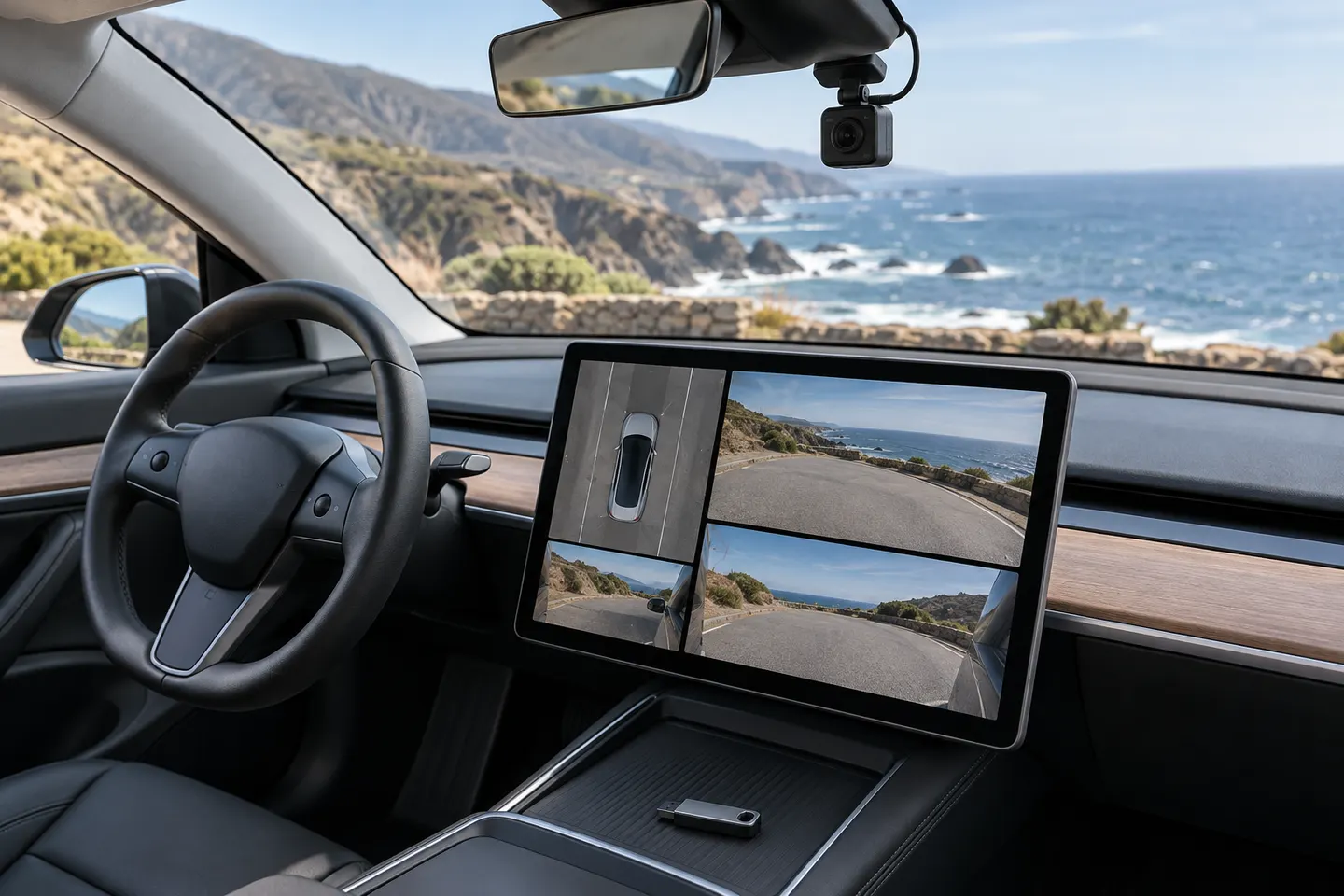 Tesla
Show all (5)
Installation and accessories
More topics
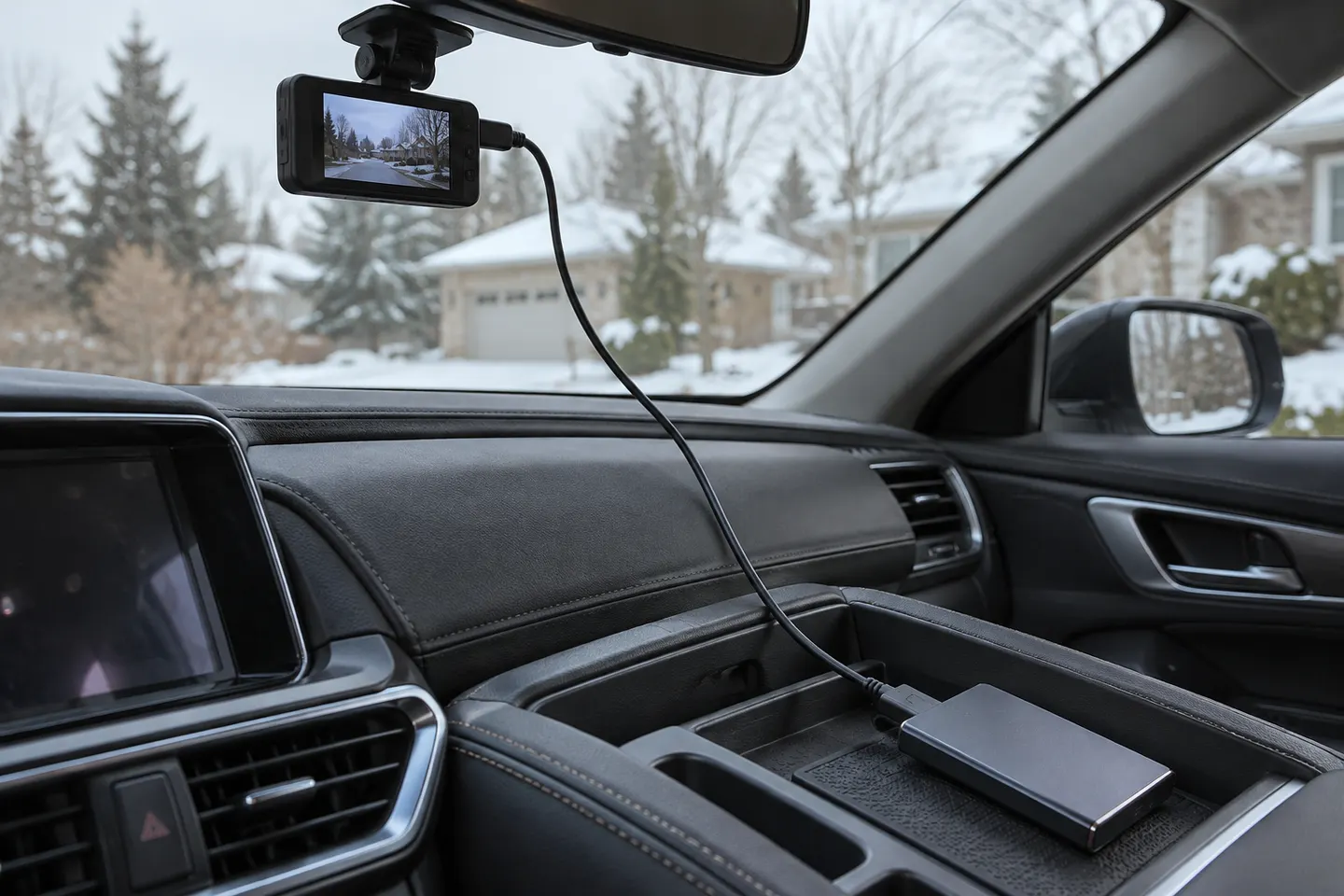 Hard Drive Dash Cam Storage
Common questions
Questions before you buy
Why does my Tesla say Dashcam unavailable, check USB drive?
The vehicle is not able to access suitable recording storage. Common causes include the wrong USB port, a loose connection, unsupported formatting, full storage, or a drive fault.
Can I format the Tesla USB drive in the car?
On supported vehicles, use Controls, then Safety, then Format USB Drive. Save wanted footage elsewhere first because formatting removes files.
Which folder does Tesla Dashcam use?
Tesla documentation identifies the TeslaCam folder for Dashcam footage. Formatting through the vehicle normally prepares the expected folder structure.
Why is the Dashcam icon still unavailable after formatting?
Check that the drive is in the correct data-capable port and meets the requirements in the manual. A faulty cable, hub, adapter, partition, or storage device can also prevent recognition.
Will reformatting delete Tesla Sentry Mode clips?
Yes, formatting the relevant partition erases stored recordings. Back up any clips you want to keep before proceeding.