









 Official manufacturer image
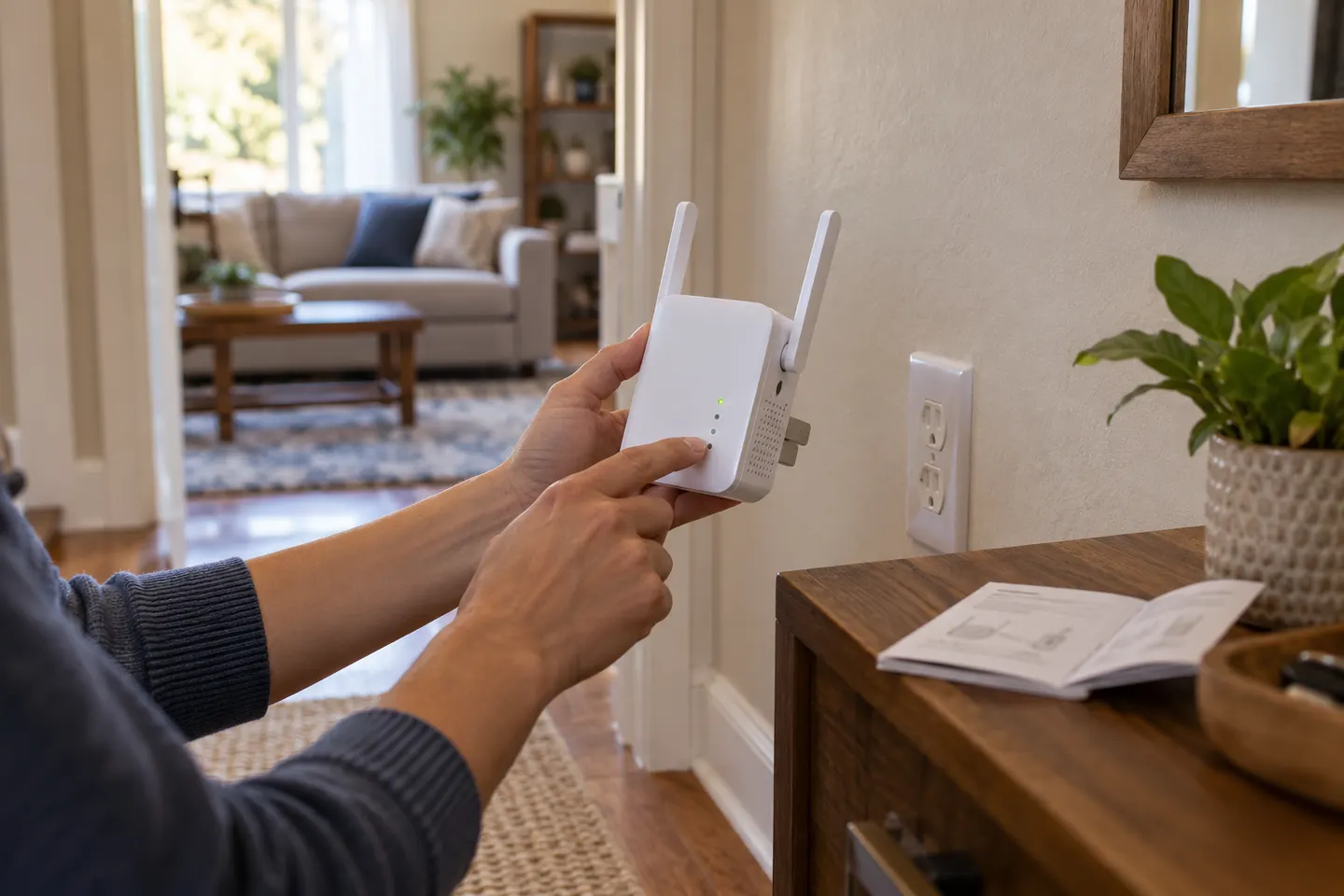
Our picks
Top picks
Official manufacturer image Official manufacturer image
NETGEAR EAX15
Check price on Amazon Official manufacturer image
TP-Link RE550
Check price on AmazonSetup and help
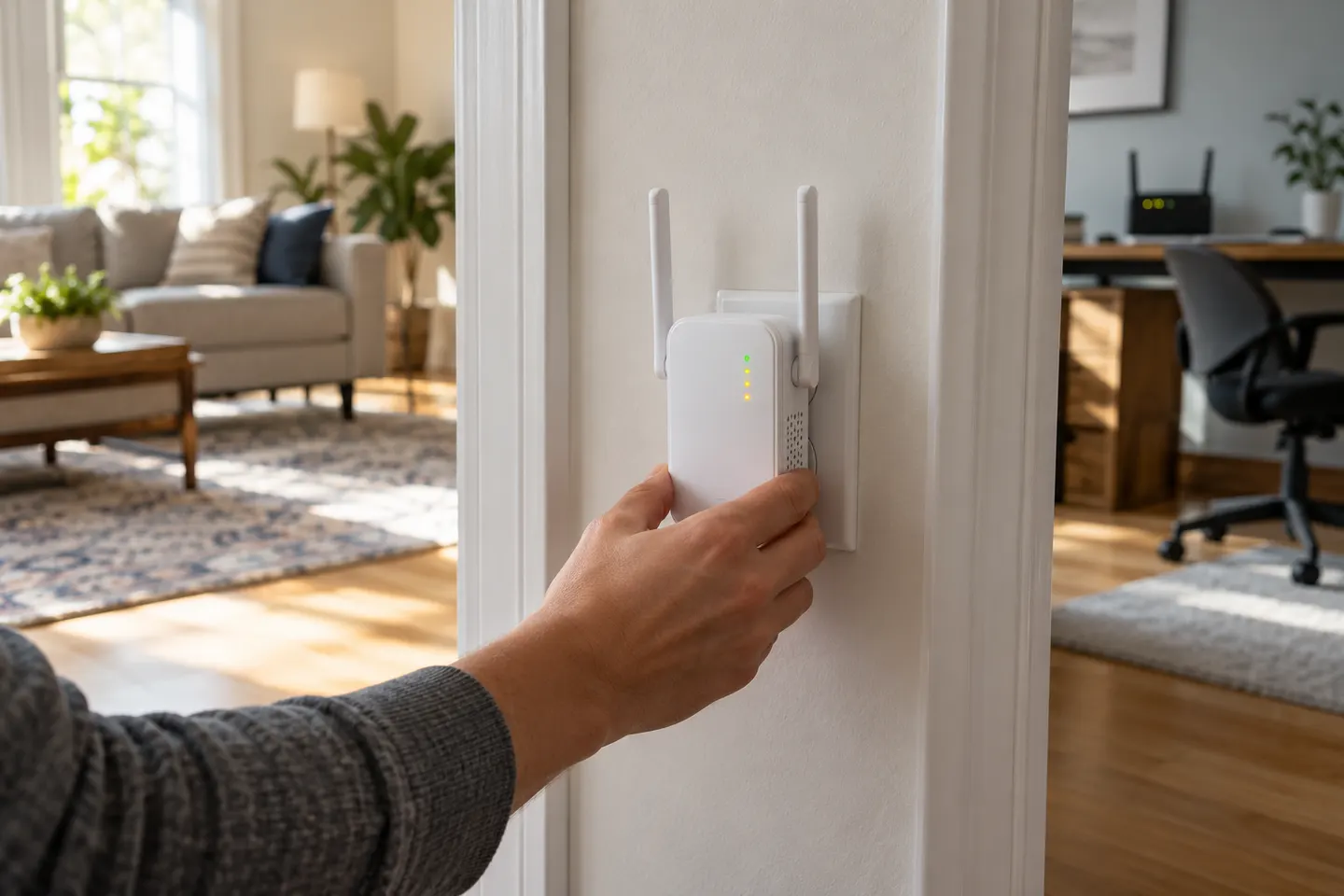 Ac750 install
 Install
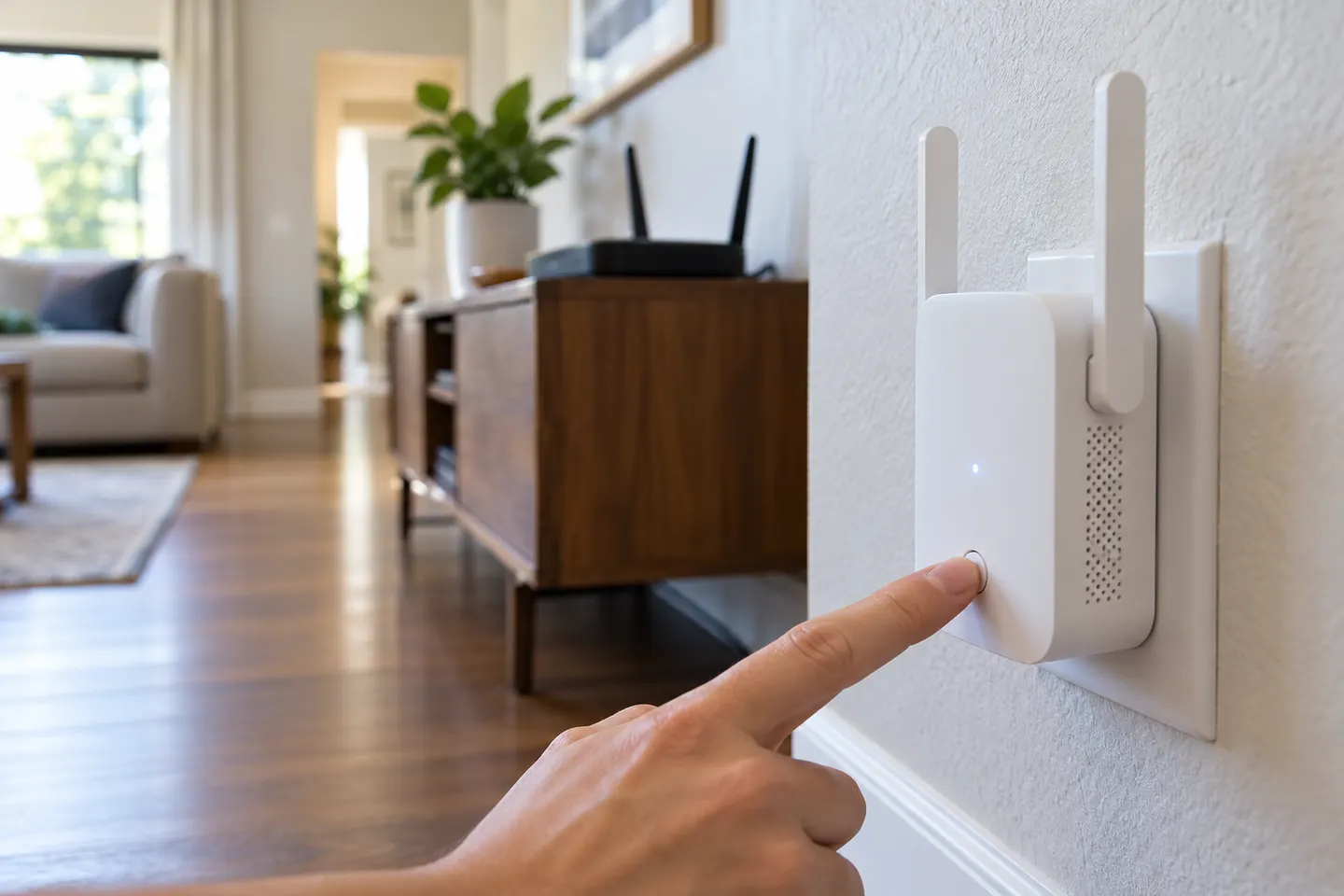 N300 setup
How-to guides
 How to Install a WiFi Extender for Better Home…
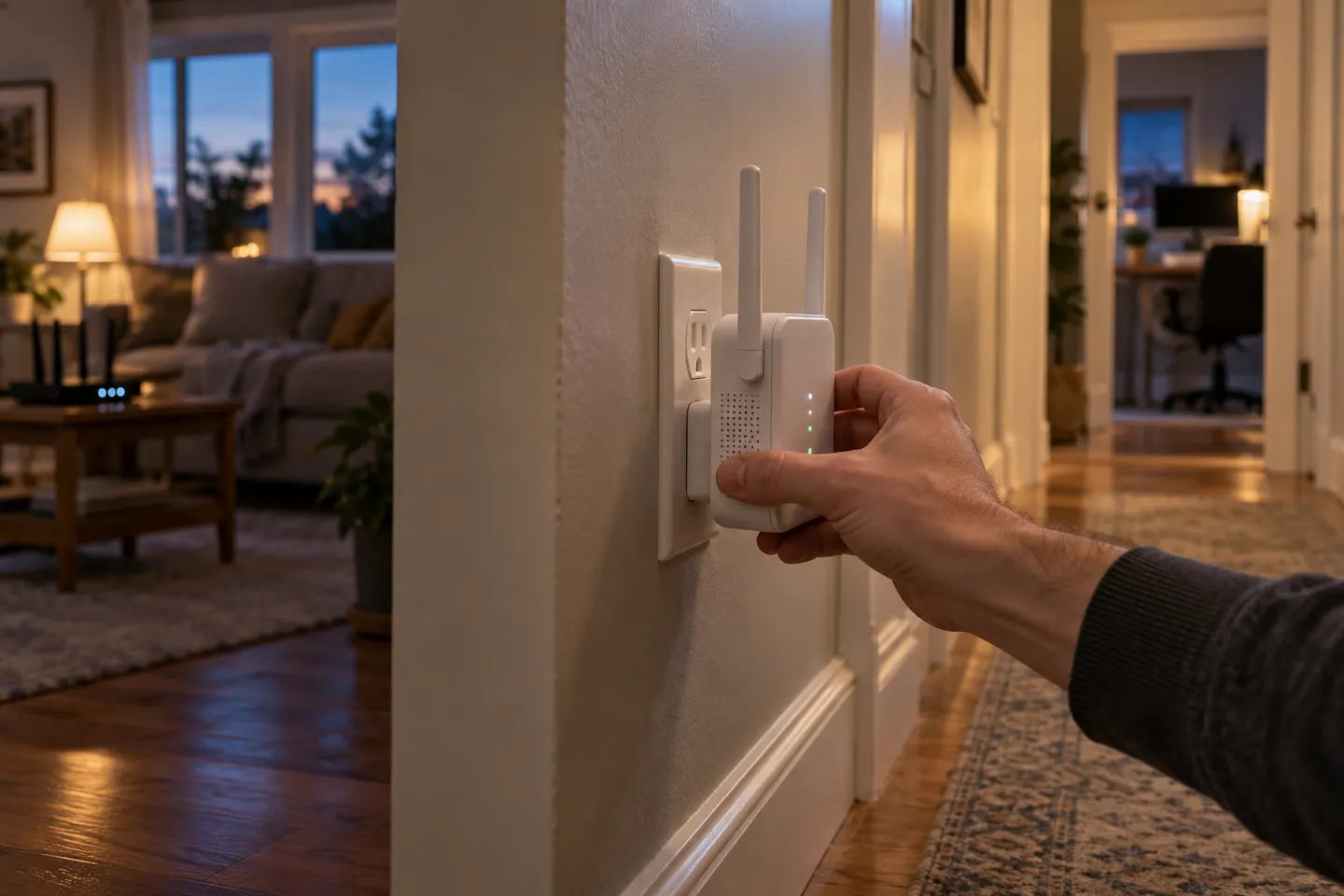 How to Install a NETGEAR WiFi Extender for Better…
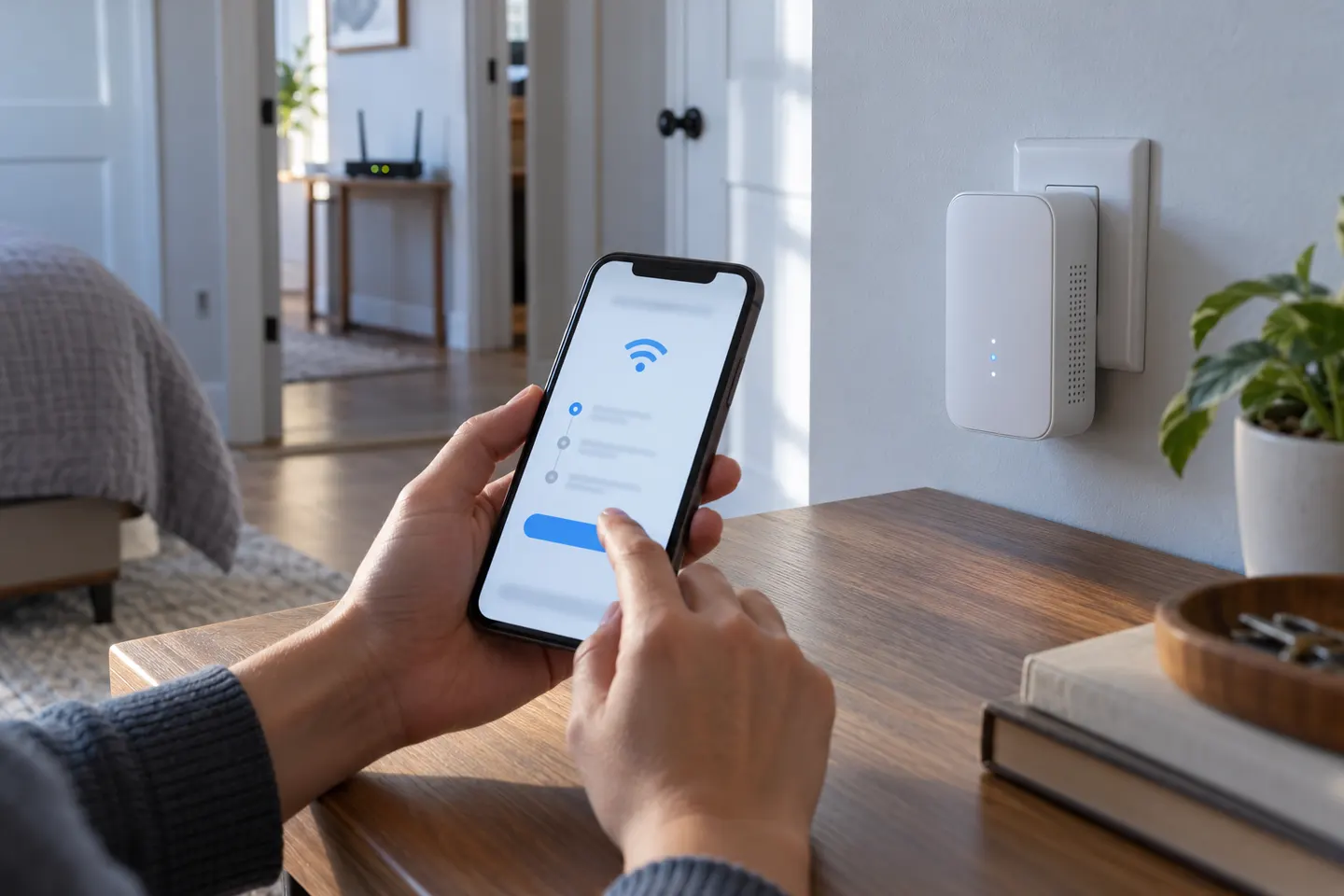 How to Install a TP-Link WiFi Range Extender Step…
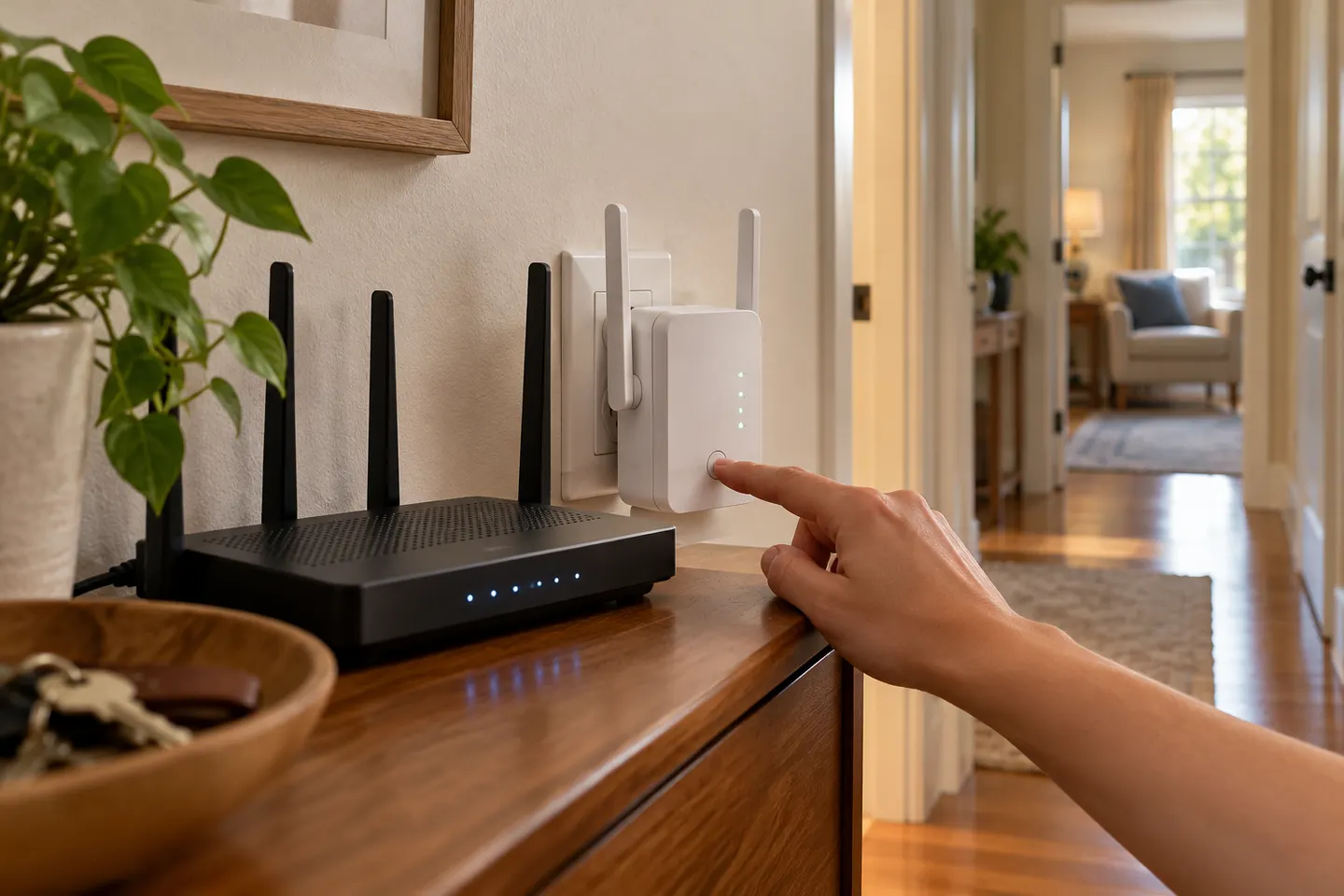 How to Install a NETGEAR AC1200 WiFi Range Extender
More topics
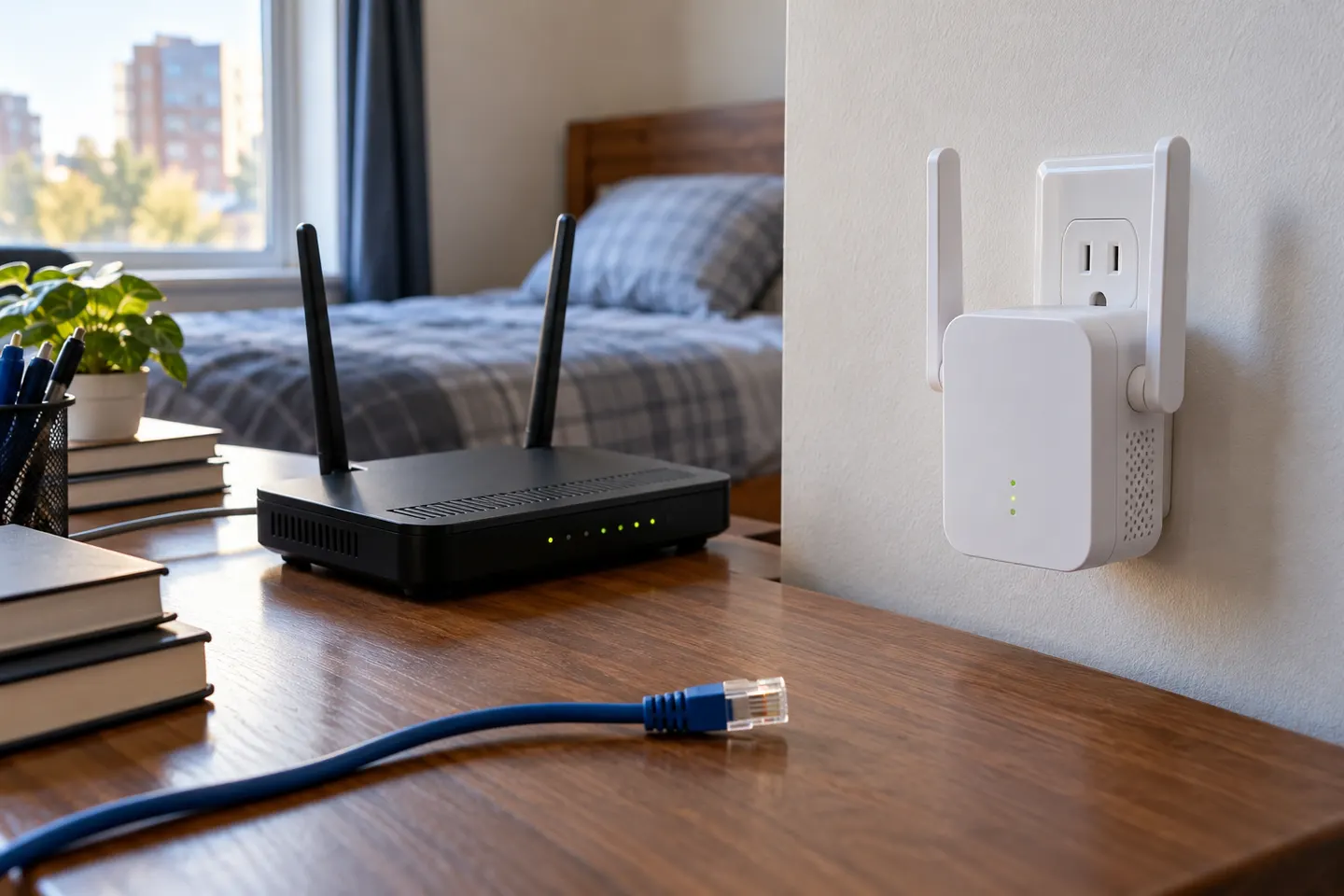 WiFi Range Extenders N300
Common questions
Questions before you buy
How do I install an N300 Wi-Fi range extender?
Find the model-specific manual, connect using its supported setup route and test the extender close to the router before moving it toward the weak area.
What does N300 mean on an extender?
N300 is a wireless rate class associated with single-band 802.11n products; it is not a guaranteed internet speed.
Does a TP-Link TL-WA850RE need an Ethernet cable?
No cable is needed for wireless range-extender mode; TP-Link also documents its Ethernet port for connecting a wired device.
How do I know where to install the extender?
Start roughly halfway to the dead zone but within the router’s signal, then check the extender indicator and test connectivity.