Gearjury may earn a commission when a qualifying purchase is made through a retailer link.
Guide
Where to Install a Dashcam in Your Car
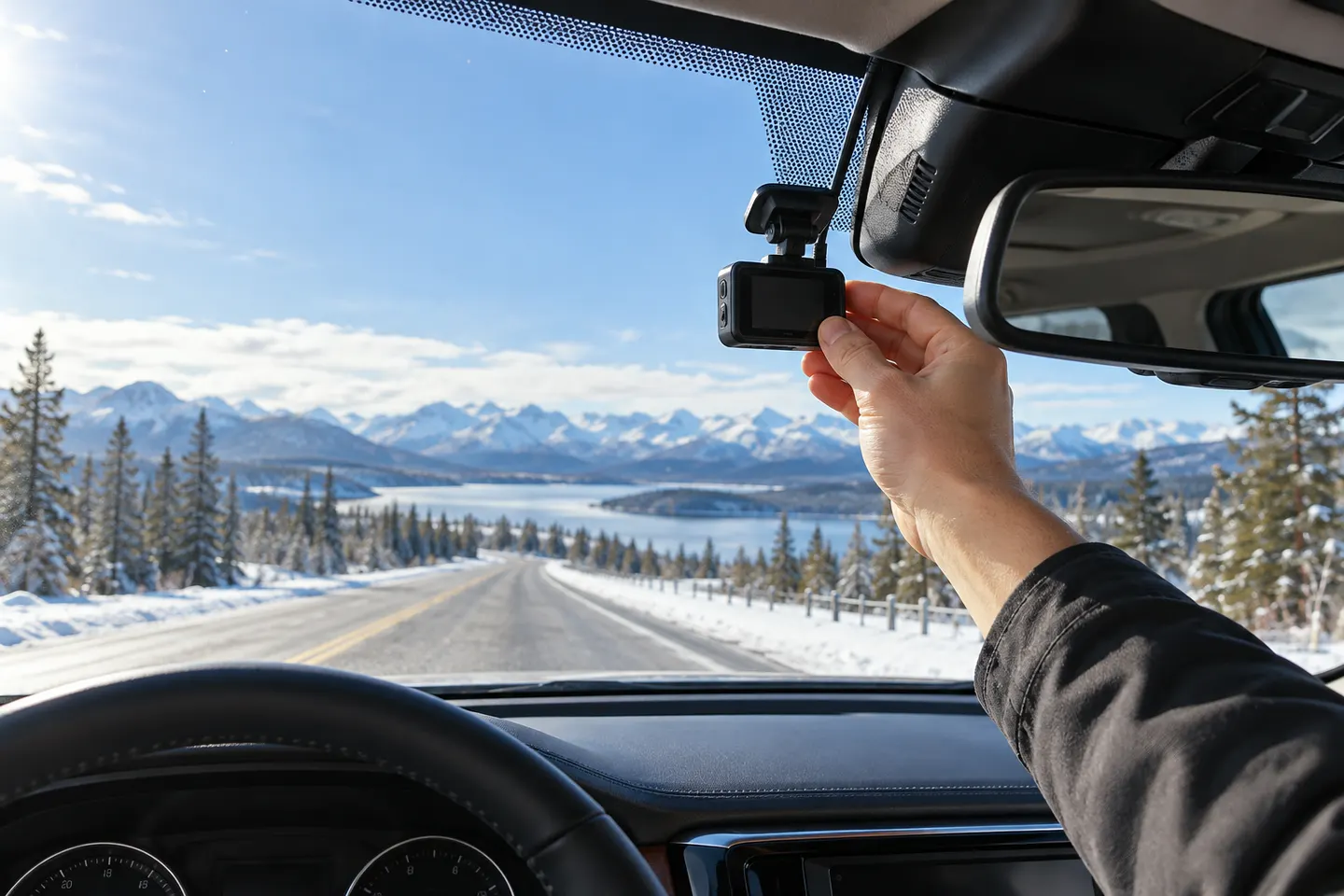
Install the front camera high and close to the rear-view mirror, without intruding into the driver's view. Dry-fit everything first, then confirm the lens, cable and rear unit avoid sensors, airbags and moving trim.
GGearjury editorial team · Updated 15 October 2026· 7 min
01
Where should a front dashcam be installed?
Choose a high windscreen position near the rear-view mirror that leaves the driver's view unobstructed. Hold the complete camera and mount in place, because the bracket can occupy more space than the lens body.
02
Check the camera view before attaching the mount
Power the camera temporarily and open its preview. Aim for a level horizon, useful road coverage and only a modest amount of bonnet; make sure tint, sensor housings and the mirror do not block the image.
03
Clean and prepare the glass
Follow the mount instructions, clean the chosen area and let it dry. Apply an adhesive pad once, with firm even pressure, because repositioning used adhesive can weaken the hold.
04
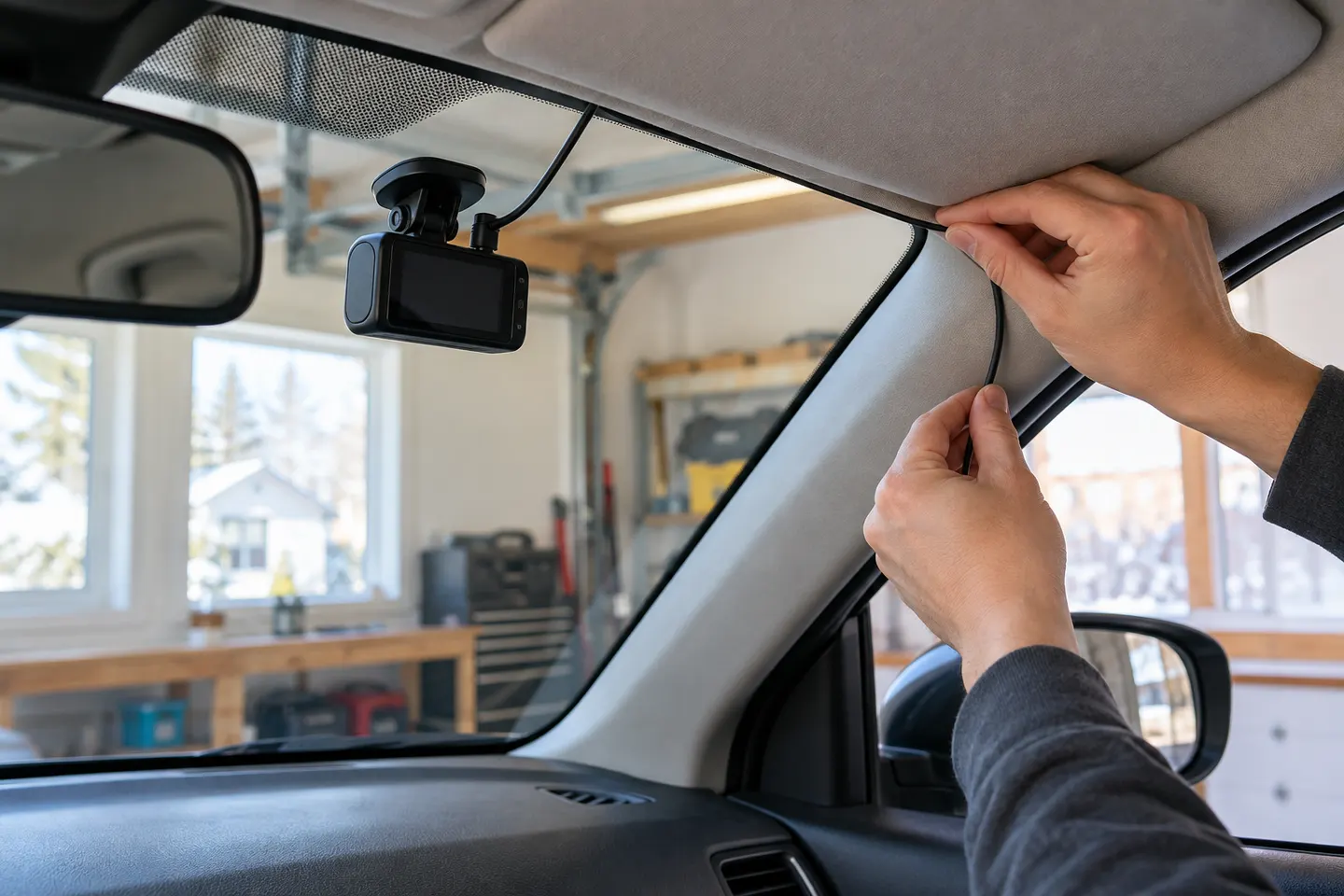
Route the power cable away from airbags
Keep wiring clear of pedals, steering parts and curtain-airbag deployment paths. Tucking a cable behind trim can be unsafe or damage clips; use a qualified installer when the vehicle layout is unclear.
05
Where does a rear dashcam go?
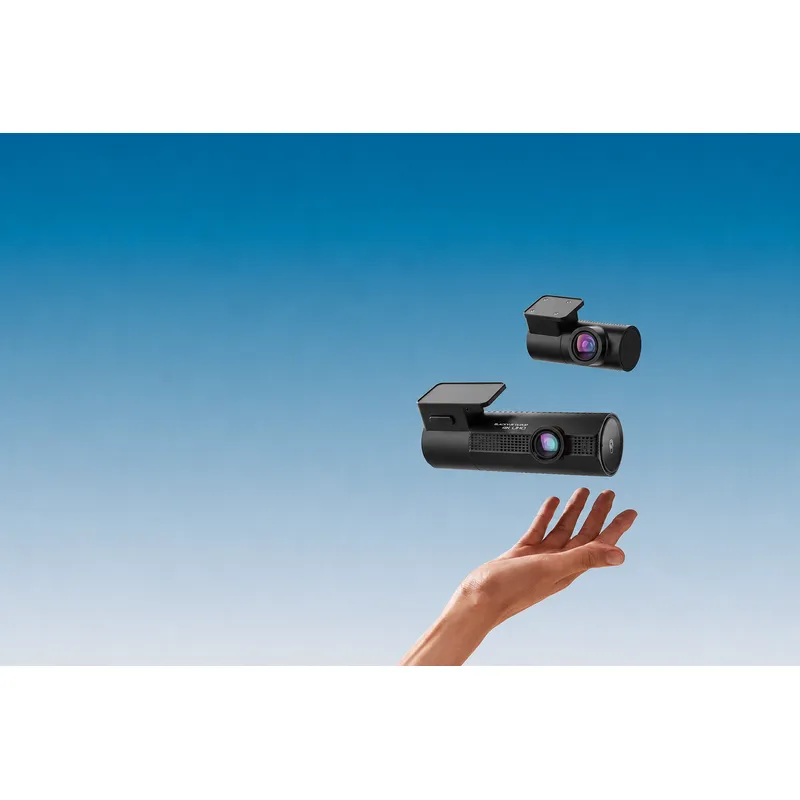
Dry-fit the rear unit high on clear glass, checking wiper coverage, heater lines and the full movement of a hatch or tailgate. Leave a flexible cable loop only where the camera maker or installer specifies.
06
Verify recording after the first drive
Review daytime and low-light footage, confirm both channels save correctly and check timestamps. Re-aim the lens if vibration, dashboard reflections or too much sky obscures useful detail.
Common questions
Questions before you buy
Can I install a dashcam anywhere on the windscreen?
No. It must not obstruct the driver's view, and the lens still needs a clear, swept view through the glass. Local rules and the vehicle manual also apply.
Does a dashcam need to be in the centre?
A near-central position usually gives balanced coverage, but a slight offset can work if the camera remains correctly aimed and unobtrusive.
Can I put a dashcam over a tinted windscreen strip?
Avoid any area that degrades the camera view or interferes with adhesion. Check the tint warranty and preview actual footage before committing.
Should I hardwire my dashcam?
Hardwiring can provide a tidy supply and support parking features on compatible models, but it should include the specified battery protection and safe fuse connection.
Can a rear dashcam cable cross a curtain airbag?
It should not be routed where it could impede airbag deployment. Ask a qualified installer to identify a safe path for the specific vehicle.
A plug-in installation suits basic driving recording; professional hardwiring is the safer route for neat cabling and parking mode. Keep every camera and cable clear of vision and airbags.
A two-channel system is the clearest choice when you want evidence from both directions. Prioritise rear-camera quality, cable length and an installation that keeps the driver's view clear.
Start with the coverage you need: front-only for simplicity, front-rear for broader evidence, or a dedicated motorcycle system. Then decide how you will power it.
Choose the DR970X Plus for 4K front recording, the DR770X for Full HD dual-channel coverage, or the DR970X Box Plus for a separated recording unit.
Your privacy
We use cookies and similar technologies. Necessary ones keep the site working. With your permission we also use statistics cookies (Google Analytics and Microsoft Clarity) to understand which guides help readers. You can accept all, reject all or choose. You can change your choice at any time from "Cookie settings" at the bottom of every page. Cookie policy