Gearjury may earn a commission when you buy through a retailer link. Our editorial guidance is based on the cited sources.
Guide
How to Install a Dash Cam in Your Car
Mount the camera high without blocking your view, hide the cable without crossing an airbag path, then connect it to an approved power source. Hardwiring is best left to an installer if you cannot identify the correct circuit safely.
GGearjury editorial team · Updated 15 October 2026· 6 min
01
Choose a clear, legal mounting position
Sit in the driving position before fixing anything. Place the camera high on the windscreen, commonly behind or close to the rear-view mirror, while keeping the lens inside the swept area and the unit outside your useful field of vision. The Irish NCT manual treats a material obstruction in the driver's view as a defect, so a discreet position matters.
02
How to connect a dash cam to the car
For the simplest installation, use the maker-supplied cable and compatible accessory socket or USB power adaptor. Confirm that the socket switches off with the ignition; a permanently live socket can drain the vehicle battery. Do not substitute a cable merely because the connector fits.
03
How to install the dash cam wire
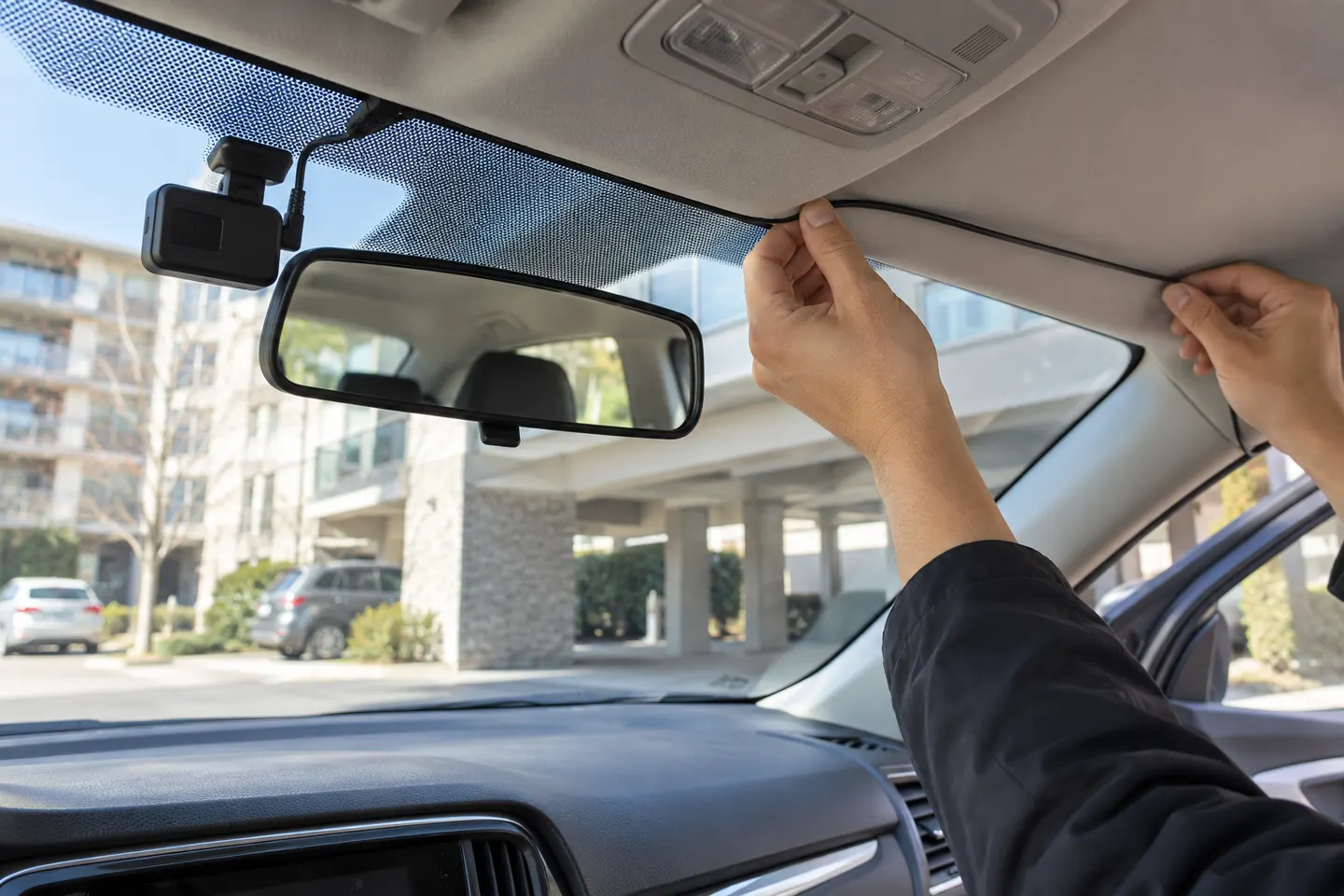
Run the power lead along the headlining and down the trim towards the power point. Keep it away from pedals, steering components and moving seat rails. At an A-pillar, check the vehicle handbook before tucking in a cable: never route it across a curtain airbag or disturb safety-system wiring.
04
How to hardwire a dash cam
A hardwire kit normally needs a suitable switched or permanent fuse, a sound earth point and low-voltage protection. Use only a kit approved for the camera and vehicle voltage. If you cannot verify the fuse layout or airbag route, ask a qualified auto electrician to fit it; hardwiring incorrectly can damage the vehicle or defeat battery protection.
05
How to install a dual dash cam
Fit and aim the front unit first, then connect the rear-camera lead before hiding it. Leave enough slack at hinges and moving tailgates, follow existing cable paths where practical, and keep the wire clear of airbags. A dual dash cam records two views, so confirm that both channels appear in the app or on the display.
06
How to install a rear dash cam wire
On a fixed rear window, route the cable around the headlining without covering airbags. On a hatchback, pass it through an appropriate factory conduit only if there is space and no risk of pinching. Clean the glass, attach the mount and check that heater lines do not obscure the lens.
07
How to use a car dash camera after fitting
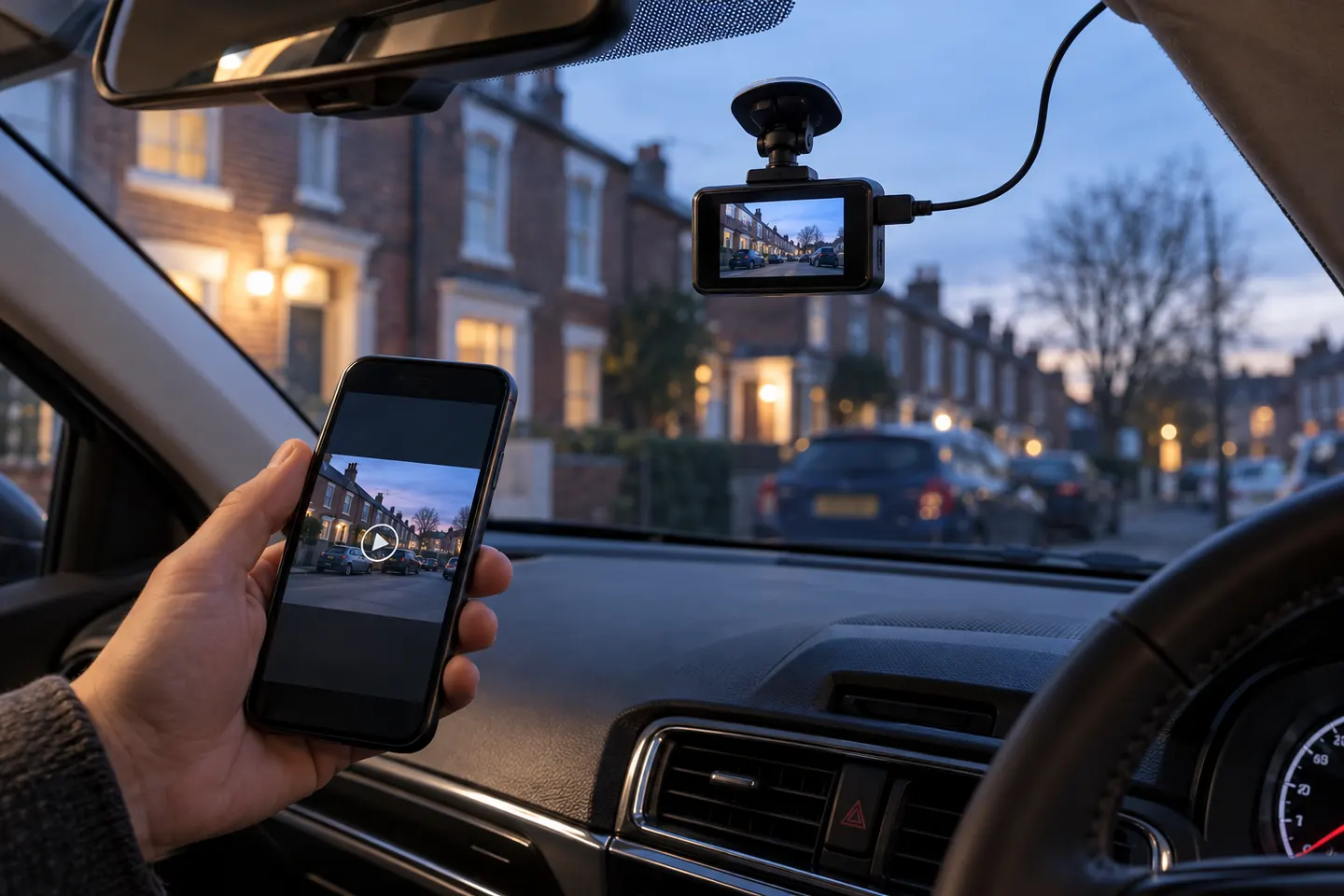
Insert a compatible high-endurance card, format it in the camera and set the correct time zone. Check the road horizon, verify loop recording and save a short clip to your phone or computer. Recheck the mount and recordings regularly, especially after windscreen work or a card warning.
Common questions
Questions before you buy
How to hardwire dash cam?
Use the camera maker's compatible hardwire kit, a correctly identified fuse and a safe earth point. If the circuit or trim route is uncertain, use a qualified installer.
How to install dash cam wire?
Guide it around the headlining and trim, keeping it away from pedals, moving parts and every airbag deployment path. Secure any exposed slack.
How to install dual dash cam?
Install and test the front camera first, then route the rear lead safely and verify that both channels record. Allow movement where the cable crosses a hatch or boot opening.
How to connect dash cam to car?
The straightforward method is the supplied adaptor in a compatible accessory socket. Hardwiring can add parking-mode power but requires the correct kit and circuit.
How to install rear dash cam wire?
Follow the roof trim or an existing vehicle cable route without crossing curtain airbags. Protect the cable from pinching at doors and tailgates.
How to use car dash camera?
Format a compatible card, set the time, aim the lens and confirm loop recording. Learn how to protect an incident clip before you need it.
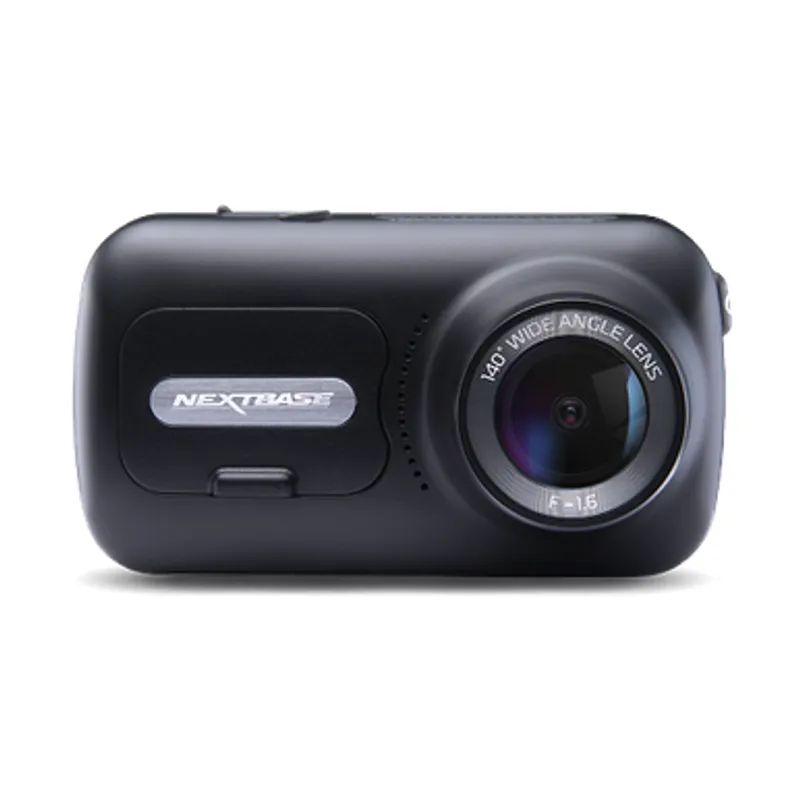
The 322GW covers core recording needs, the 522GW adds a larger touch display and the 622GW raises capture resolution. Choose by footage needs, not model number alone.
Most ‘wireless’ dash cams still need a power cable. The term usually means Wi-Fi transfer to a phone, so check the power and rear-camera connections before buying.
A dual-channel kit records ahead and behind from one system. Prioritise rear-camera quality, cable length and supported memory capacity rather than judging the front unit alone.
Start with the coverage you need: front-only is simplest, while front-and-rear systems record more of an incident. Then check power, storage and mounting.
Your privacy
We use cookies and similar technologies. Necessary ones keep the site working. With your permission we also use statistics cookies (Google Analytics and Microsoft Clarity) to understand which guides help readers. You can accept all, reject all or choose. You can change your choice at any time from "Cookie settings" at the bottom of every page. Cookie policy