








 Official manufacturer image
Our picks
Top picks
Official manufacturer image Official manufacturer image
TP-Link RE550
Check price on Amazon Official manufacturer image
TP-Link RE315
Check price on AmazonCommon questions
Questions before you buy
Will a WiFi booster improve my internet connection?
It can help a device connect where router coverage is weak, but it cannot increase the speed supplied by your broadband plan or fix an upstream fault.
Where should I place a connection booster?
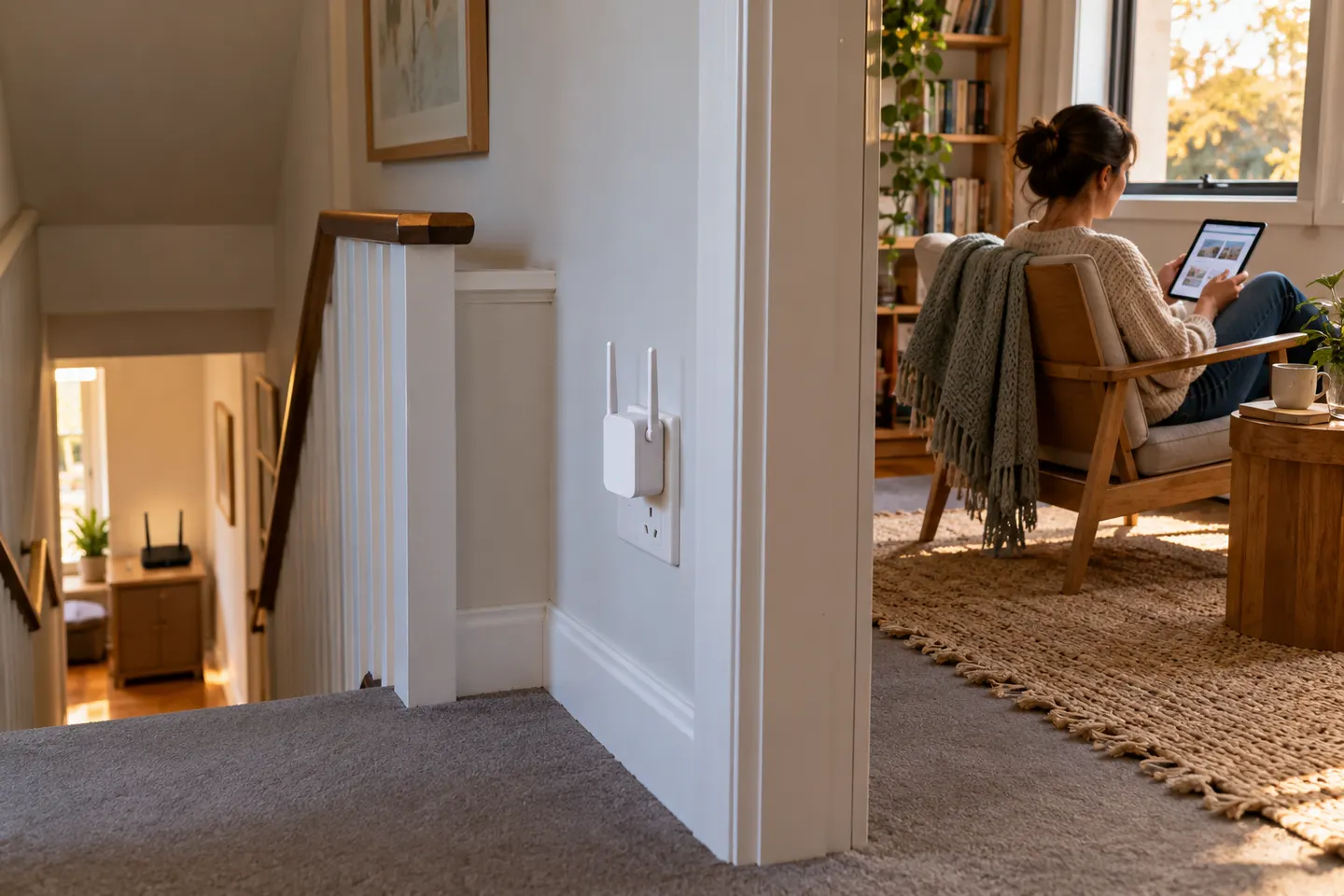
Place it between the router and the problem area, where it still receives a stable signal. Use the device’s signal indicator or setup app as a guide.
Why is my WiFi slow even beside the router?
That points away from a simple range problem. Check broadband performance, router status, interference and device limits before adding a repeater.
Can a WiFi booster make a connection less stable?
Poor placement, interference or an unsuitable backhaul can create an unreliable link. Test a location with a strong router signal and follow the model’s setup instructions.