Gearjury may earn a commission from qualifying retailer links. This does not affect our explanations.
Guide
WiFi Extender: How Does It Work in Your Home?
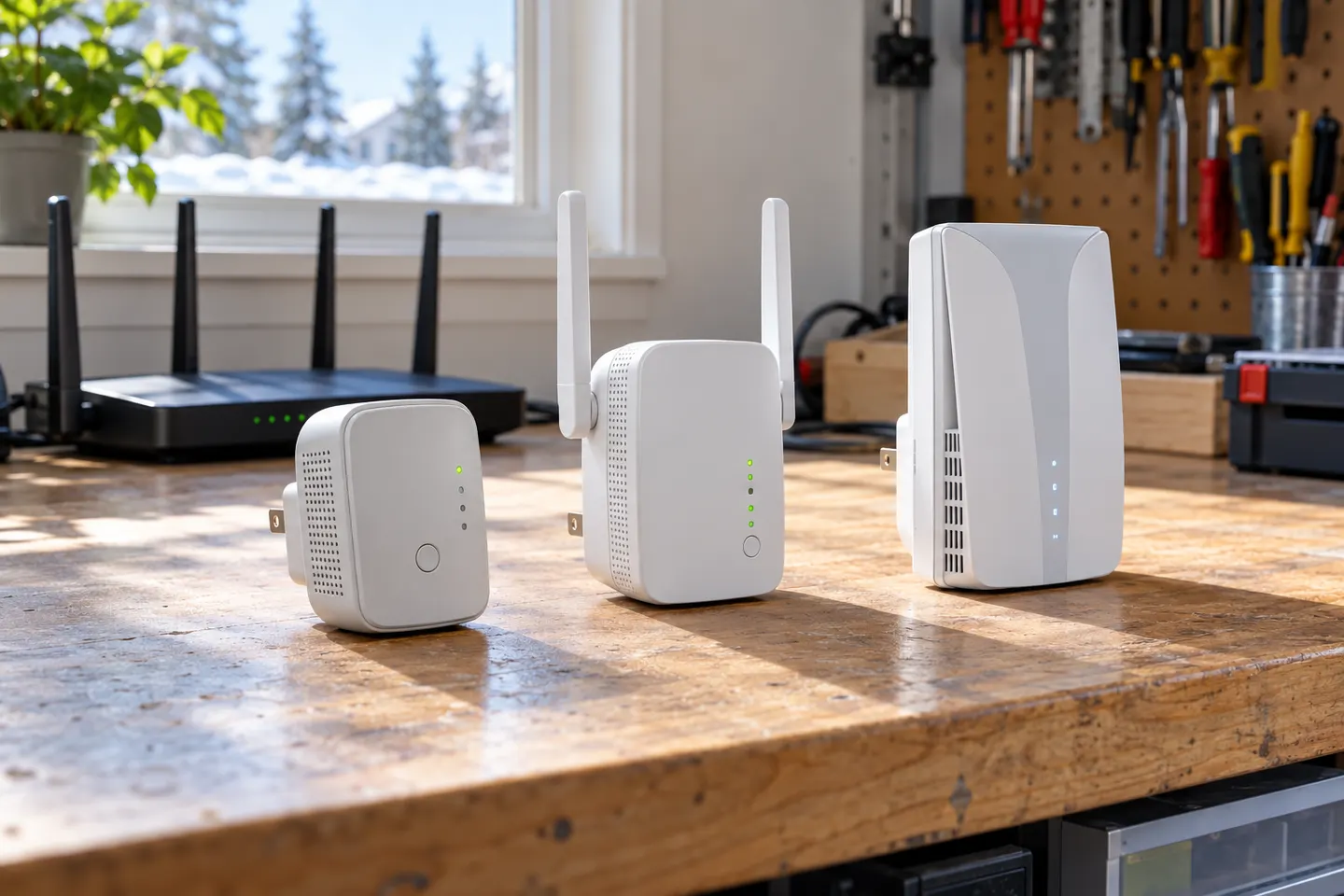
A WiFi extender receives your router's wireless signal and rebroadcasts it to a nearby area. It can improve reach, but performance depends on the link back to the router and the layout of your home.
GGearjury editorial team · Updated 18 October 2026· 4 min
01
How does a WiFi range extender work?
A wireless extender connects to the existing router over WiFi, then creates a second coverage point. Your phone or laptop connects to that point when it is useful, while the extender forwards traffic across its link to the router. This adds reach; it does not create a faster broadband connection.
02
How a WiFi booster socket works
A plug-in booster is a compact extender designed to sit in a wall socket. It performs the same basic relay job as a larger extender, subject to its radios, placement and the signal it receives. A socket location is convenient only if the router signal reaches it reliably.
03
How a powerline WiFi extender works
A powerline kit sends network data between adapters over a home's electrical wiring. One adapter connects to the router; a second adapter near the weak area may provide WiFi or Ethernet. Results depend on the wiring and circuits, so powerline is not the same as repeating WiFi through the air.
04
How much speed can an extender reduce?
There is no single reduction figure for every installation. A wireless relay shares airtime and adds another link, so throughput can be lower than a direct router connection; distance, interference, band choice, device load and extender design all matter. Test from the intended room rather than treating the headline link rate as real-world speed.
05
Where should you put one?
Start between the router and the area with weak service, where the extender can still receive a sound signal. If it is placed inside the dead zone, it has little useful connection to repeat. Use the signal light or app guidance and adjust the position if devices remain slow or disconnect.
06
Extender, mesh or powerline?
A basic extender suits a local coverage gap when the router signal reaches a suitable socket. Mesh systems coordinate multiple nodes and can make roaming simpler across a larger home. Powerline can help where wireless backhaul is poor but electrical wiring offers a better route; none is guaranteed to outperform every other option.
Common questions
Questions before you buy
How do WiFi booster sockets work?
They receive WiFi from your router and rebroadcast it from a socket closer to the coverage gap. The socket still needs a decent router signal for the repeated connection to be useful.
How does a powerline WiFi extender work?
A powerline adapter carries network data over electrical wiring from a router-connected adapter to another adapter. The second unit can then provide WiFi or a wired network connection, depending on the kit.
How much does a WiFi extender reduce speed?
There is no fixed amount. Wireless backhaul, interference, distance, bands and traffic affect throughput, and a relay may deliver less than a direct router connection.
Does an extender make the internet faster?
It can improve access in a weak-signal area, but it does not increase the speed supplied by your broadband plan. A poor link from router to extender can remain a bottleneck.
Do WiFi boosters work through walls?
WiFi can pass through some walls, but materials and thickness weaken the signal to varying degrees. Place the extender where it receives a usable signal rather than relying on it to overcome every obstruction.
How far do WiFi boosters work?
There is no dependable universal distance. Coverage varies with building materials, interference, radio band, placement and client devices; use the manufacturer's guidance as a starting point.
For a general indoor pick, start with TP-Link RE705X: it has WiFi 6, a Gigabit Ethernet port and access point mode. RE550, RE315 and a powerline kit suit different budgets and layouts; outdoor use needs purpose-built hardware.
Choose a wireless range extender when it can receive a healthy signal; consider powerline when the route through the home is the main obstacle. TP-Link’s model range includes both approaches.
A WiFi extender can carry an existing router signal into a weak-coverage area. Choose a plug-in repeater for a simple dead zone, or consider powerline when walls make a wireless link unreliable.
Your privacy
We use cookies and similar technologies. Necessary ones keep the site working. With your permission we also use statistics cookies (Google Analytics and Microsoft Clarity) to understand which guides help readers. You can accept all, reject all or choose. You can change your choice at any time from "Cookie settings" at the bottom of every page. Cookie policy