





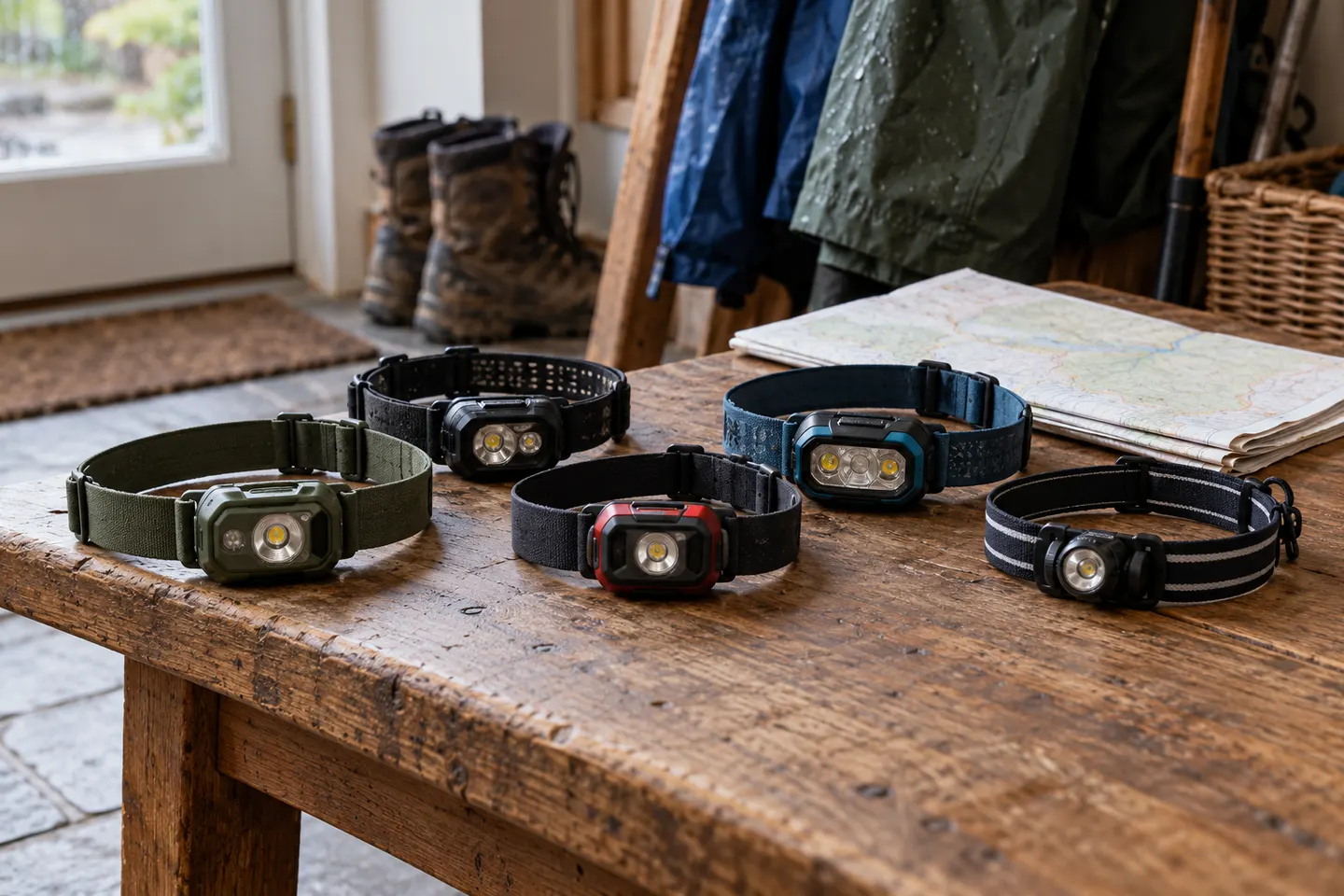


 Official manufacturer image
Our picks
Top picks
Official manufacturer image Official manufacturer image
Garmin Dash Cam X310
Check price on Amazon UK Official manufacturer image
VIOFO A329S 2CH
Check price on Amazon UKBy feature
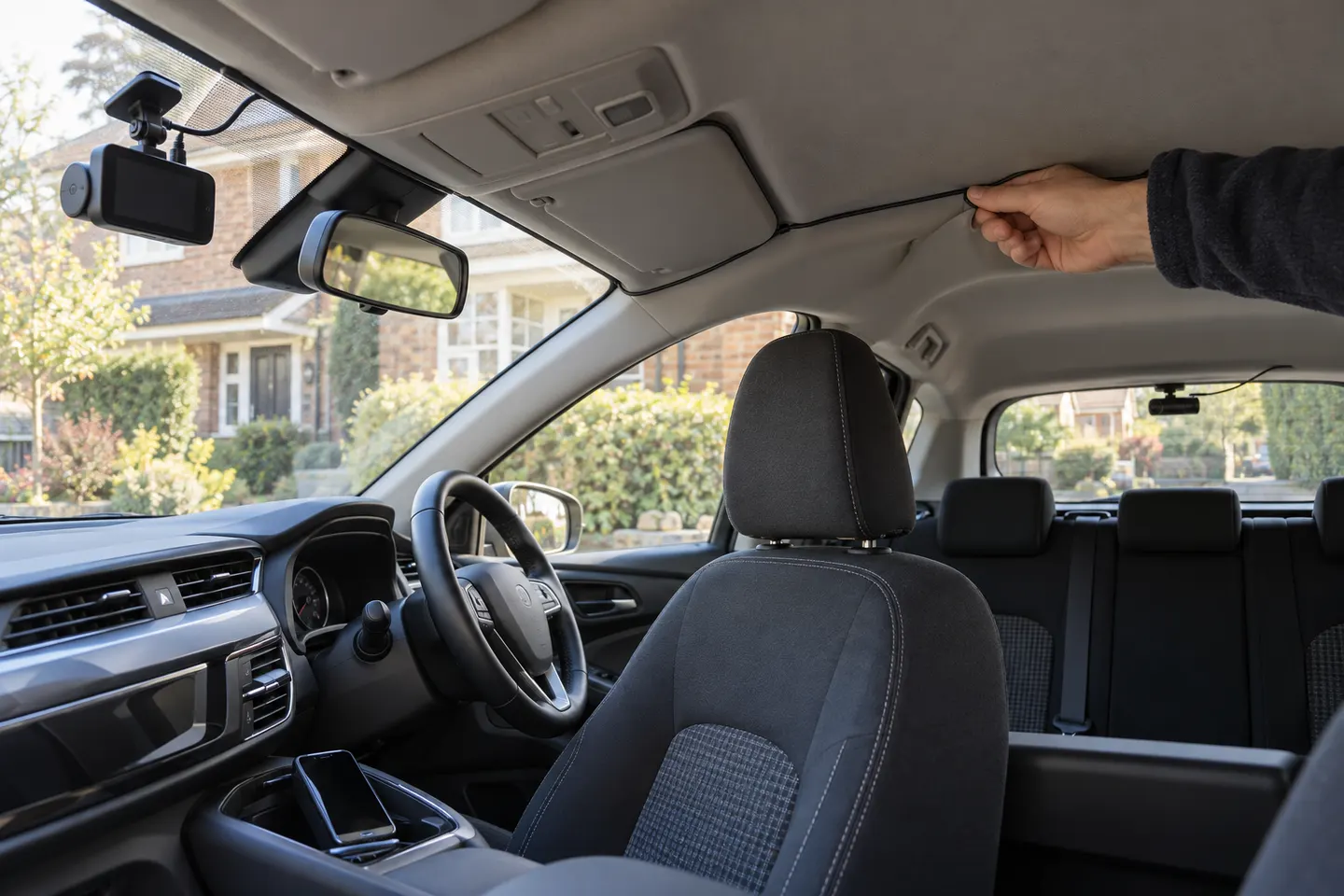 Front rear wireless
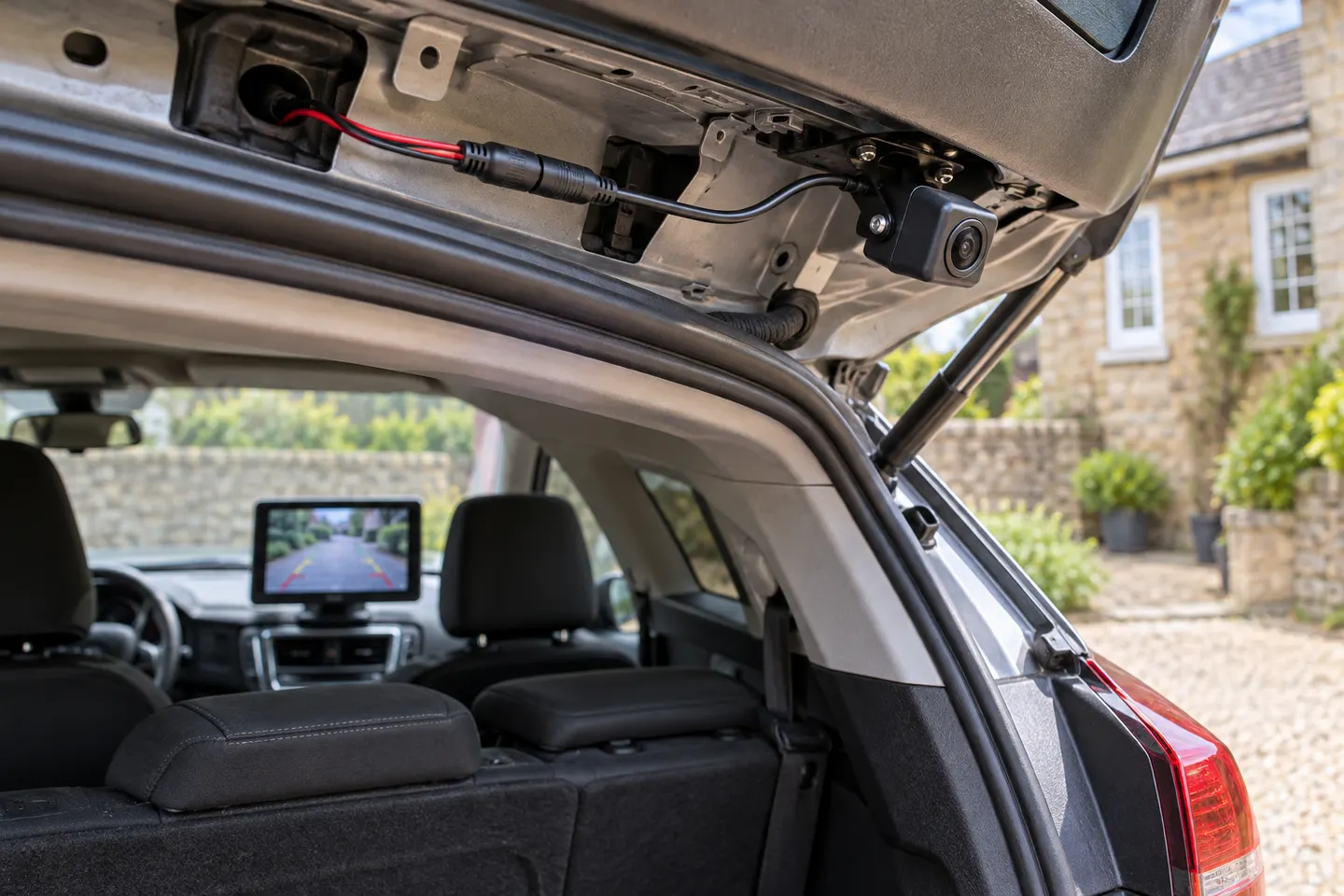 Rear view wireless
Common questions
Questions before you buy
Are wireless rear dash cameras completely wire-free?
Rarely. A rear camera normally needs power even when its video connection is wireless.
Does dash cam Wi-Fi connect the rear camera?
Not necessarily. On many models Wi-Fi is only for the phone app, while the rear camera uses a physical cable.
Is a wired rear camera more reliable?
A direct cable avoids radio interference and can carry power and data together, although installation takes longer.
Can a wireless rear camera record when parked?
Only if the complete system supports parking mode and has a suitable continuous power arrangement.