Check the extender and router instructions
Confirm the extender is compatible with your router's WiFi and note its reset and WPS controls. If you are replacing an old extender, reset it first when its instructions recommend doing so.

 Best picksBest Meat Thermometers in the UK for 2026
 Best picksBest WiFi Extenders in the UK: Compare Five Practical Options
 Best picksThe Best Dashcams in the UK for 2026
 Best picksBest Air Purifiers in the UK for Different Rooms and Needs
Gearjury may earn a commission from qualifying retailer links.
Guide
Connect the extender to your router with WPS or its setup app, then move it to a midway spot where it still receives a good signal. Test the room you want to cover before settling on a position.
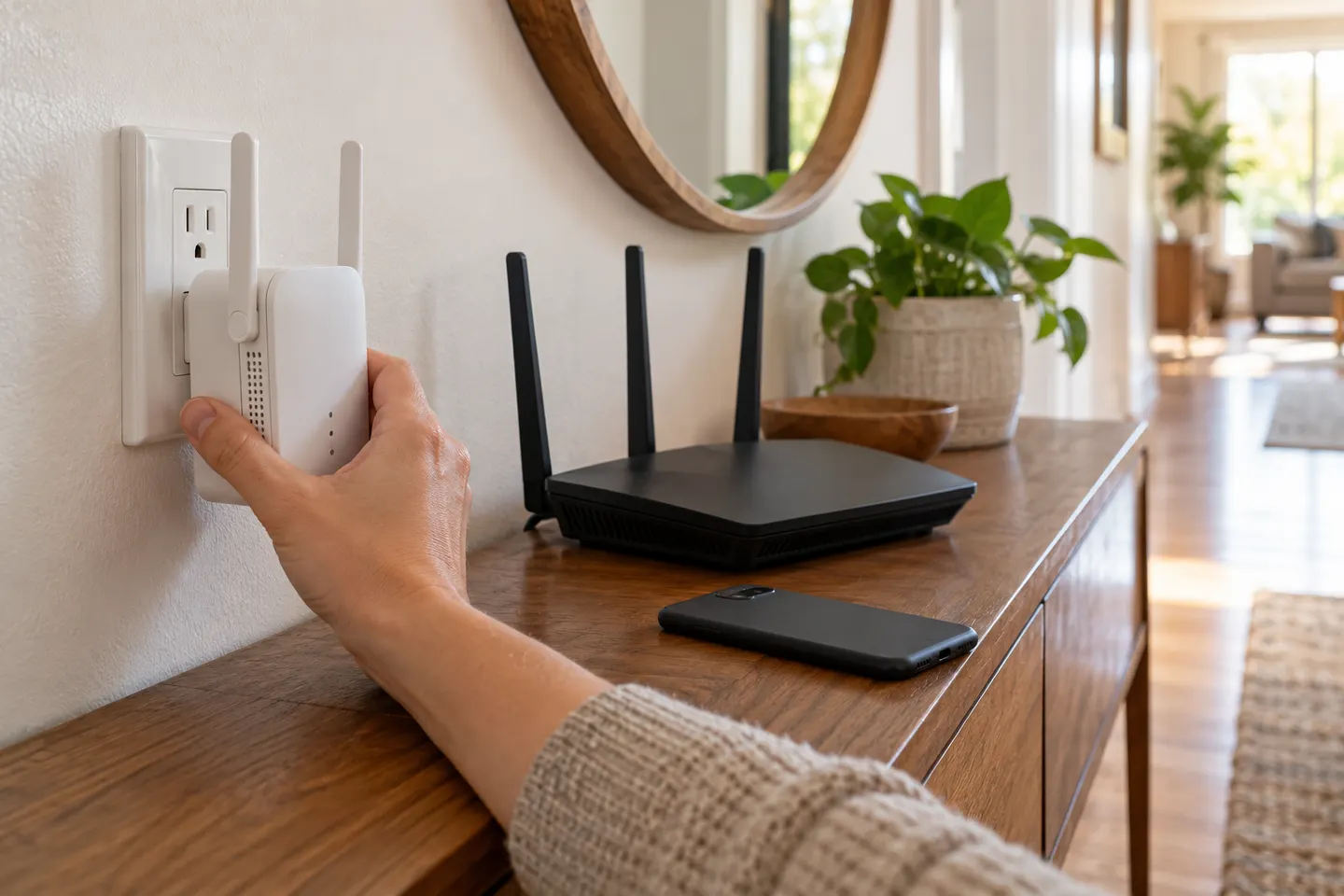
Confirm the extender is compatible with your router's WiFi and note its reset and WPS controls. If you are replacing an old extender, reset it first when its instructions recommend doing so.
Plug the extender in near the router. Press WPS on the router, then press the extender's WPS button within the time stated in its manual. Wait for its connection indicator; button sequences and indicator meanings vary by model.
If either device lacks WPS, or pairing fails, open the extender's official app or setup page and follow its prompts. Select your home network, enter its WiFi password carefully and complete any band or network-name choices shown.
Move the paired extender roughly along the route to the weak-signal room, but keep it where the router signal is still usable. A signal indicator or the manufacturer's app can help; thick walls, metal and appliances can interfere.
Connect a phone or laptop to the extended network and try the places where coverage was poor. If the link is unstable, move the extender closer to the router, avoid an obstructed socket and repeat the check.
Check the WiFi password, restart both devices and repeat setup near the router. Confirm the router is broadcasting the band the extender expects and consult its manual for a reset procedure or firmware guidance.
Common questions
Yes. Use the manufacturer's app or web setup page to select your WiFi network and enter its password. The exact menus depend on the model.
Start near the router for setup, then place it between the router and the weak-coverage area while it can still receive a usable signal.
Usually you enter the existing router password during setup. Follow the extender's prompts for whether it copies the network name or creates an extended one.
An extender can only repeat the connection it receives, and the wireless link may be weakened by distance or obstacles. Try a position nearer the router and compare performance in the target room.
Keep exploring
TP-Link RE315 is a practical starting point for a standard indoor dead zone. Consider a Wi-Fi 6 device for newer kit, outdoor-rated hardware for a garden, or powerline where a wireless hop struggles.

TP-Link sells plug-in repeaters and powerline kits. Check EasyMesh support, Ethernet needs and the exact UK hardware revision before buying.

Sky has different booster products for different broadband generations. Sky Max customers may use a Max Pod; check your account and hub-specific help before seeking a third-party extender.

A WiFi extender can carry your router signal further, but placement and backhaul matter. Choose a plug-in repeater for a nearby dead zone, powerline WiFi for difficult layouts, or an outdoor-rated unit for a garden.